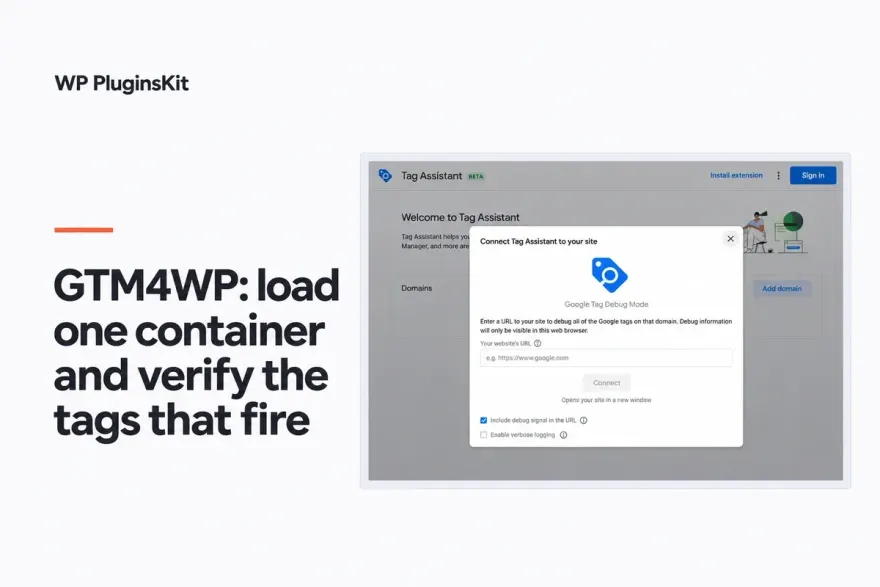
Connect WordPress to a Google Tag Manager container, avoid overlapping code placement and check the tags before trusting the reports.
Web developer · Creator of WP PluginsKit
I'm Eric Bennett, a 33-year-old web developer and the creator of WP PluginsKit. I build most of my websites with WordPress. Its flexibility makes it a useful foundation for many projects, but getting started can be confusing, especially when you're faced with thousands of themes and plugins.
That's why I created this catalog. I want to help new WordPress users find tools that fit their needs and feel more confident about building their websites. Choosing a theme or adding a feature should come with a clear understanding of the options.
WP PluginsKit is also for experienced developers. Even familiar tasks can benefit from a different approach, and a useful plugin or a thoughtfully designed theme can suggest a solution you hadn't considered. My aim is to make this a practical place to find those possibilities, whether you're building your first site or working on your next project.
Connect WordPress to a Google Tag Manager container, avoid overlapping code placement and check the tags before trusting the reports.
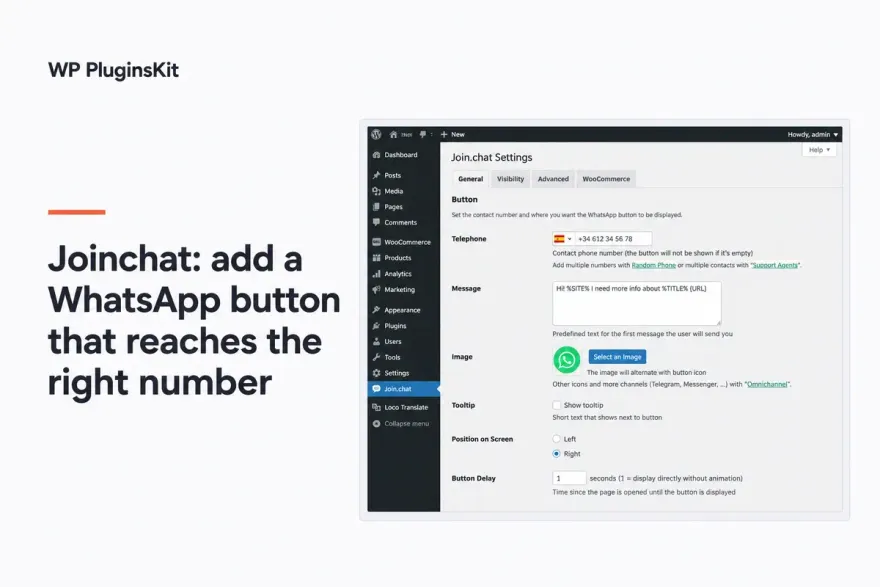
Connect a WordPress page to the right WhatsApp number, keep the first message useful and check the visitor route on mobile and desktop.
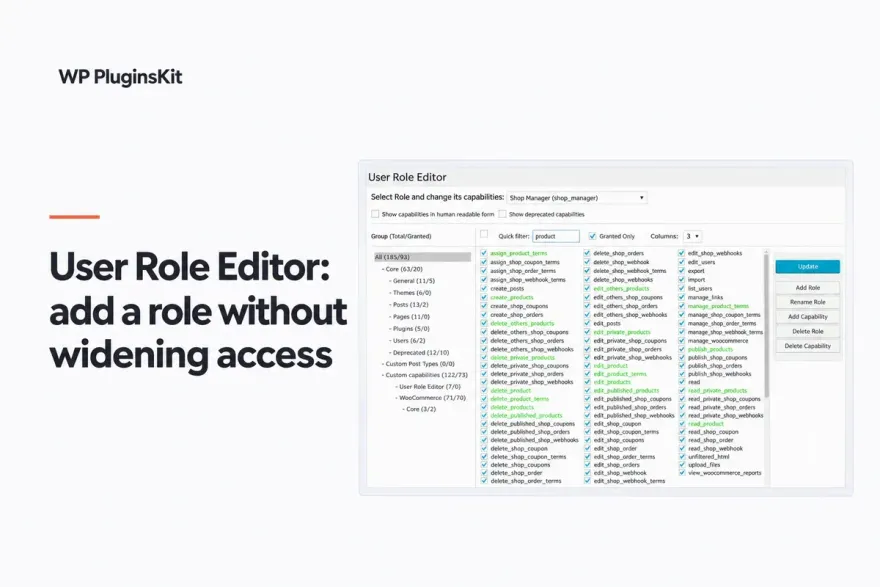
Copy a suitable role, change only the needed capabilities and verify both allowed and blocked actions with a separate account.
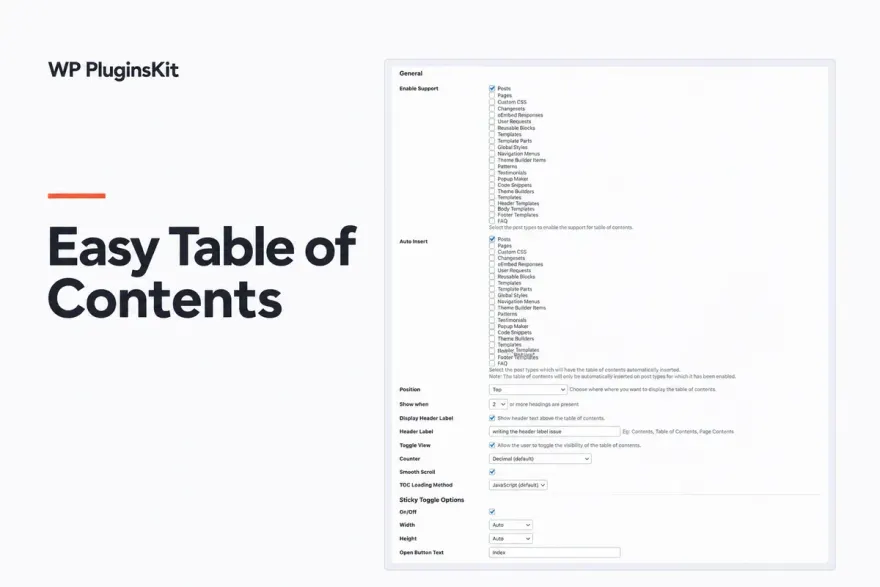
Build a useful outline from article headings, choose one insertion route and check section links on desktop and phone.
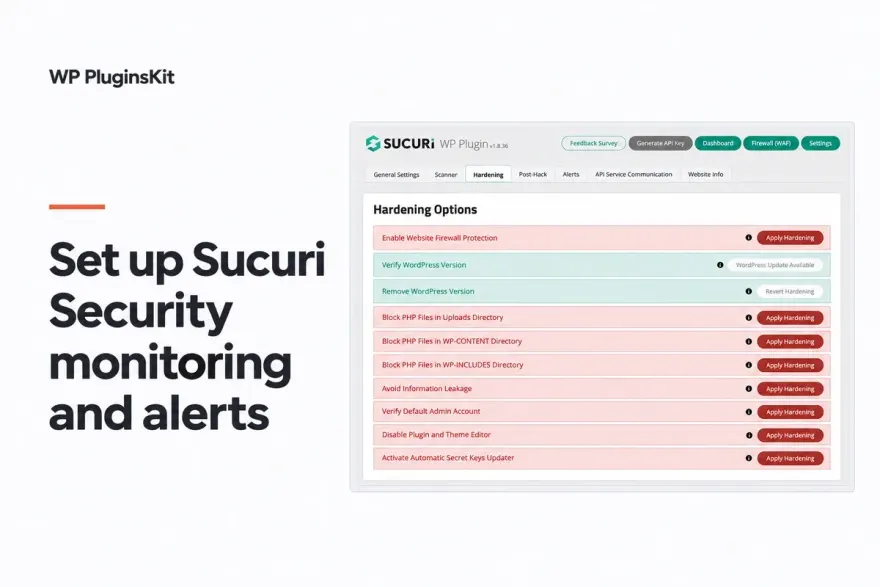
Set up useful security alerts, read core file warnings and understand what the free Sucuri plugin does before connecting a paid firewall.
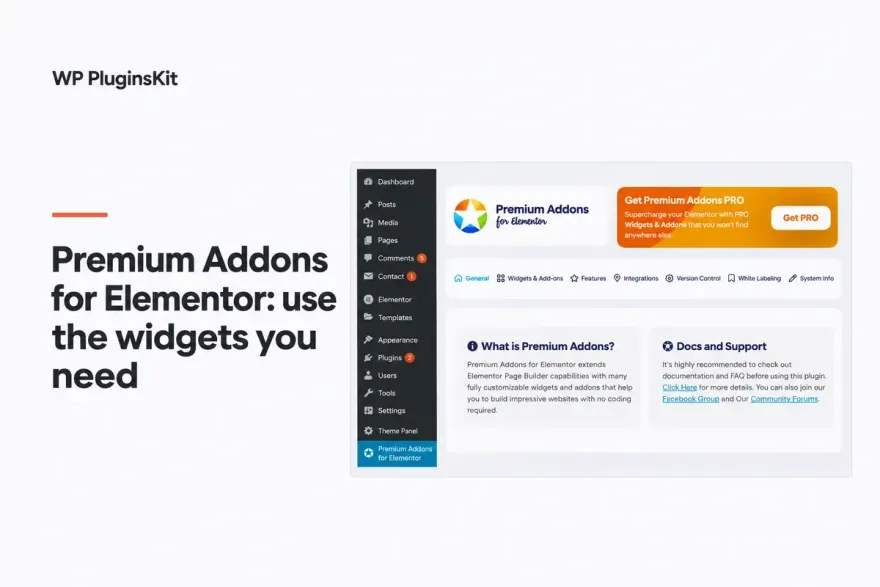
Extend Elementor with a focused widget selection, build a useful Blog grid, and keep template imports and generated assets under control.
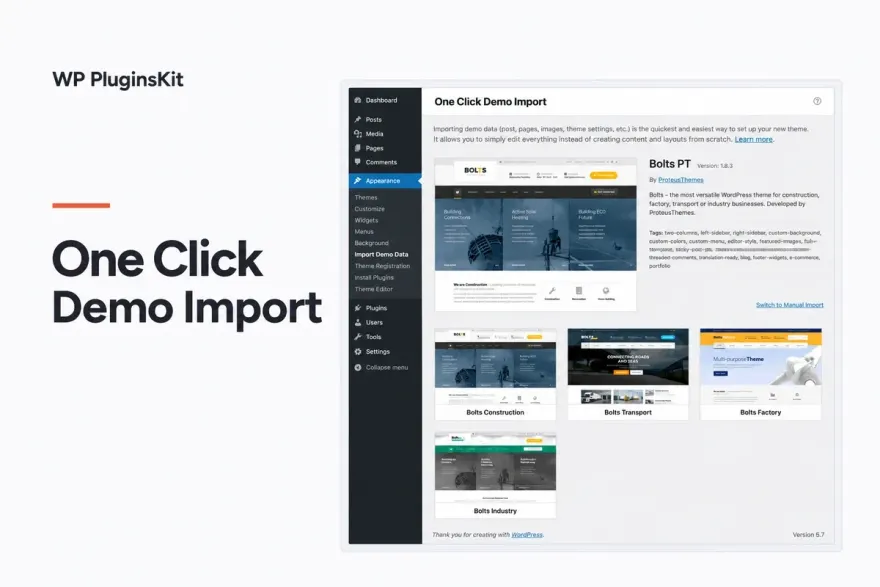
Import a compatible theme demo, match manual files to the correct panels and check partial imports before retrying.
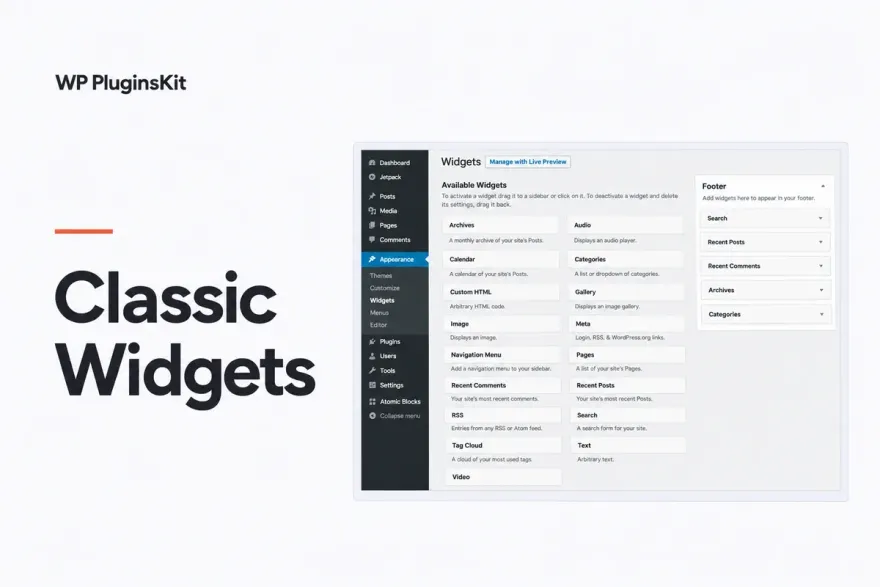
Restore the earlier widget screen on a classic theme and check existing widget content before switching workflows.
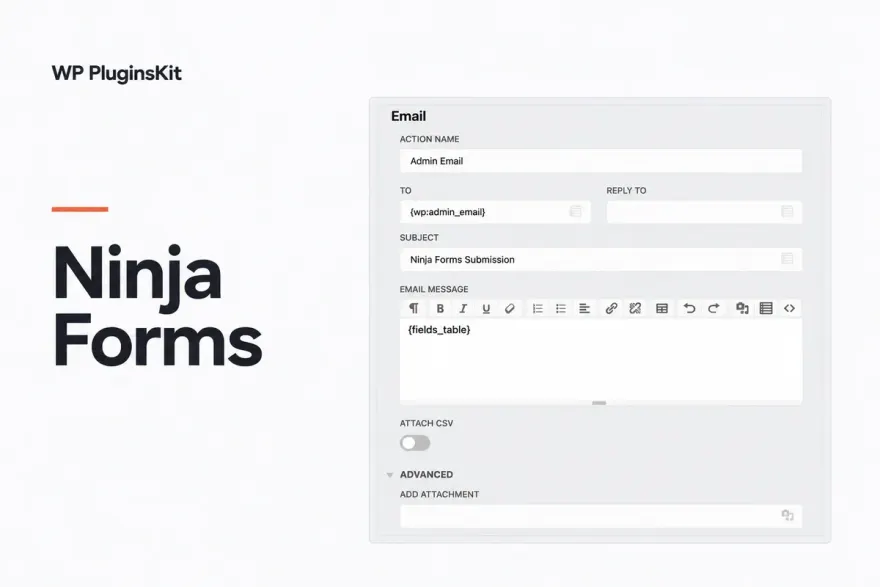
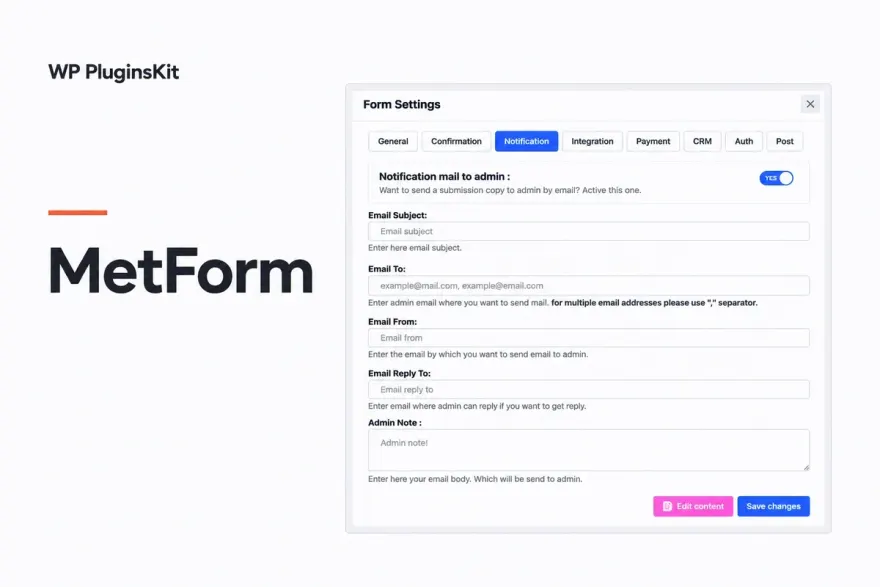
Build a contact form, route the notification to the right inbox and keep a private, searchable inquiry archive in WordPress.
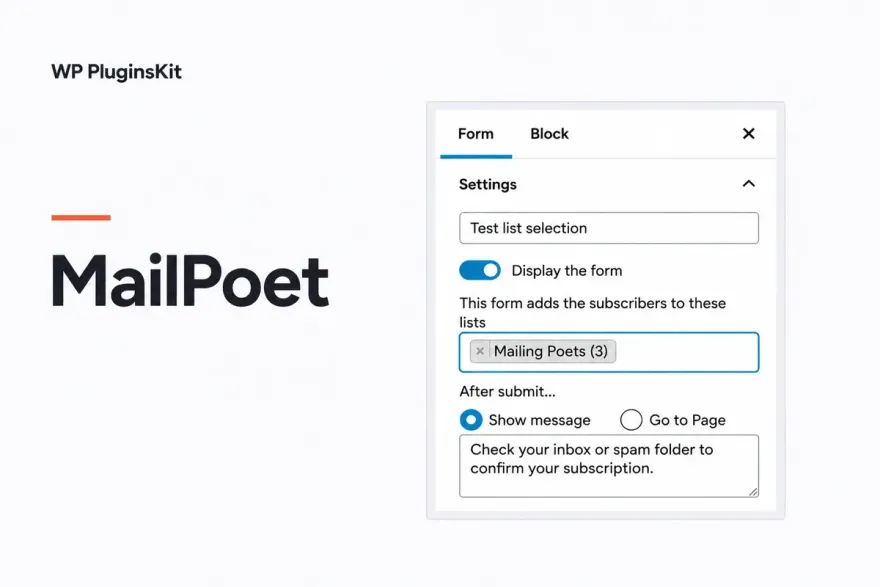
Connect a sending service, confirm new subscribers and send your first newsletter from WordPress with the right audience selected.
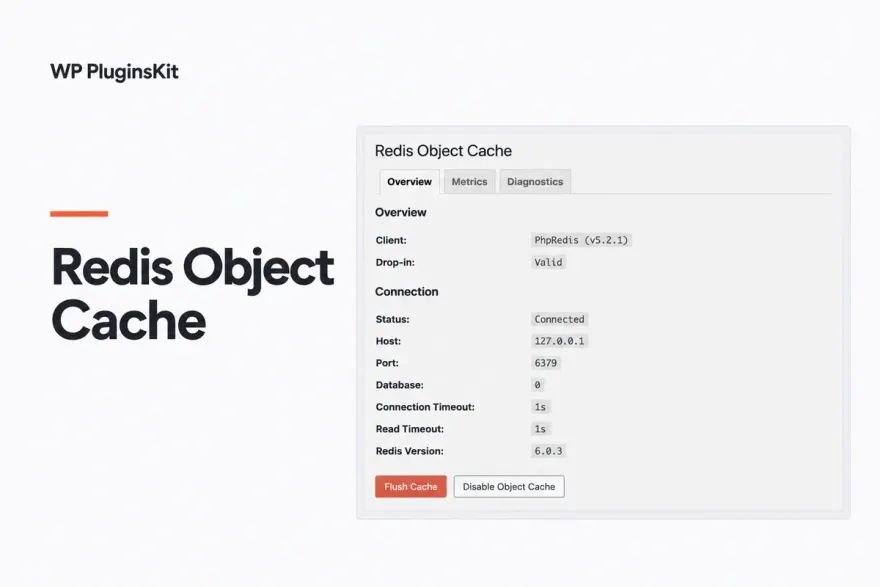
Confirm the Redis service, isolate the cache and check the connection before relying on persistent object caching.
Choose a builder, embed a contact form and check the entry, admin notification and reply destination separately.