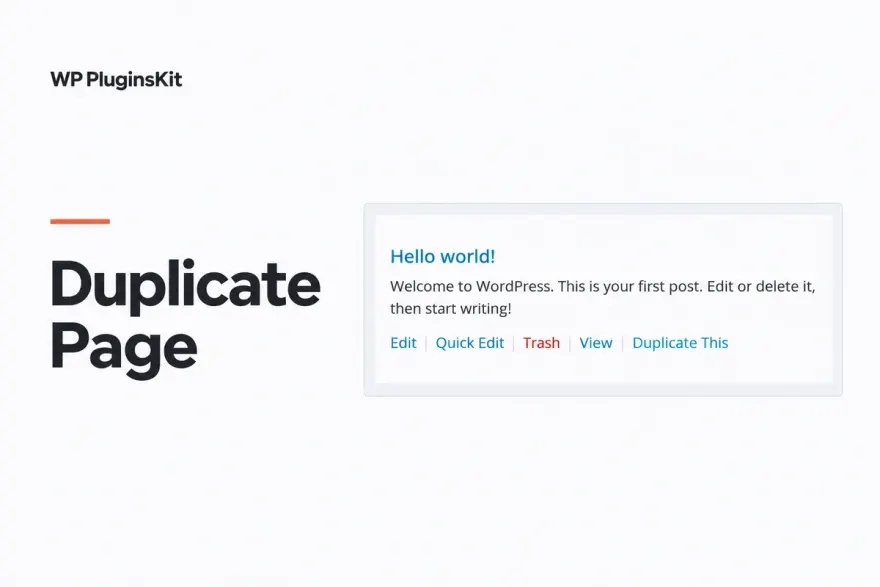
Set the copy status first, use Duplicate This, then check the new page’s identity, content and layout before it goes live.
Content and editing
View on WordPress.org: Duplicate Page
Find WordPress plugins for SEO, forms, stores, backups, security and performance. Compare each tool’s purpose, requirements, free or paid boundaries and setup checks so site owners can choose a function without adding the wrong layer.
Set the copy status first, use Duplicate This, then check the new page’s identity, content and layout before it goes live.
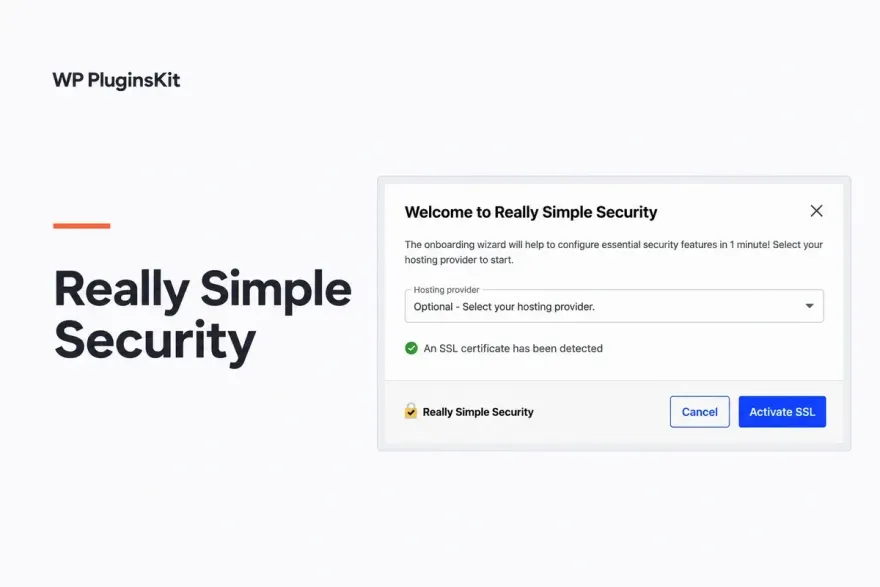
Activate HTTPS, check mixed content and configure login protection without duplicating existing security controls or losing access.
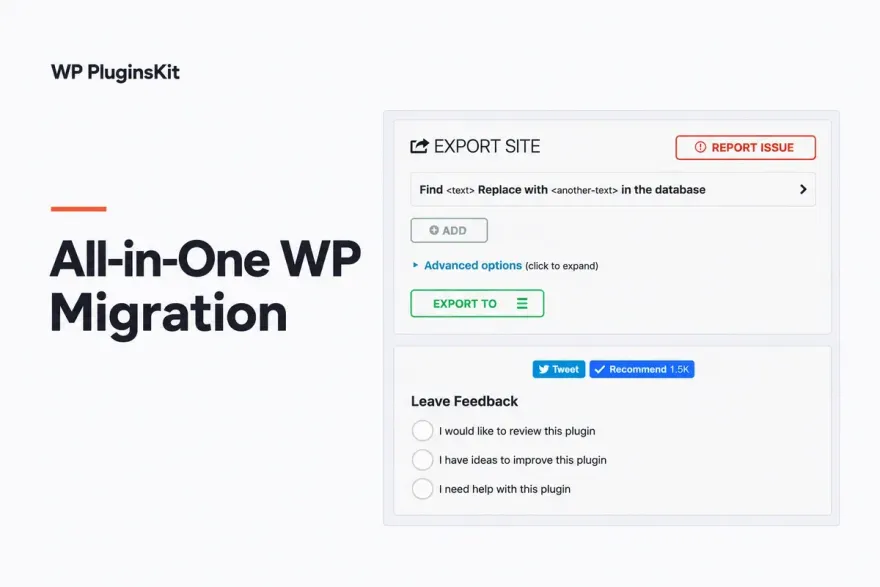
Export a .wpress archive, prepare the destination and verify the imported WordPress site before handing over live traffic.
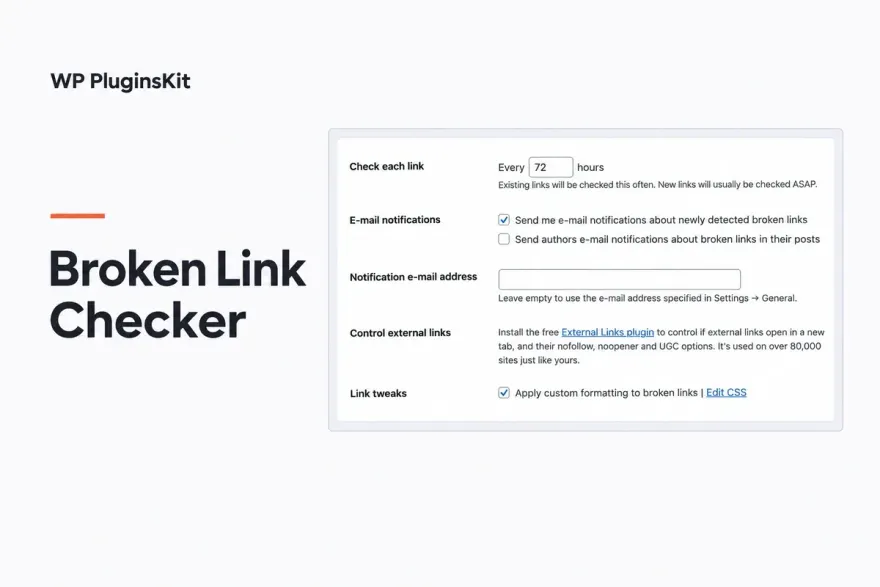
Choose Local or Cloud, inspect suspect links and repair their source without deleting useful references or confusing scans with redirects.
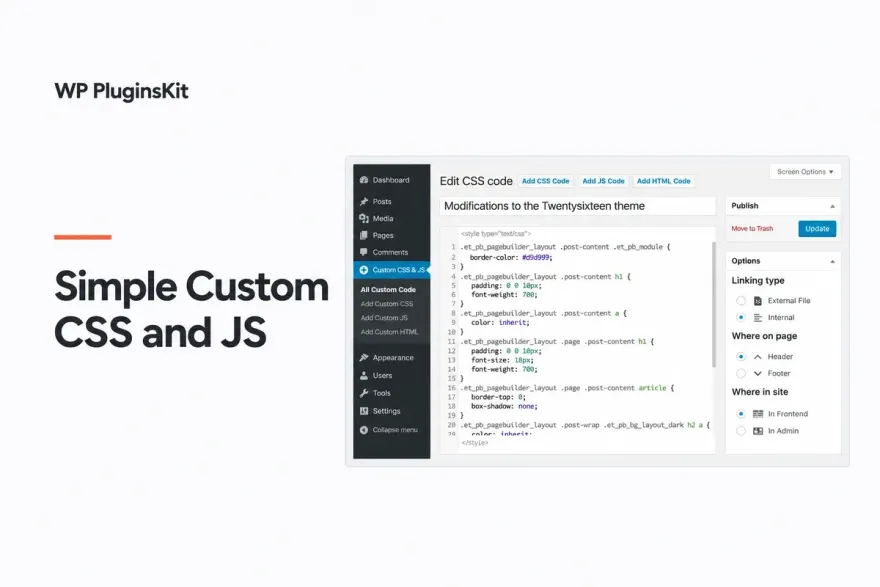
Add separate CSS or JavaScript entries, choose where they load, and check the result without editing your theme files.
Save CF7 entries, verify the scope of CSV exports and protect older fields, retained uploads and staff access.
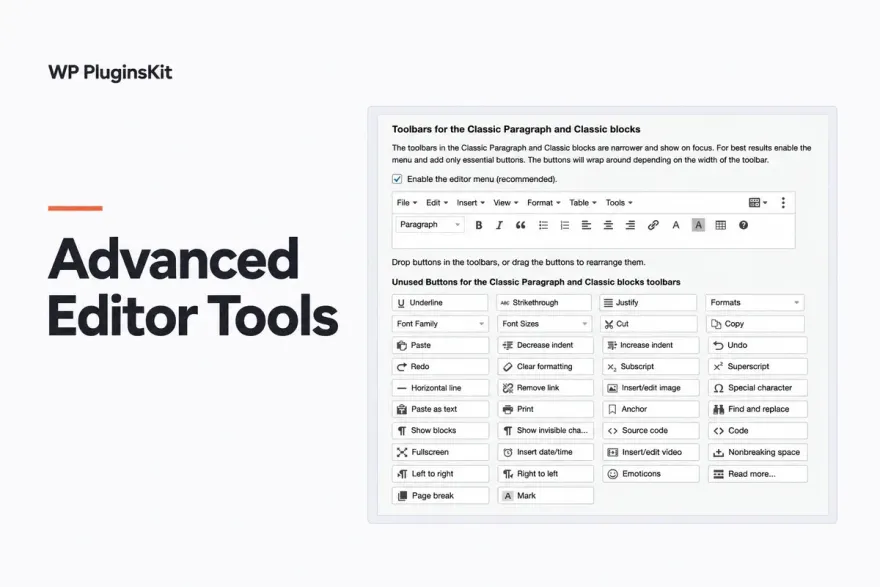
Arrange useful editing controls, choose Classic Paragraph deliberately and check formatting and tables before changing existing content.
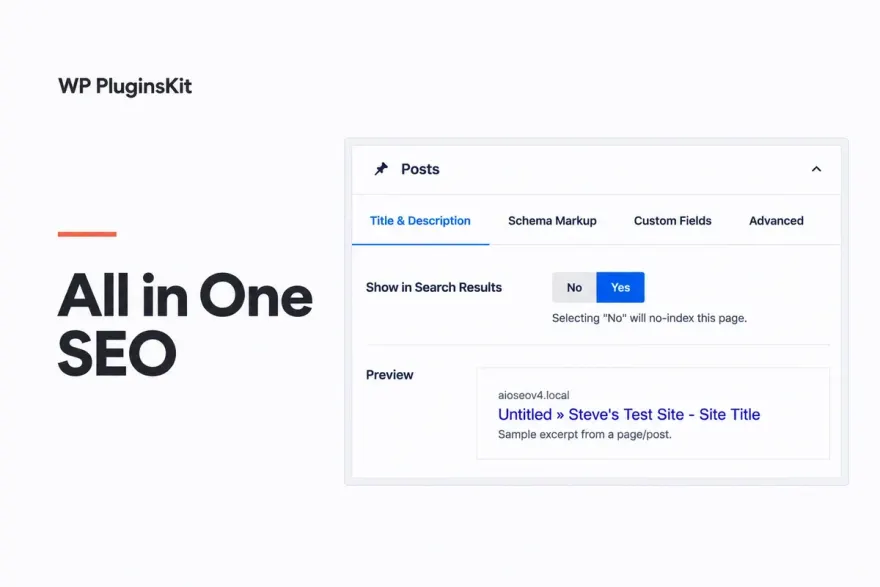
Set up titles, search visibility and sitemaps, with a careful import route for sites moving from another SEO plugin.
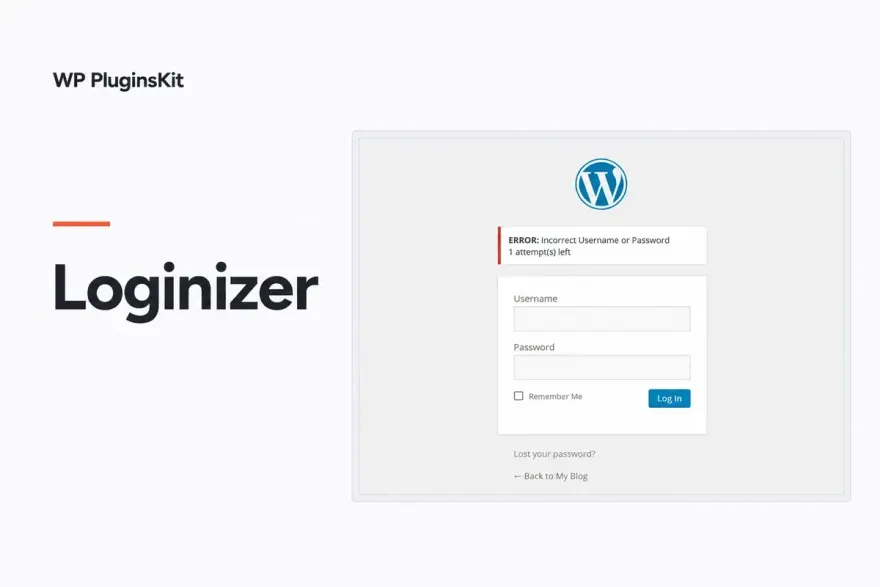
Configure failed-login limits, verify client IPs and prepare recovery before enforcing Pro two-factor authentication.
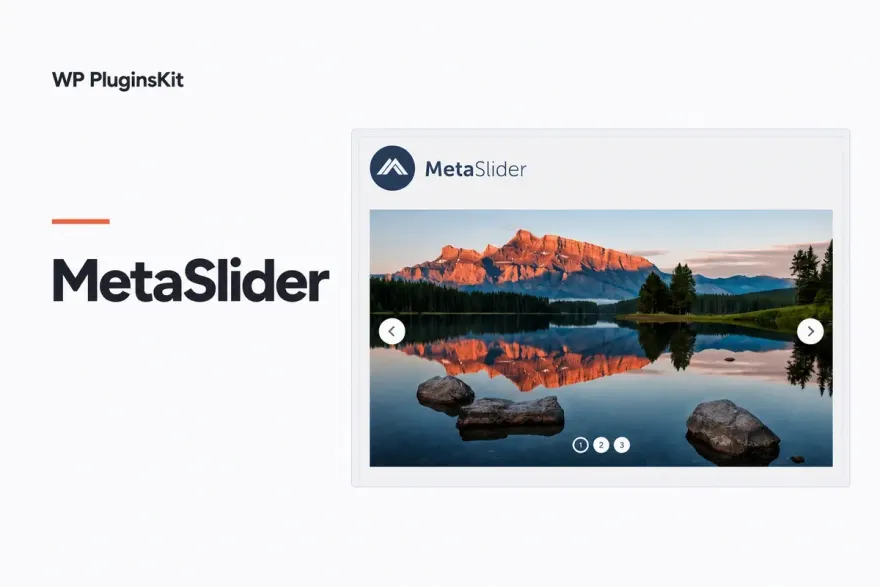
Create and embed a slideshow with readable captions, appropriate crops and navigation that works on phones.
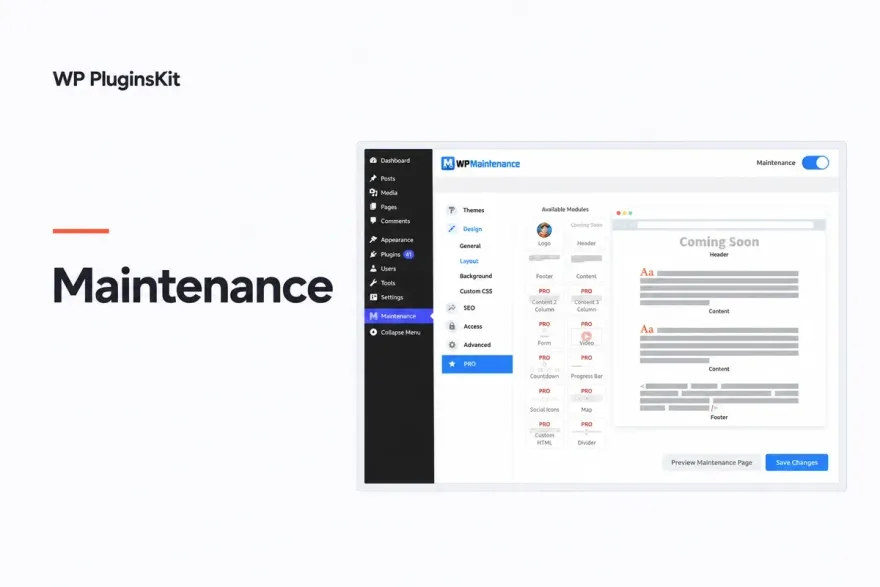
Prepare a temporary page, enable the right response and check who can still see the normal WordPress site.
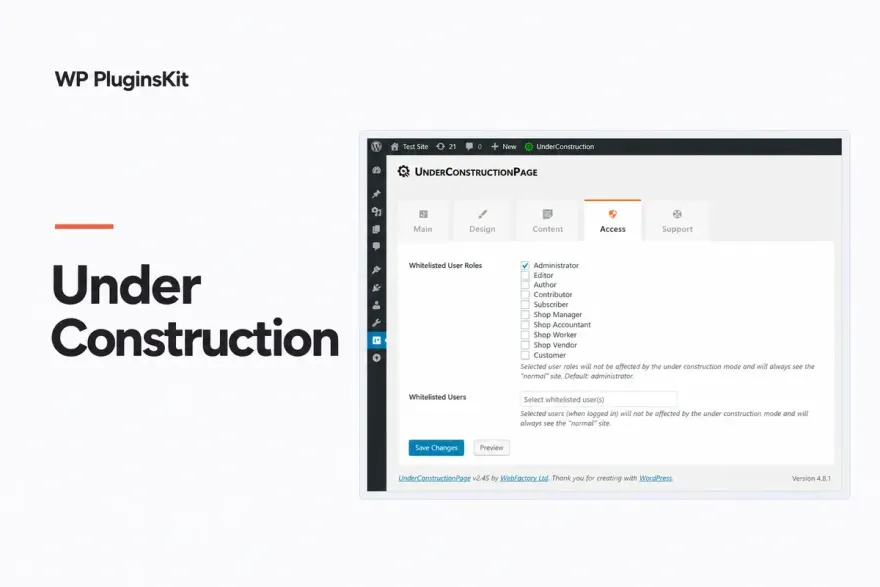
Prepare a temporary visitor page, keep the right editors working and verify the site is open again when the work ends.
Try a shorter name or another category.