Home / Plugins Plugins Find WordPress plugins for SEO, forms, stores, backups, security and performance. Compare each tool’s purpose, requirements, free or paid boundaries and setup checks so site owners can choose a function without adding the wrong layer.
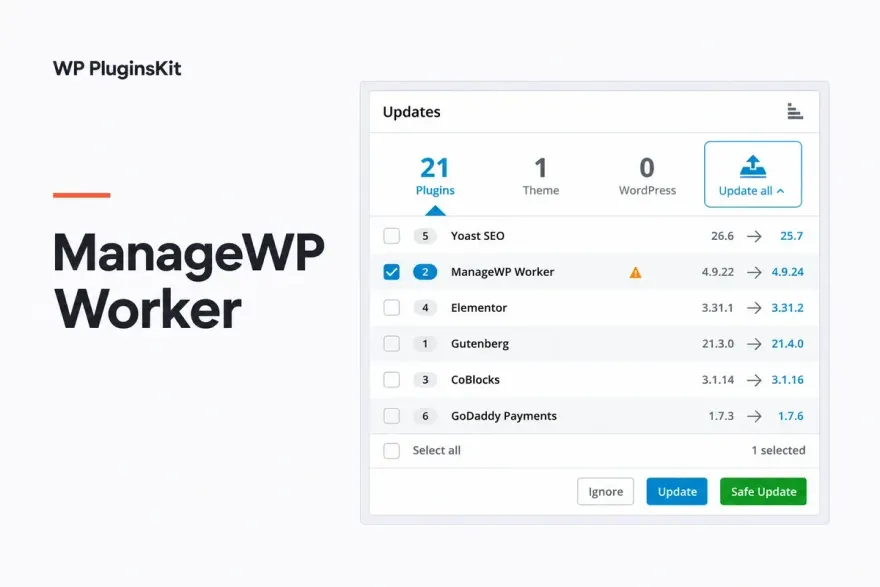
Connect one WordPress site to ManageWP, confirm the right account and check fresh data before running remote updates.
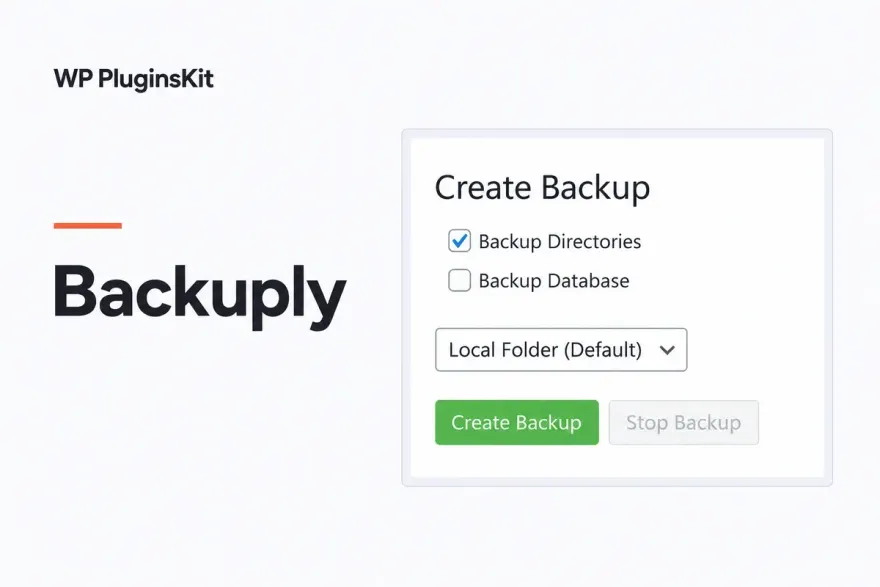
Choose files and database, keep a recovery copy outside your server and verify the correct restore point before replacing site data.
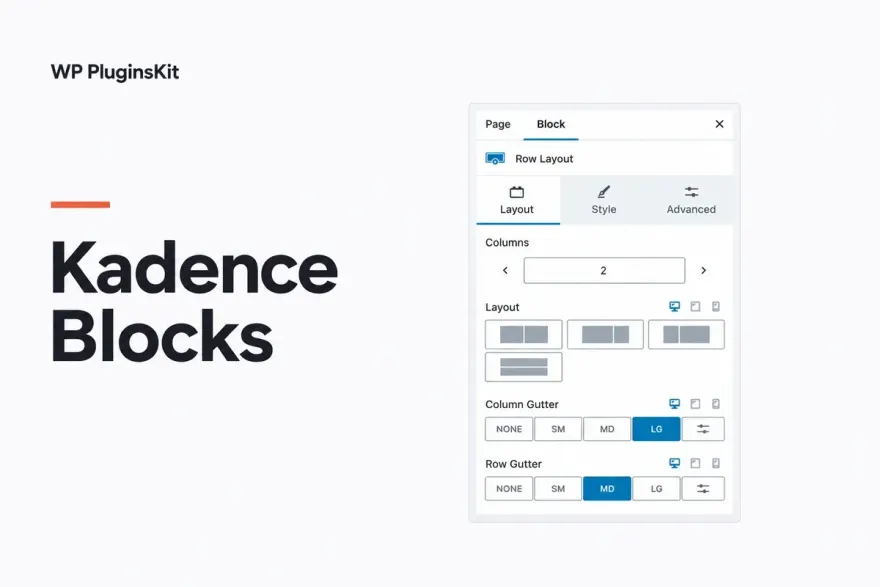
Build a two-column section in the WordPress block editor, control spacing and mobile stacking, and keep theme and plugin settings separate.
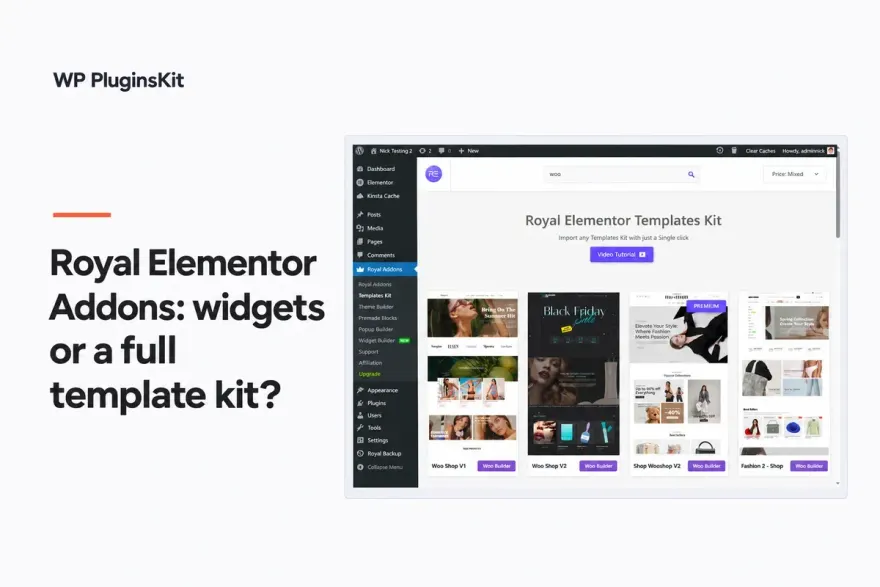
Choose a focused widget for an existing page or prepare a full template kit on a staging site, then check the content and settings it brings with it.
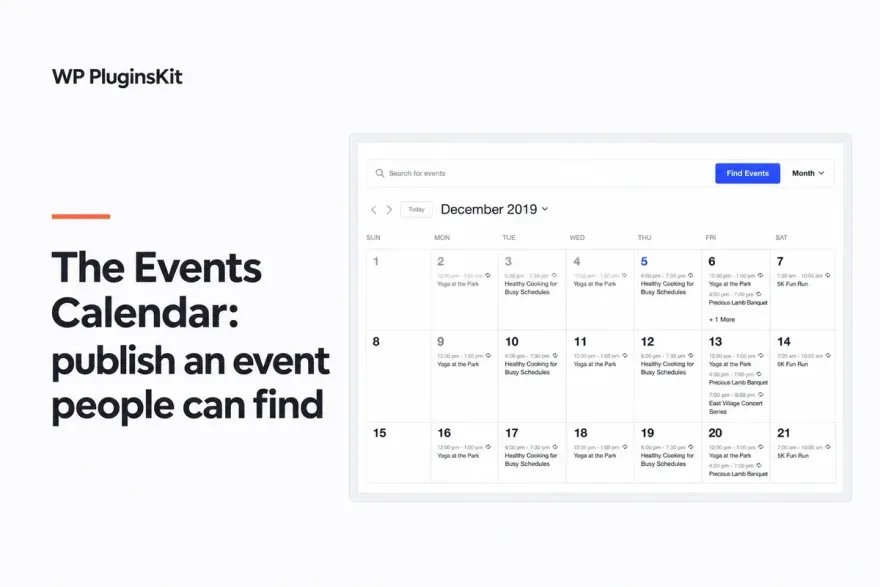
Create a useful event listing, make the calendar easy to reach, and check time zones, navigation and add-to-calendar behavior.
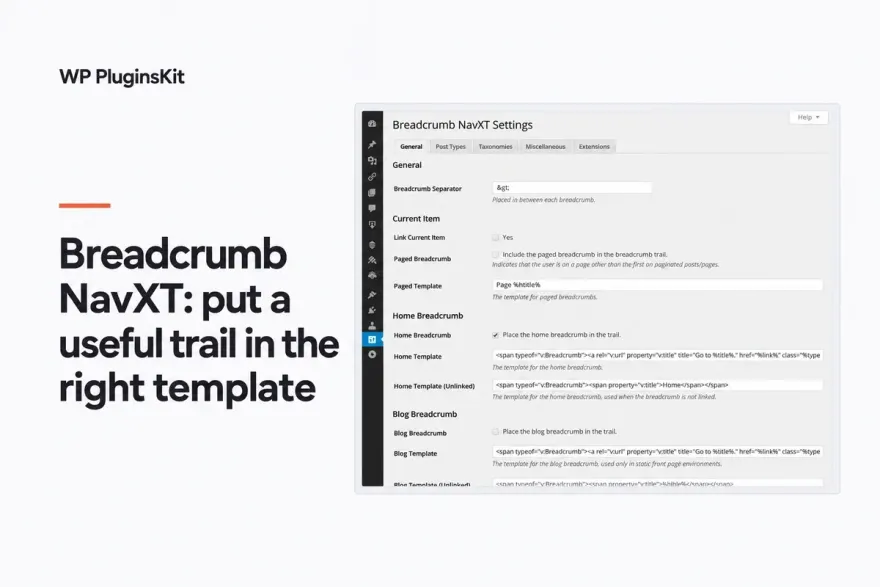
Add a trail that reflects your content hierarchy, appears in the intended templates and takes visitors to useful parent pages.
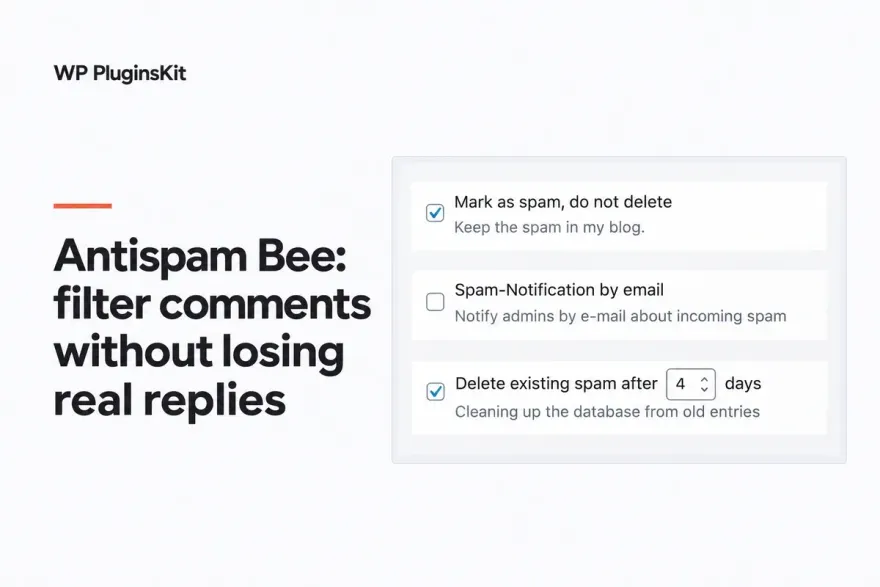
Keep WordPress comments open, retain suspicious replies for review and choose optional filters without hiding their limits.
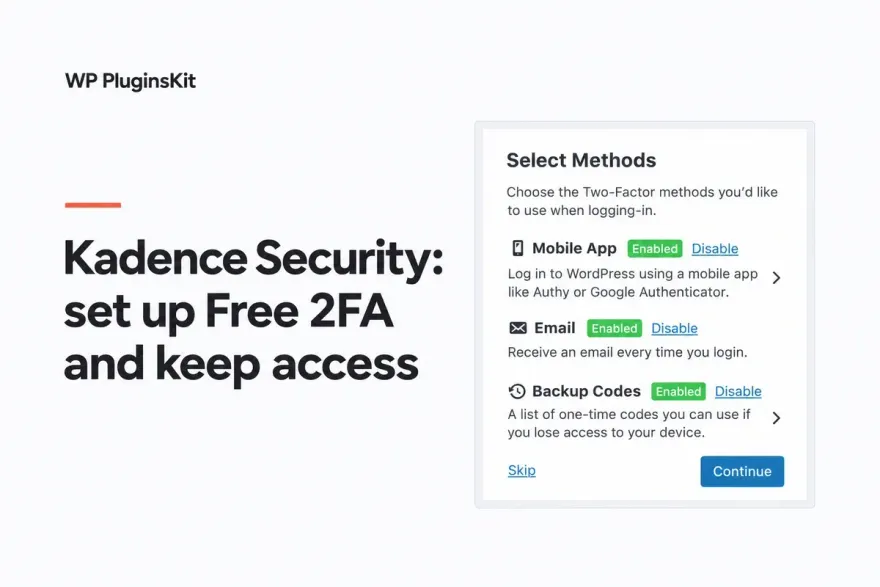
Configure Free two-factor authentication, save recovery codes and verify a fresh login before changing more security rules.
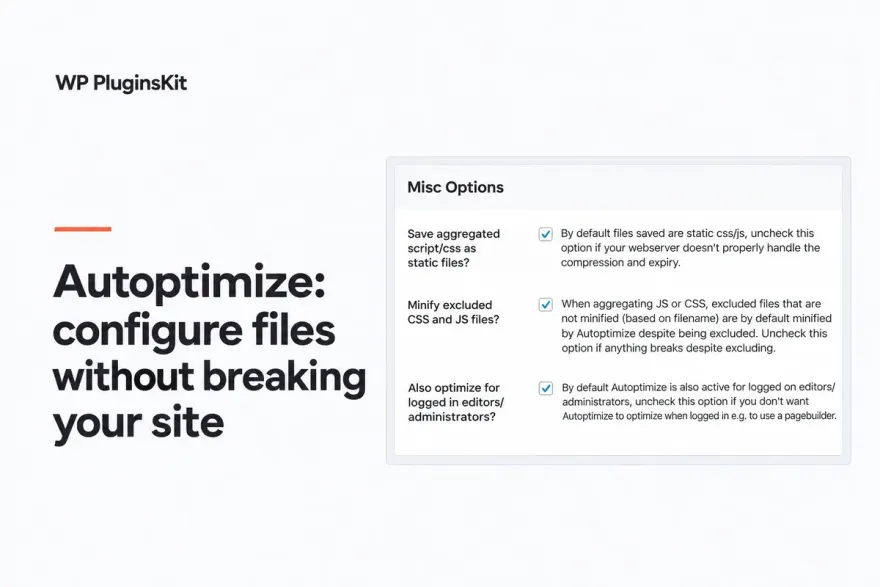
Set up Autoptimize, choose one owner for file optimization and verify menus, forms and cached pages before keeping a change.
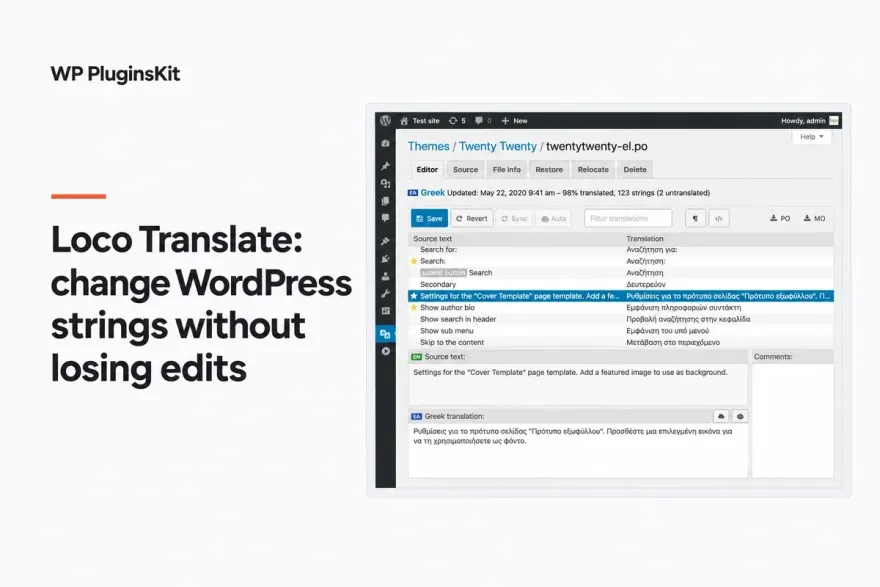
Translate theme and plugin interface text, keep overrides outside update-managed files, and check the exact strings visitors see.
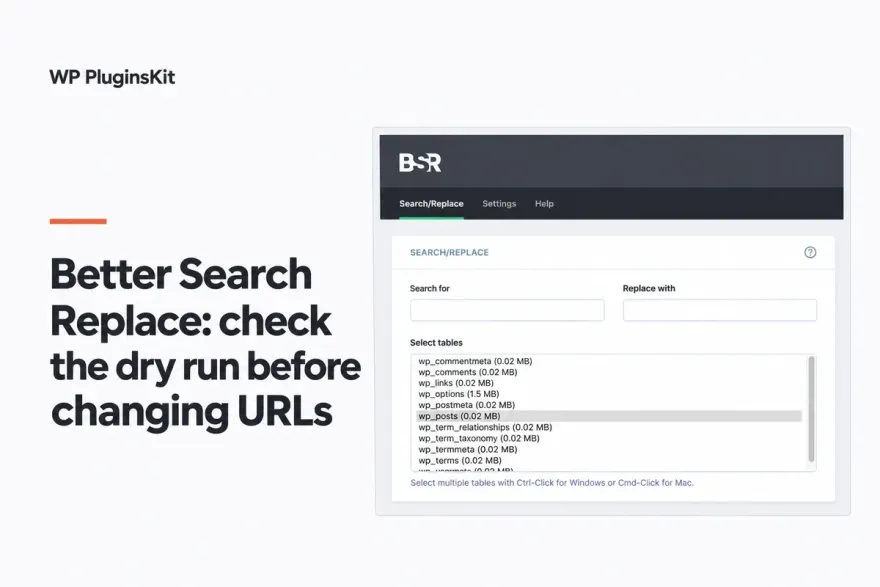
Plan a precise database replacement, inspect the dry run, and check links, media and settings after the real change.
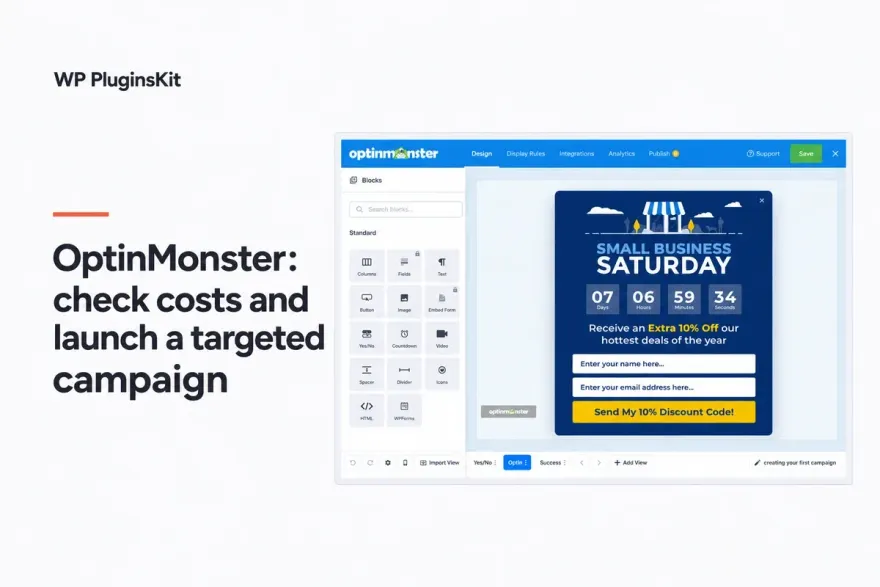
Choose a campaign, reconcile targeting and WordPress output, and check that the right subscribers reach your email service.
No matches this time Try a shorter name or another category.
Clear search and filters Browse the entries below. Search and filters are available when JavaScript is enabled.