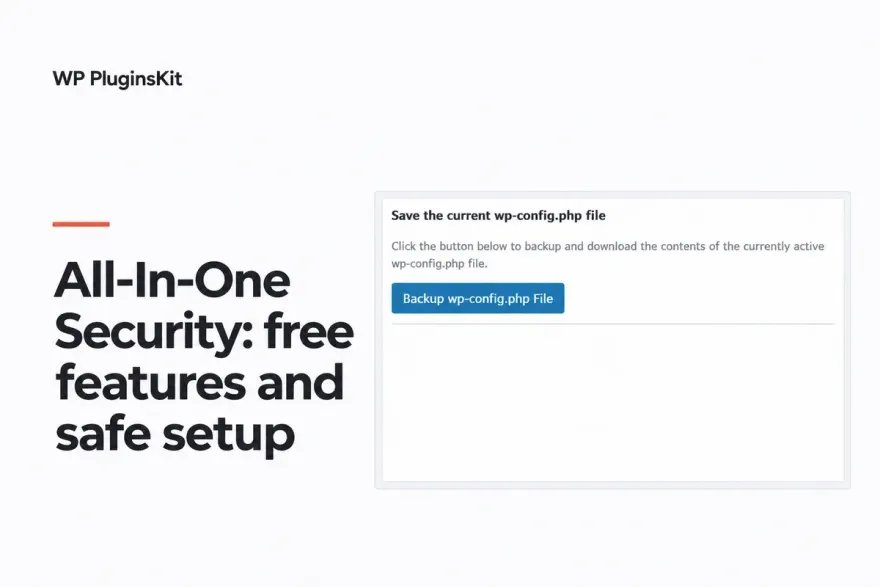
Choose the right AIOS controls, verify login protection and keep a recovery route before changing firewall or login settings.
Find WordPress plugins for SEO, forms, stores, backups, security and performance. Compare each tool’s purpose, requirements, free or paid boundaries and setup checks so site owners can choose a function without adding the wrong layer.
Choose the right AIOS controls, verify login protection and keep a recovery route before changing firewall or login settings.
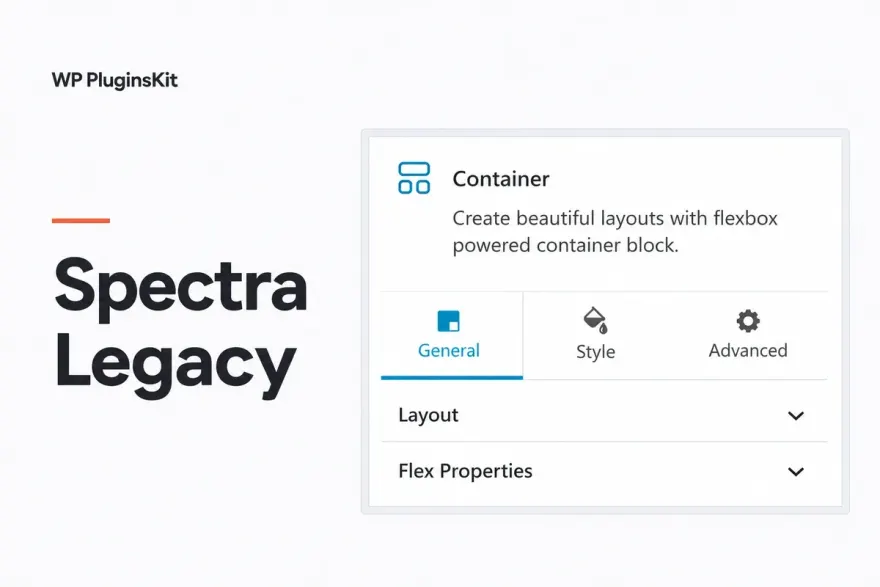
Maintain existing Spectra block layouts and understand what changes when you choose the separate Spectra Blocks plugin.
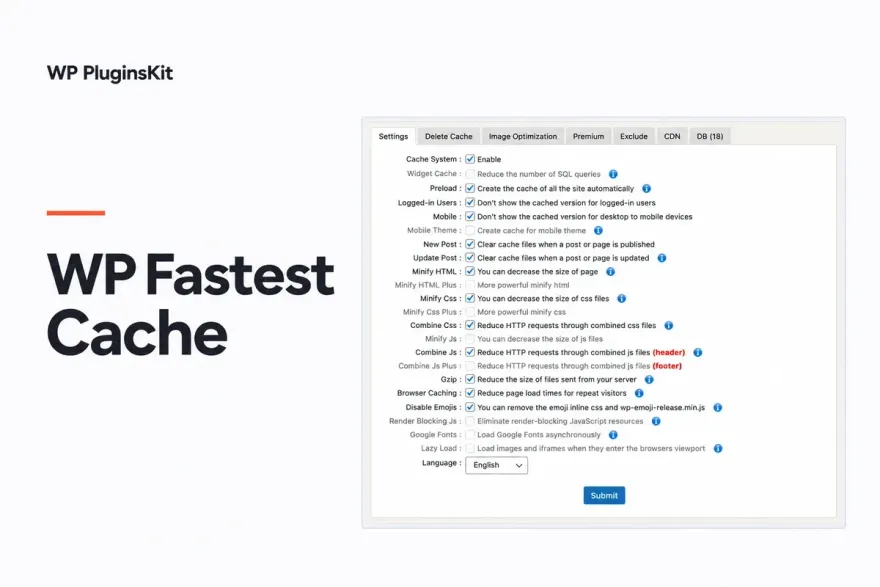
Start with free page caching, protect dynamic pages and check what visitors receive before adding minification or preload.
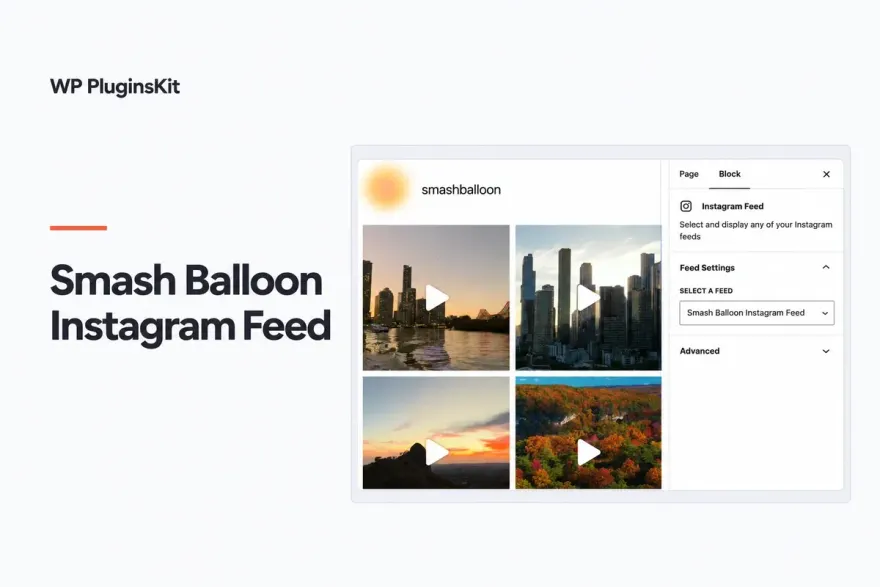
Connect a professional Instagram account, build a free User Timeline feed and add it to a WordPress page with the right consent settings.
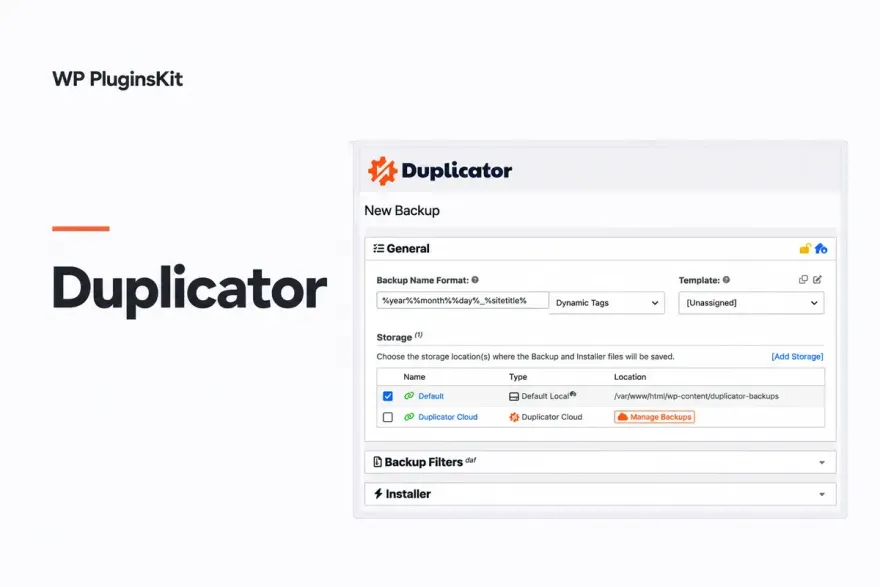
Create a complete backup, keep the matching installer, and move a single WordPress site with clear destination and restore checks.
Choose Smush compression and delivery features, optimize a sample before the library, and check the images your pages actually serve.
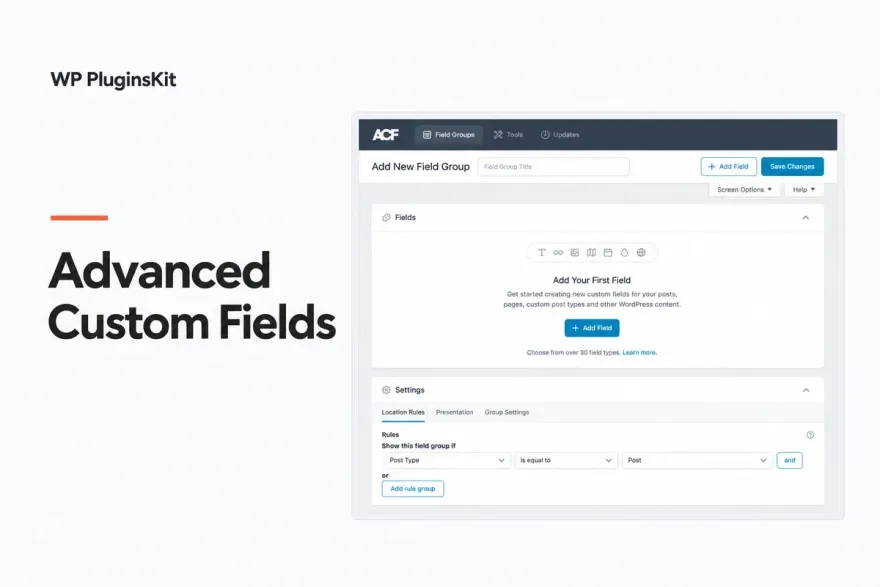
Add structured WordPress fields, choose where editors see them and connect their values to a deliberate frontend output route.
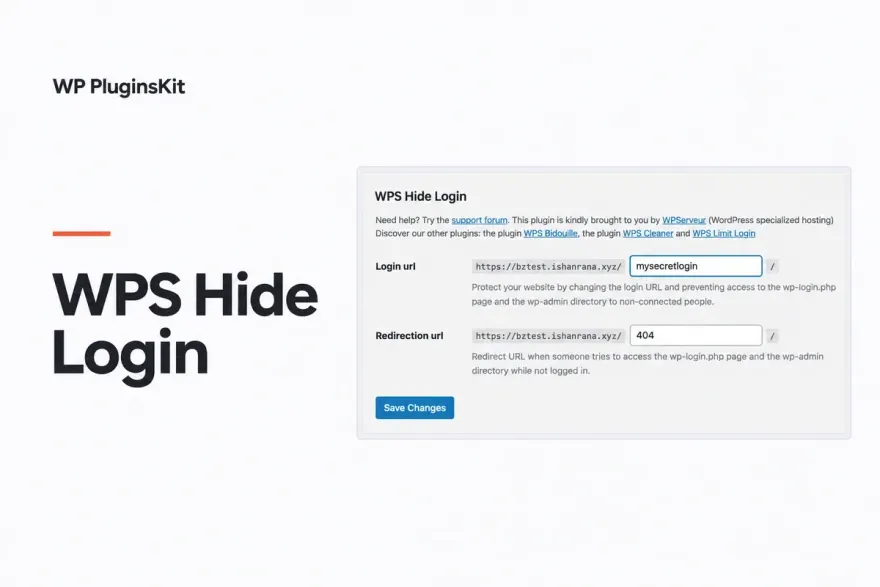
Change your WordPress login address, keep a recovery route and check that caching and existing login forms still work.
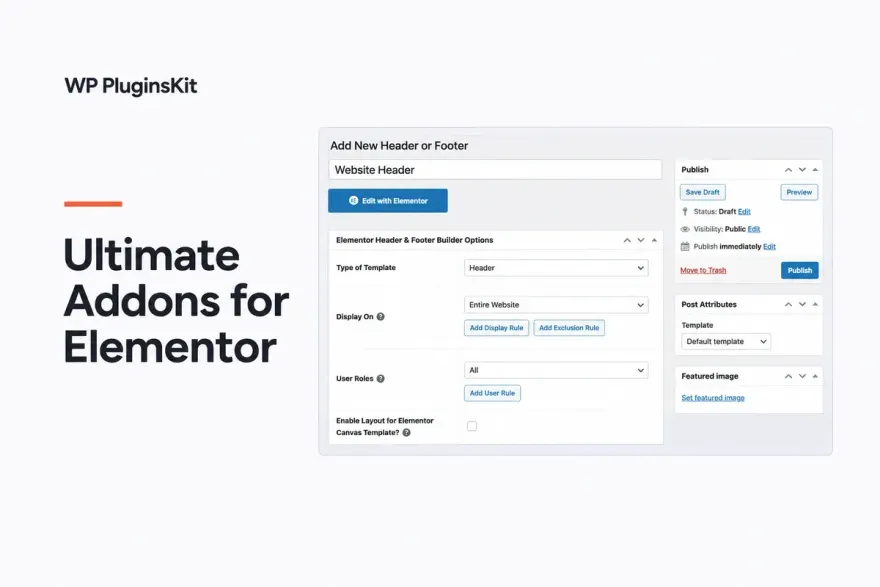
Create a header or footer with Elementor Free, control where it appears and check the live layout before extending it across your site.
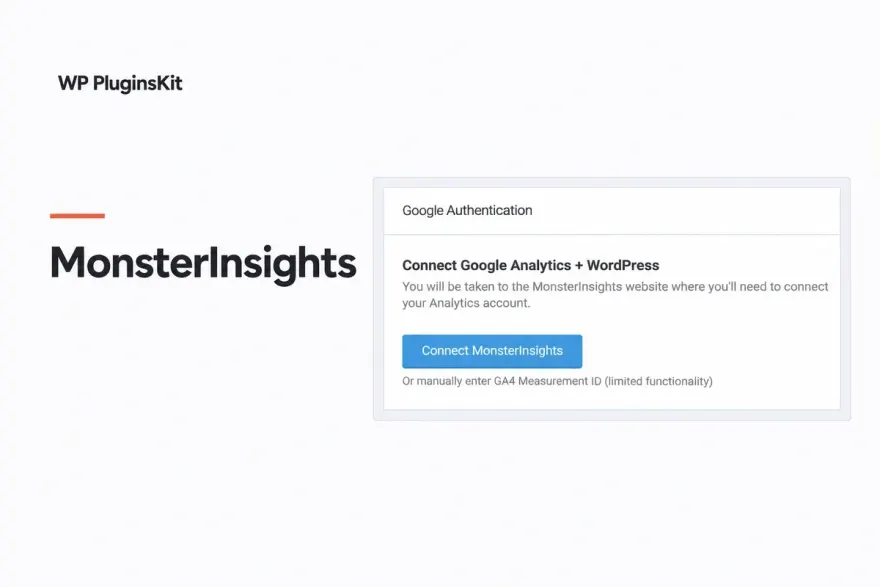
Connect the right GA4 property, choose one tracking owner and verify visitor data before relying on dashboard reports.
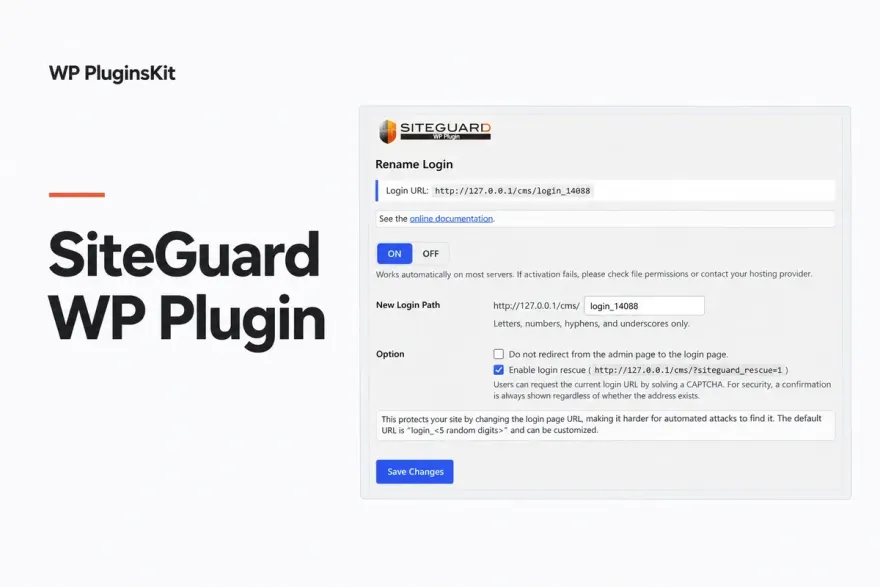
Configure WordPress login controls while preserving a working administrator and recovery route.
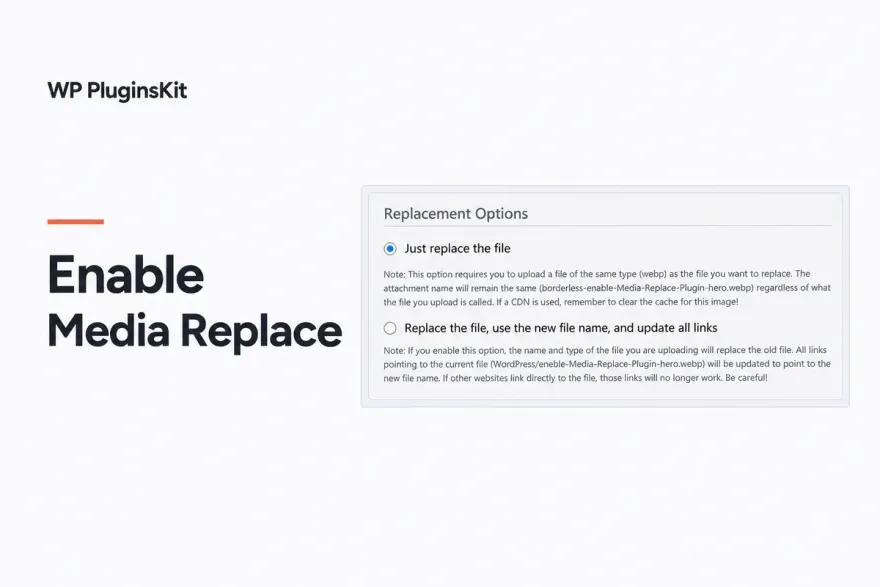
Replace an existing image or PDF, keep its address when needed, and verify the new file without losing your recovery route.
Try a shorter name or another category.