Astra
A classic WordPress theme for business sites and blogs, with theme controls alongside your preferred page editor.
Install a theme, add a plugin or plan your next site change. Start with the task, or find setup instructions for the product you already use.
Open a collection to find its installation instructions.
A classic WordPress theme for business sites and blogs, with theme controls alongside your preferred page editor.
A modern Customizer theme for image-led sites and pages built with WordPress blocks.
A classic theme with page, post and sidebar layouts, for sites that keep theme settings separate from content editing.
Choose Hello for an Elementor-led site, then configure its layout and navigation without disabling the pieces your pages still need.
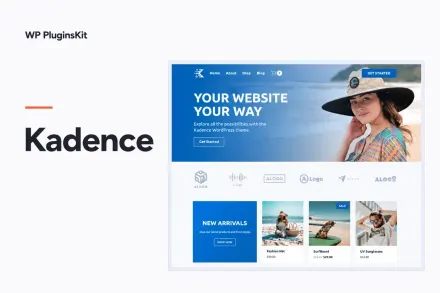
A classic WordPress theme with a header and footer builder, global colors and typography controls for business sites and blogs.
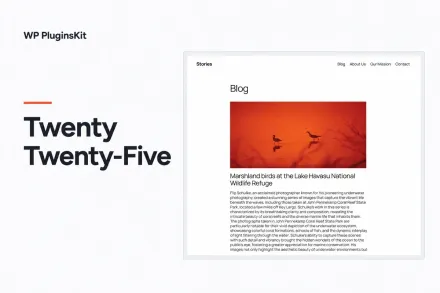
A free block theme for blogs, portfolios and business sites, with patterns and templates edited through WordPress blocks.
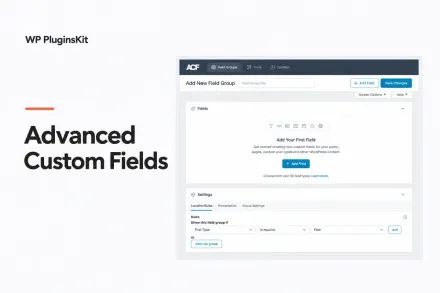
Add structured WordPress fields, choose where editors see them and connect their values to a deliberate frontend output route.
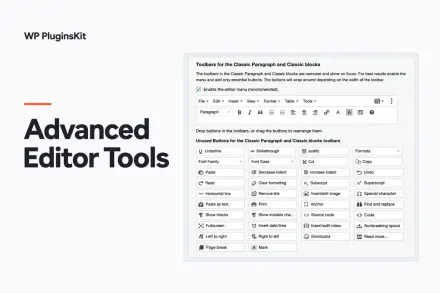
Arrange useful editing controls, choose Classic Paragraph deliberately and check formatting and tables before changing existing content.
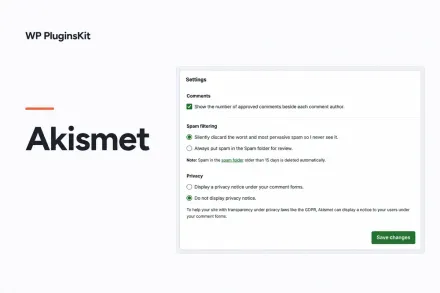
Connect Akismet to WordPress, keep flagged comments available for review and configure compatible forms separately.
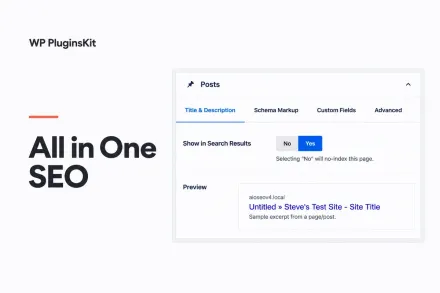
Set up titles, search visibility and sitemaps, with a careful import route for sites moving from another SEO plugin.
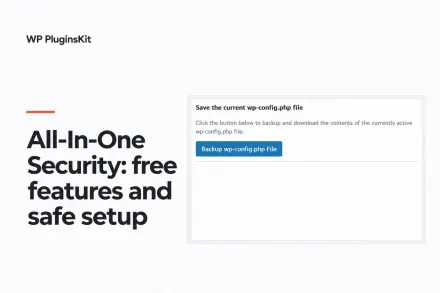
Choose the right AIOS controls, verify login protection and keep a recovery route before changing firewall or login settings.
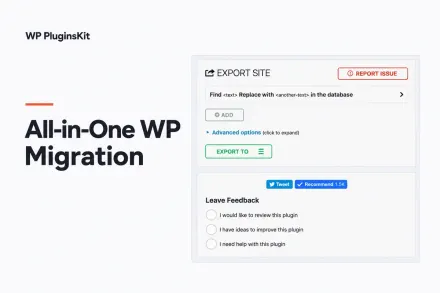
Export a .wpress archive, prepare the destination and verify the imported WordPress site before handing over live traffic.
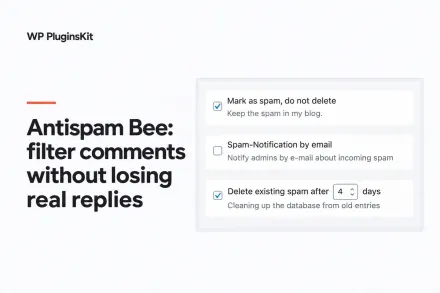
Keep WordPress comments open, retain suspicious replies for review and choose optional filters without hiding their limits.
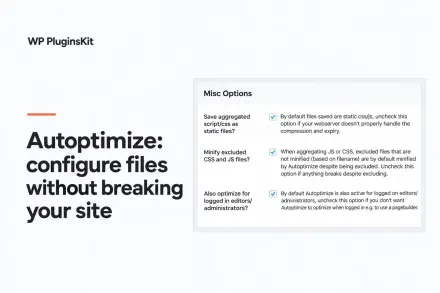
Set up Autoptimize, choose one owner for file optimization and verify menus, forms and cached pages before keeping a change.
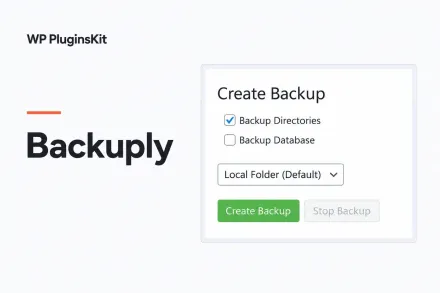
Choose files and database, keep a recovery copy outside your server and verify the correct restore point before replacing site data.
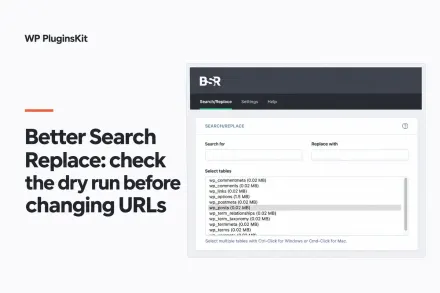
Plan a precise database replacement, inspect the dry run, and check links, media and settings after the real change.
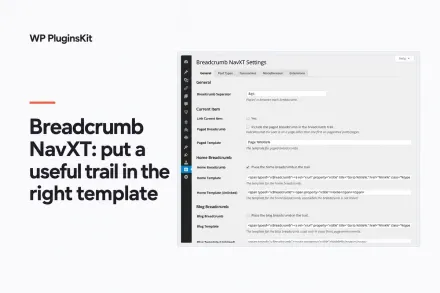
Add a trail that reflects your content hierarchy, appears in the intended templates and takes visitors to useful parent pages.
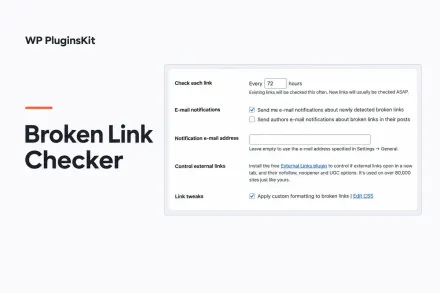
Choose Local or Cloud, inspect suspect links and repair their source without deleting useful references or confusing scans with redirects.
Save CF7 entries, verify the scope of CSV exports and protect older fields, retained uploads and staff access.
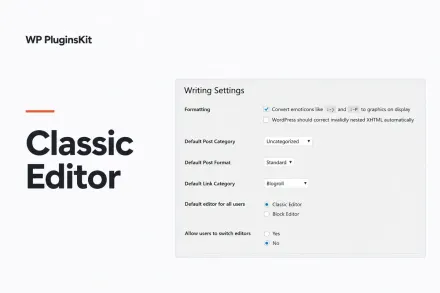
Restore the classic Edit Post screen, set the default editor and decide whether users can switch between editors.
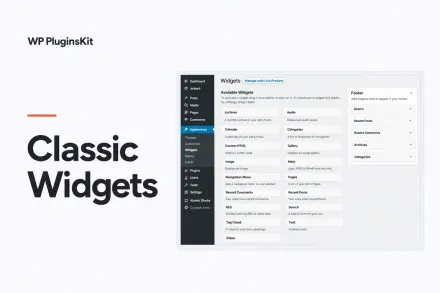
Restore the earlier widget screen on a classic theme and check existing widget content before switching workflows.
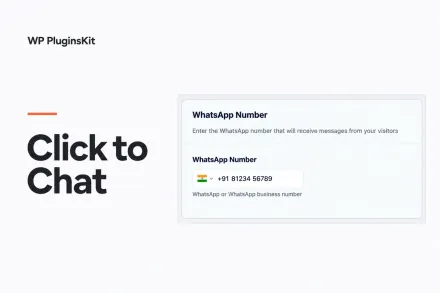
Add a WhatsApp button with the right number and message, then check page overrides, device behavior and analytics.
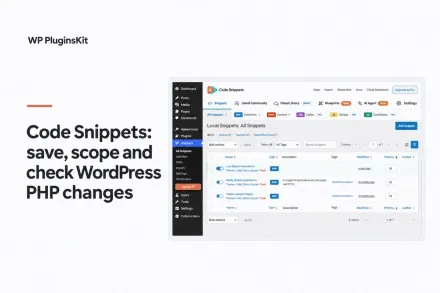
Keep small PHP changes separate from your theme, activate them deliberately, and preserve a clear recovery path.
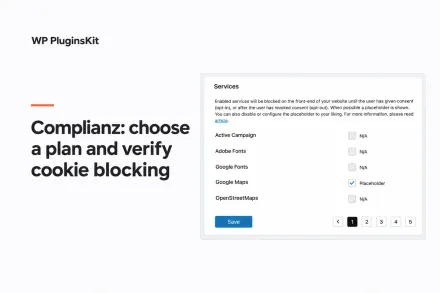
Choose free or Premium Complianz, configure your services and verify cookie blocking before relying on the banner.
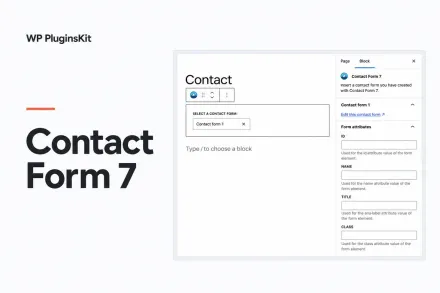
Create a contact form, configure its notification email and select the saved form in the WordPress block editor.
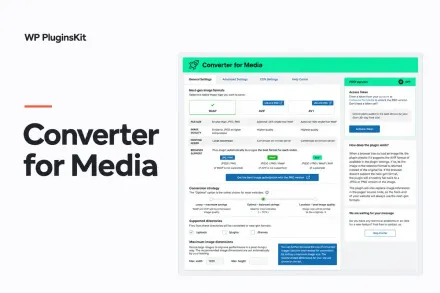
Convert a WordPress media library to WebP, keep the originals and check the format visitors actually receive.
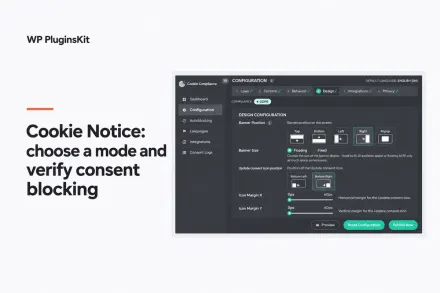
Choose the right Cookie Notice mode, understand the Free blocking cutoff and test consent as a logged-out visitor.
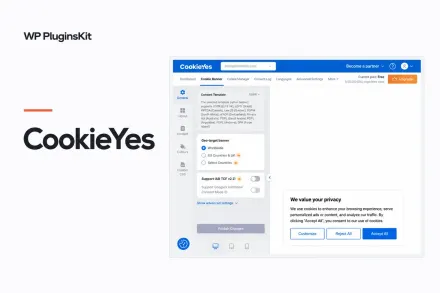
Choose the right CookieYes mode, configure actual script blocking and check each visitor choice before treating the banner as finished.
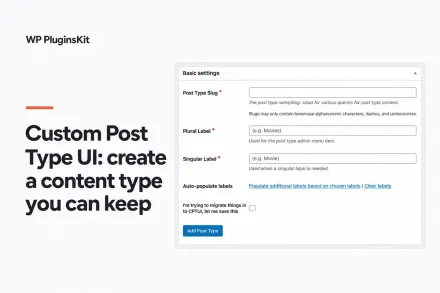
Create a separate content type, choose archive and editor settings, and plan how its registration survives a migration.
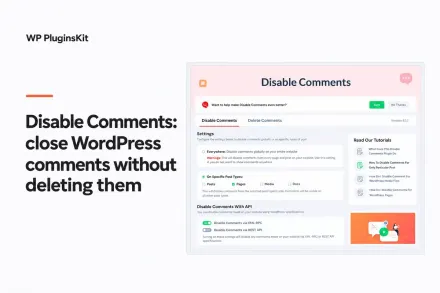
Stop new WordPress comments, preserve useful discussions and verify the right scope before considering permanent deletion.
Set the copy status first, use Duplicate This, then check the new page’s identity, content and layout before it goes live.
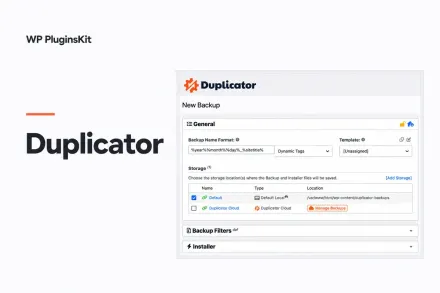
Create a complete backup, keep the matching installer, and move a single WordPress site with clear destination and restore checks.
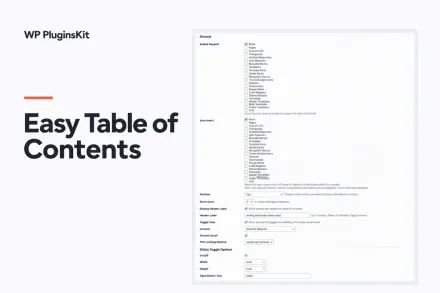
Build a useful outline from article headings, choose one insertion route and check section links on desktop and phone.
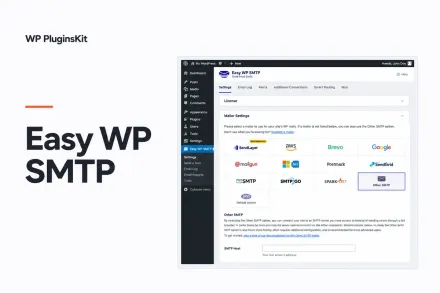
Connect a mail service or SMTP server, check test-mail receipt, and isolate missing WordPress form notifications.
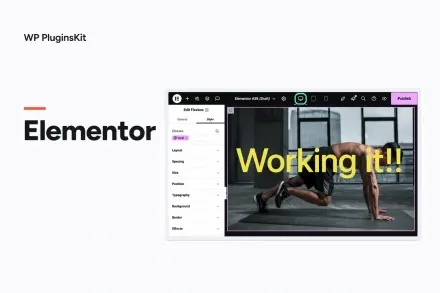
Arrange a page visually, choose a layout and check responsive styles with the free Elementor plugin.
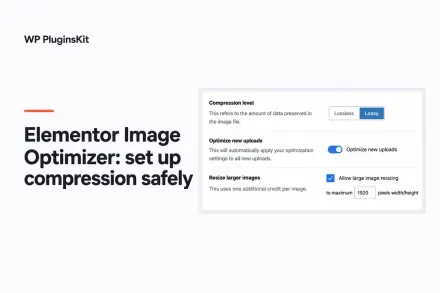
Configure one image processor, check a sample and protect originals before optimizing the rest of your WordPress media library.
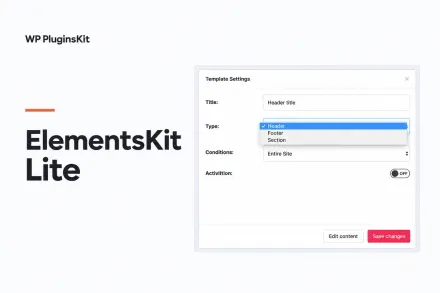
Add selected Elementor widgets or build a header with ElementsKit Lite, while keeping edition limits and existing layouts under control.
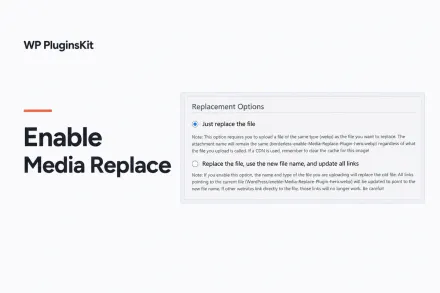
Replace an existing image or PDF, keep its address when needed, and verify the new file without losing your recovery route.
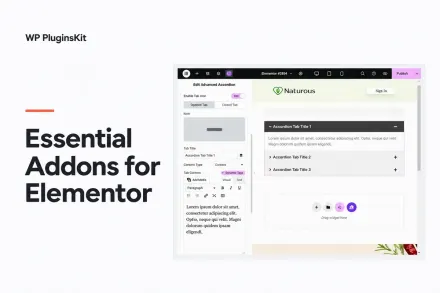
Add a specific missing Elementor widget, keep unused elements off and check the finished page before adding another addon pack.
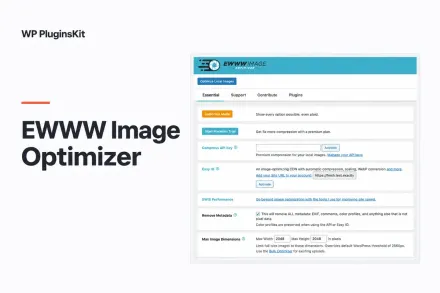
Choose the right EWWW mode, protect original files, and verify that optimized images reach visitors.
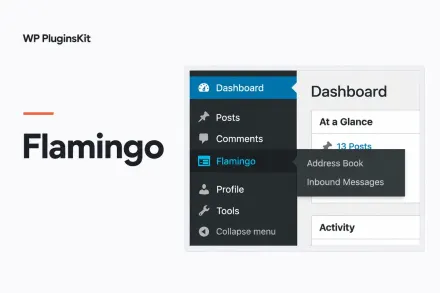
Save CF7 messages locally, check custom field mappings and protect the archive during everyday maintenance.
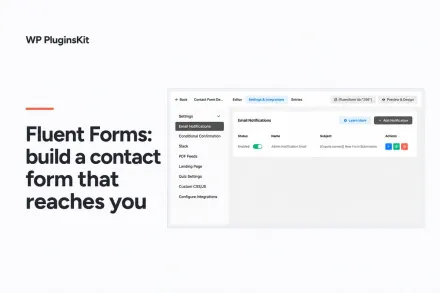
Build a Free contact form, set the right notification recipient and check the entry and delivered email separately.
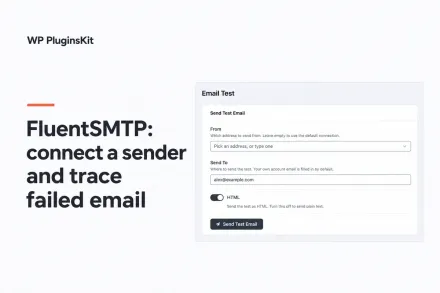
Connect a verified sender, check a real notification and use FluentSMTP logs to separate connection failures from inbox problems.
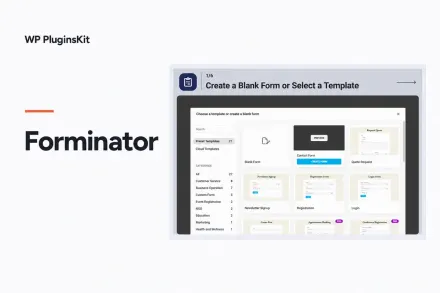
Contact forms, polls and quizzes with a visual builder, submission storage and email notifications.
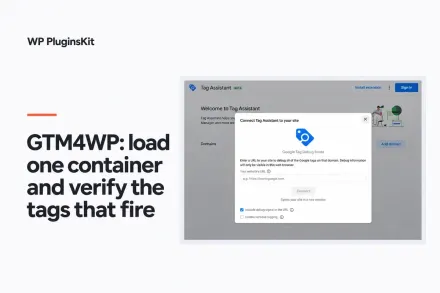
Connect WordPress to a Google Tag Manager container, avoid overlapping code placement and check the tags before trusting the reports.
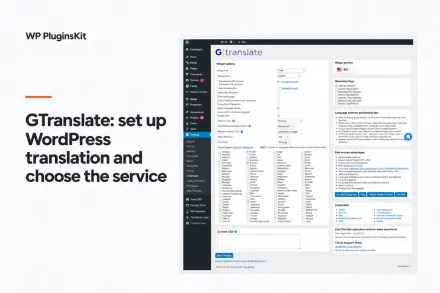
Check service eligibility, choose the original language and place a language selector without confusing visitor translation with indexed language pages.
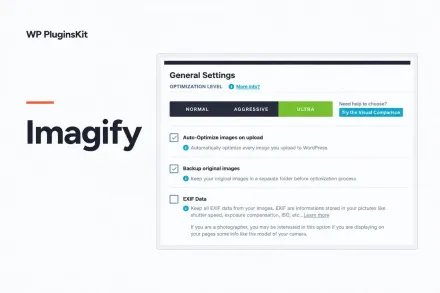
Connect the image service, keep original backups and verify both image quality and the format delivered to visitors before optimizing the whole library.
Connect the right account, select the Jetpack features your site needs and verify the service boundaries before enabling more tools.
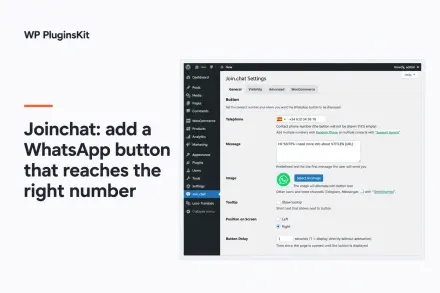
Connect a WordPress page to the right WhatsApp number, keep the first message useful and check the visitor route on mobile and desktop.
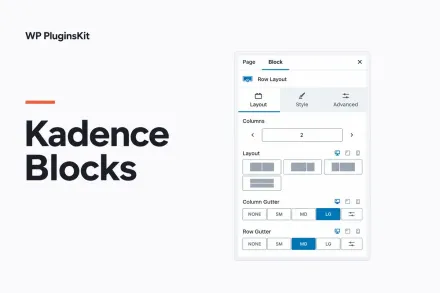
Build a two-column section in the WordPress block editor, control spacing and mobile stacking, and keep theme and plugin settings separate.
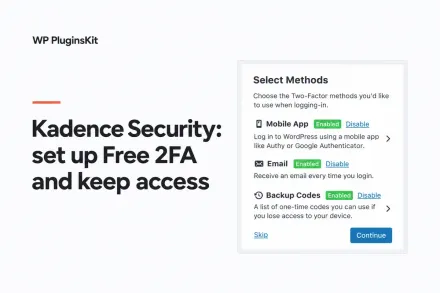
Configure Free two-factor authentication, save recovery codes and verify a fresh login before changing more security rules.
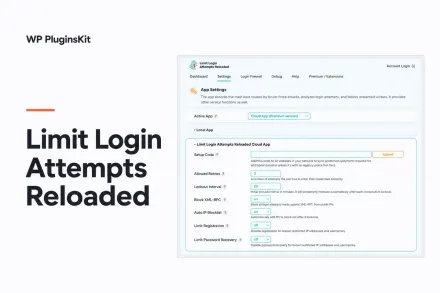
Configure login limits and email 2FA while keeping legitimate access and recovery usable.
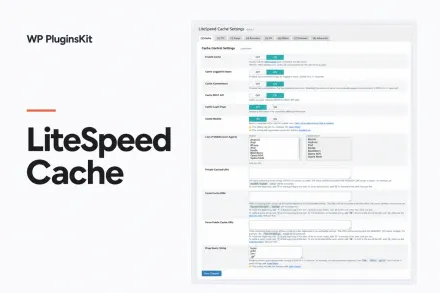
Page optimization tools and server-level caching, with cache features requiring supported LiteSpeed infrastructure or QUIC.cloud.
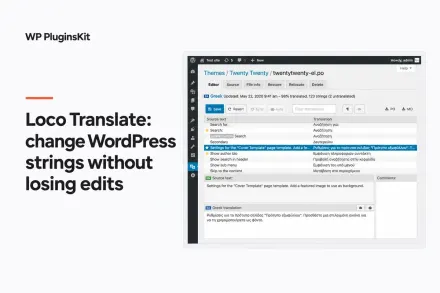
Translate theme and plugin interface text, keep overrides outside update-managed files, and check the exact strings visitors see.
Configure failed-login limits, verify client IPs and prepare recovery before enforcing Pro two-factor authentication.
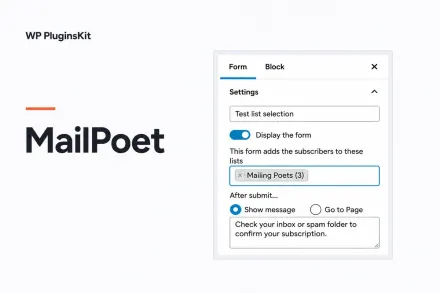
Connect a sending service, confirm new subscribers and send your first newsletter from WordPress with the right audience selected.
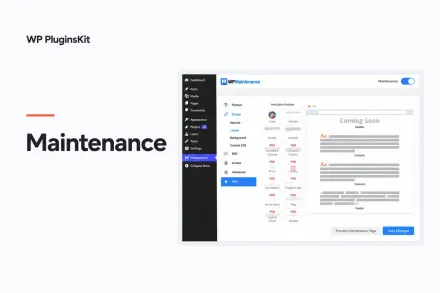
Prepare a temporary page, enable the right response and check who can still see the normal WordPress site.
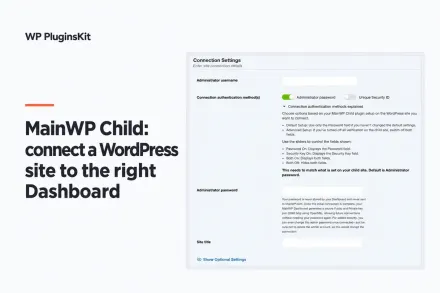
Set up the managed-site connector, keep connection authentication intact and confirm the Dashboard is reading the right WordPress site.
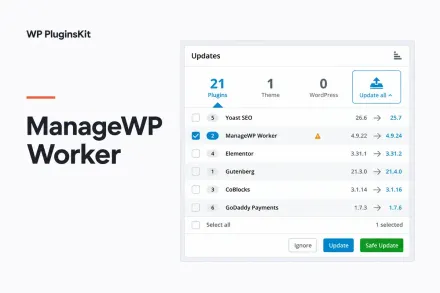
Connect one WordPress site to ManageWP, confirm the right account and check fresh data before running remote updates.
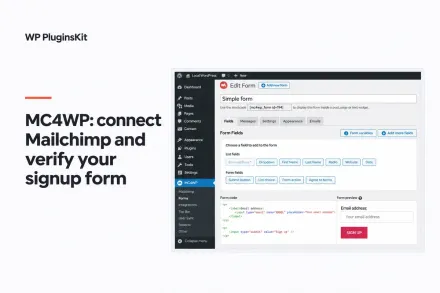
Connect your WordPress signup form to the right Mailchimp audience and verify confirmation, fields and consent.
Create and embed a slideshow with readable captions, appropriate crops and navigation that works on phones.
Choose a builder, embed a contact form and check the entry, admin notification and reply destination separately.
Connect the right GA4 property, choose one tracking owner and verify visitor data before relying on dashboard reports.
Build a contact form, route the notification to the right inbox and keep a private, searchable inquiry archive in WordPress.
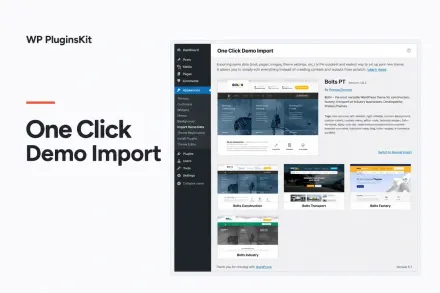
Import a compatible theme demo, match manual files to the correct panels and check partial imports before retrying.
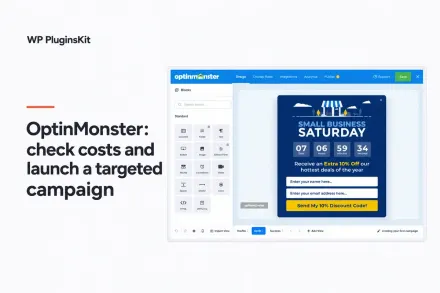
Choose a campaign, reconcile targeting and WordPress output, and check that the right subscribers reach your email service.
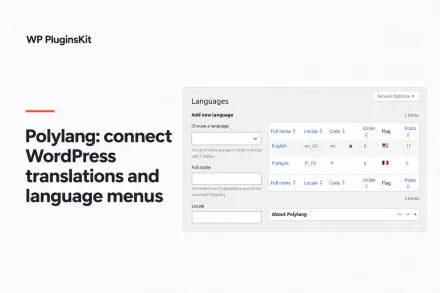
Build a first pair of linked language pages, preserve the original content language and give visitors working navigation between translations.
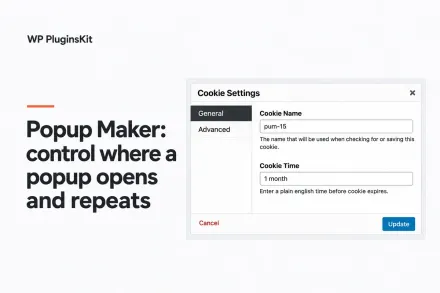
Build one useful popup, connect its opening rule and repeat cookie, and verify the form and close behavior separately.
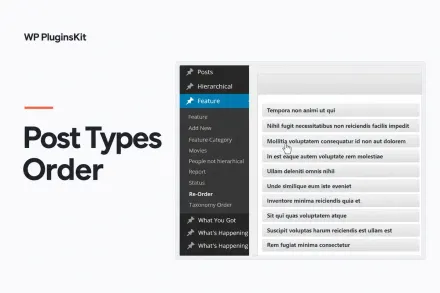
Reorder posts, verify the saved sequence and diagnose front-end queries without confusing free and Advanced features.
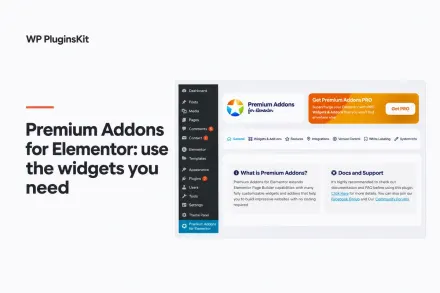
Extend Elementor with a focused widget selection, build a useful Blog grid, and keep template imports and generated assets under control.
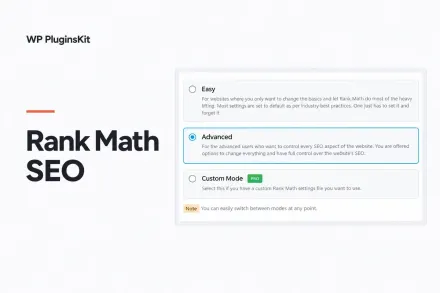
Configure Rank Math, preserve existing SEO metadata and verify the output before relying on the setup wizard.
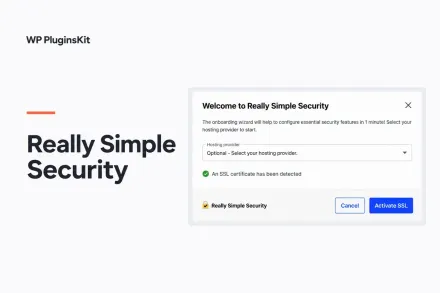
Activate HTTPS, check mixed content and configure login protection without duplicating existing security controls or losing access.
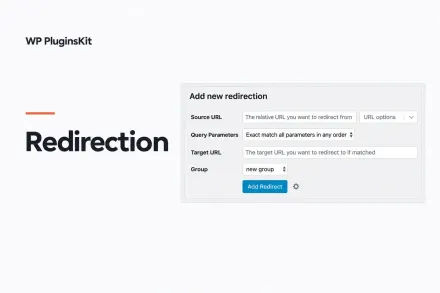
Move an old WordPress URL to a relevant new page, verify the redirect and keep query handling, logging and rule ownership under control.
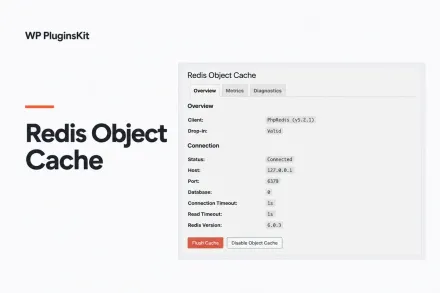
Confirm the Redis service, isolate the cache and check the connection before relying on persistent object caching.
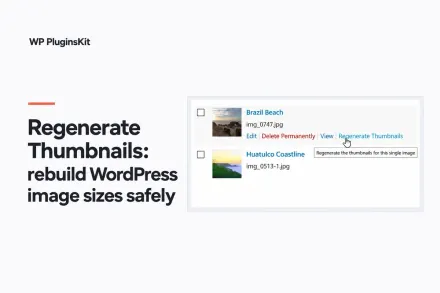
Create the image sizes your current theme needs, verify one attachment first, and keep old image links working.
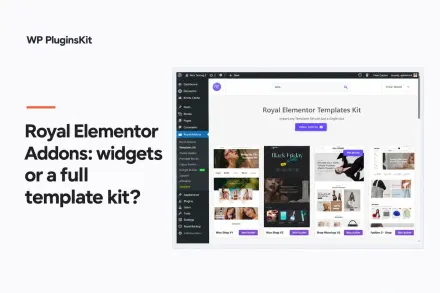
Choose a focused widget for an existing page or prepare a full template kit on a staging site, then check the content and settings it brings with it.
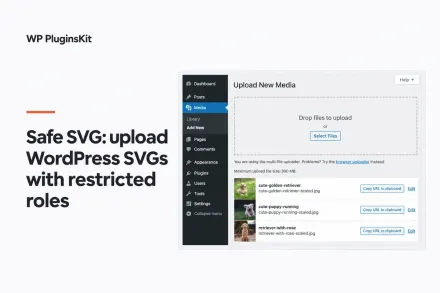
Enable SVG uploads for approved roles, check the saved artwork and keep sanitization separate from compression and inline styling.
Configure login protection and hardening without losing access or disabling feeds and integrations your WordPress site needs.
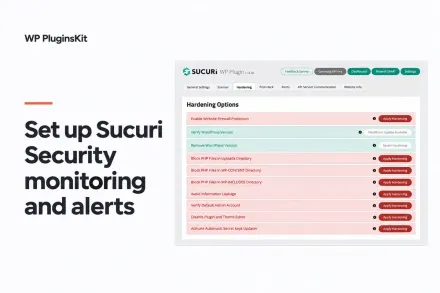
Set up useful security alerts, read core file warnings and understand what the free Sucuri plugin does before connecting a paid firewall.
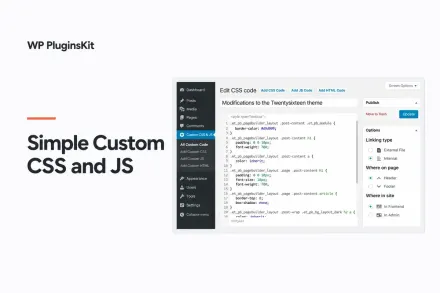
Add separate CSS or JavaScript entries, choose where they load, and check the result without editing your theme files.
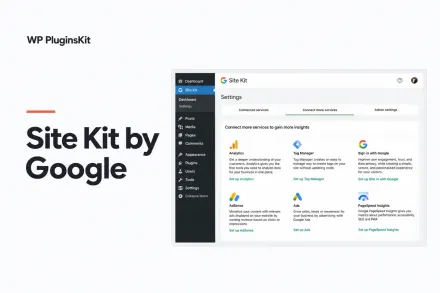
Connect Google reports to WordPress, select the correct Analytics property and check existing tags before adding code.
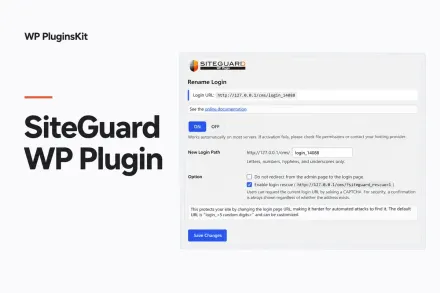
Configure WordPress login controls while preserving a working administrator and recovery route.
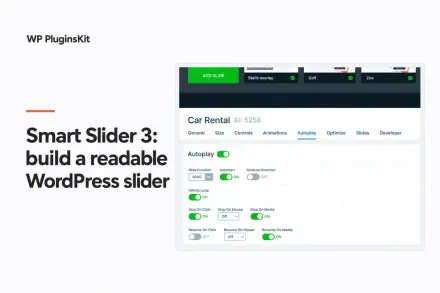
Create a Simple slider, keep mobile text readable and verify motion, publishing and loading before using it on your main page.
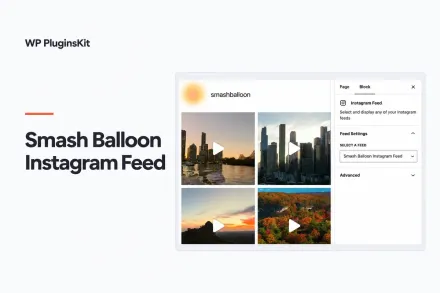
Connect a professional Instagram account, build a free User Timeline feed and add it to a WordPress page with the right consent settings.
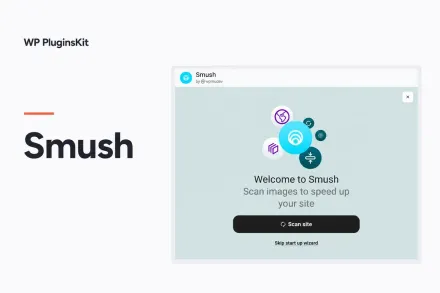
Choose Smush compression and delivery features, optimize a sample before the library, and check the images your pages actually serve.
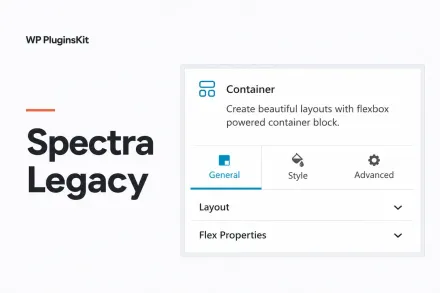
Maintain existing Spectra block layouts and understand what changes when you choose the separate Spectra Blocks plugin.
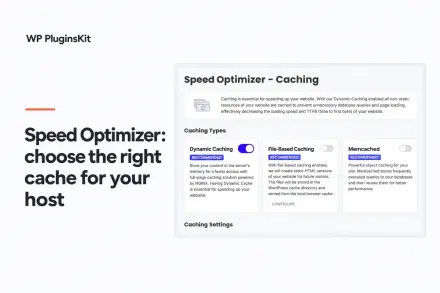
Choose the cache layers your host supports, verify the right pages stay dynamic, and tune assets one change at a time.
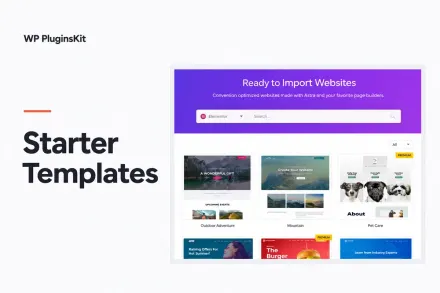
Choose a ready-made WordPress design, import only the scope you need, and check the result before replacing a live site.
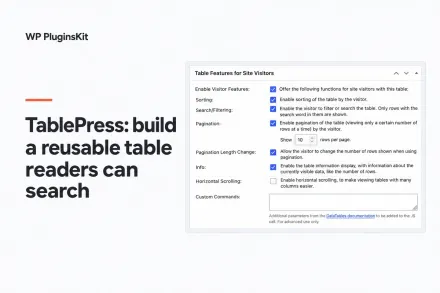
Keep one reusable data table, add only the controls readers need and verify imports and mobile access before relying on it.
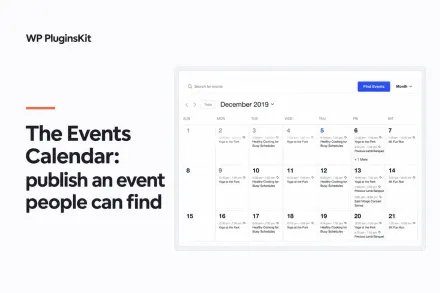
Create a useful event listing, make the calendar easy to reach, and check time zones, navigation and add-to-calendar behavior.
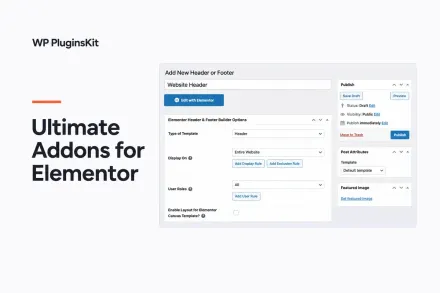
Create a header or footer with Elementor Free, control where it appears and check the live layout before extending it across your site.
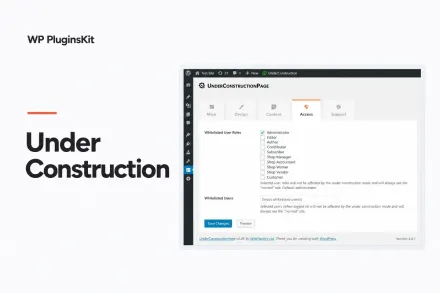
Prepare a temporary visitor page, keep the right editors working and verify the site is open again when the work ends.
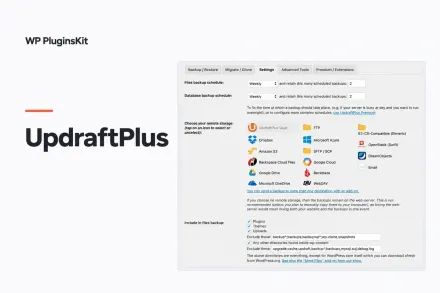
Scheduled backups, restoration and migration for WordPress, with remote storage choices that vary by edition.
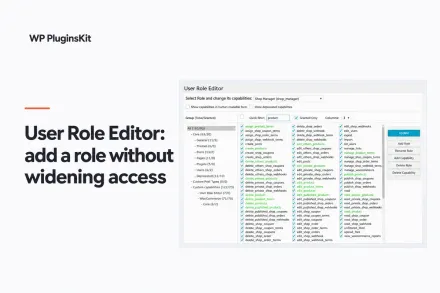
Copy a suitable role, change only the needed capabilities and verify both allowed and blocked actions with a separate account.
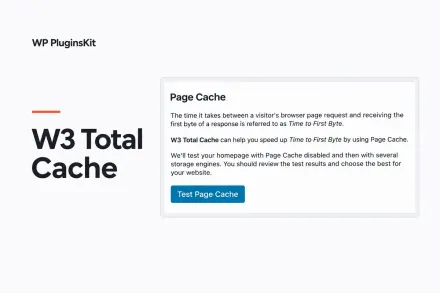
Choose a page-cache method for your server, avoid duplicate optimization and check visitor pages before adding more caching layers.
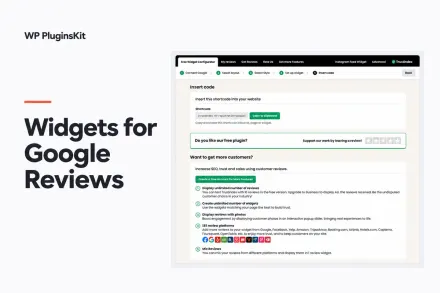
Display Google Business Profile reviews with the free Trustindex plugin, choose sensible filters and keep its limits separate from the cloud service.
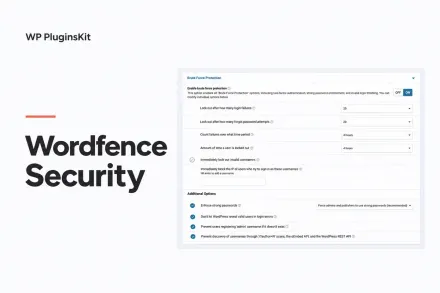
An endpoint firewall, malware scanning and login security for WordPress, with newer threat-feed updates in paid plans.
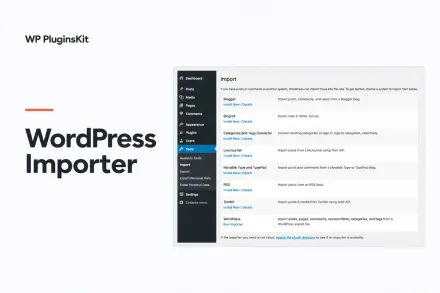
Transfer WordPress posts, pages and related content from a WXR export, with deliberate author, attachment and URL choices.
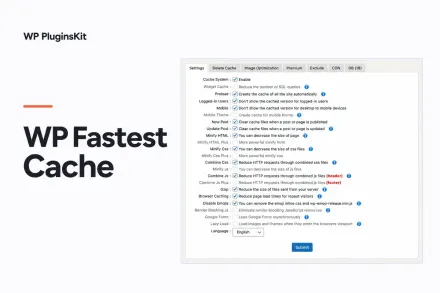
Start with free page caching, protect dynamic pages and check what visitors receive before adding minification or preload.
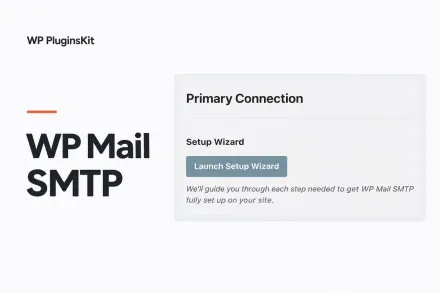
Configure a WordPress email connection, protect its credentials and verify that the notifications your site needs reach the intended inbox.
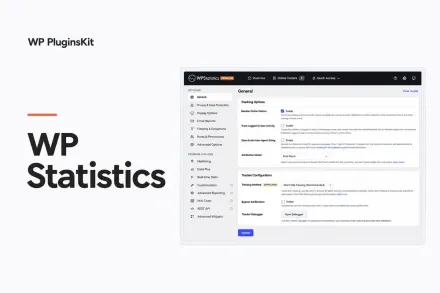
Collect local WordPress traffic data, exclude your own work and confirm tracking before trusting the reports.
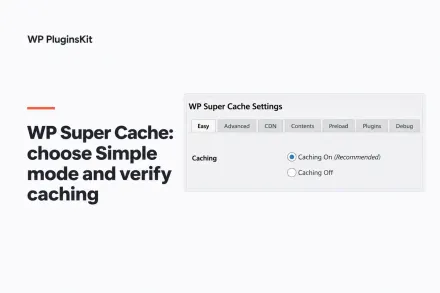
Enable free page caching, choose the right delivery mode and verify that anonymous visitors receive a fresh cached page.
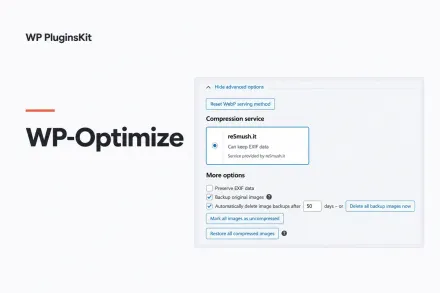
Choose the WP-Optimize modules your site needs, keep one page-cache owner and back up before database or image changes.
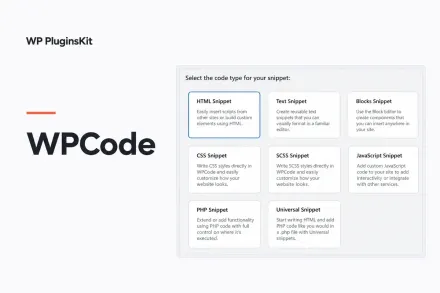
Choose the right place for approved code, avoid duplicate tags and verify WPCode snippets before relying on them.
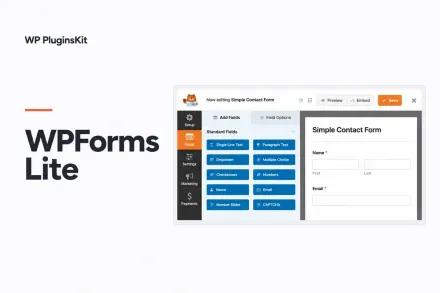
Build a basic contact form visually, configure its notification and check delivery, with a clear explanation of Lite's entry-storage limits.
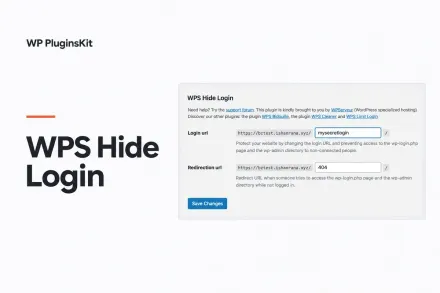
Change your WordPress login address, keep a recovery route and check that caching and existing login forms still work.
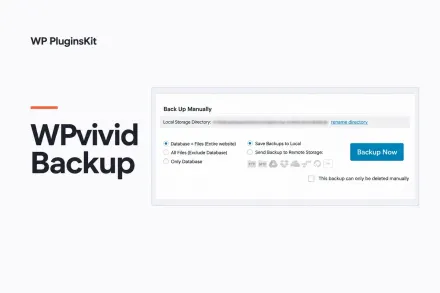
Make a full backup, keep an offsite copy and rehearse recovery before using WPvivid to move a WordPress site.
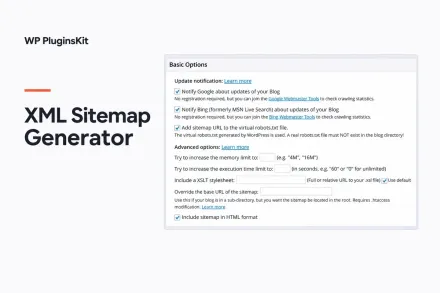
Choose one sitemap generator, include the right public pages and verify that Google can read your sitemap index.
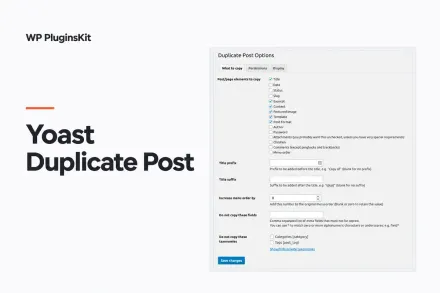
Choose an independent copy or a working revision, then check fields, permissions and the original page before publishing.
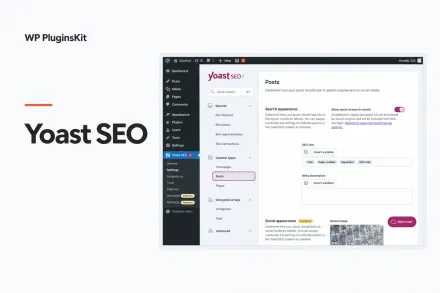
Search titles, meta descriptions, XML sitemaps and content checks for WordPress.
No matching plugins. Try a shorter name or show all plugins.
Browse general plugin guidesChoose the job you need to do.
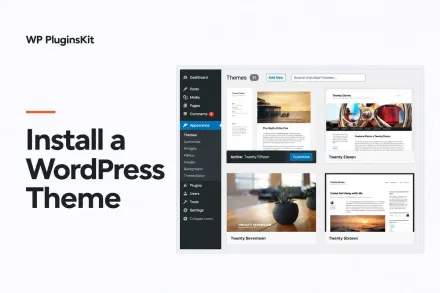
Install a WordPress theme from the directory or a developer ZIP, preview your own content, and check the site before activation.
Install WordPress plugins from the directory or a developer ZIP, activate and configure the function, and check compatibility and access.
Create a WordPress child theme with the correct Template header, keep its parent installed, and load styles according to the parent theme.
Delete an inactive WordPress theme from its details screen. Check active and parent dependencies first, and save custom files before removal.
Update a WordPress theme after checking custom files and backups. Compare manual and automatic updates, then verify the important pages.
Change a WordPress theme with a backup, a preview and checks for menus, templates and key pages. Keep a clear way to reverse the switch.
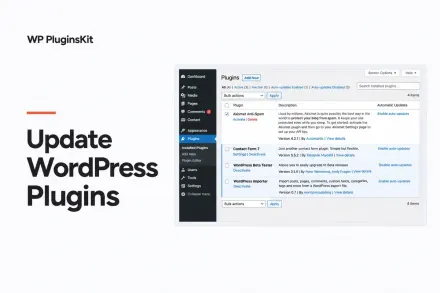
Update WordPress plugins manually or enable automatic updates. Prepare a backup, review changes, and check the functions your site depends on.
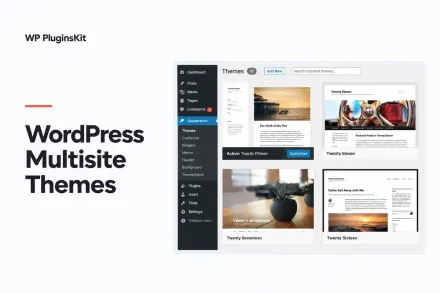
WordPress Multisite shares installed themes, while each site selects one active theme. Separate network availability from site activation.