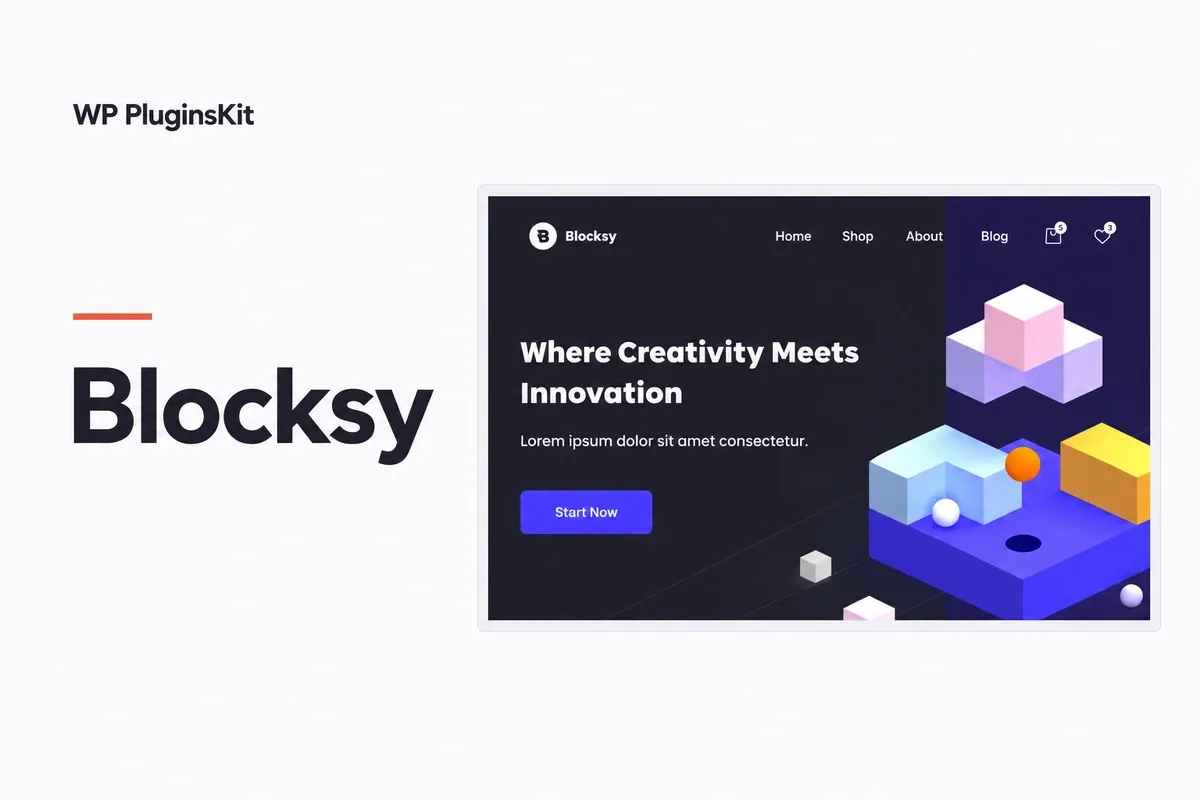
Blocksy is a starting point for a portfolio or editorial site where photographs need room. It supports the block editor while keeping the site-wide appearance in theme controls.
Check compatibility
- Edition
- Free on WordPress.org
- WordPress
- 6.7 or later
- PHP
- 7.0 or later
- Editing
- Customizer
Choose your starting layout
Choose image proportions before filling a page with projects. Consistent crops make a portfolio easier to browse than a different shape on every card.

Setup guide
Use an administrator account on a WordPress site where you can install themes. Back up an existing site and try a theme change on a staging copy first; activation changes its appearance.
- In the WordPress dashboard, open Appearance → Themes and choose Add New Theme.
- Search for Blocksy. Open its details and match the name with the WordPress.org listing linked above. Check that your WordPress and PHP versions meet its requirements.
- Choose Install, then wait for installation to finish. On an existing site, preview the theme before you activate it, following WordPress's theme installation documentation.
- Choose Activate when you’re ready to apply it. This makes Blocksy the site’s active theme.
- Open Appearance → Customize and review the header, typography and page layout. Add one project page with your own images and check the navigation on a phone.
Visit the homepage, a post and a page while signed out. Check headings, images, navigation and the footer on desktop and mobile. If the layout is not ready, return to Appearance → Themes and reactivate your previous theme while you make adjustments.