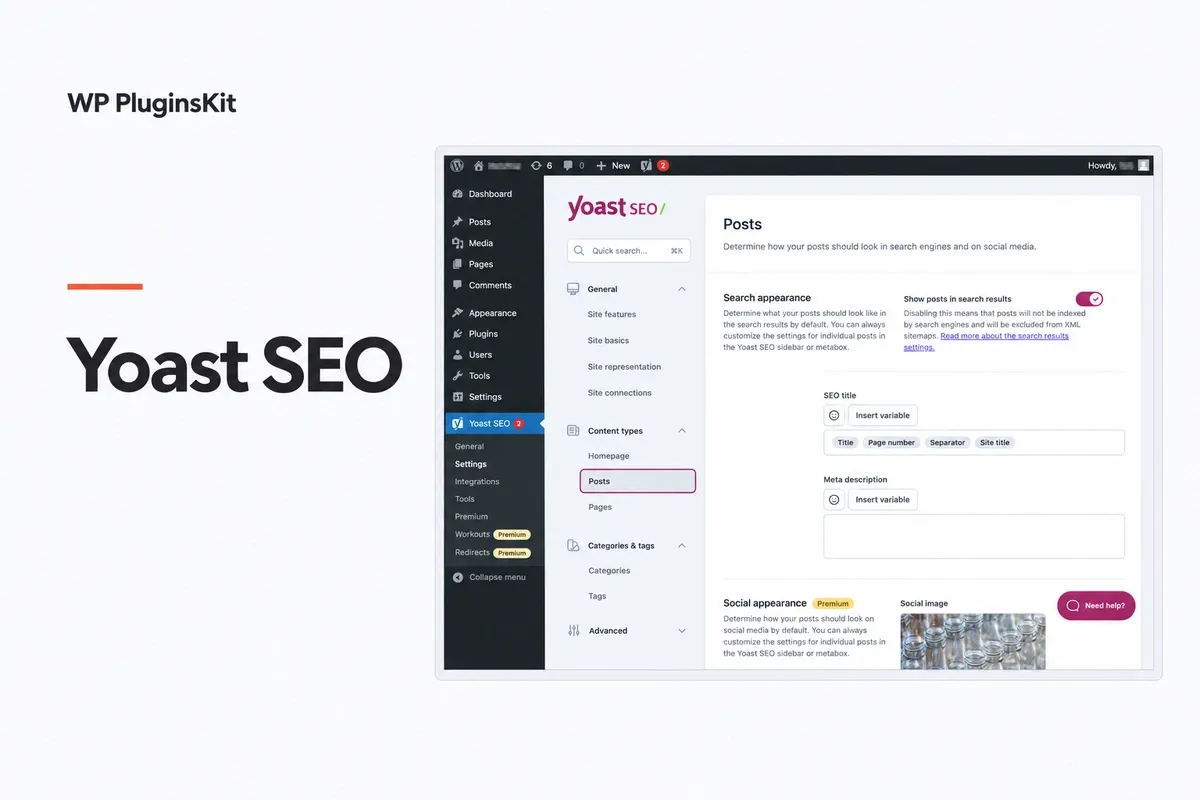
Use Yoast SEO to manage search titles, meta descriptions, XML sitemaps and on-page content checks inside WordPress. The Yoast SEO plugin listing describes those tools alongside canonical URLs and structured data. It fits a site that needs a consistent place to maintain search metadata while authors work on the pages themselves.
Use the checks to make editing decisions
Yoast's content and readability feedback can flag things to review, but a green indicator doesn't establish that a page answers the visitor's question or will rank. Read the page as a reader first. Keep a necessary technical term or a precise explanation when changing it merely to satisfy a check would make the text worse.
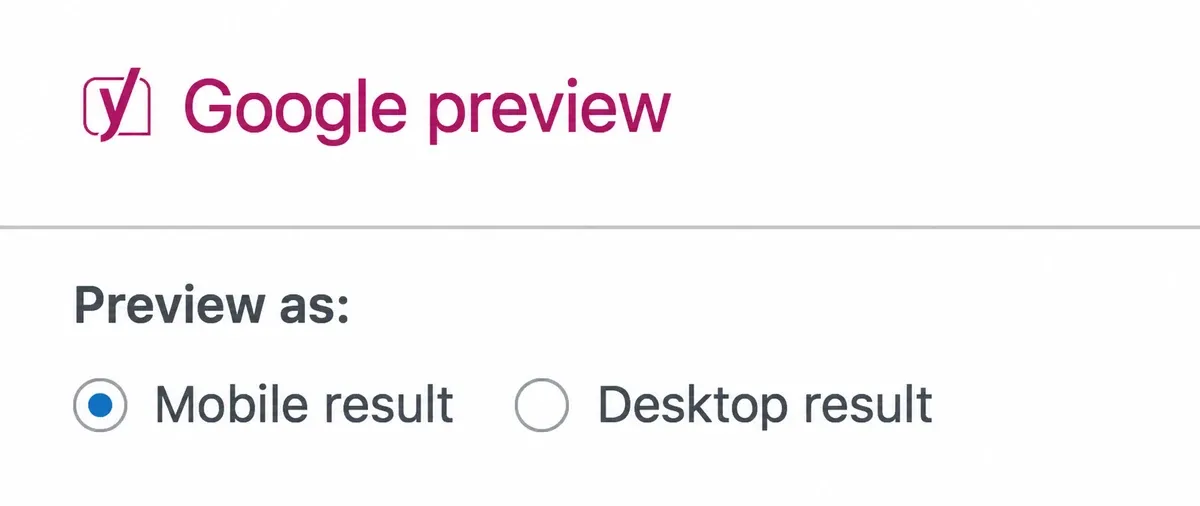
A title and description should identify what the page offers. Avoid making a promise that the article or product page doesn't deliver. Review the preview, then check the saved page's metadata rather than assuming every suggested edit improves the result.
Separate free features from Premium tools
The free plugin provides a starting point for managing metadata and technical SEO. Yoast's current listing places its redirect manager, internal linking suggestions and AI tools in Premium. Check whether the free plugin covers the specific tasks your site needs.
Keep one clear owner for SEO output
Before replacing another SEO plugin, identify which tool currently produces titles, descriptions, sitemaps and structured data. Yoast describes import tools for moving existing SEO data. Review the migration on a trial copy and compare important pages before removing the previous tool; avoid leaving competing metadata systems enabled without understanding their output.
After installation, complete the first-time configuration described in the plugin's installation notes. Check a normal post and a key landing page, including their indexability and sitemap inclusion. Keep a recoverable WordPress backup before a migration that changes existing SEO data.
During the first-time configuration, choose whether the site represents an organization or a person, then complete the matching details.

Check compatibility
- Listed version
- 28.9
- WordPress
- 7.0 or later
- PHP
- 7.4 or later
These are the requirements in the Yoast SEO listing on WordPress.org. Minimum versions describe compatibility; keep WordPress and PHP on supported releases.
Setup guide
Use an administrator account on a WordPress site that allows plugin installation. Back up an existing site before adding a plugin or changing its settings.
- Follow WordPress's plugin installation steps: open Plugins → Add New Plugin in the WordPress dashboard.
- Search for Yoast SEO and match it with its WordPress.org listing above. Check the required WordPress and PHP versions before continuing.
- Choose Install Now, wait for it to finish, then choose Activate.
- Follow the Yoast SEO instructions to complete the first-time configuration with the details of your site.
- Edit a post, review its search title and description, and save the changes. Keep the wording useful to someone choosing a search result.
Open the post again and confirm the title and description are saved. Review the plugin’s sitemap setting before submitting your site to a search engine.