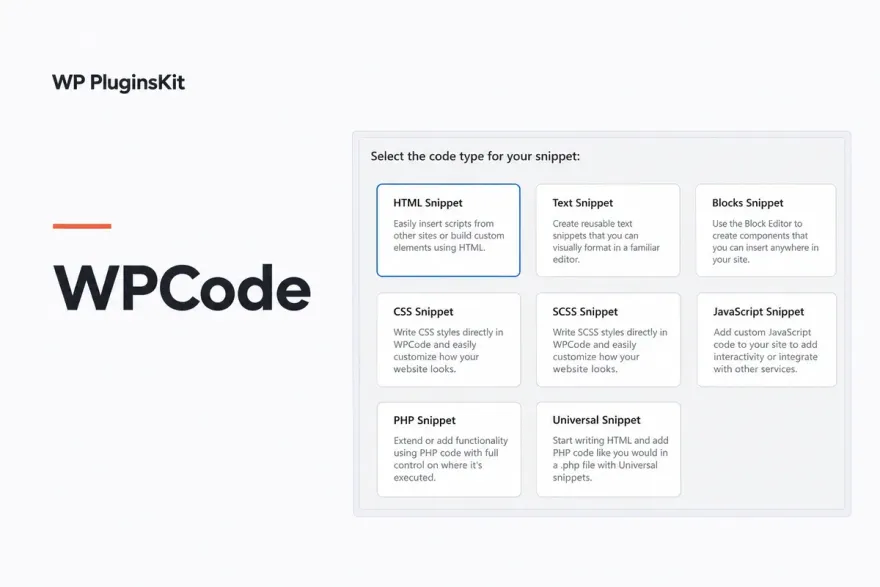
Choose the right place for approved code, avoid duplicate tags and verify WPCode snippets before relying on them.
Site management and code
View on WordPress.org: WPCode
Find WordPress plugins for SEO, forms, stores, backups, security and performance. Compare each tool’s purpose, requirements, free or paid boundaries and setup checks so site owners can choose a function without adding the wrong layer.
Choose the right place for approved code, avoid duplicate tags and verify WPCode snippets before relying on them.
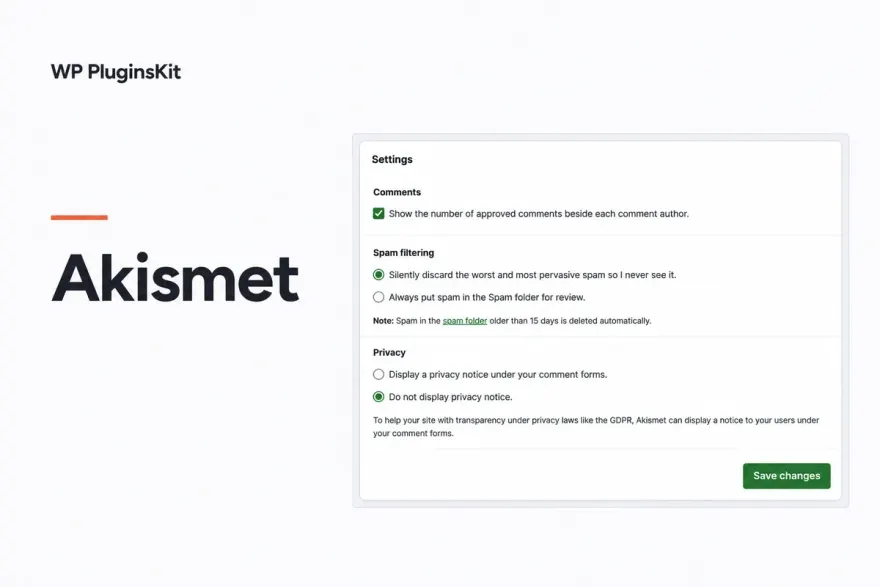
Connect Akismet to WordPress, keep flagged comments available for review and configure compatible forms separately.
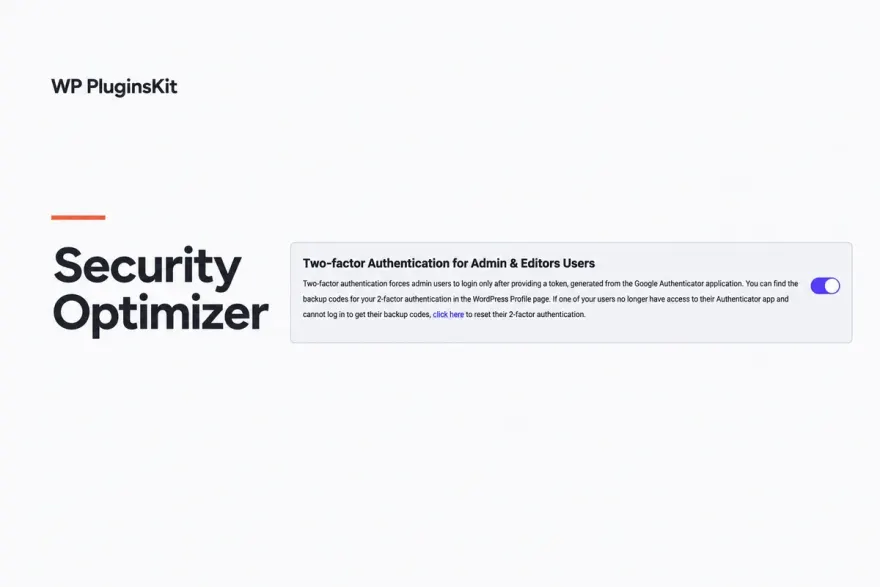
Configure login protection and hardening without losing access or disabling feeds and integrations your WordPress site needs.
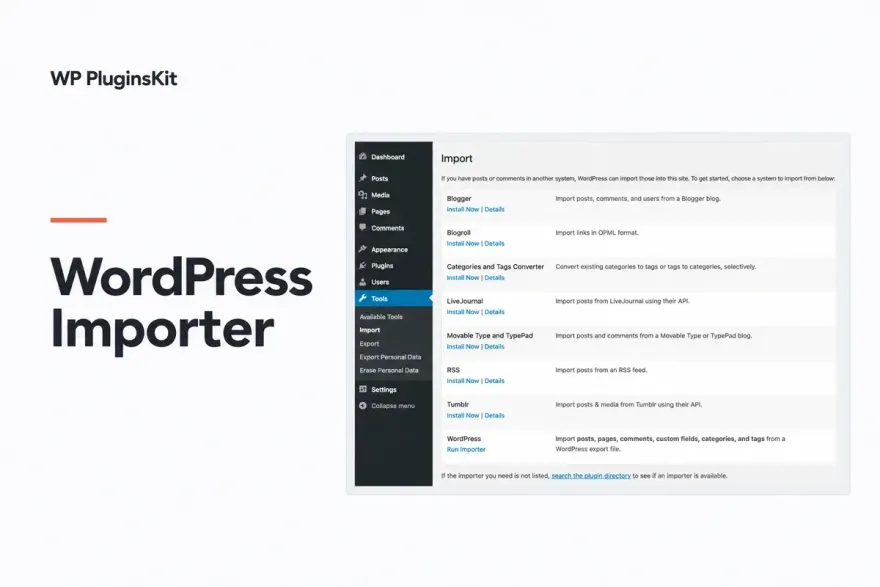
Transfer WordPress posts, pages and related content from a WXR export, with deliberate author, attachment and URL choices.
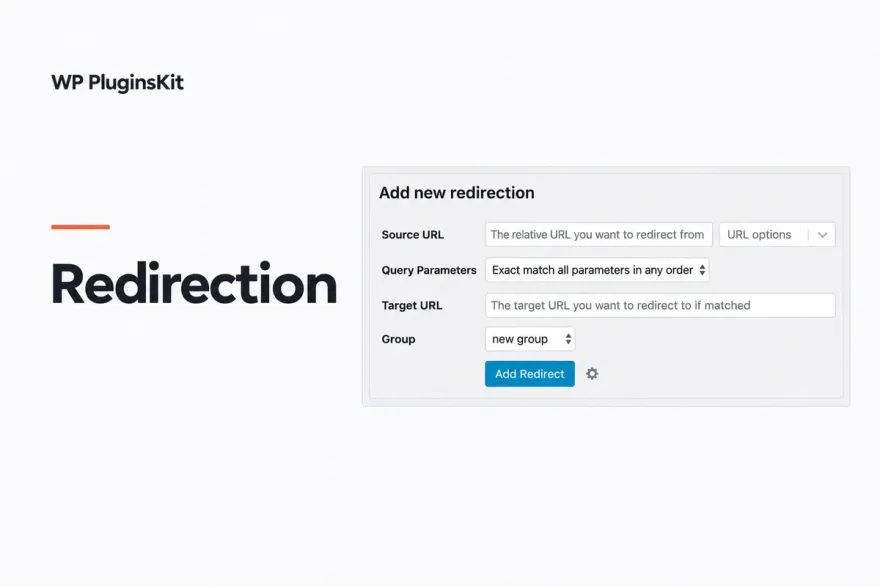
Move an old WordPress URL to a relevant new page, verify the redirect and keep query handling, logging and rule ownership under control.
Connect the right account, select the Jetpack features your site needs and verify the service boundaries before enabling more tools.
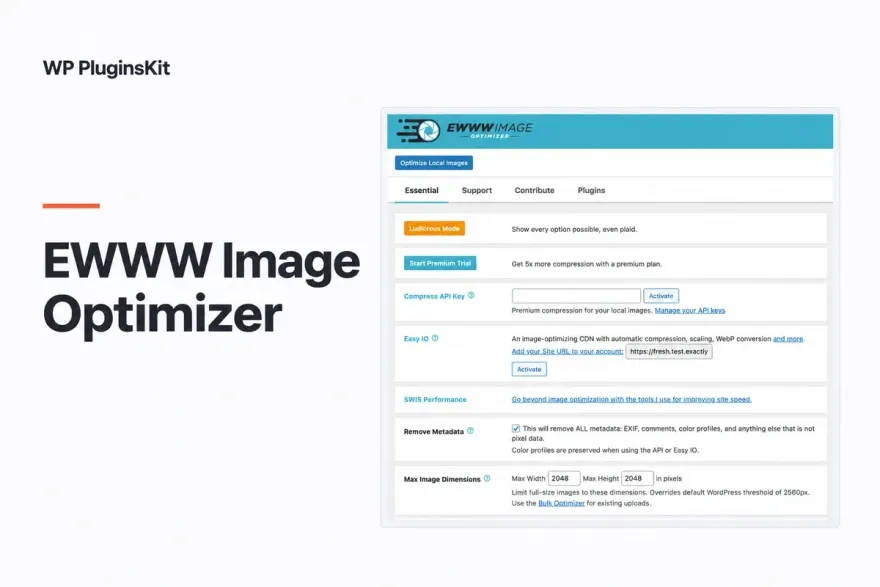
Choose the right EWWW mode, protect original files, and verify that optimized images reach visitors.
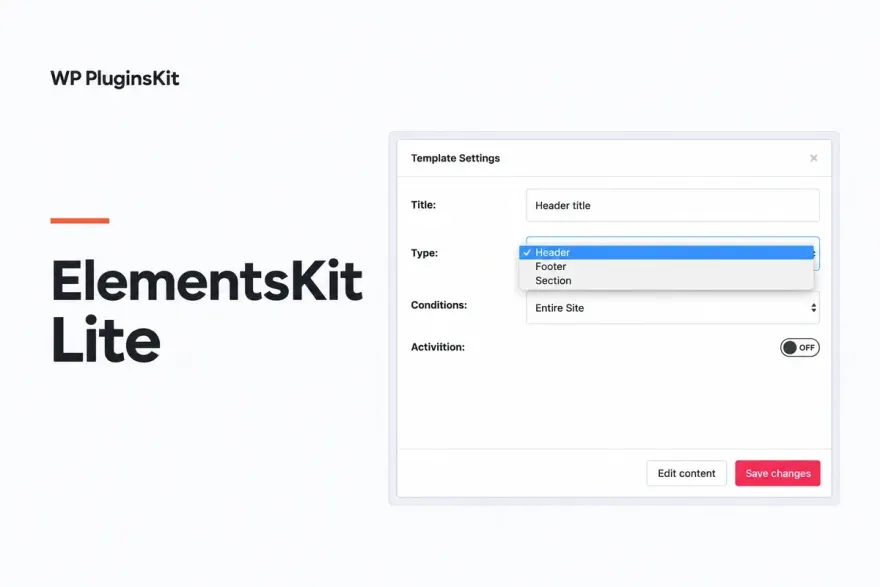
Add selected Elementor widgets or build a header with ElementsKit Lite, while keeping edition limits and existing layouts under control.
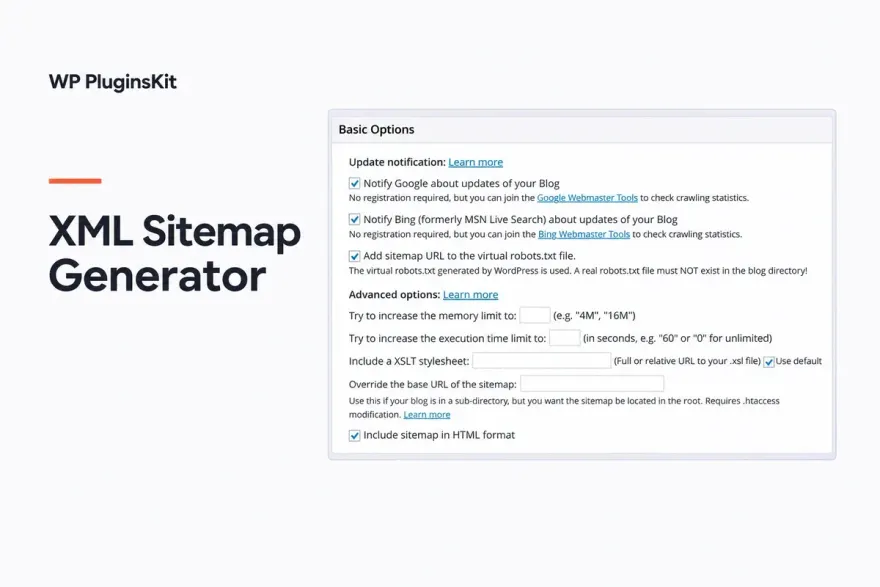
Choose one sitemap generator, include the right public pages and verify that Google can read your sitemap index.
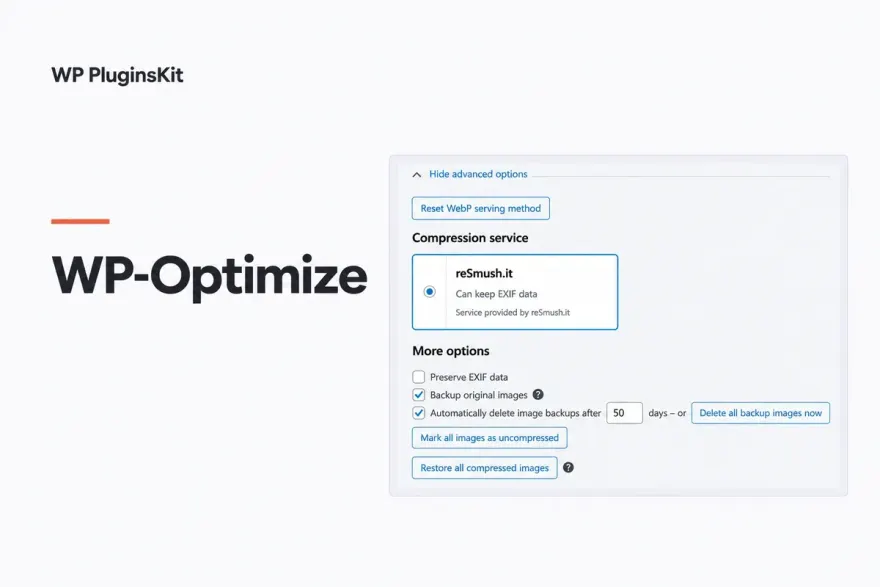
Choose the WP-Optimize modules your site needs, keep one page-cache owner and back up before database or image changes.
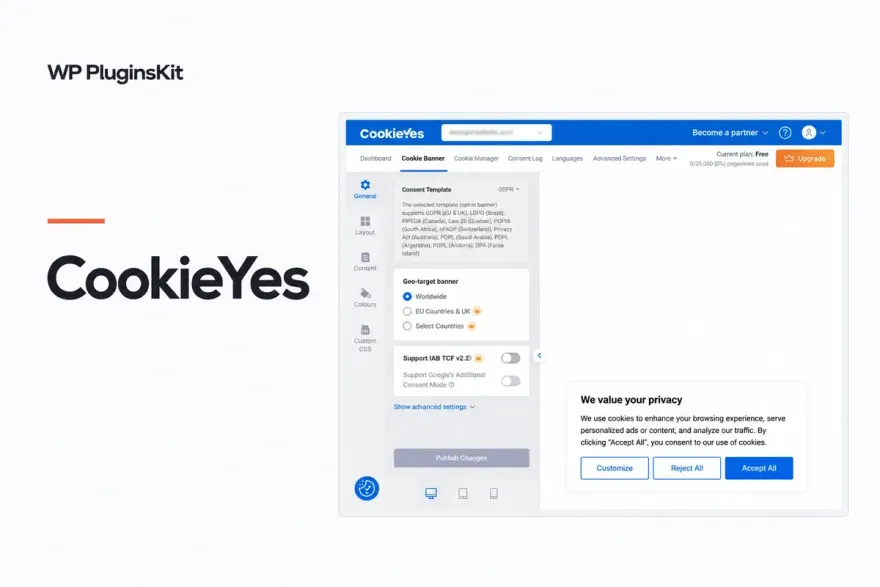
Choose the right CookieYes mode, configure actual script blocking and check each visitor choice before treating the banner as finished.
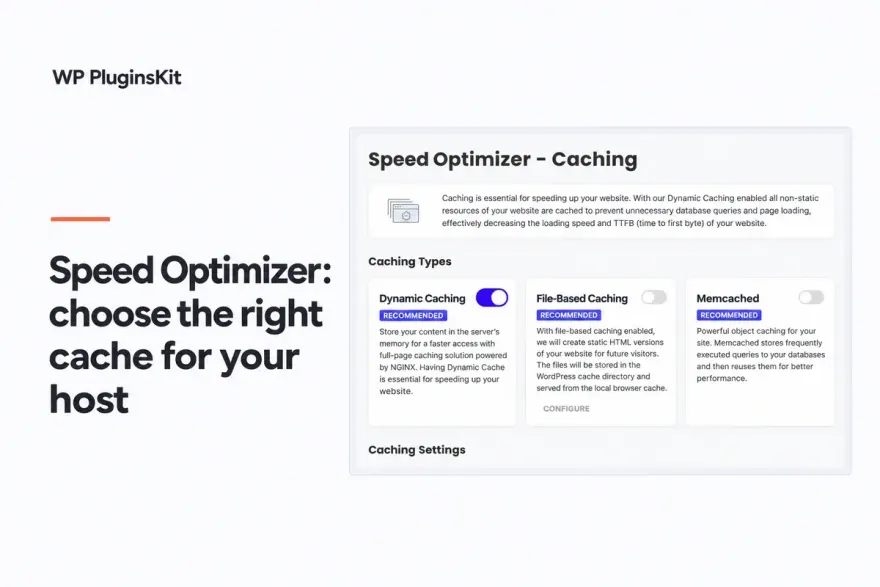
Choose the cache layers your host supports, verify the right pages stay dynamic, and tune assets one change at a time.
Try a shorter name or another category.