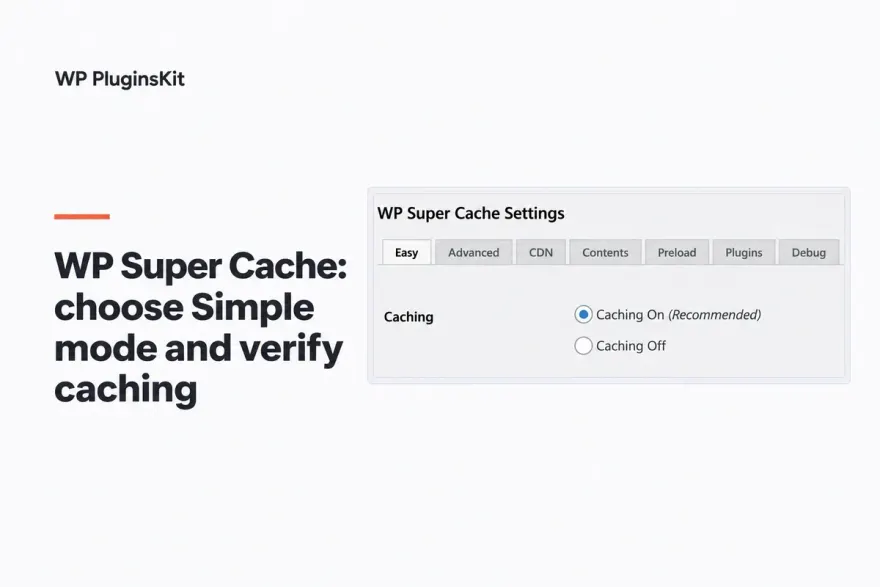
Enable free page caching, choose the right delivery mode and verify that anonymous visitors receive a fresh cached page.
Find WordPress plugins for SEO, forms, stores, backups, security and performance. Compare each tool’s purpose, requirements, free or paid boundaries and setup checks so site owners can choose a function without adding the wrong layer.
Enable free page caching, choose the right delivery mode and verify that anonymous visitors receive a fresh cached page.
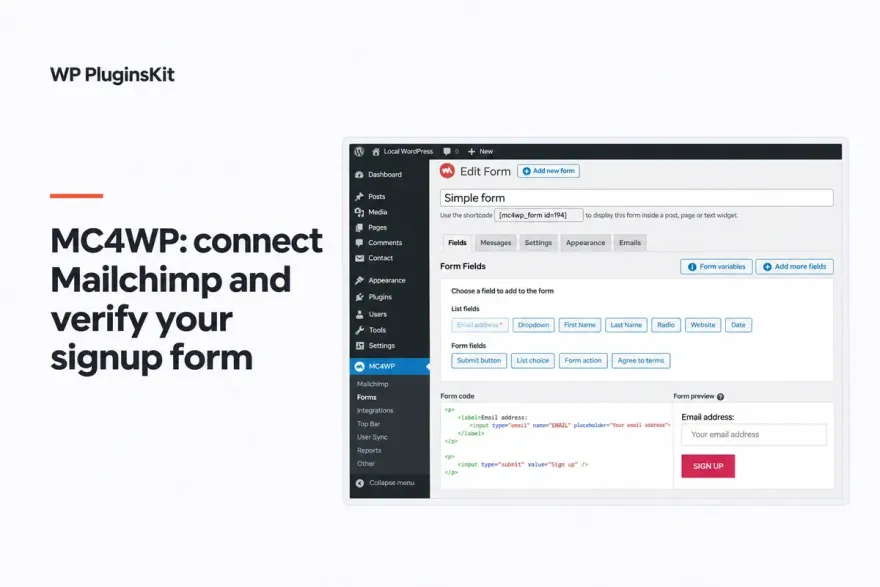
Connect your WordPress signup form to the right Mailchimp audience and verify confirmation, fields and consent.
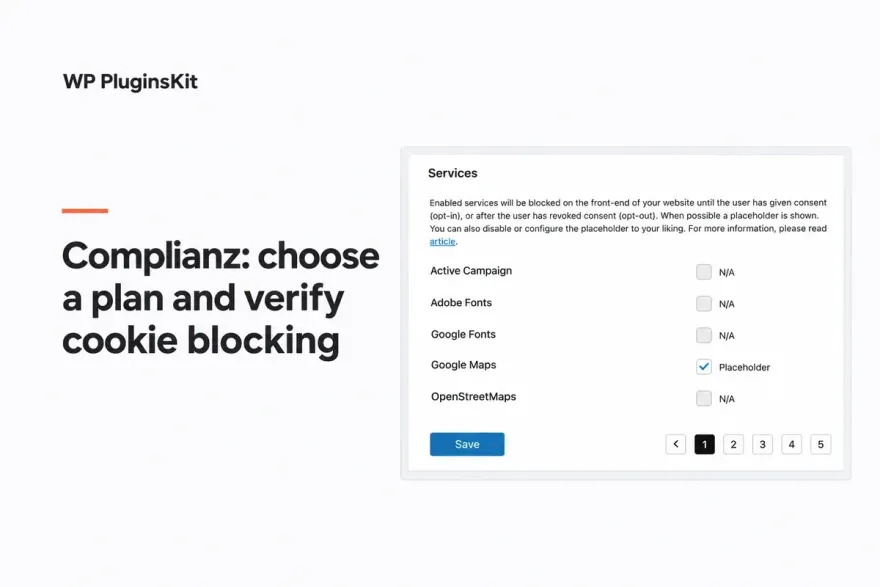
Choose free or Premium Complianz, configure your services and verify cookie blocking before relying on the banner.
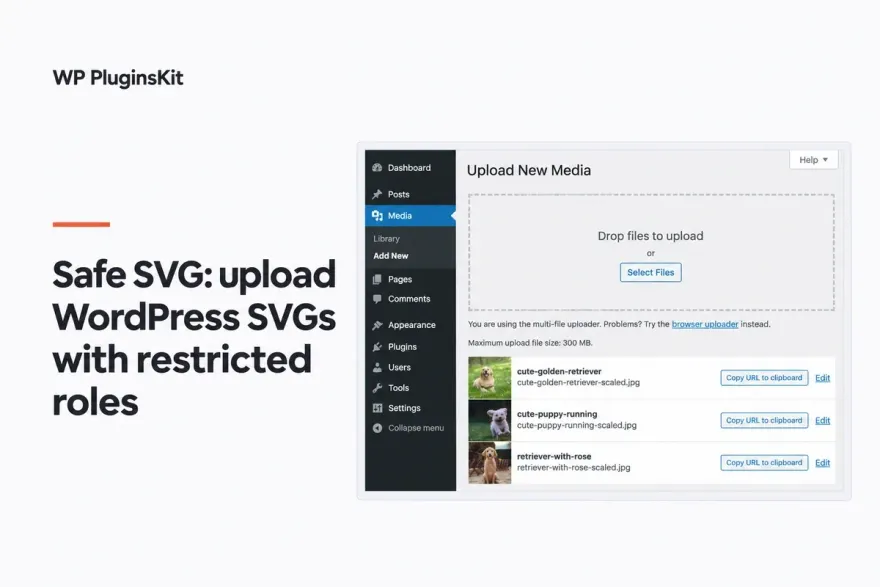
Enable SVG uploads for approved roles, check the saved artwork and keep sanitization separate from compression and inline styling.
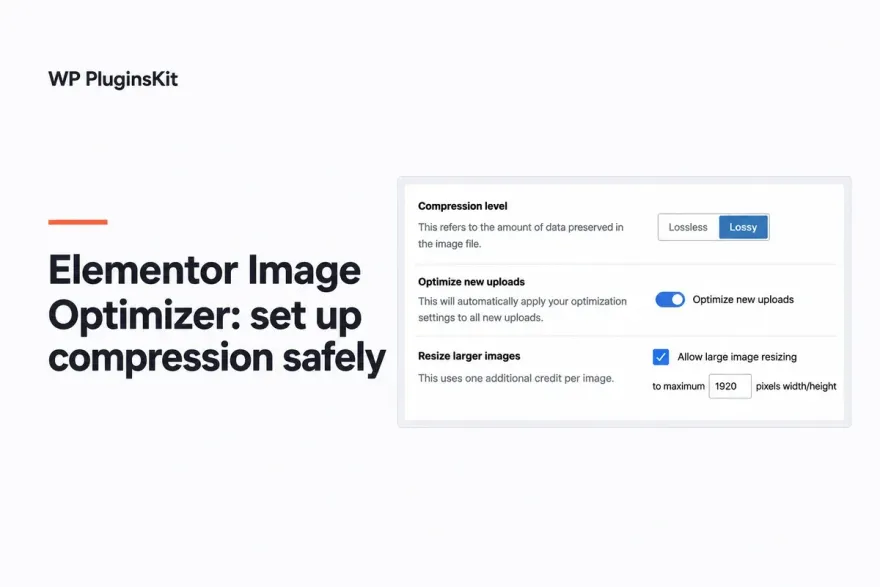
Configure one image processor, check a sample and protect originals before optimizing the rest of your WordPress media library.
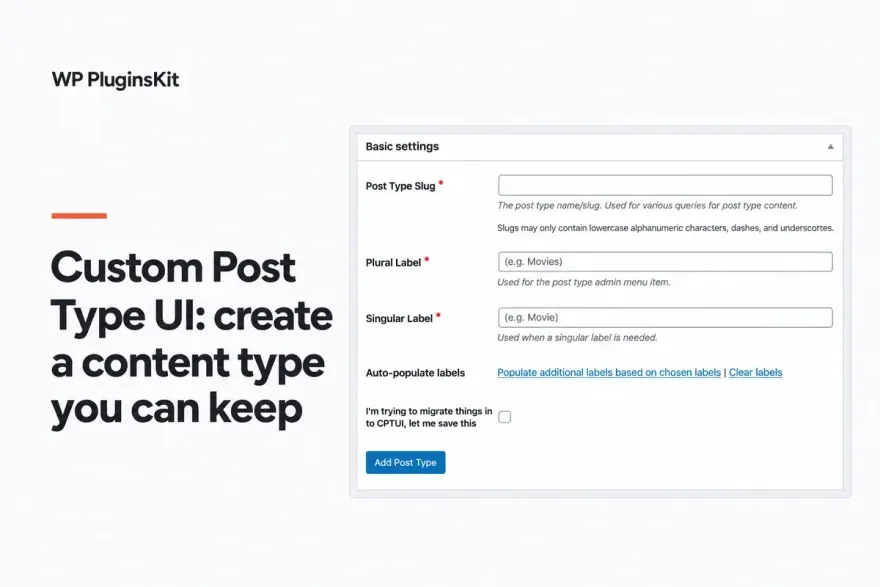
Create a separate content type, choose archive and editor settings, and plan how its registration survives a migration.
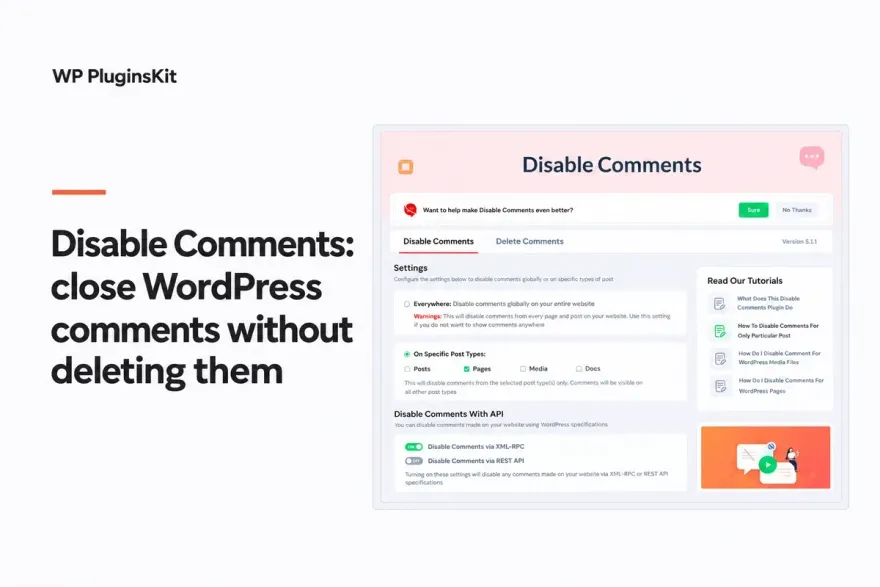
Stop new WordPress comments, preserve useful discussions and verify the right scope before considering permanent deletion.
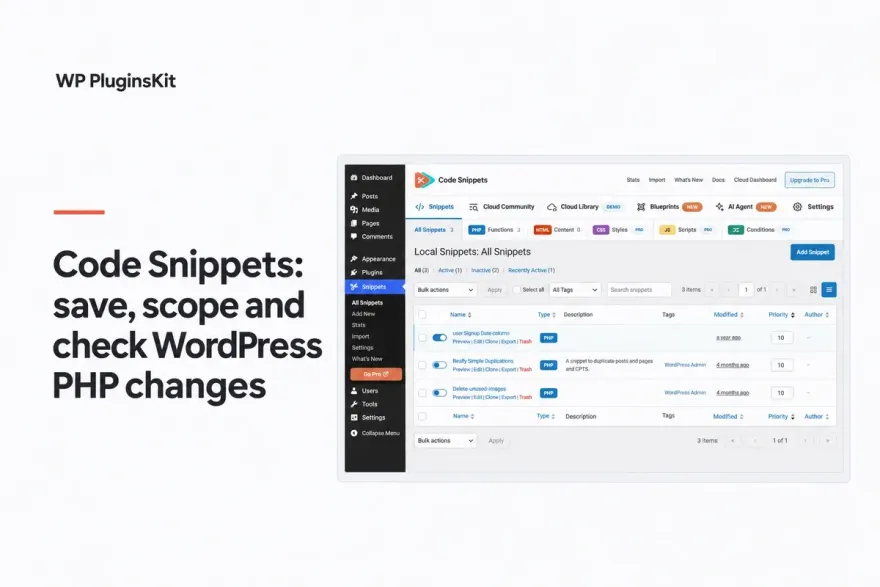
Keep small PHP changes separate from your theme, activate them deliberately, and preserve a clear recovery path.
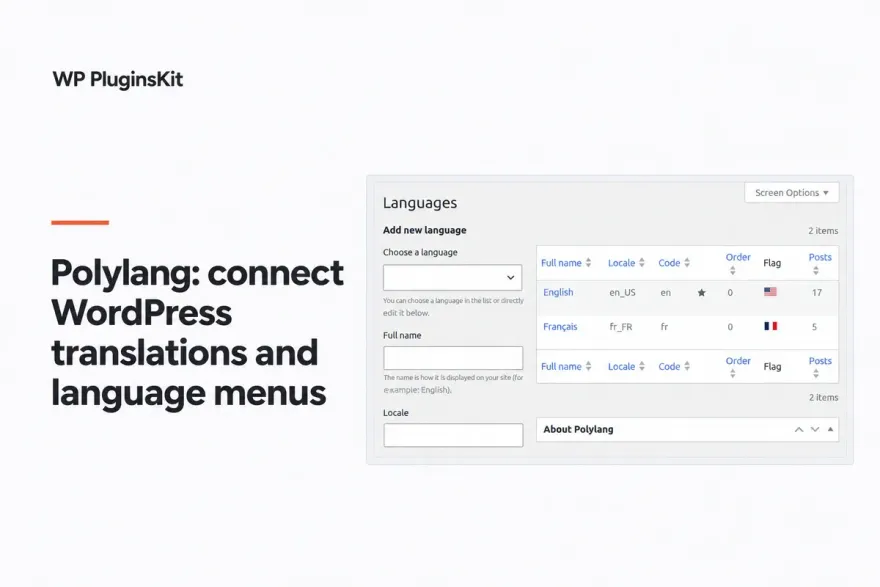
Build a first pair of linked language pages, preserve the original content language and give visitors working navigation between translations.
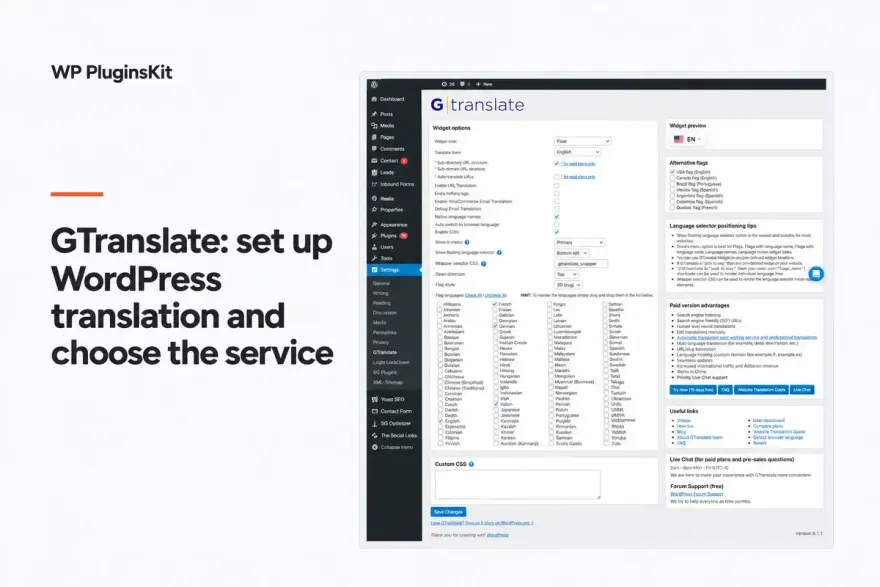
Check service eligibility, choose the original language and place a language selector without confusing visitor translation with indexed language pages.
Choose a page-cache method for your server, avoid duplicate optimization and check visitor pages before adding more caching layers.
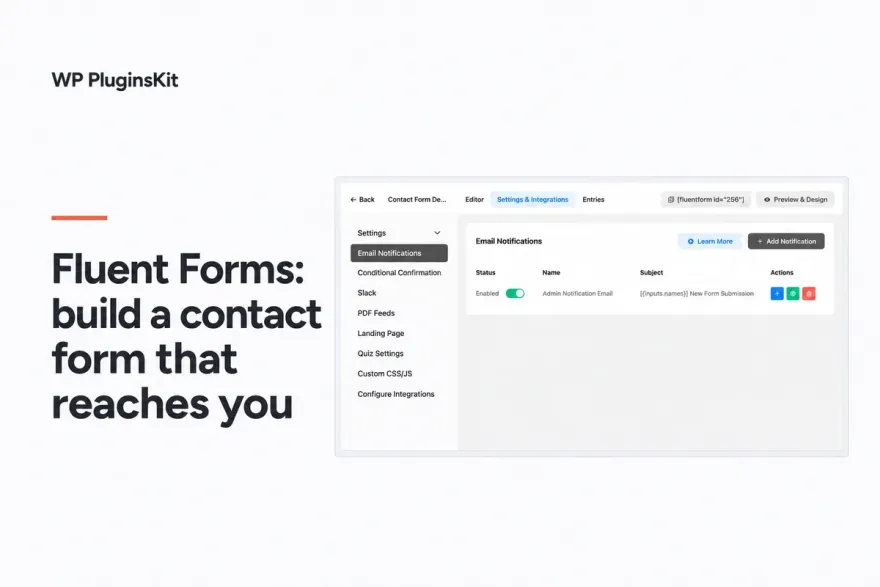
Build a Free contact form, set the right notification recipient and check the entry and delivered email separately.
Try a shorter name or another category.