Home / Plugins Plugins Find WordPress plugins for SEO, forms, stores, backups, security and performance. Compare each tool’s purpose, requirements, free or paid boundaries and setup checks so site owners can choose a function without adding the wrong layer.
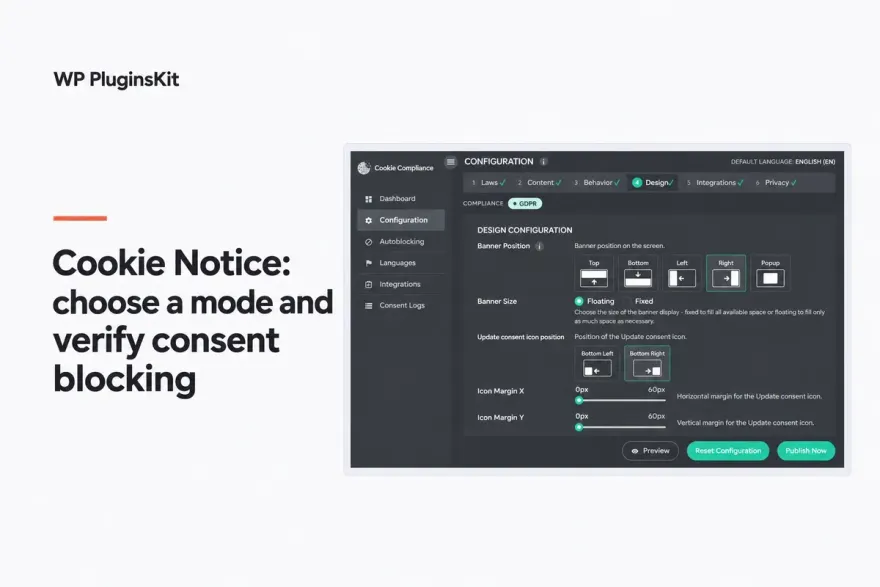
Choose the right Cookie Notice mode, understand the Free blocking cutoff and test consent as a logged-out visitor.
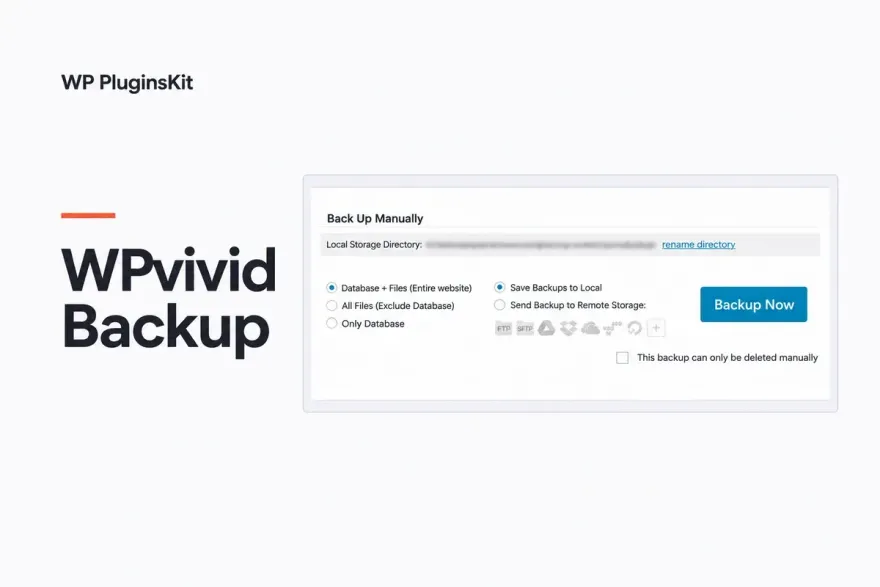
Make a full backup, keep an offsite copy and rehearse recovery before using WPvivid to move a WordPress site.
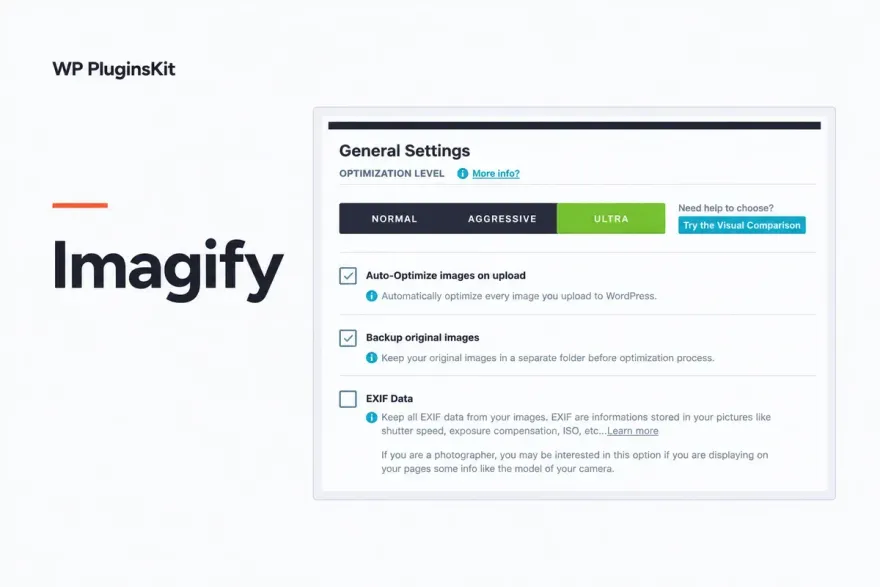
Connect the image service, keep original backups and verify both image quality and the format delivered to visitors before optimizing the whole library.
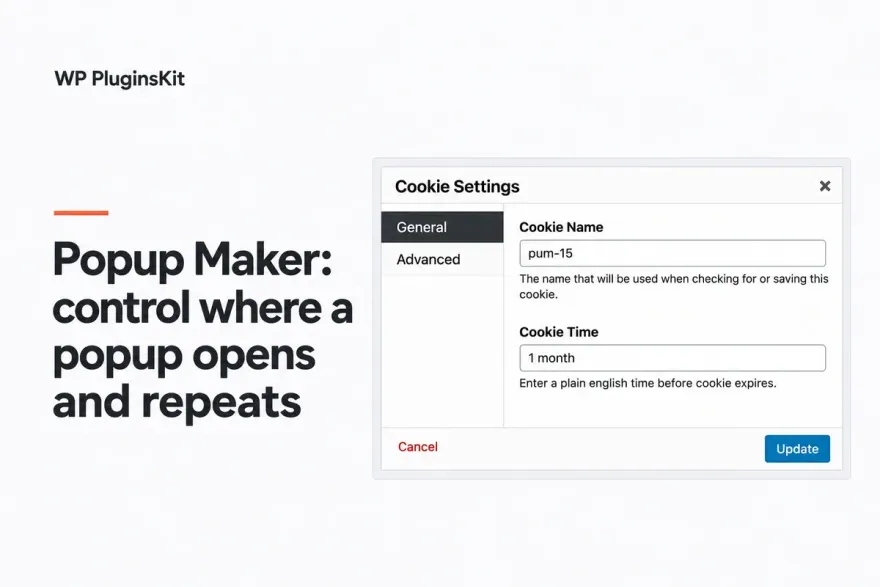
Build one useful popup, connect its opening rule and repeat cookie, and verify the form and close behavior separately.
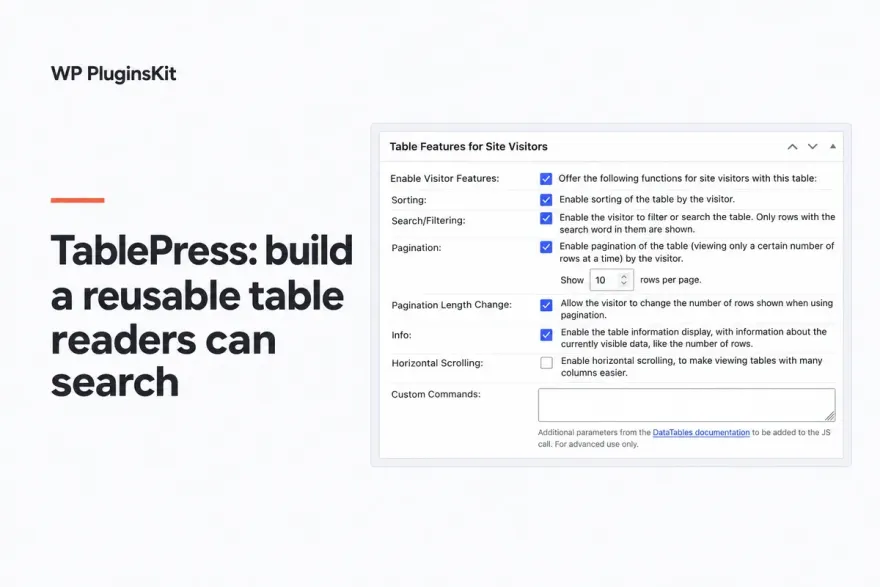
Keep one reusable data table, add only the controls readers need and verify imports and mobile access before relying on it.
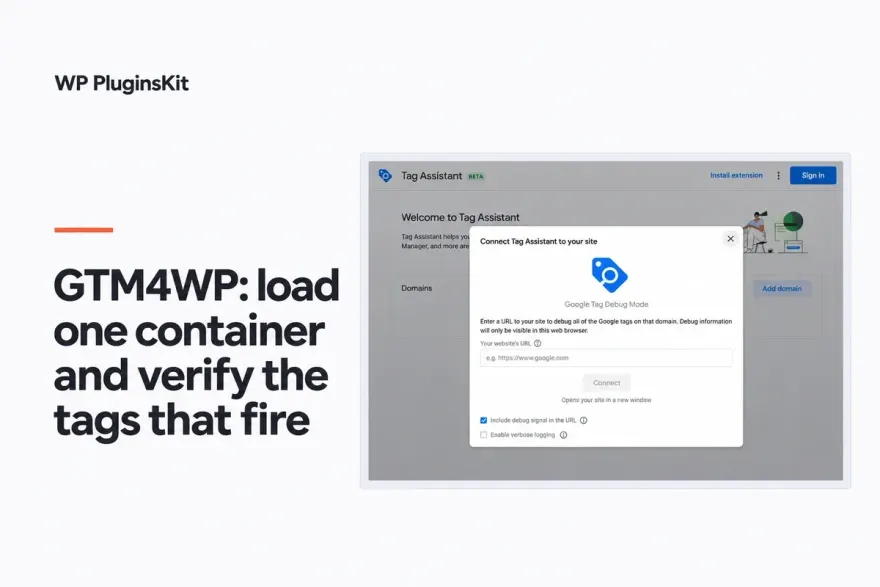
Connect WordPress to a Google Tag Manager container, avoid overlapping code placement and check the tags before trusting the reports.
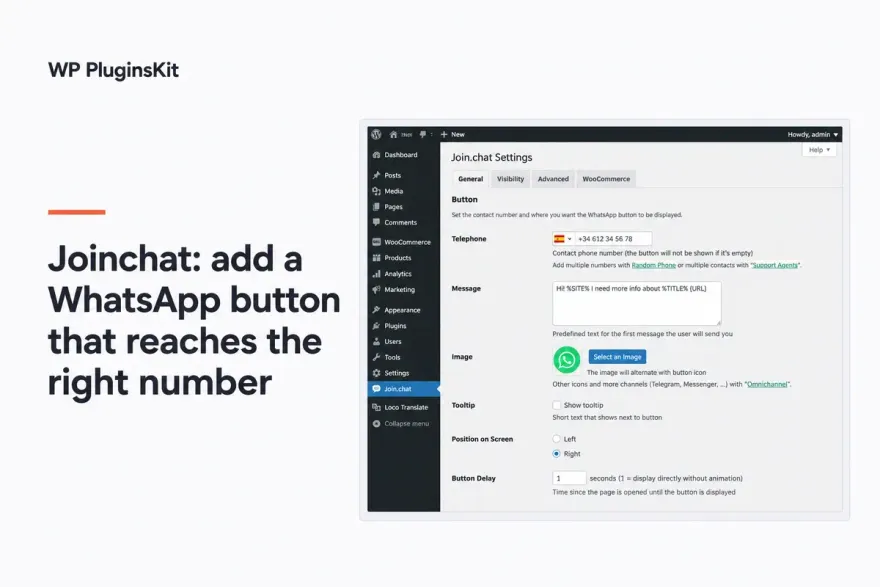
Connect a WordPress page to the right WhatsApp number, keep the first message useful and check the visitor route on mobile and desktop.
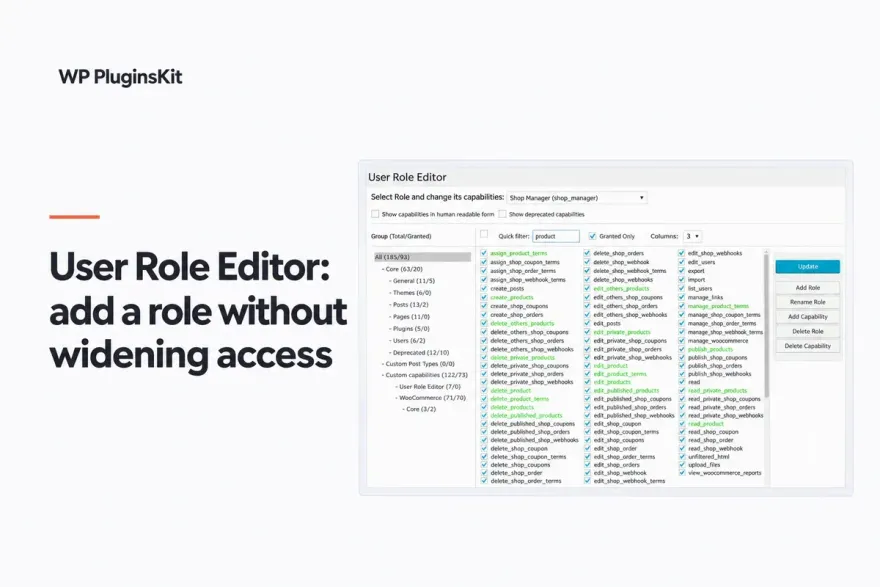
Copy a suitable role, change only the needed capabilities and verify both allowed and blocked actions with a separate account.
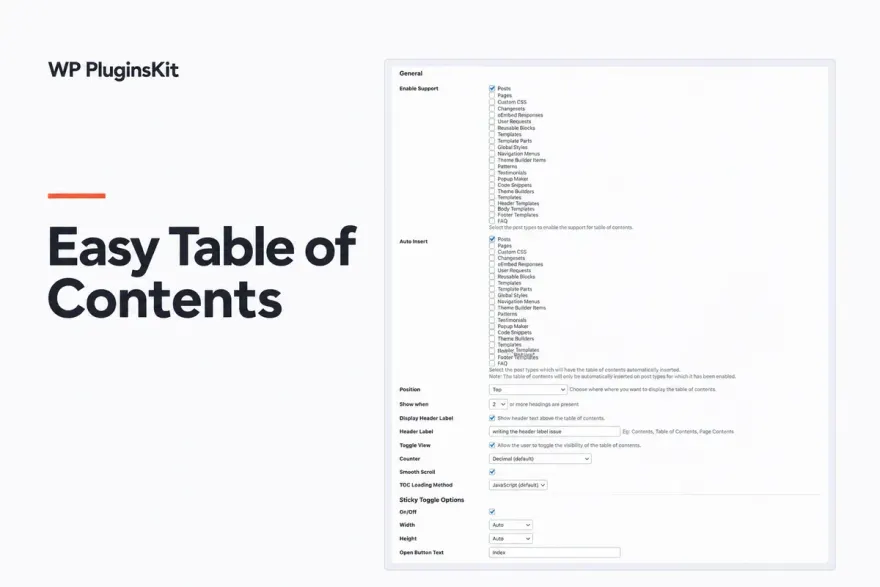
Build a useful outline from article headings, choose one insertion route and check section links on desktop and phone.
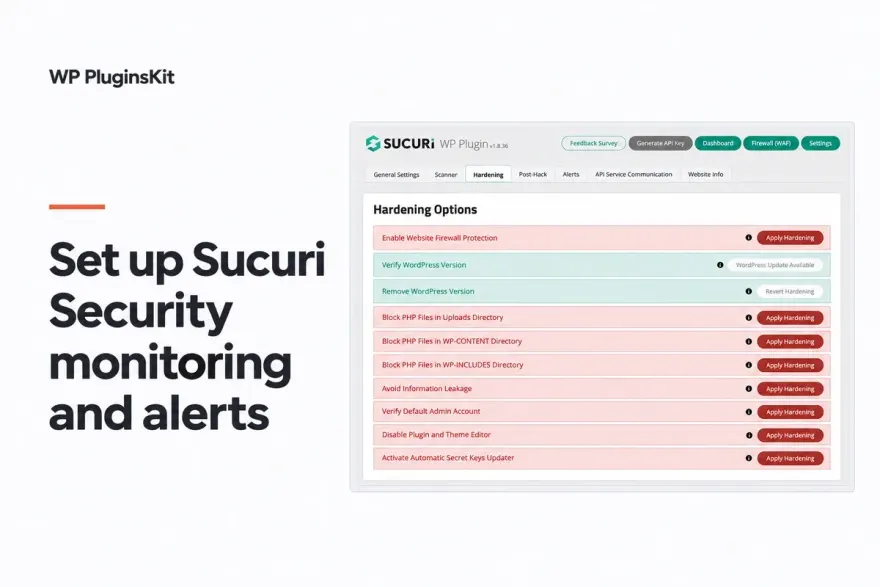
Set up useful security alerts, read core file warnings and understand what the free Sucuri plugin does before connecting a paid firewall.
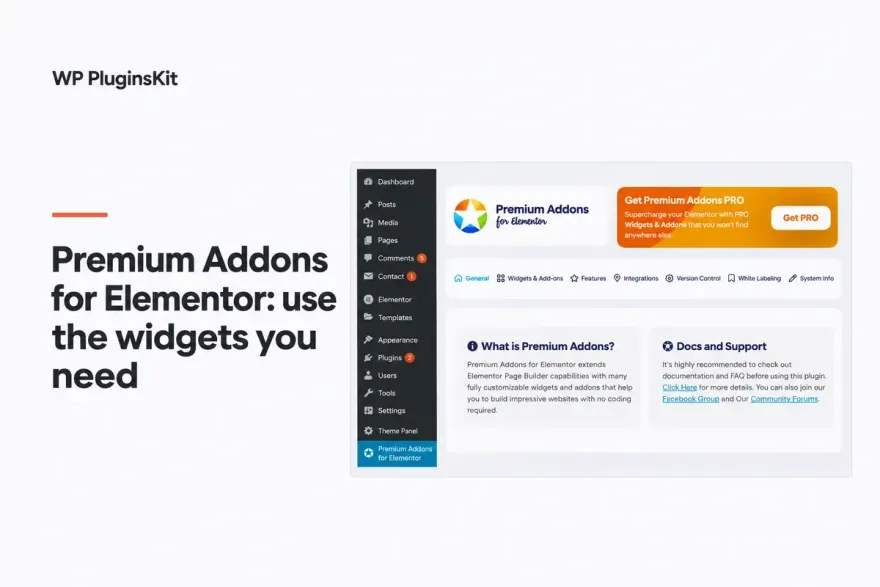
Extend Elementor with a focused widget selection, build a useful Blog grid, and keep template imports and generated assets under control.
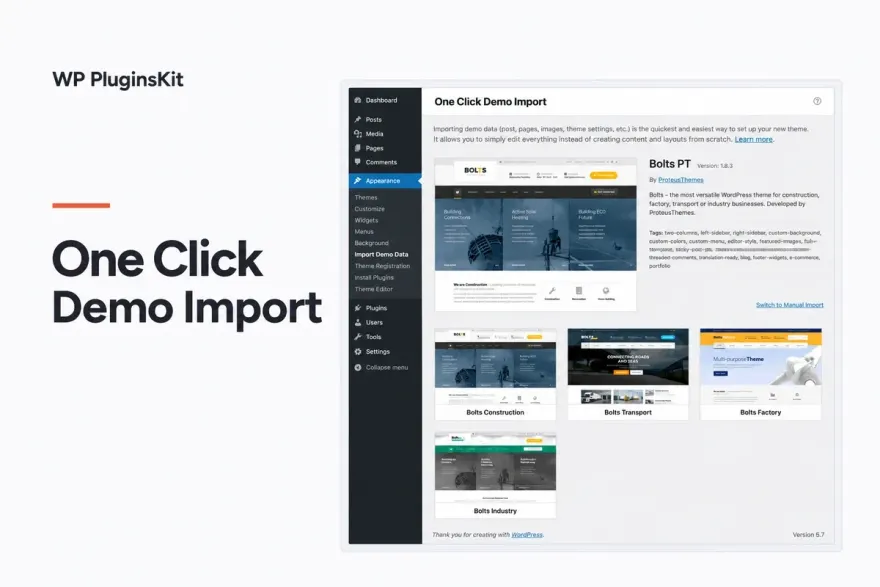
Import a compatible theme demo, match manual files to the correct panels and check partial imports before retrying.
No matches this time Try a shorter name or another category.
Clear search and filters Browse the entries below. Search and filters are available when JavaScript is enabled.