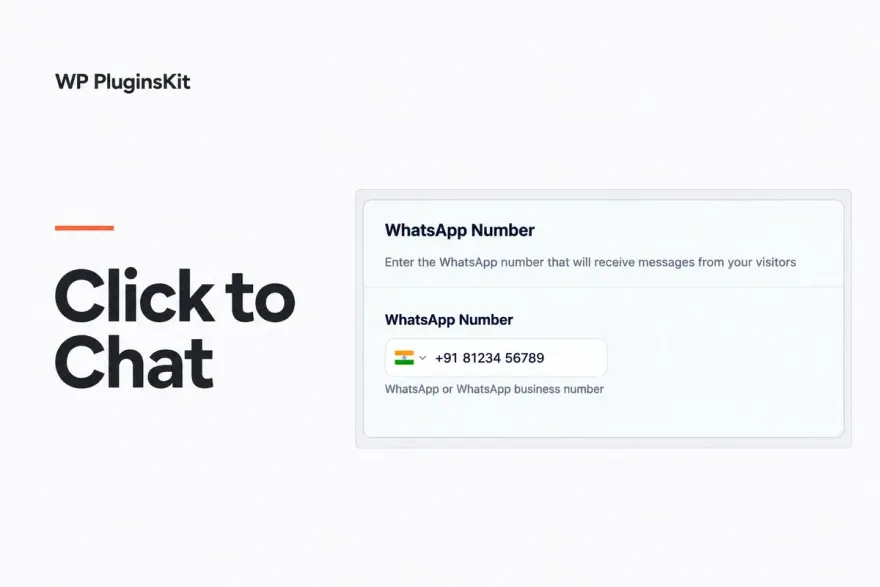
Add a WhatsApp button with the right number and message, then check page overrides, device behavior and analytics.
Web developer · Creator of WP PluginsKit
I'm Eric Bennett, a 33-year-old web developer and the creator of WP PluginsKit. I build most of my websites with WordPress. Its flexibility makes it a useful foundation for many projects, but getting started can be confusing, especially when you're faced with thousands of themes and plugins.
That's why I created this catalog. I want to help new WordPress users find tools that fit their needs and feel more confident about building their websites. Choosing a theme or adding a feature should come with a clear understanding of the options.
WP PluginsKit is also for experienced developers. Even familiar tasks can benefit from a different approach, and a useful plugin or a thoughtfully designed theme can suggest a solution you hadn't considered. My aim is to make this a practical place to find those possibilities, whether you're building your first site or working on your next project.
Add a WhatsApp button with the right number and message, then check page overrides, device behavior and analytics.
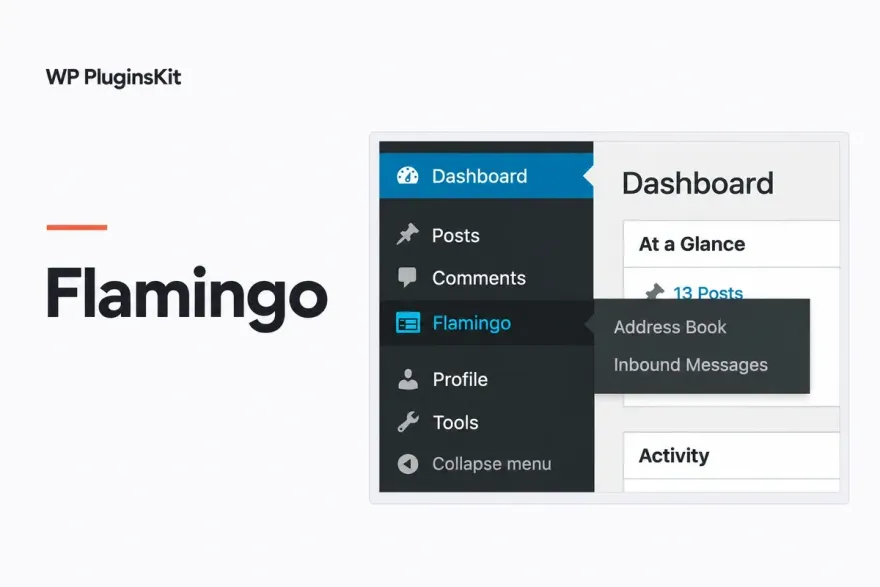
Save CF7 messages locally, check custom field mappings and protect the archive during everyday maintenance.
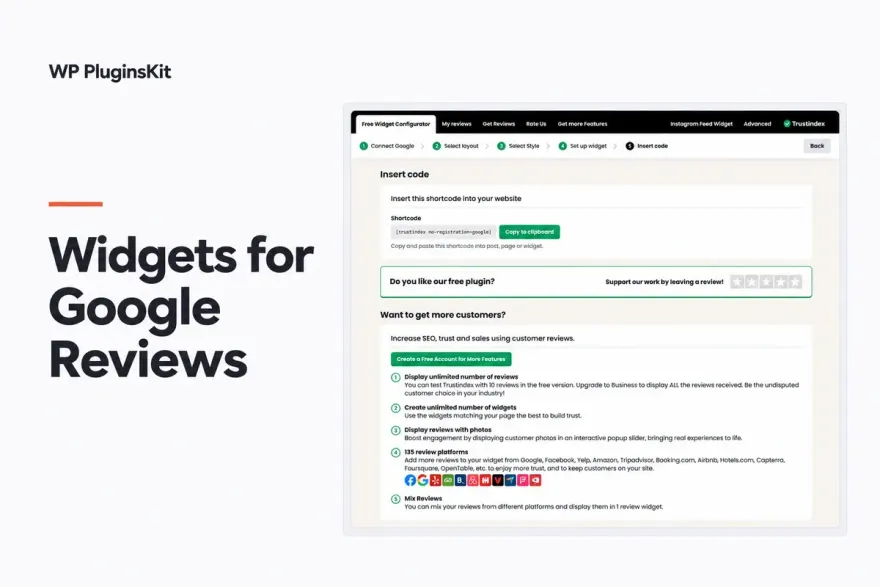
Display Google Business Profile reviews with the free Trustindex plugin, choose sensible filters and keep its limits separate from the cloud service.
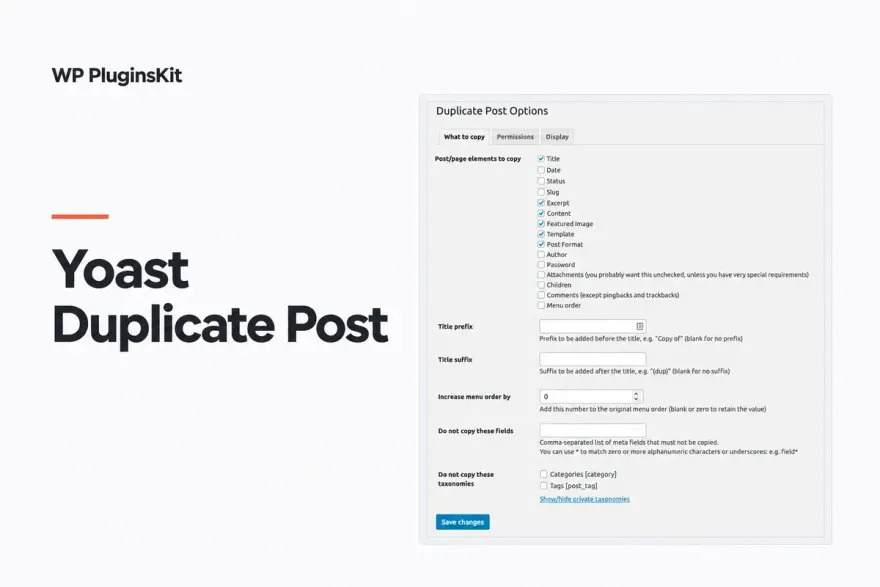
Choose an independent copy or a working revision, then check fields, permissions and the original page before publishing.
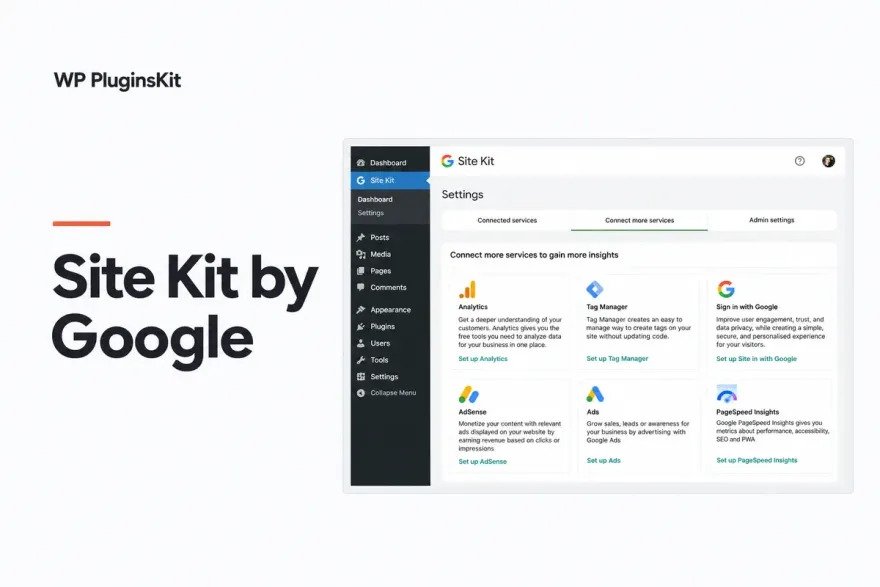
Connect Google reports to WordPress, select the correct Analytics property and check existing tags before adding code.
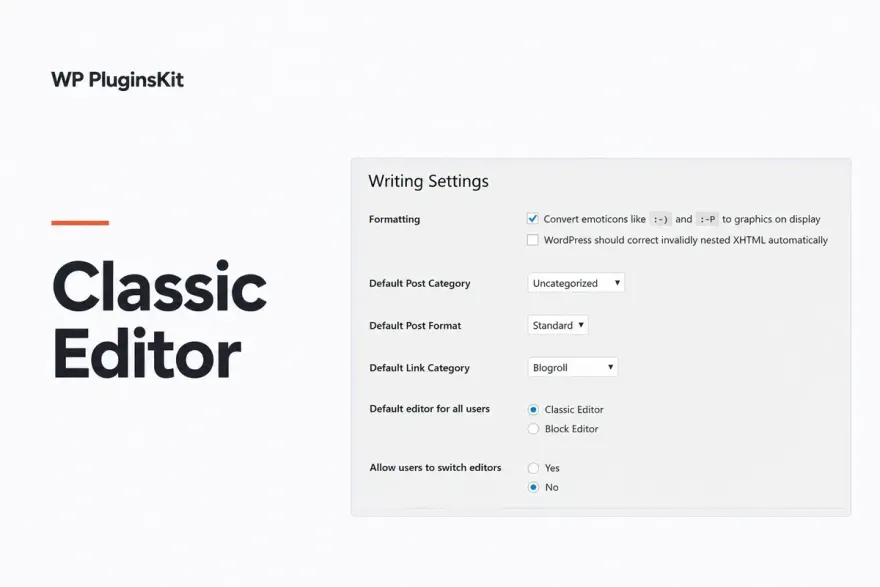
Restore the classic Edit Post screen, set the default editor and decide whether users can switch between editors.
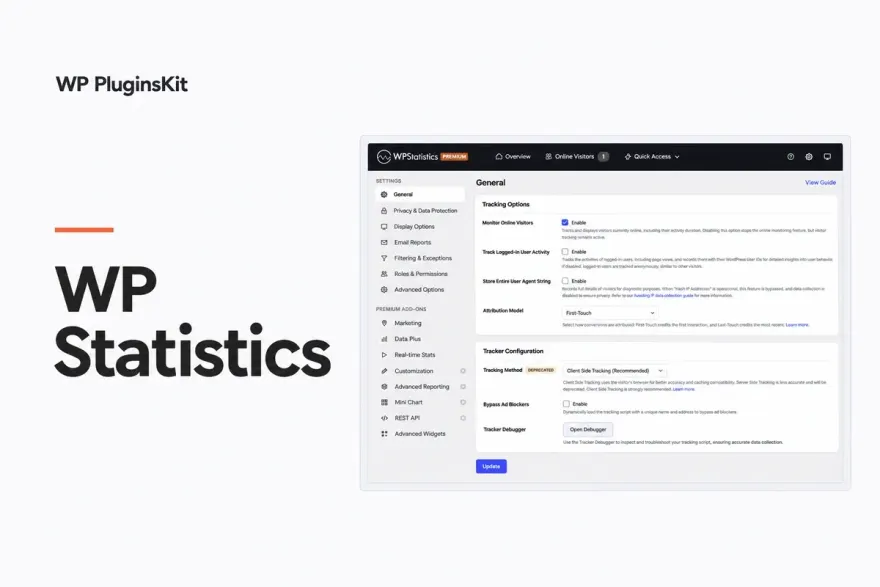
Collect local WordPress traffic data, exclude your own work and confirm tracking before trusting the reports.
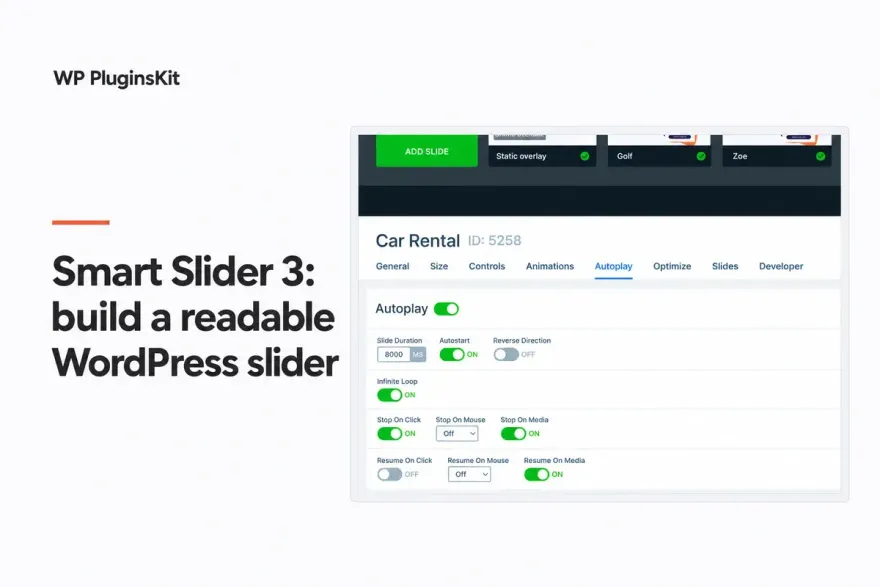
Create a Simple slider, keep mobile text readable and verify motion, publishing and loading before using it on your main page.
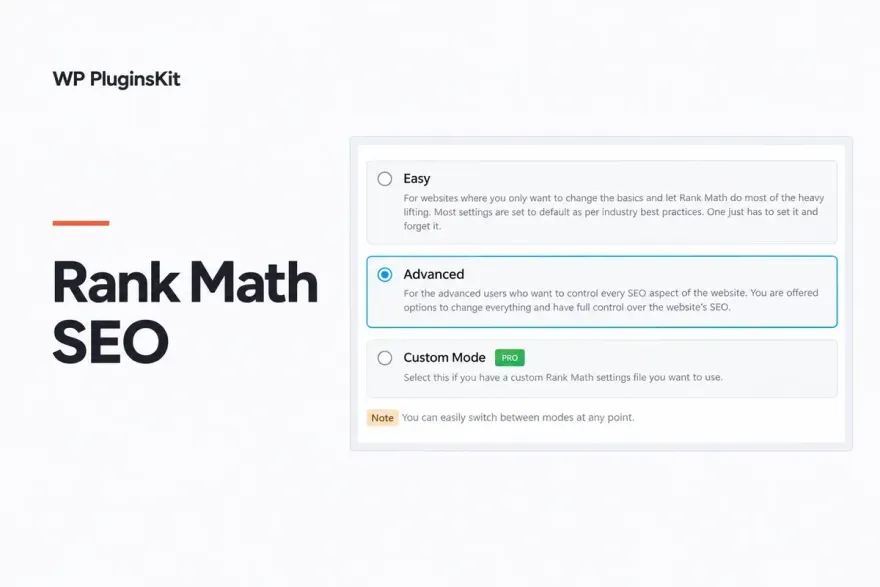
Configure Rank Math, preserve existing SEO metadata and verify the output before relying on the setup wizard.
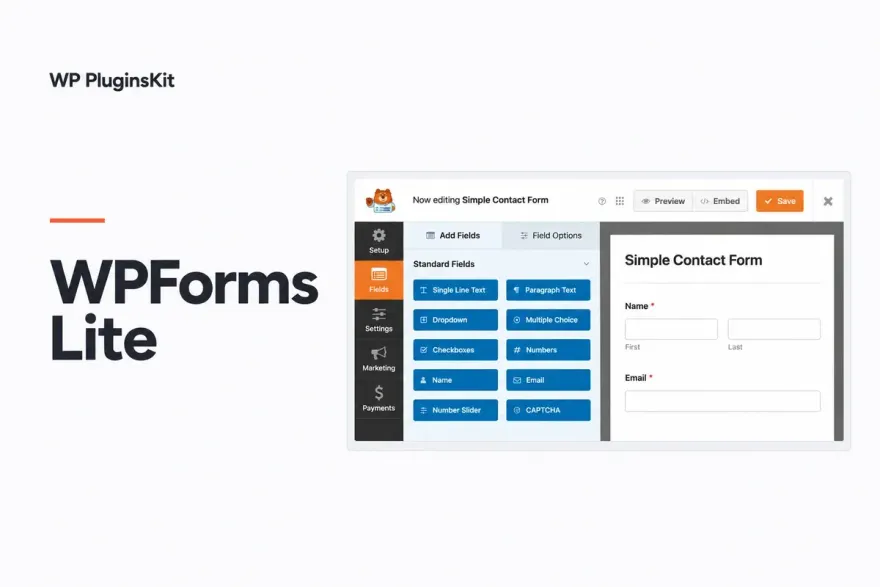
Build a basic contact form visually, configure its notification and check delivery, with a clear explanation of Lite's entry-storage limits.
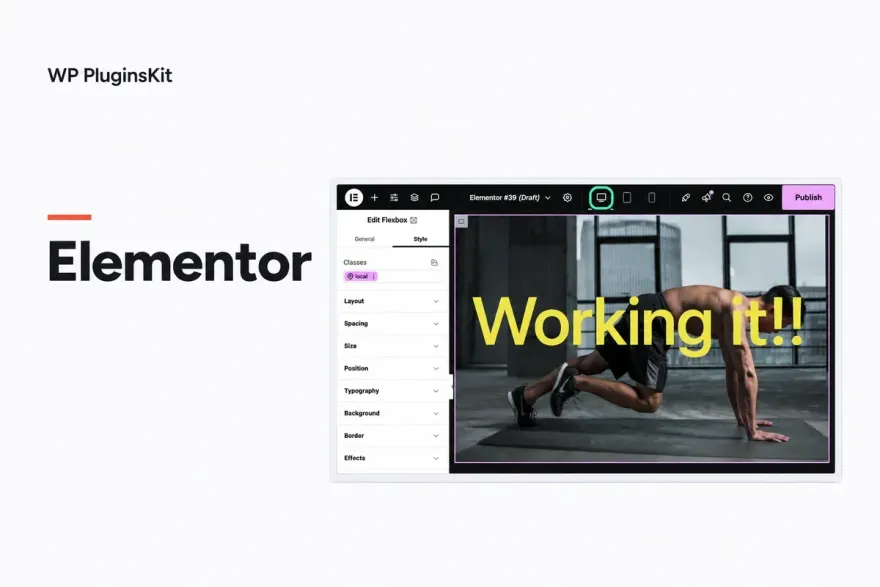
Arrange a page visually, choose a layout and check responsive styles with the free Elementor plugin.
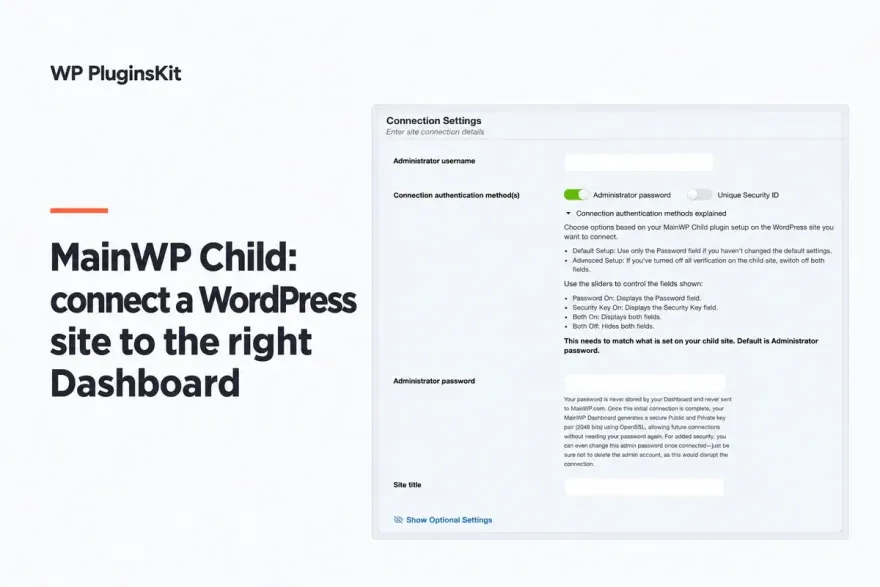
Set up the managed-site connector, keep connection authentication intact and confirm the Dashboard is reading the right WordPress site.