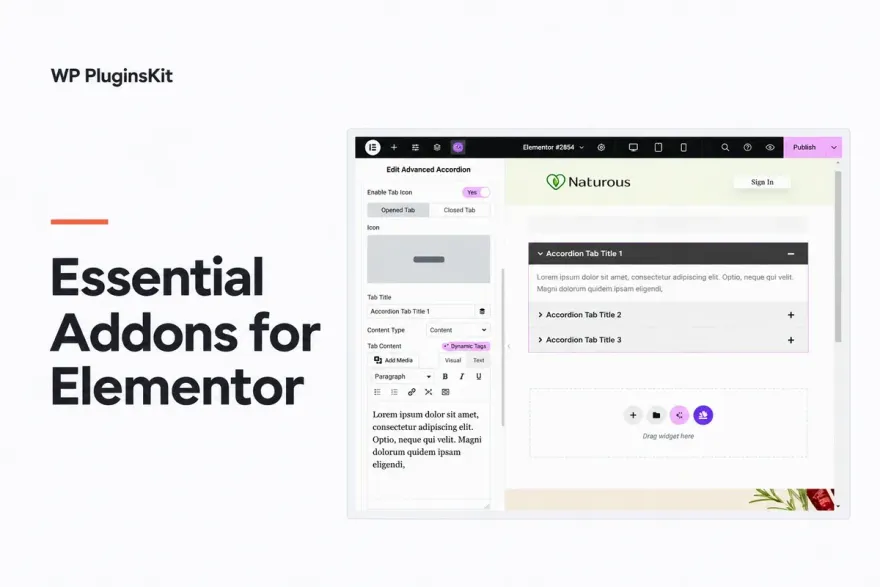
Add a specific missing Elementor widget, keep unused elements off and check the finished page before adding another addon pack.
Web developer · Creator of WP PluginsKit
I'm Eric Bennett, a 33-year-old web developer and the creator of WP PluginsKit. I build most of my websites with WordPress. Its flexibility makes it a useful foundation for many projects, but getting started can be confusing, especially when you're faced with thousands of themes and plugins.
That's why I created this catalog. I want to help new WordPress users find tools that fit their needs and feel more confident about building their websites. Choosing a theme or adding a feature should come with a clear understanding of the options.
WP PluginsKit is also for experienced developers. Even familiar tasks can benefit from a different approach, and a useful plugin or a thoughtfully designed theme can suggest a solution you hadn't considered. My aim is to make this a practical place to find those possibilities, whether you're building your first site or working on your next project.
Add a specific missing Elementor widget, keep unused elements off and check the finished page before adding another addon pack.
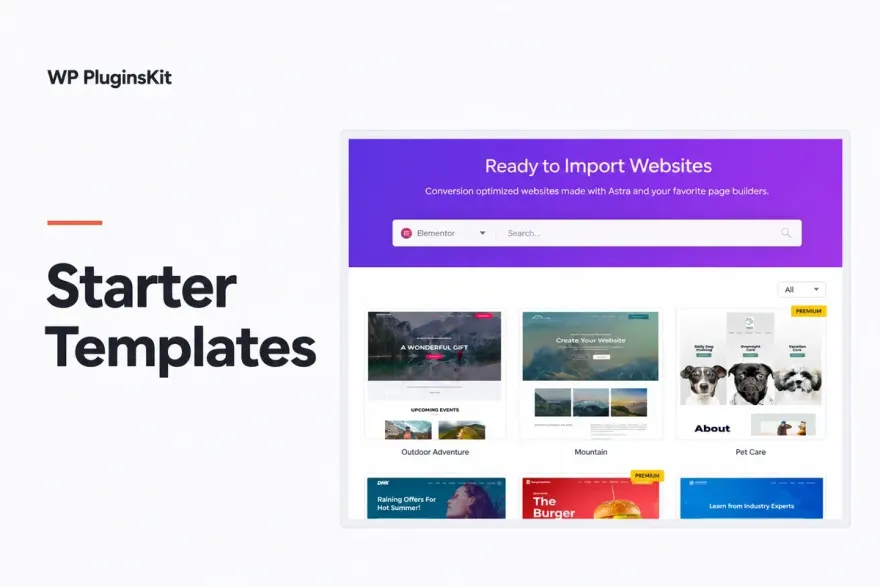
Choose a ready-made WordPress design, import only the scope you need, and check the result before replacing a live site.
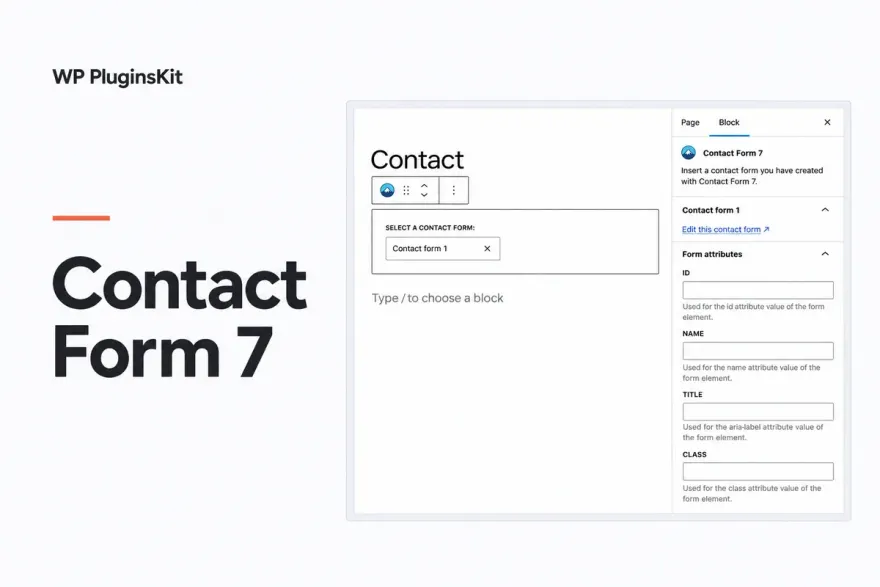
Create a contact form, configure its notification email and select the saved form in the WordPress block editor.
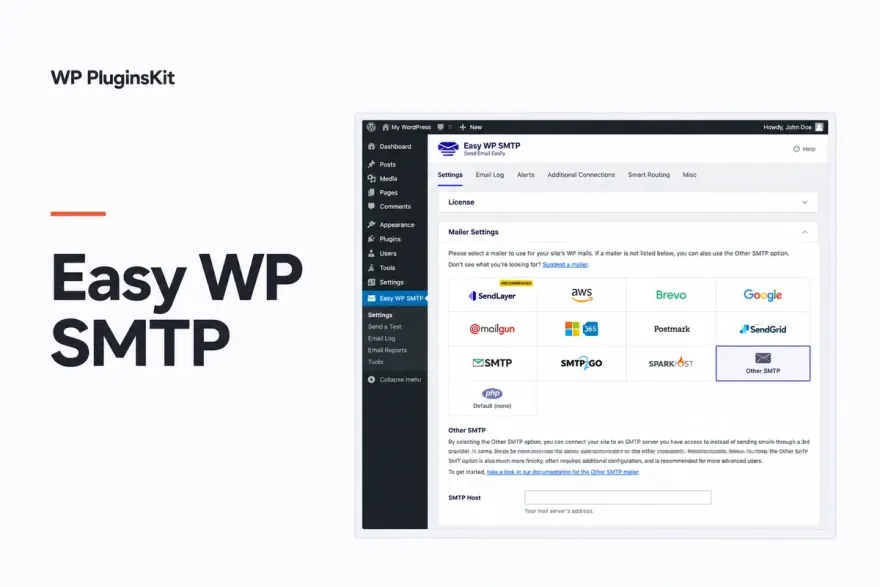
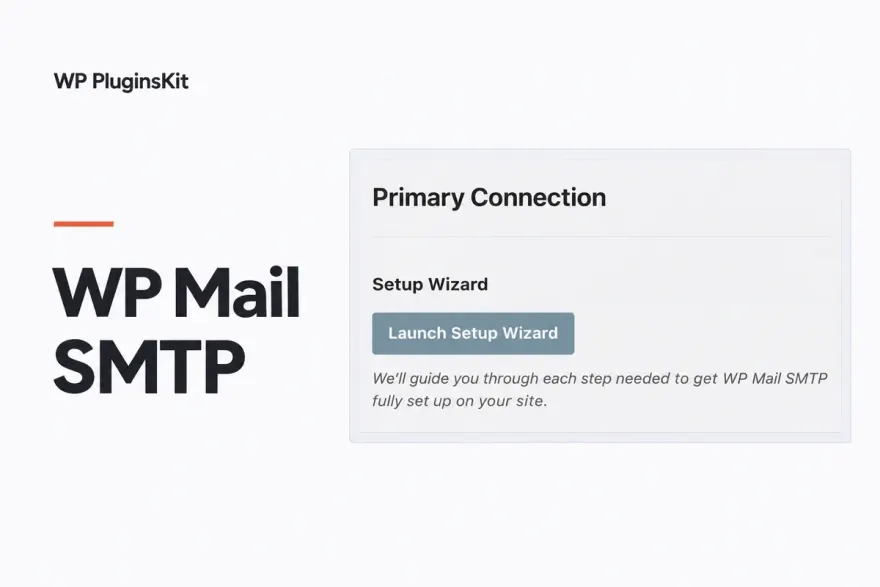
Connect a mail service or SMTP server, check test-mail receipt, and isolate missing WordPress form notifications.
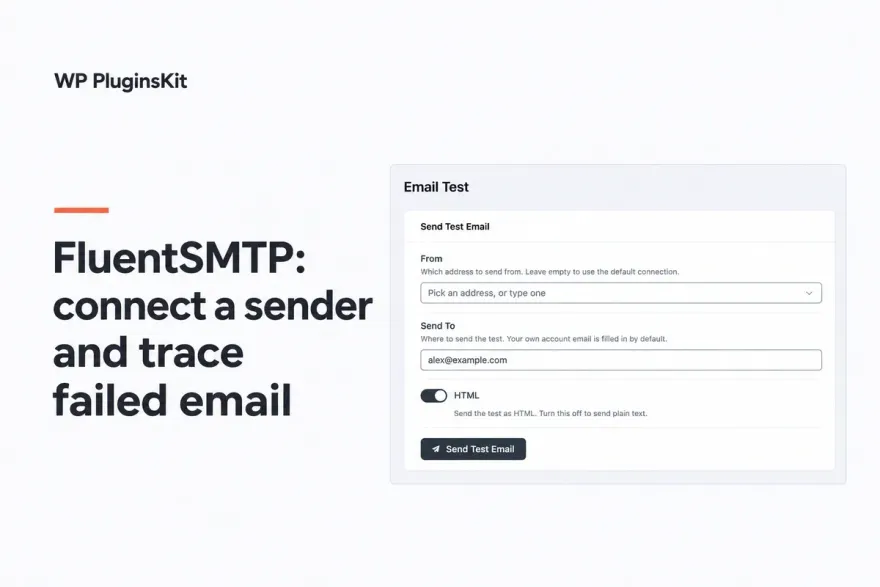
Connect a verified sender, check a real notification and use FluentSMTP logs to separate connection failures from inbox problems.
Configure a WordPress email connection, protect its credentials and verify that the notifications your site needs reach the intended inbox.
WordPress Multisite shares installed themes, while each site selects one active theme. Separate network availability from site activation.
Install a WordPress theme from the directory or a developer ZIP, preview your own content, and check the site before activation.
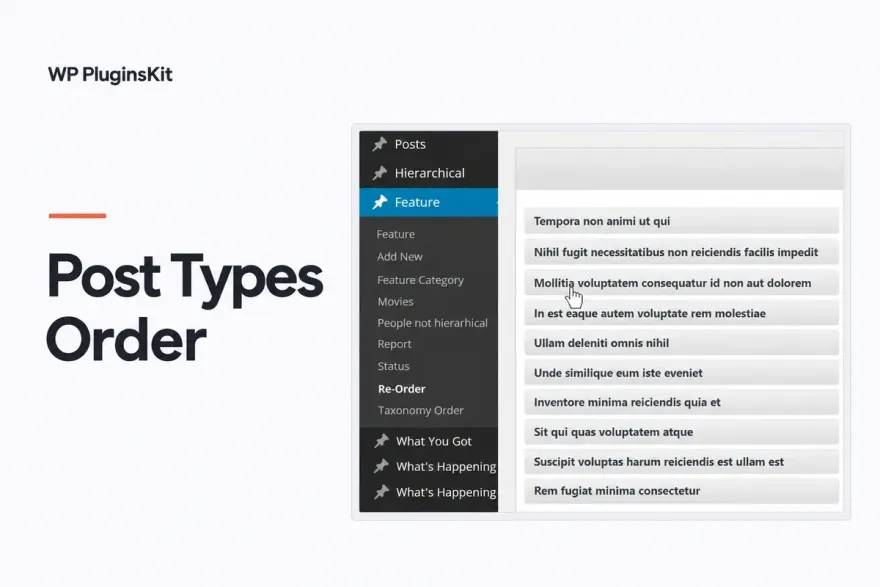
Reorder posts, verify the saved sequence and diagnose front-end queries without confusing free and Advanced features.
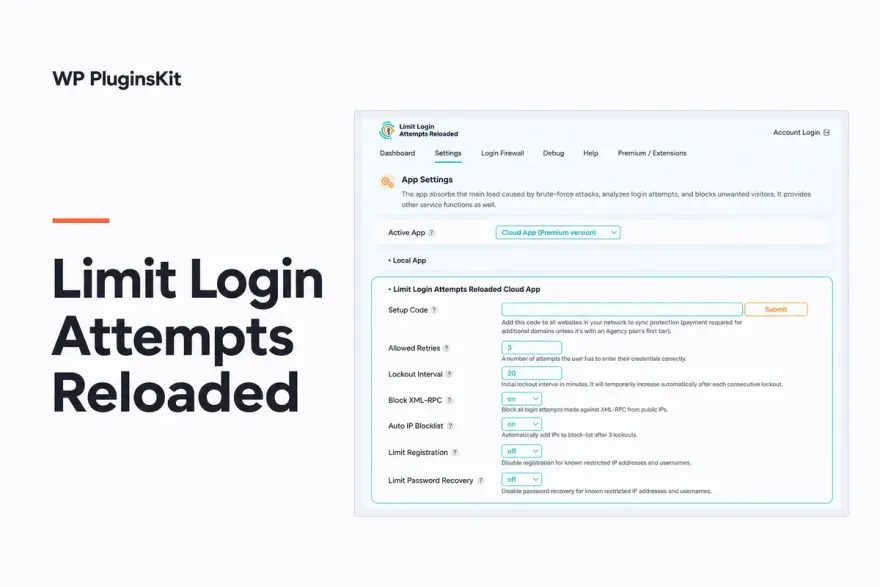
Configure login limits and email 2FA while keeping legitimate access and recovery usable.
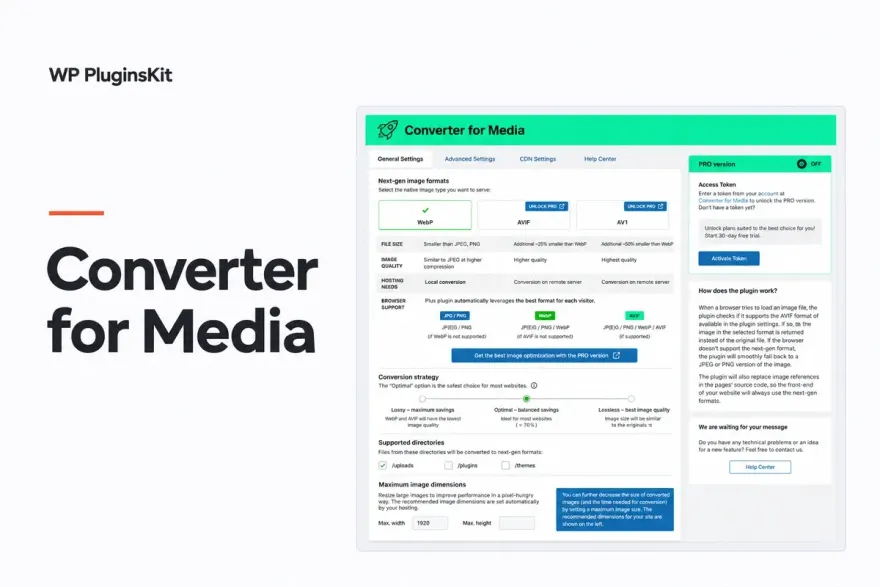
Convert a WordPress media library to WebP, keep the originals and check the format visitors actually receive.
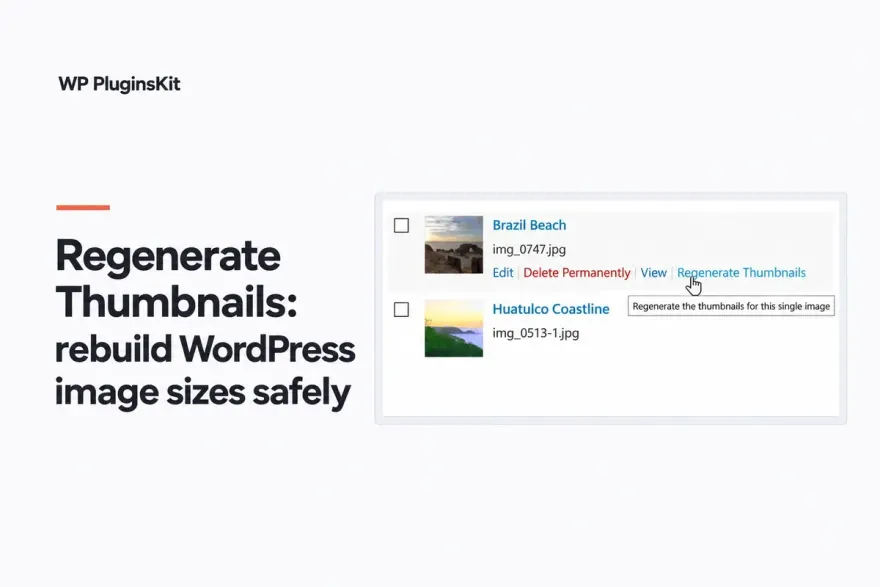
Create the image sizes your current theme needs, verify one attachment first, and keep old image links working.