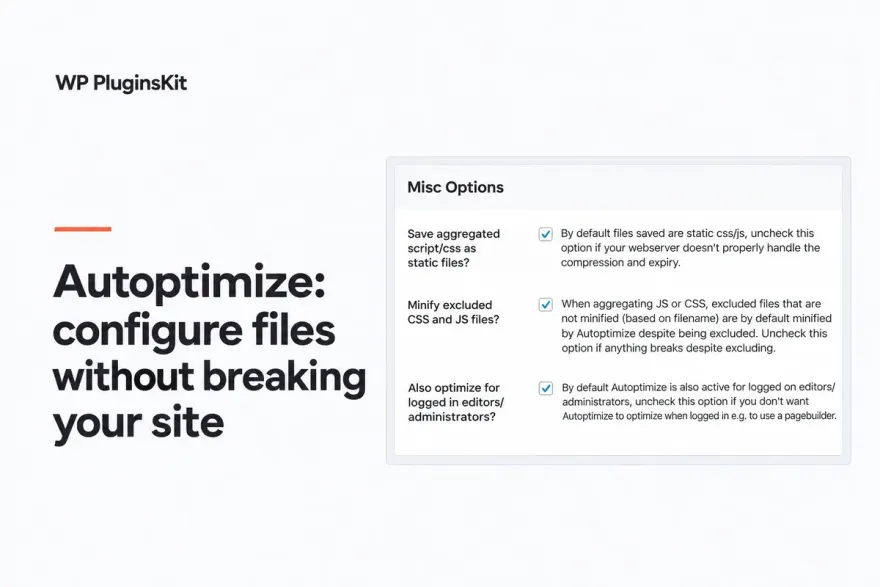
Set up Autoptimize, choose one owner for file optimization and verify menus, forms and cached pages before keeping a change.
Browse WordPress performance tools for optimization, page caching and related services. Compare hosting dependencies, server-cache requirements and setting risks so site owners can choose a compatible path and check important pages after changes.
Set up Autoptimize, choose one owner for file optimization and verify menus, forms and cached pages before keeping a change.
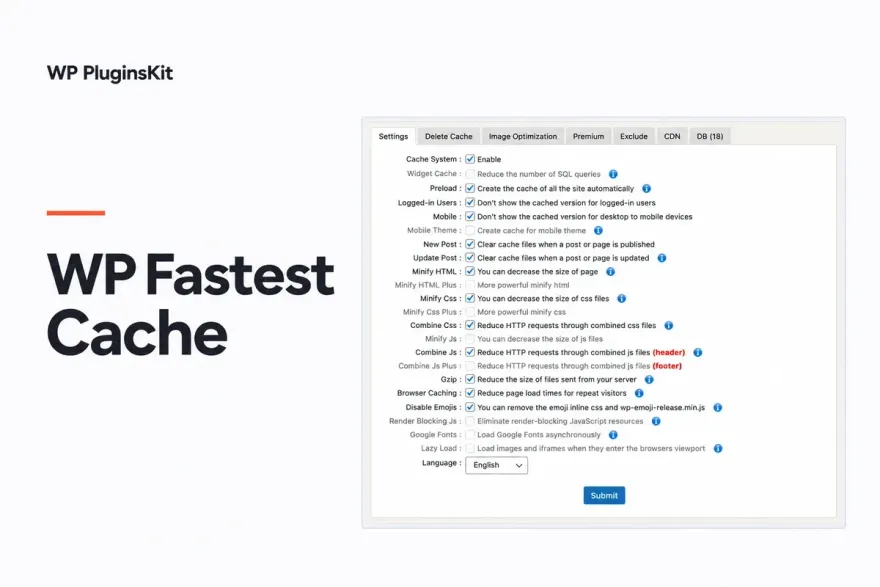
Start with free page caching, protect dynamic pages and check what visitors receive before adding minification or preload.
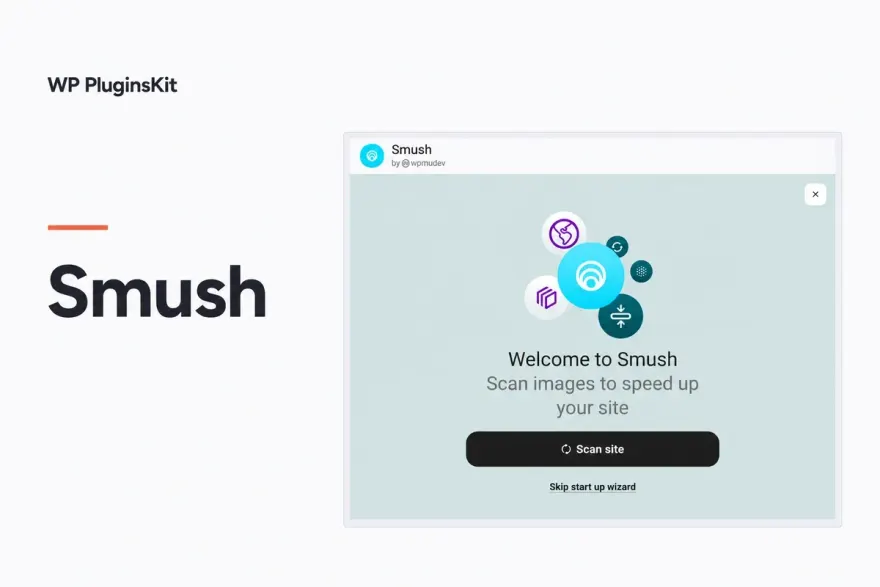
Choose Smush compression and delivery features, optimize a sample before the library, and check the images your pages actually serve.
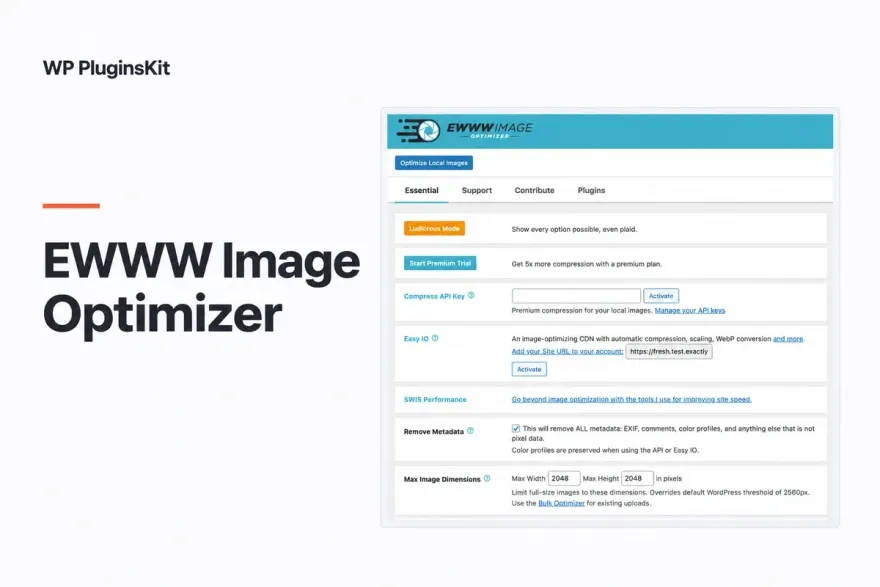
Choose the right EWWW mode, protect original files, and verify that optimized images reach visitors.
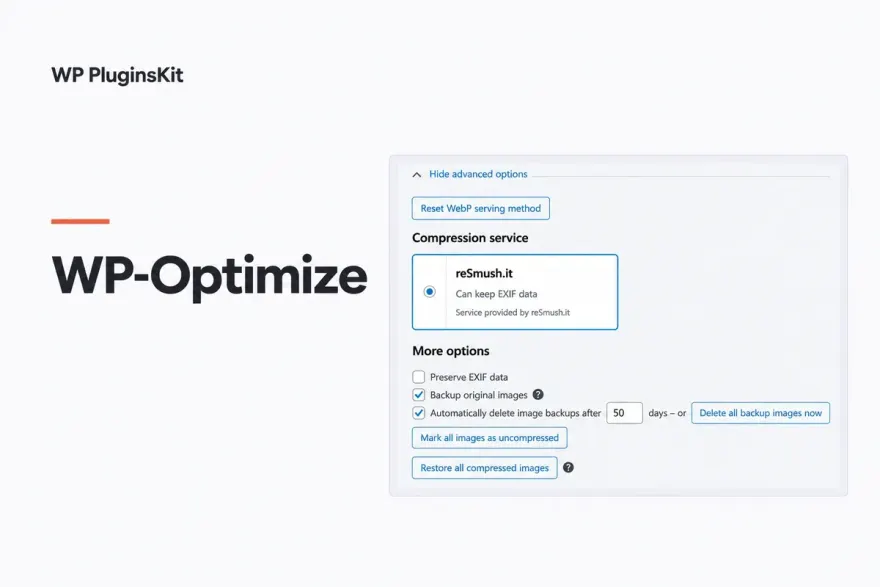
Choose the WP-Optimize modules your site needs, keep one page-cache owner and back up before database or image changes.
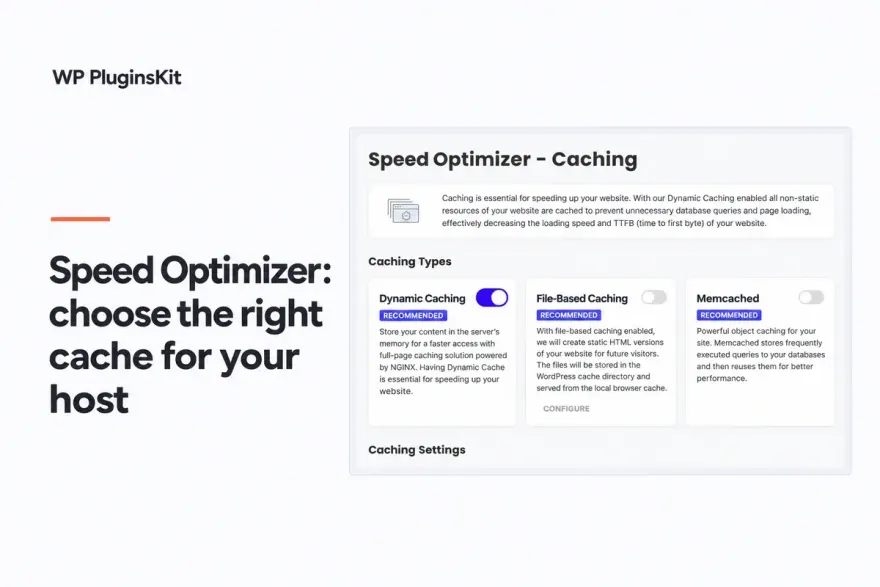
Choose the cache layers your host supports, verify the right pages stay dynamic, and tune assets one change at a time.
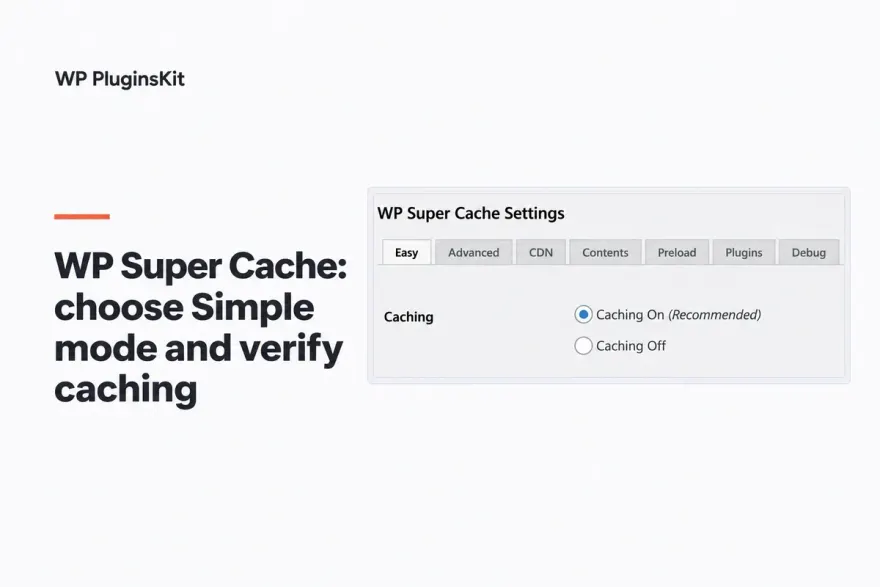
Enable free page caching, choose the right delivery mode and verify that anonymous visitors receive a fresh cached page.
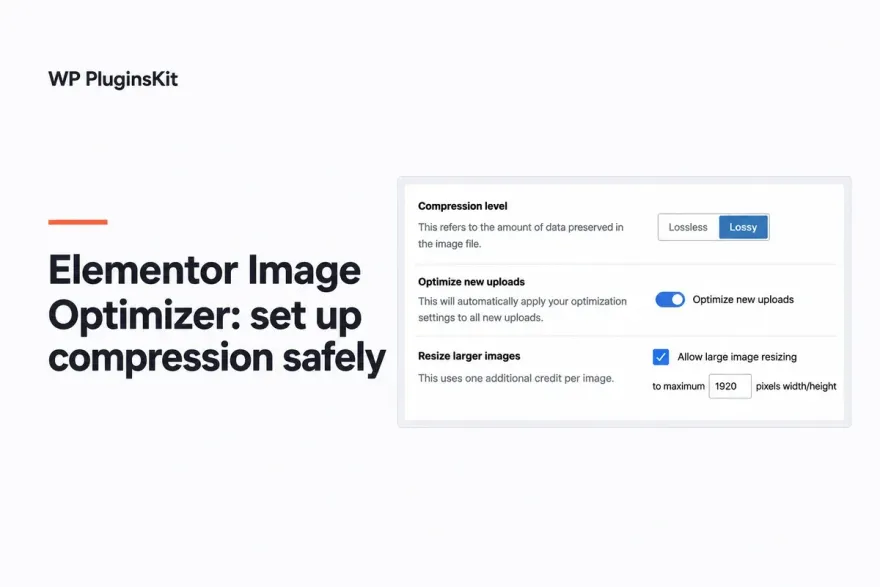
Configure one image processor, check a sample and protect originals before optimizing the rest of your WordPress media library.
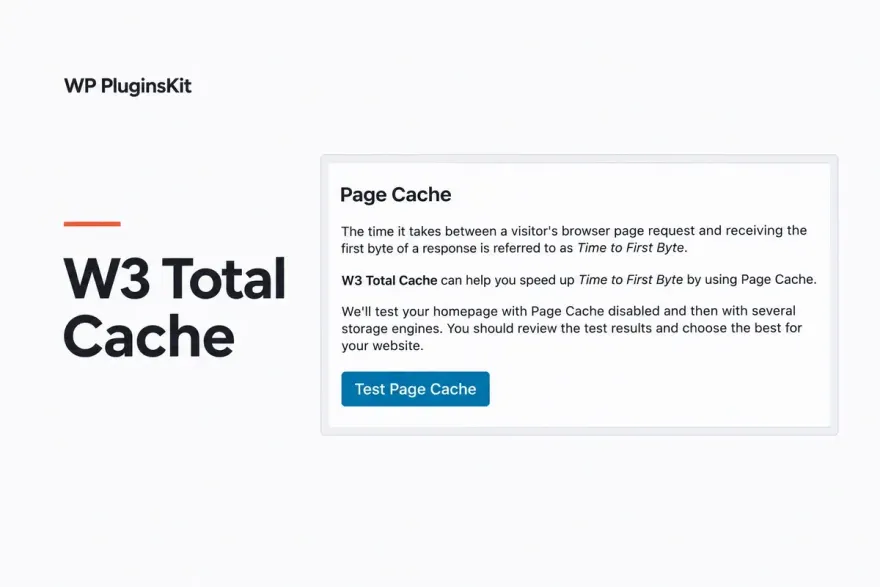
Choose a page-cache method for your server, avoid duplicate optimization and check visitor pages before adding more caching layers.
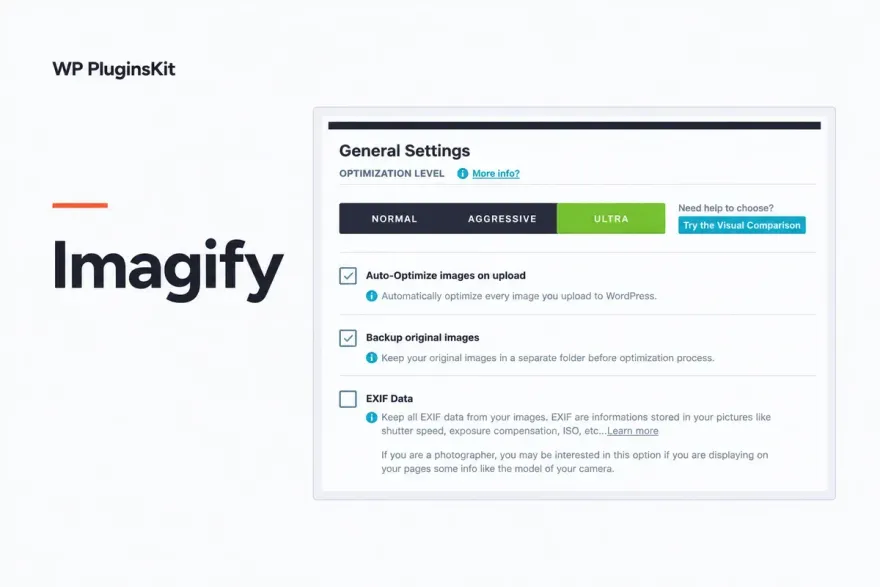
Connect the image service, keep original backups and verify both image quality and the format delivered to visitors before optimizing the whole library.
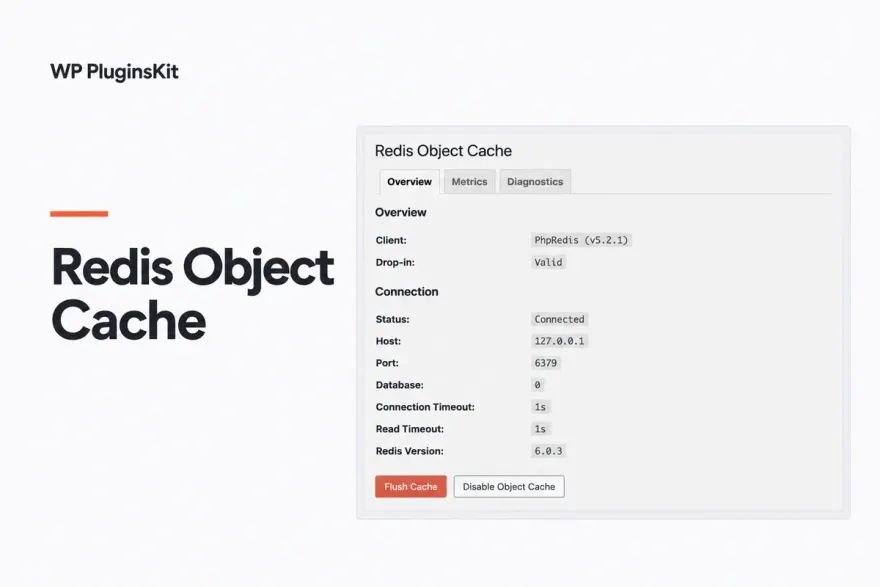
Confirm the Redis service, isolate the cache and check the connection before relying on persistent object caching.
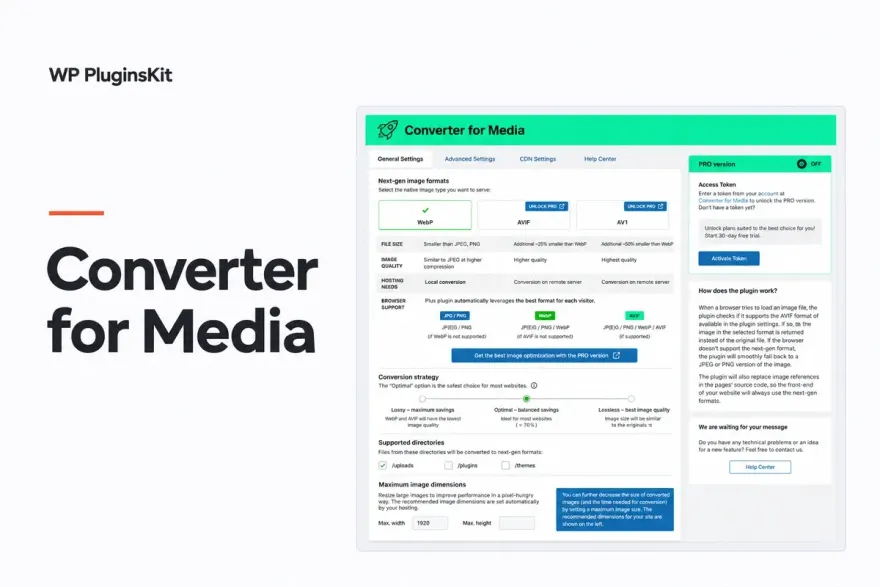
Convert a WordPress media library to WebP, keep the originals and check the format visitors actually receive.