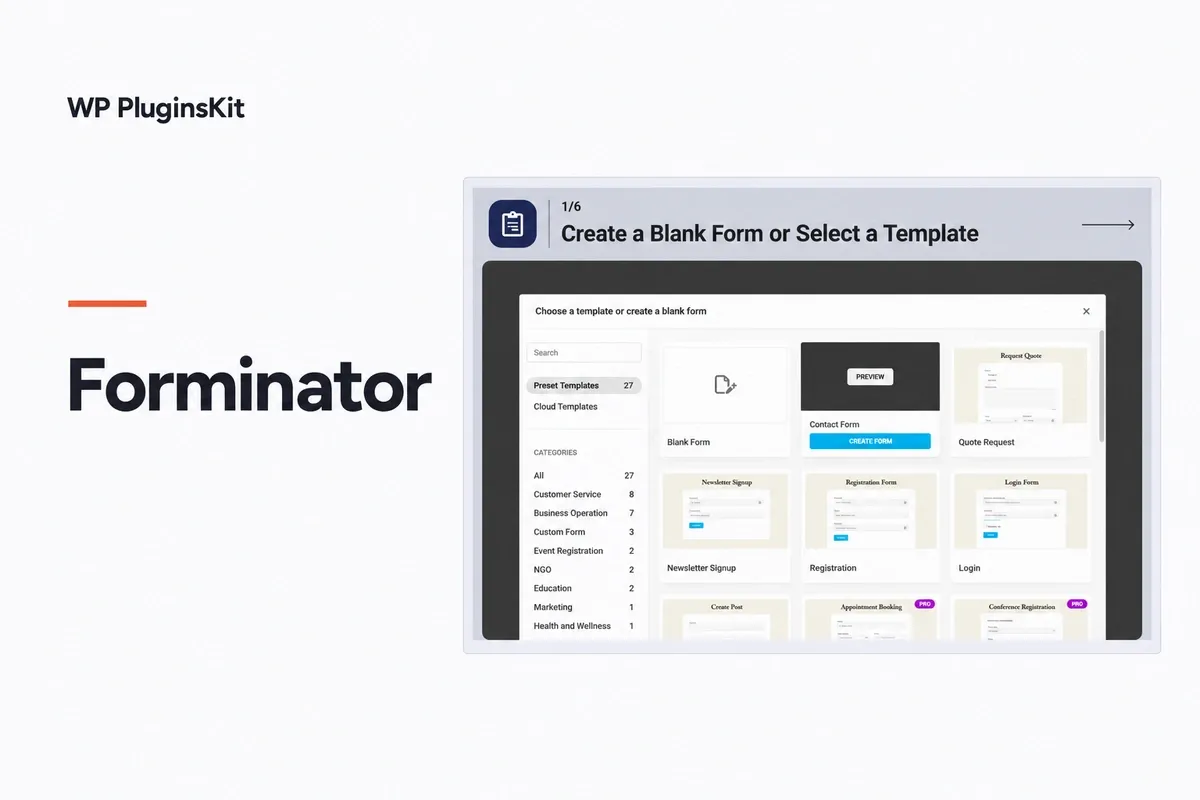
Forminator gives visitors a way to contact you or answer a few questions. Start with a short contact form and add fields only when you need the information.
- Edition
- Free on WordPress.org
- WordPress
- 6.4 or later
- PHP
- 7.4 or later
- Task
- Forms & surveys
A form that looks correct still needs a delivery check. Use a real test address and confirm that the message reaches the intended inbox.
Setup guide
Use an administrator account on a WordPress site that allows plugin installation. Back up an existing site before adding a plugin or changing its settings.
- Follow WordPress's plugin installation steps: open Plugins → Add New Plugin in the WordPress dashboard.
- Search for Forminator and match it with its WordPress.org listing above. Check the required WordPress and PHP versions before continuing.
- Choose Install Now, wait for it to finish, then choose Activate.
- Use the Forminator instructions to create a form. Add the name, email and message fields you need, then set the notification recipient.
- Publish the form and place it on a page using the Forminator block or the form’s shortcode. Update that page.

Open the page while signed out and send a test message. Check the recipient inbox and the form’s submission list before sharing the page.