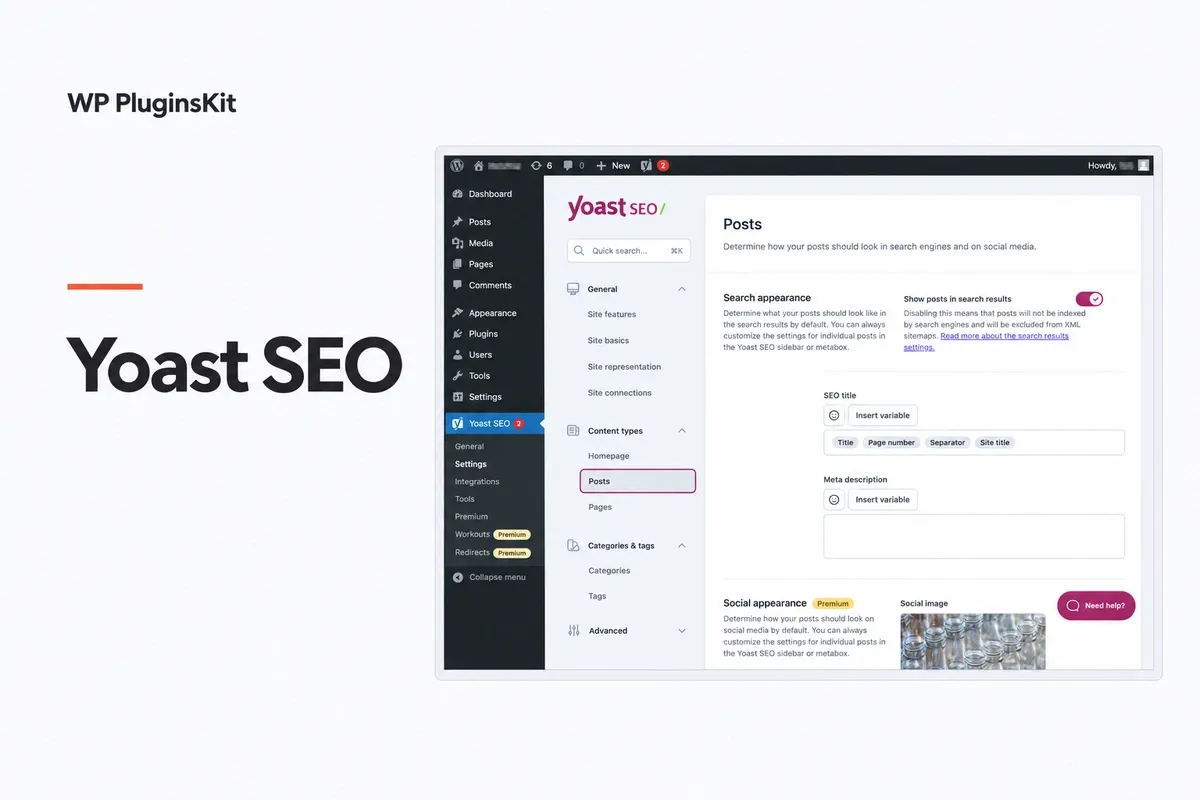
Use Yoast SEO when you need control over how pages are described to search engines. The free plugin includes SEO and readability feedback as you work on a post.
- Edition
- Free on WordPress.org
- WordPress
- 7.0 or later
- PHP
- 7.4 or later
- Task
- Search & SEO
A green analysis indicator is a writing prompt, not a promise of rankings. Keep the title and description accurate, and avoid running a second plugin for the same SEO settings.
Setup guide
Use an administrator account on a WordPress site that allows plugin installation. Back up an existing site before adding a plugin or changing its settings.
- Follow WordPress's plugin installation steps: open Plugins → Add New Plugin in the WordPress dashboard.
- Search for Yoast SEO and match it with its WordPress.org listing above. Check the required WordPress and PHP versions before continuing.
- Choose Install Now, wait for it to finish, then choose Activate.
- Follow the Yoast SEO instructions to complete the first-time configuration with the details of your site.
- Edit a post, review its search title and description, and save the changes. Keep the wording useful to someone choosing a search result.
Open the post again and confirm the title and description are saved. Review the plugin’s sitemap setting before submitting your site to a search engine.