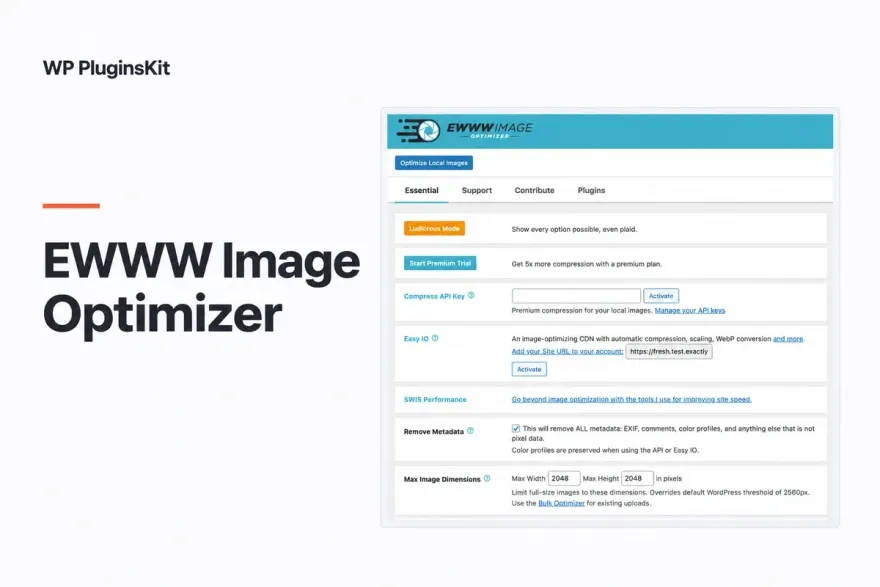
Choose the right EWWW mode, protect original files, and verify that optimized images reach visitors.
Performance
Visit official site: EWWW Image Optimizer

Choose the right EWWW mode, protect original files, and verify that optimized images reach visitors.
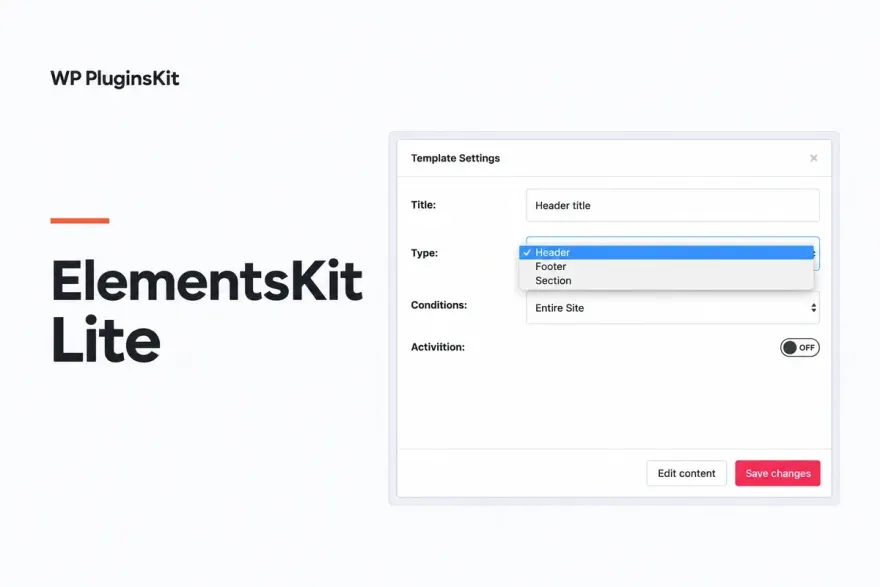
Add selected Elementor widgets or build a header with ElementsKit Lite, while keeping edition limits and existing layouts under control.
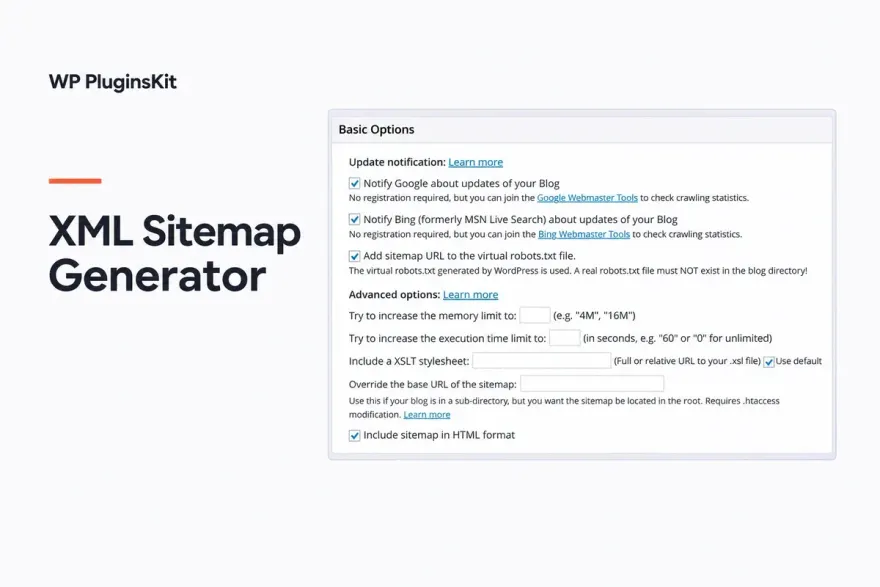
Choose one sitemap generator, include the right public pages and verify that Google can read your sitemap index.
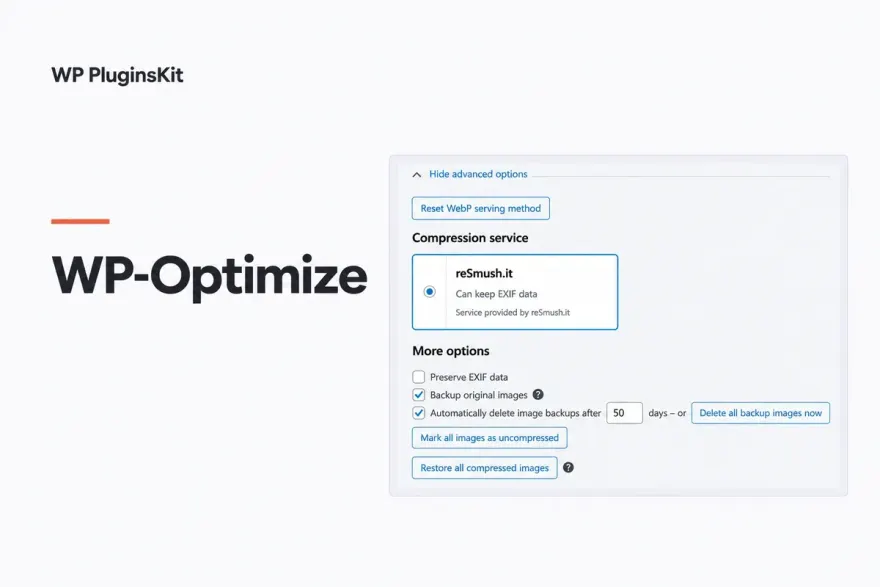
Choose the WP-Optimize modules your site needs, keep one page-cache owner and back up before database or image changes.
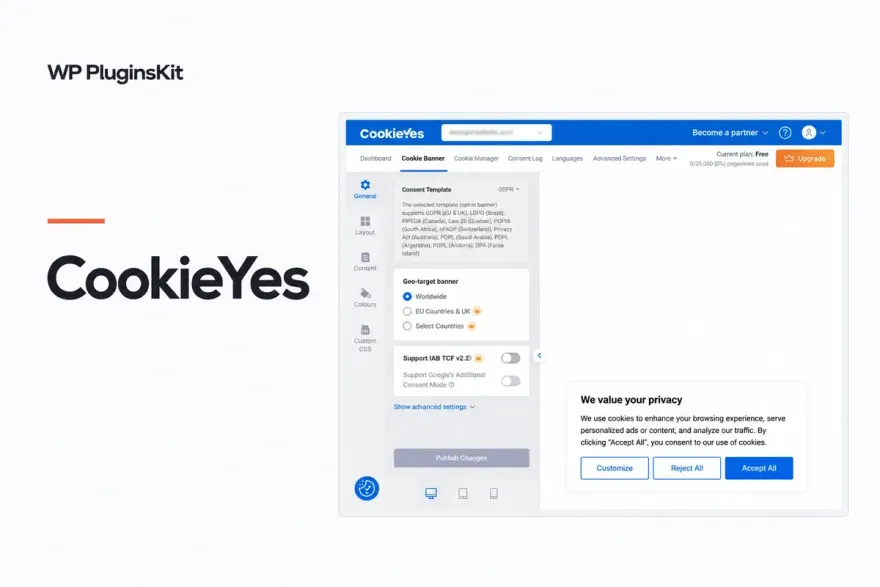
Choose the right CookieYes mode, configure actual script blocking and check each visitor choice before treating the banner as finished.
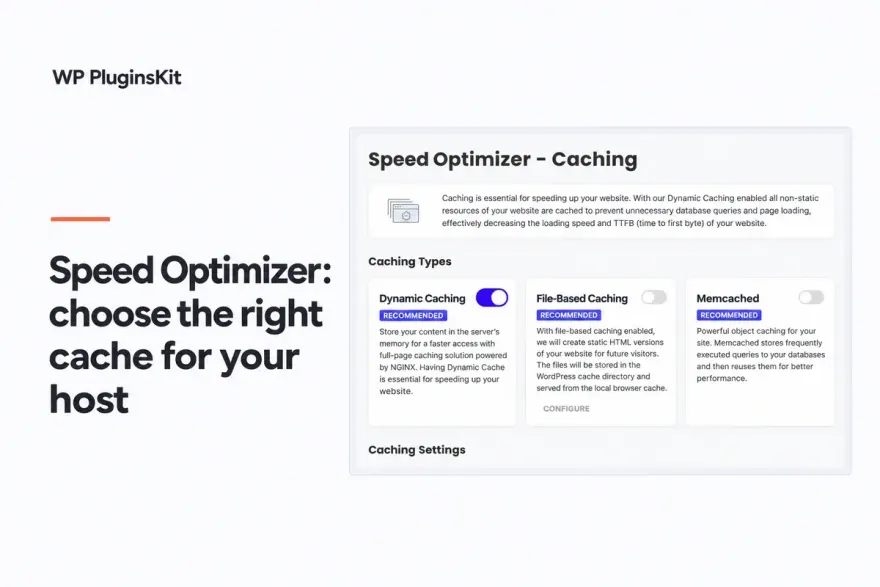
Choose the cache layers your host supports, verify the right pages stay dynamic, and tune assets one change at a time.
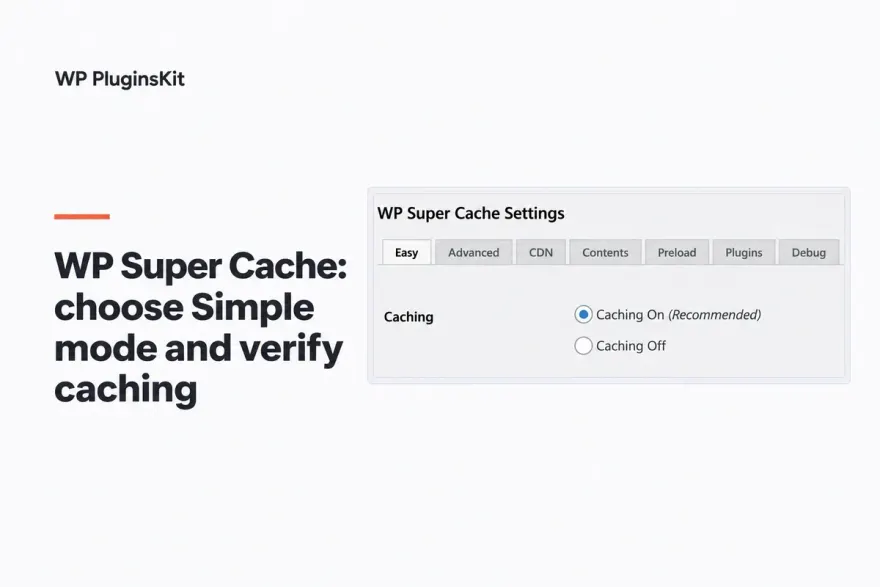
Enable free page caching, choose the right delivery mode and verify that anonymous visitors receive a fresh cached page.
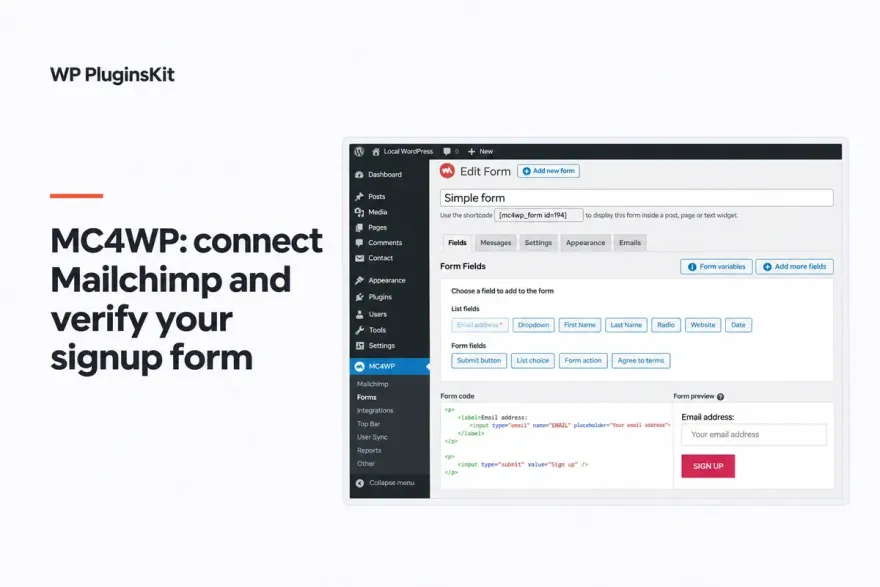
Connect your WordPress signup form to the right Mailchimp audience and verify confirmation, fields and consent.
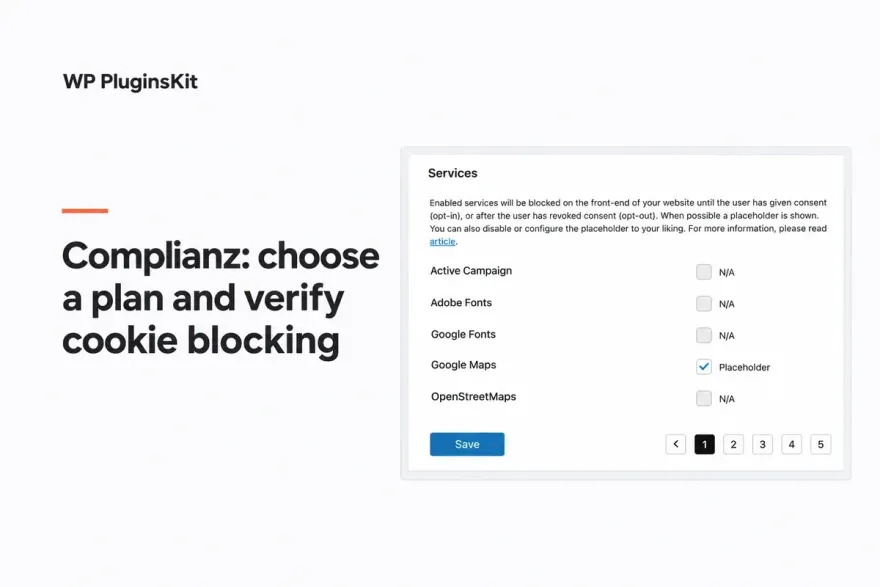
Choose free or Premium Complianz, configure your services and verify cookie blocking before relying on the banner.
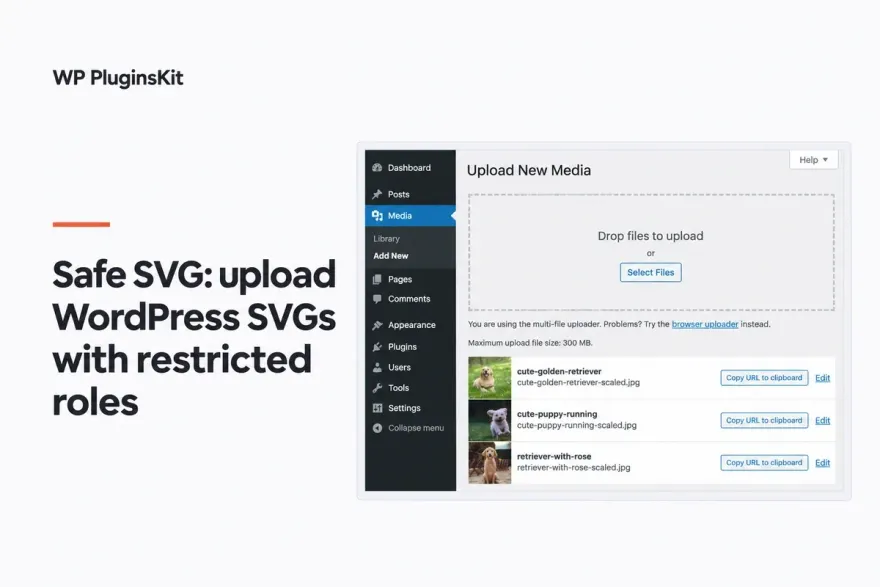
Enable SVG uploads for approved roles, check the saved artwork and keep sanitization separate from compression and inline styling.
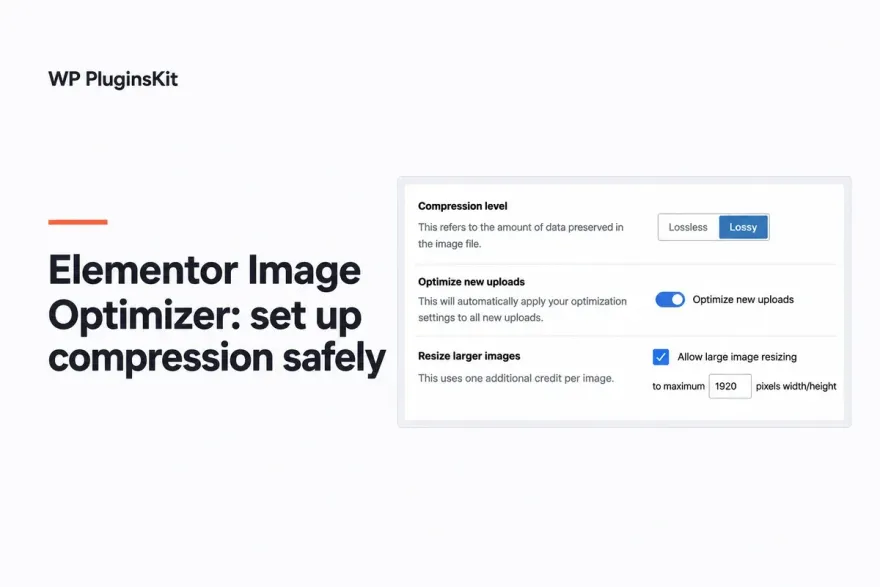
Configure one image processor, check a sample and protect originals before optimizing the rest of your WordPress media library.
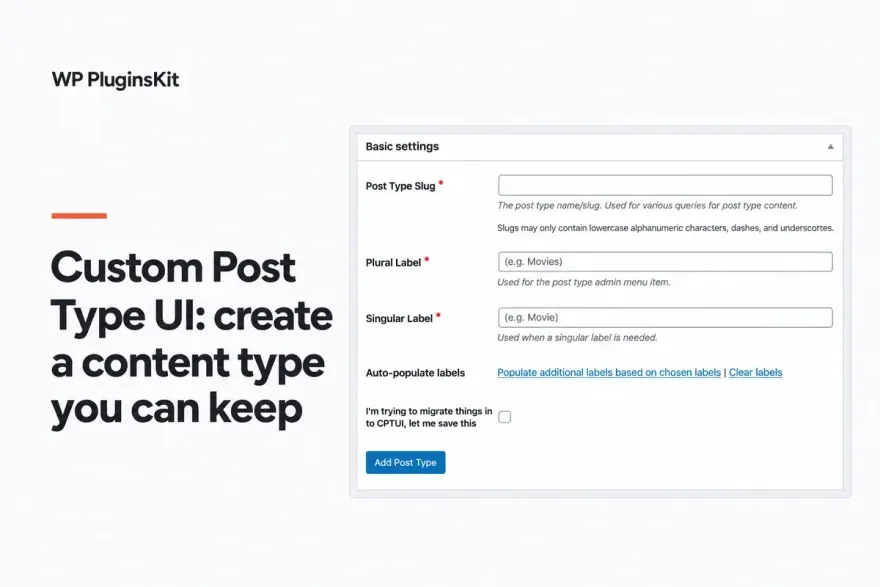
Create a separate content type, choose archive and editor settings, and plan how its registration survives a migration.