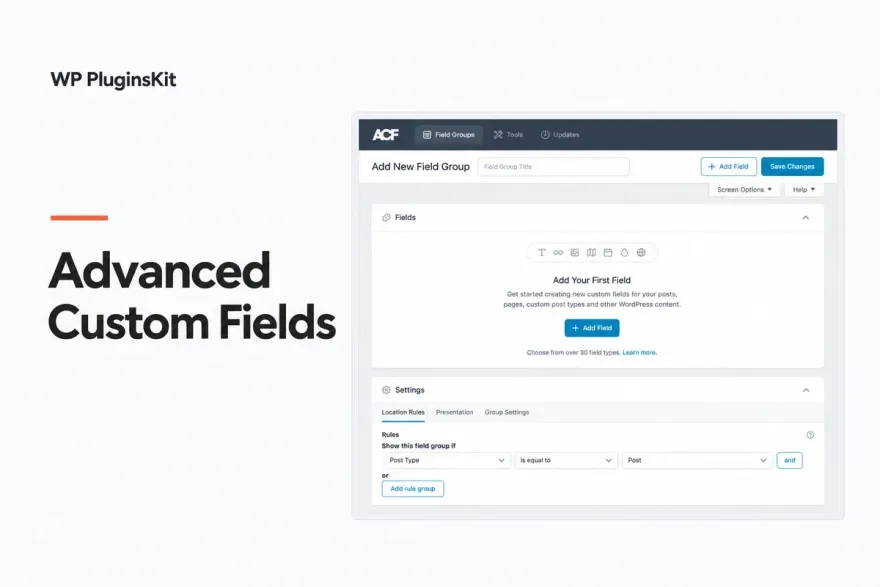
Add structured WordPress fields, choose where editors see them and connect their values to a deliberate frontend output route.
Content and editing
Visit official site: Advanced Custom Fields

Add structured WordPress fields, choose where editors see them and connect their values to a deliberate frontend output route.
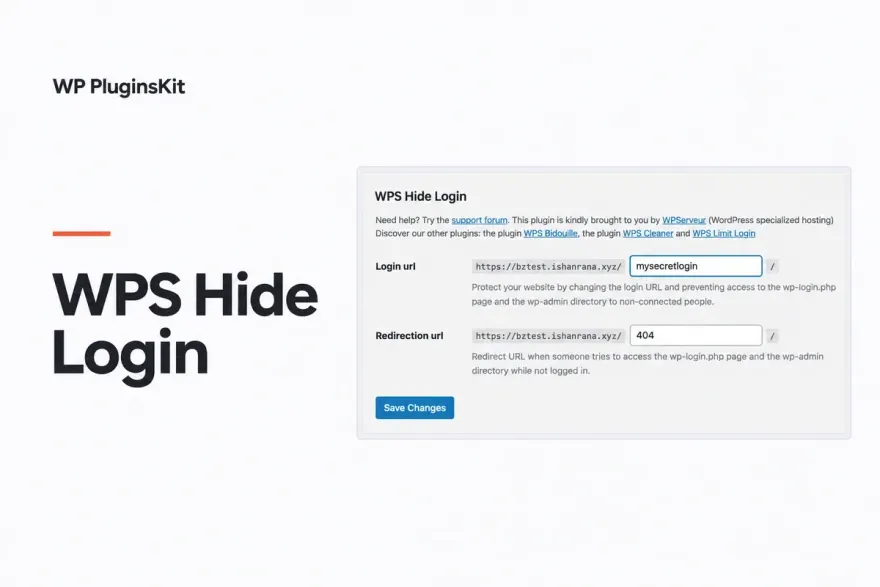
Change your WordPress login address, keep a recovery route and check that caching and existing login forms still work.
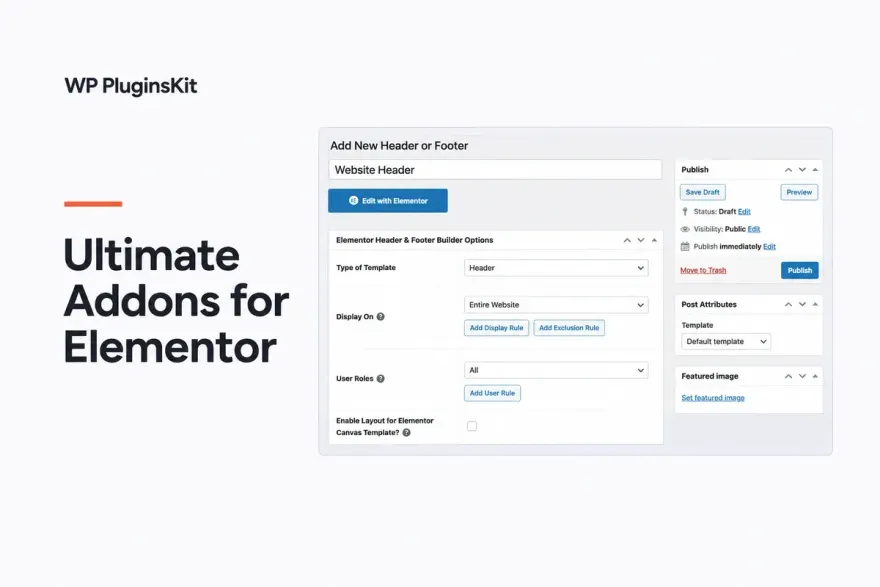
Create a header or footer with Elementor Free, control where it appears and check the live layout before extending it across your site.
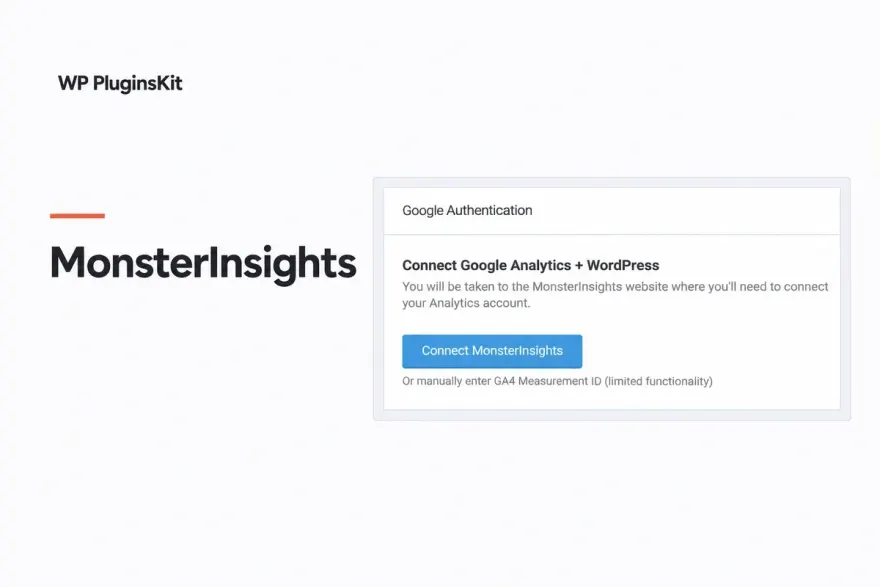
Connect the right GA4 property, choose one tracking owner and verify visitor data before relying on dashboard reports.
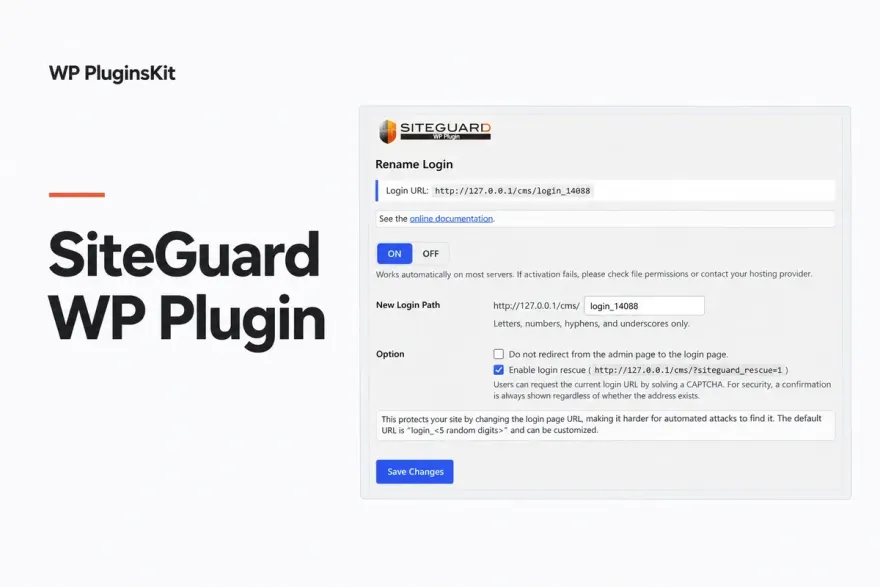
Configure WordPress login controls while preserving a working administrator and recovery route.
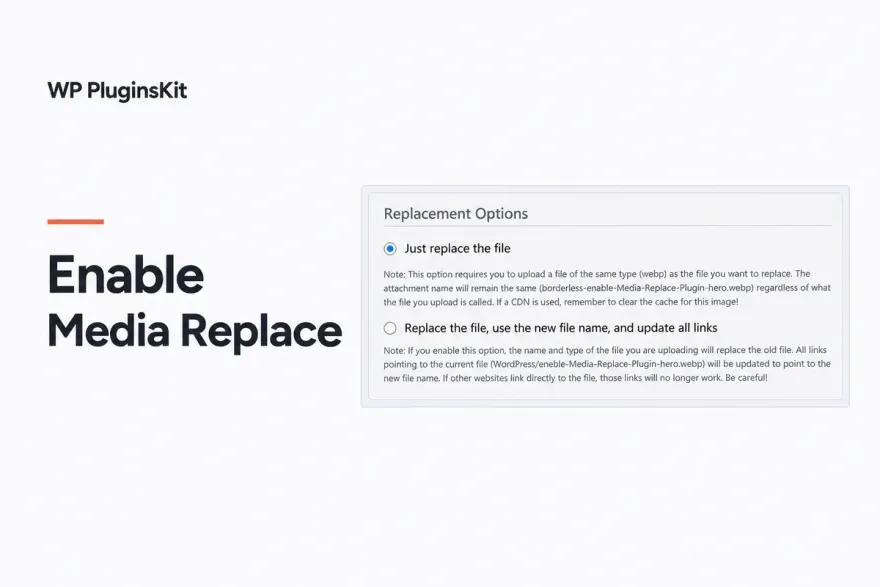
Replace an existing image or PDF, keep its address when needed, and verify the new file without losing your recovery route.
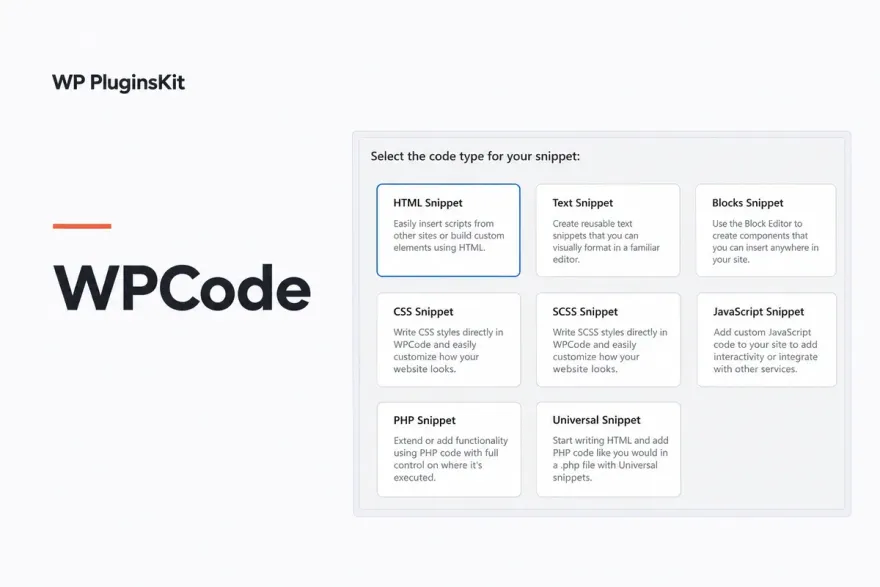
Choose the right place for approved code, avoid duplicate tags and verify WPCode snippets before relying on them.
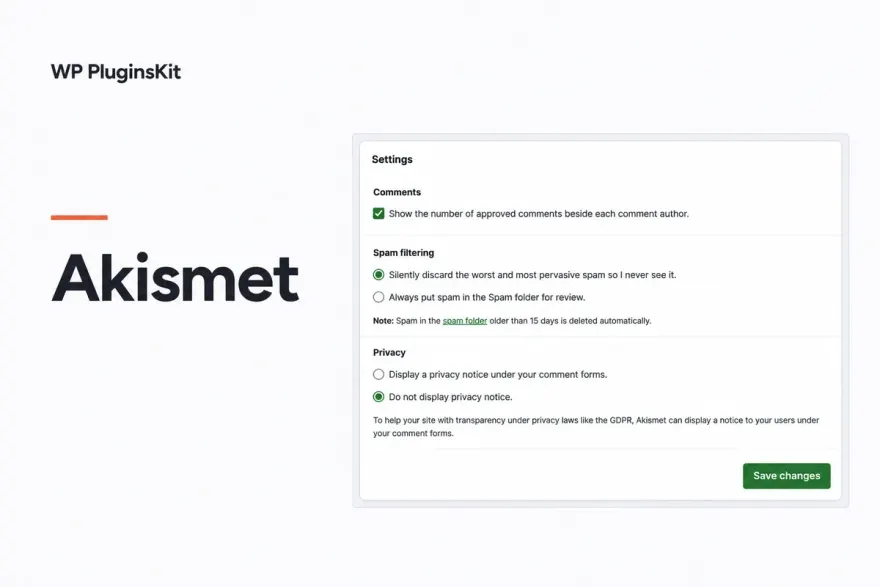
Connect Akismet to WordPress, keep flagged comments available for review and configure compatible forms separately.
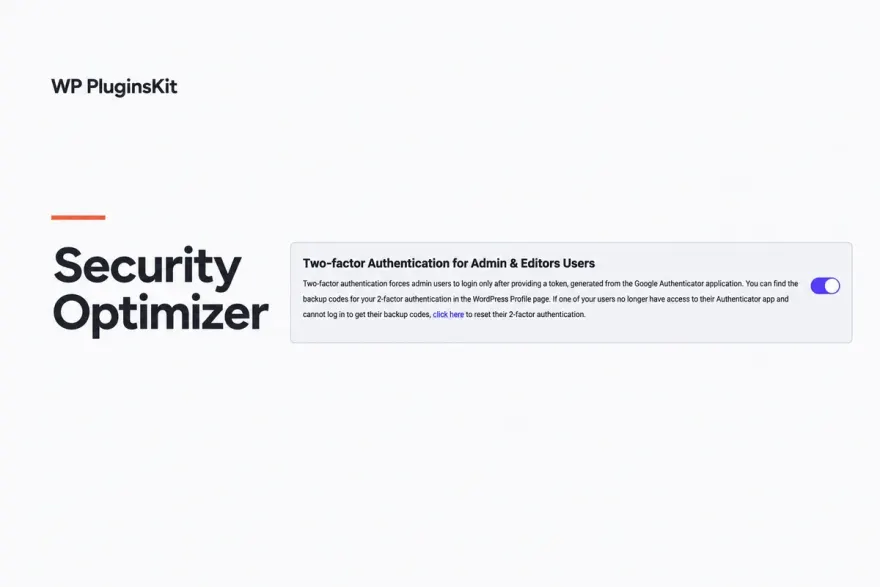
Configure login protection and hardening without losing access or disabling feeds and integrations your WordPress site needs.
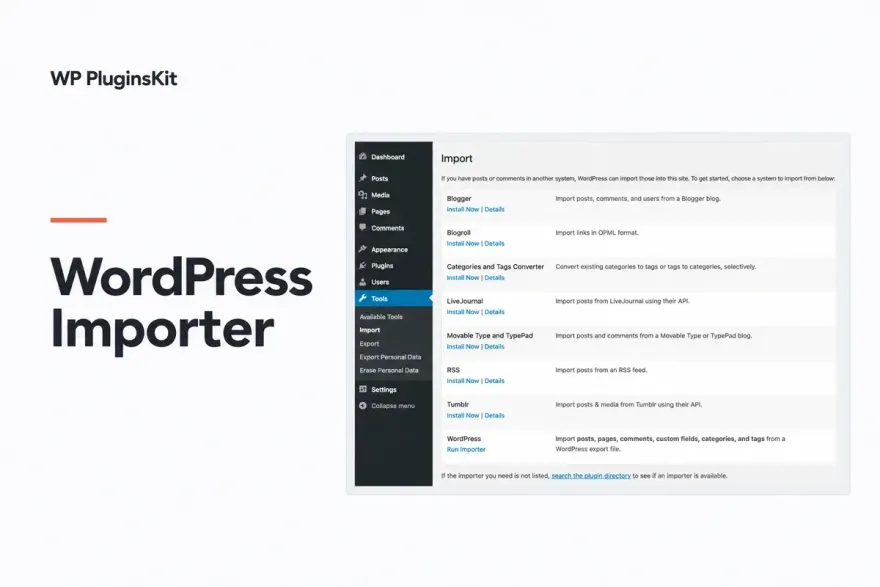
Transfer WordPress posts, pages and related content from a WXR export, with deliberate author, attachment and URL choices.
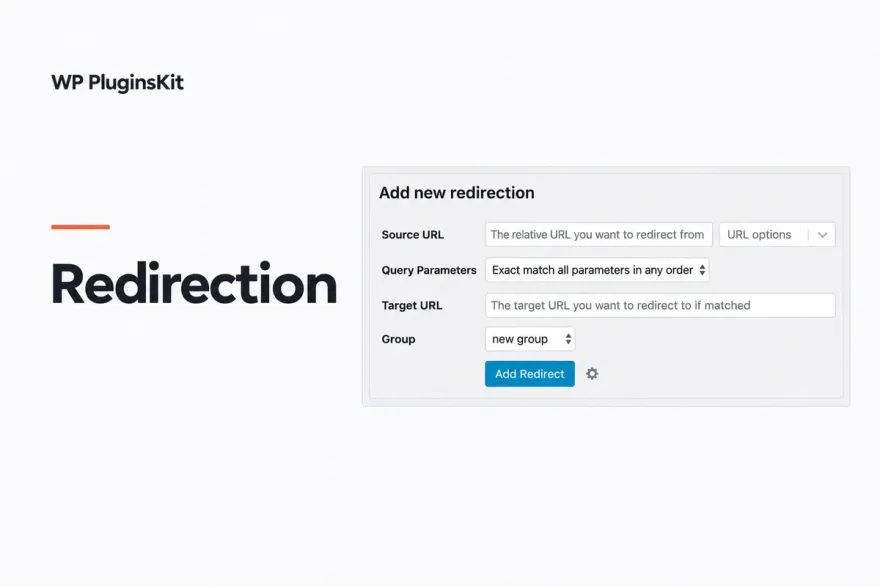
Move an old WordPress URL to a relevant new page, verify the redirect and keep query handling, logging and rule ownership under control.
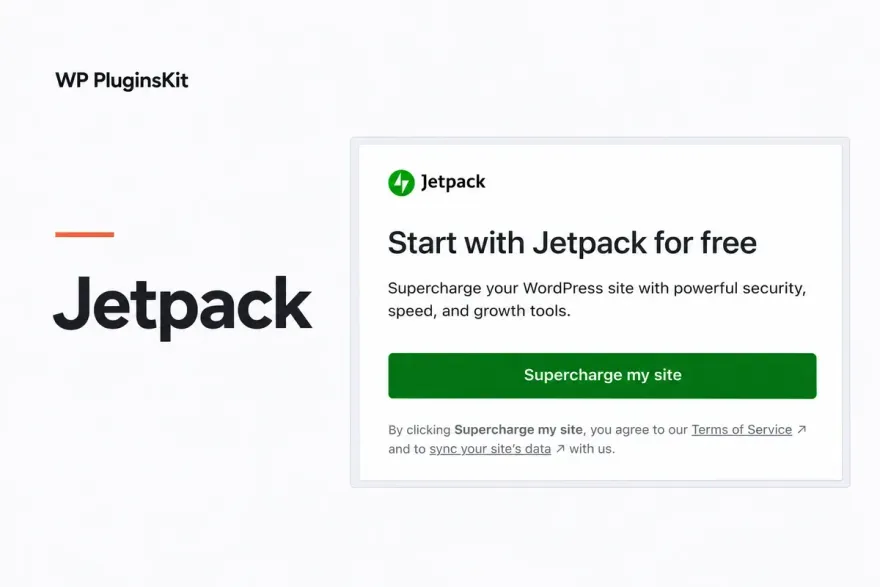
Connect the right account, select the Jetpack features your site needs and verify the service boundaries before enabling more tools.