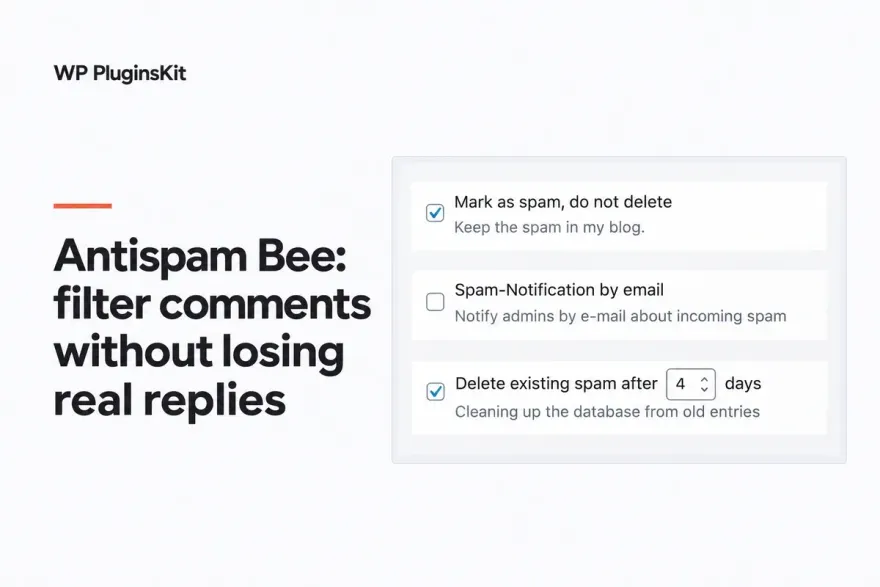
Keep WordPress comments open, retain suspicious replies for review and choose optional filters without hiding their limits.

Keep WordPress comments open, retain suspicious replies for review and choose optional filters without hiding their limits.
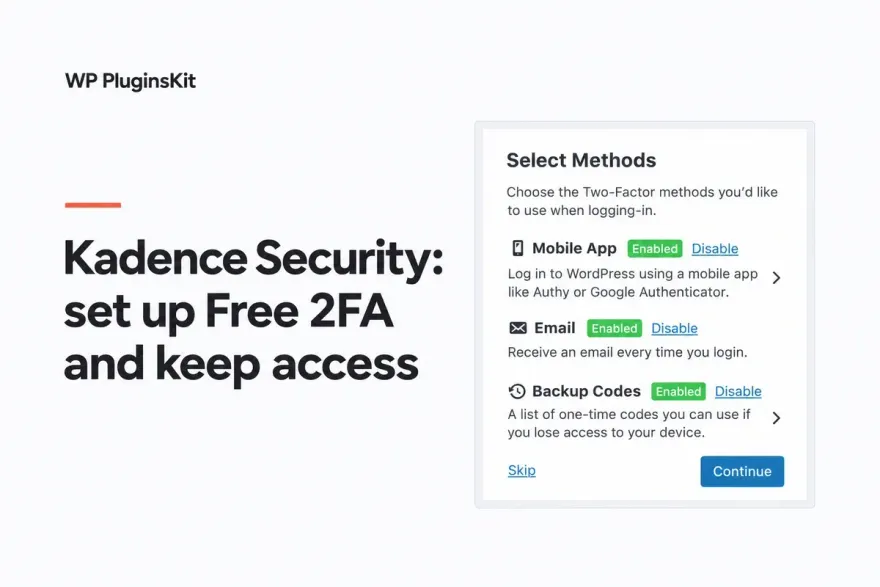
Configure Free two-factor authentication, save recovery codes and verify a fresh login before changing more security rules.
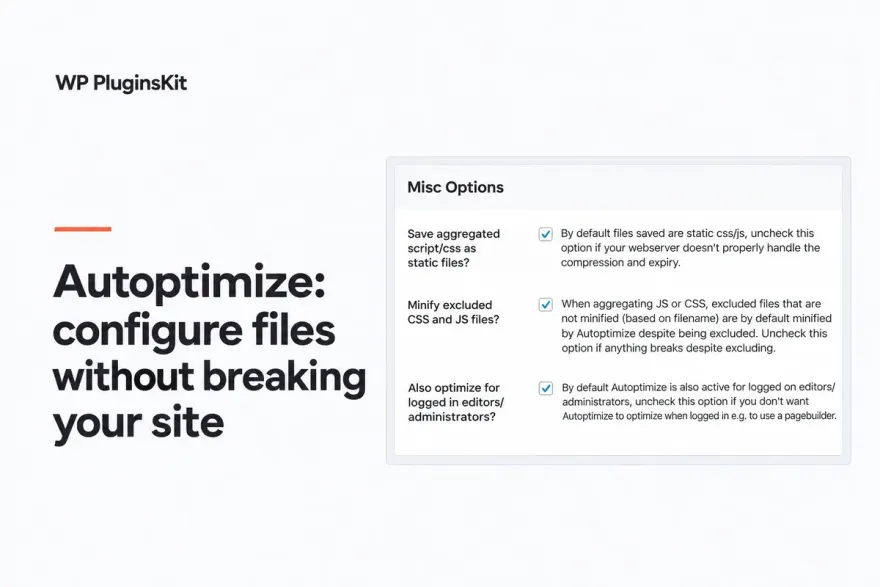
Set up Autoptimize, choose one owner for file optimization and verify menus, forms and cached pages before keeping a change.
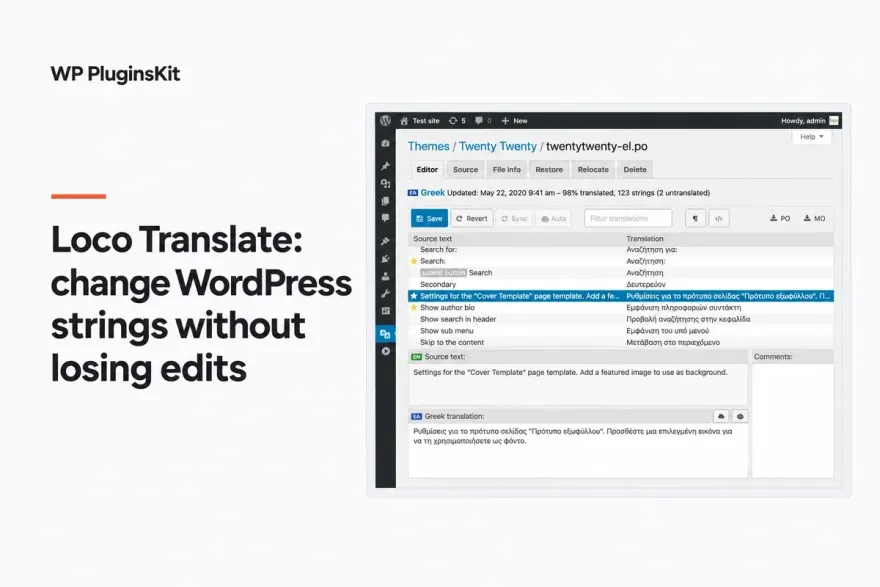
Translate theme and plugin interface text, keep overrides outside update-managed files, and check the exact strings visitors see.
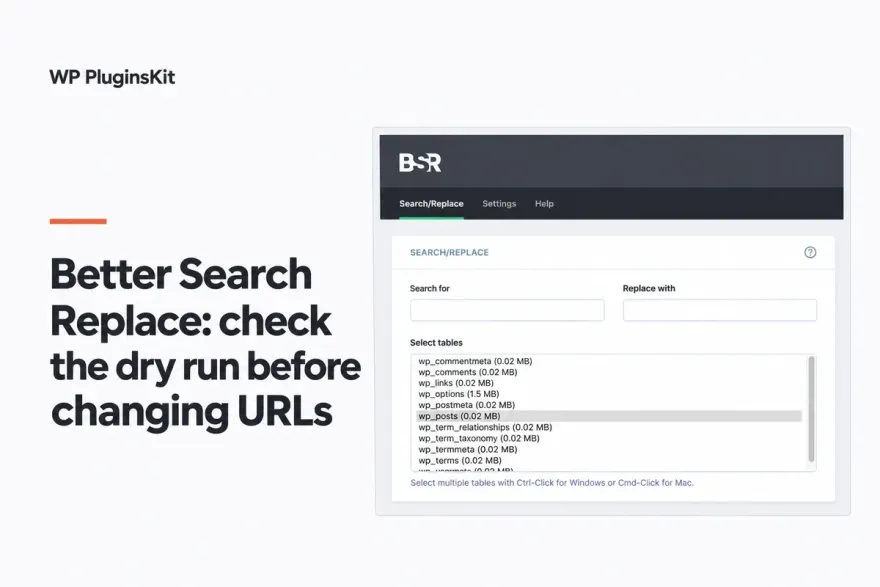
Plan a precise database replacement, inspect the dry run, and check links, media and settings after the real change.
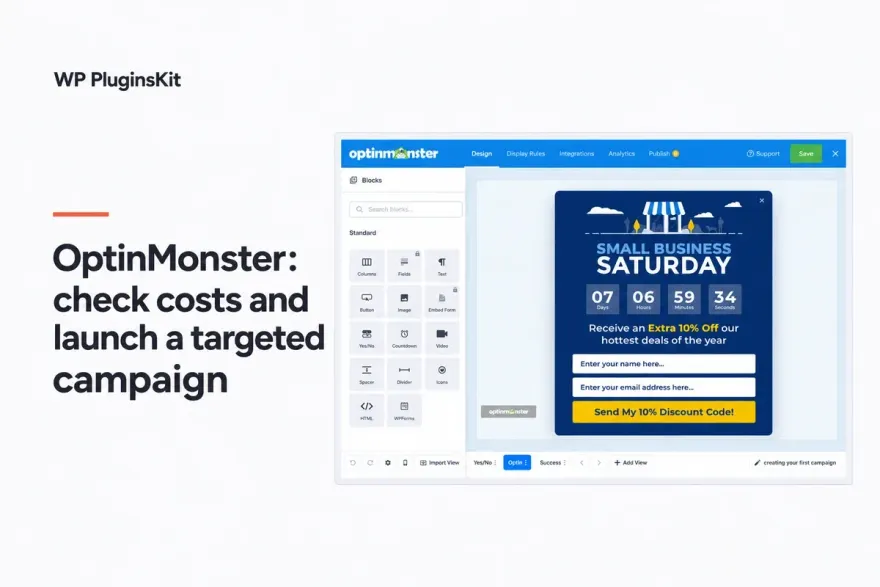
Choose a campaign, reconcile targeting and WordPress output, and check that the right subscribers reach your email service.
Choose the right AIOS controls, verify login protection and keep a recovery route before changing firewall or login settings.
Maintain existing Spectra block layouts and understand what changes when you choose the separate Spectra Blocks plugin.
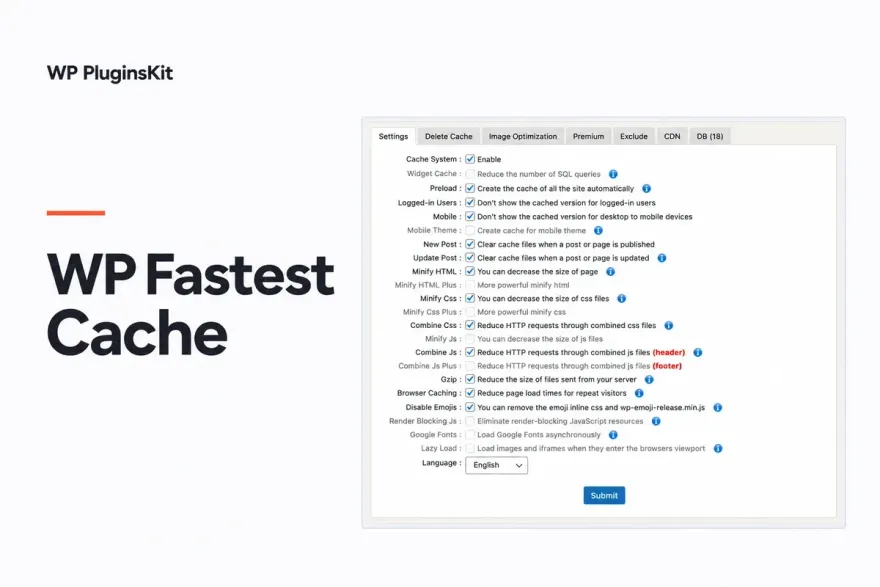
Start with free page caching, protect dynamic pages and check what visitors receive before adding minification or preload.
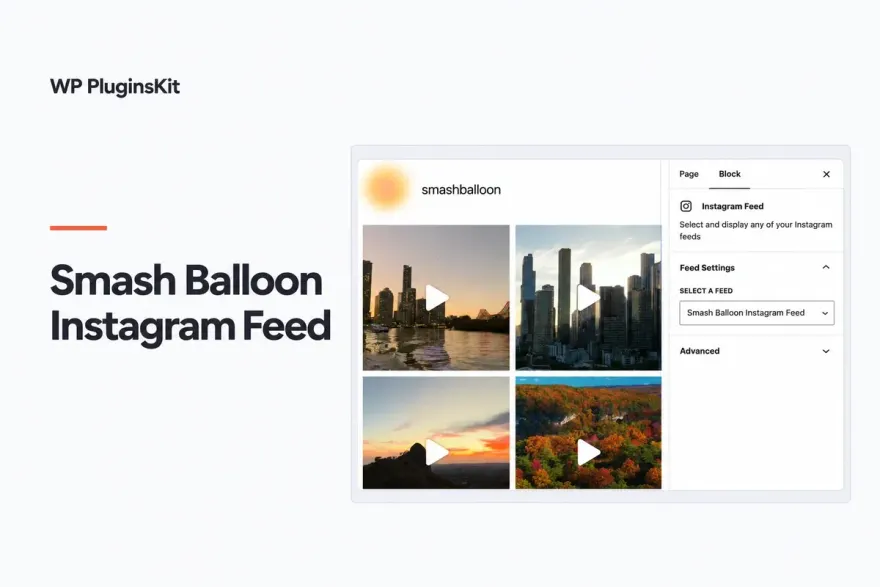
Connect a professional Instagram account, build a free User Timeline feed and add it to a WordPress page with the right consent settings.
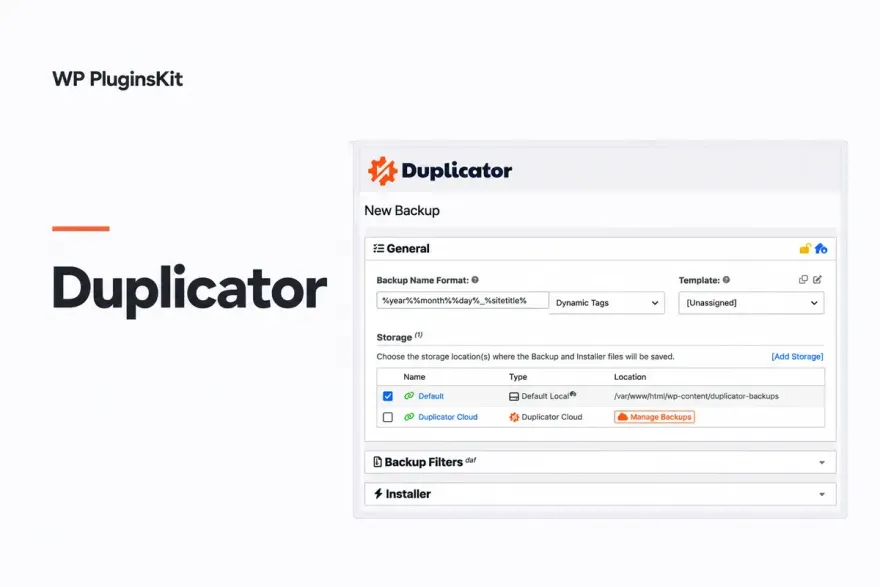
Create a complete backup, keep the matching installer, and move a single WordPress site with clear destination and restore checks.
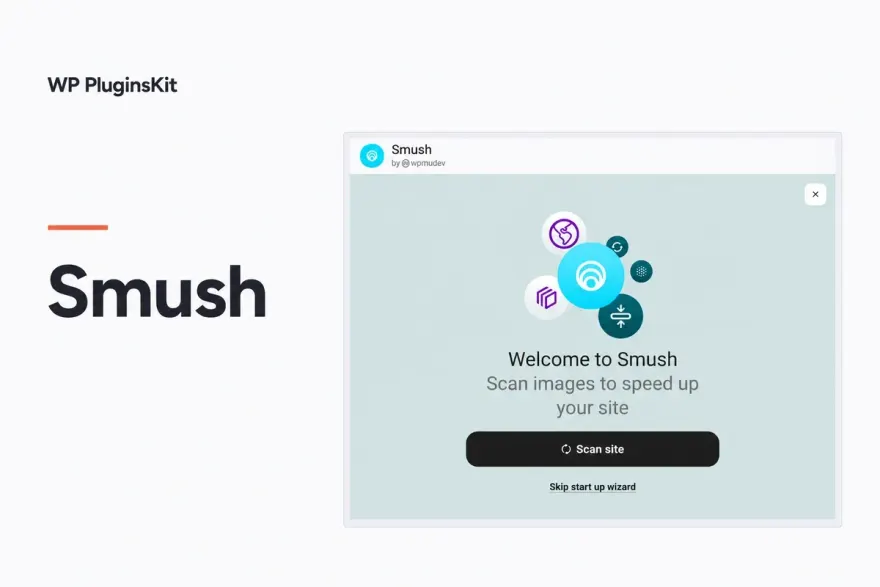
Choose Smush compression and delivery features, optimize a sample before the library, and check the images your pages actually serve.