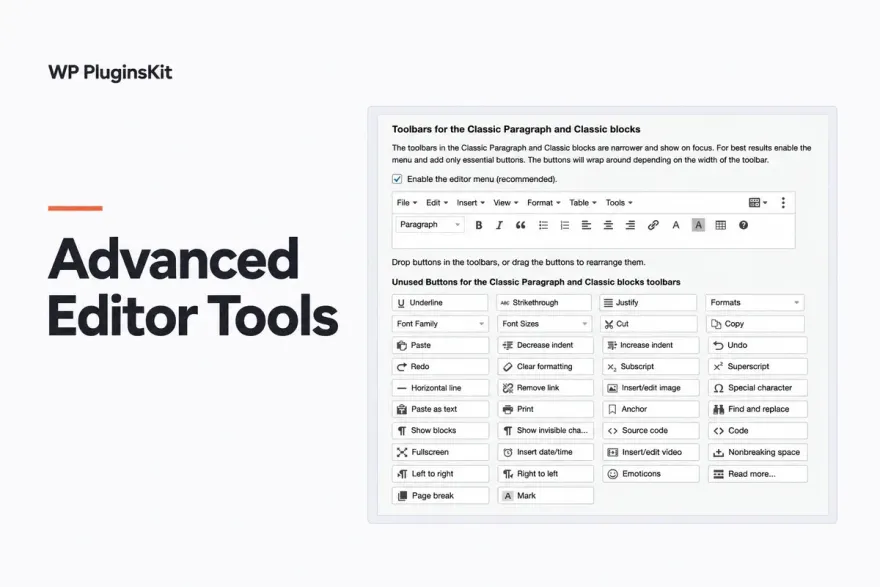
Arrange useful editing controls, choose Classic Paragraph deliberately and check formatting and tables before changing existing content.
Web developer · Creator of WP PluginsKit
I'm Eric Bennett, a 33-year-old web developer and the creator of WP PluginsKit. I build most of my websites with WordPress. Its flexibility makes it a useful foundation for many projects, but getting started can be confusing, especially when you're faced with thousands of themes and plugins.
That's why I created this catalog. I want to help new WordPress users find tools that fit their needs and feel more confident about building their websites. Choosing a theme or adding a feature should come with a clear understanding of the options.
WP PluginsKit is also for experienced developers. Even familiar tasks can benefit from a different approach, and a useful plugin or a thoughtfully designed theme can suggest a solution you hadn't considered. My aim is to make this a practical place to find those possibilities, whether you're building your first site or working on your next project.
Arrange useful editing controls, choose Classic Paragraph deliberately and check formatting and tables before changing existing content.
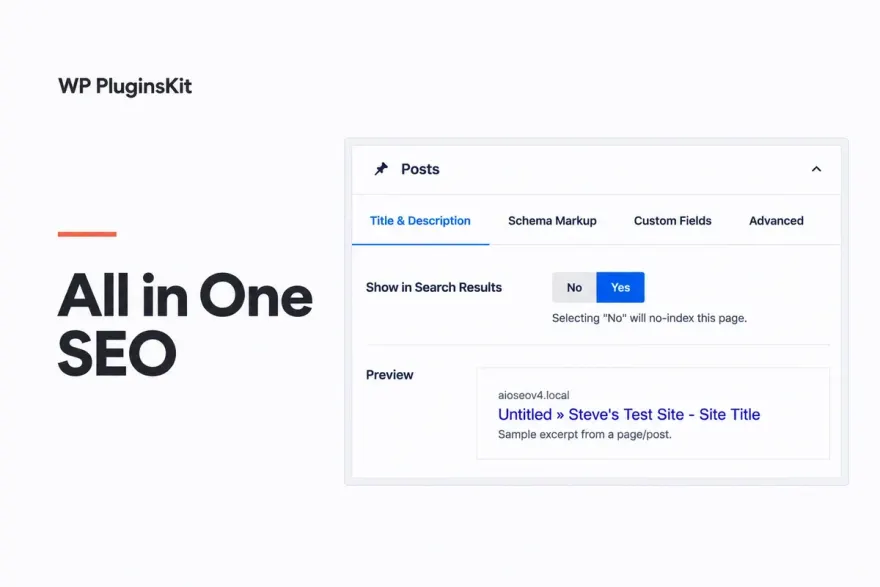
Set up titles, search visibility and sitemaps, with a careful import route for sites moving from another SEO plugin.
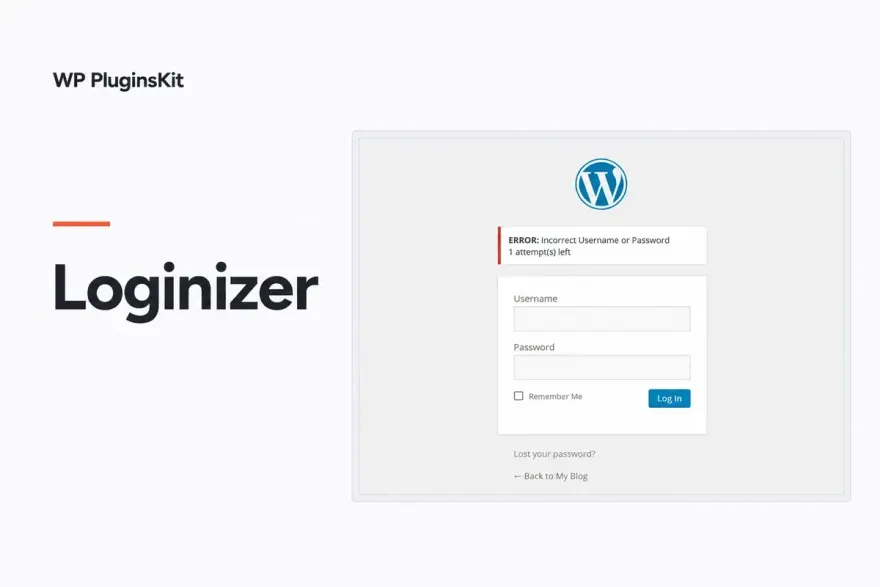
Configure failed-login limits, verify client IPs and prepare recovery before enforcing Pro two-factor authentication.
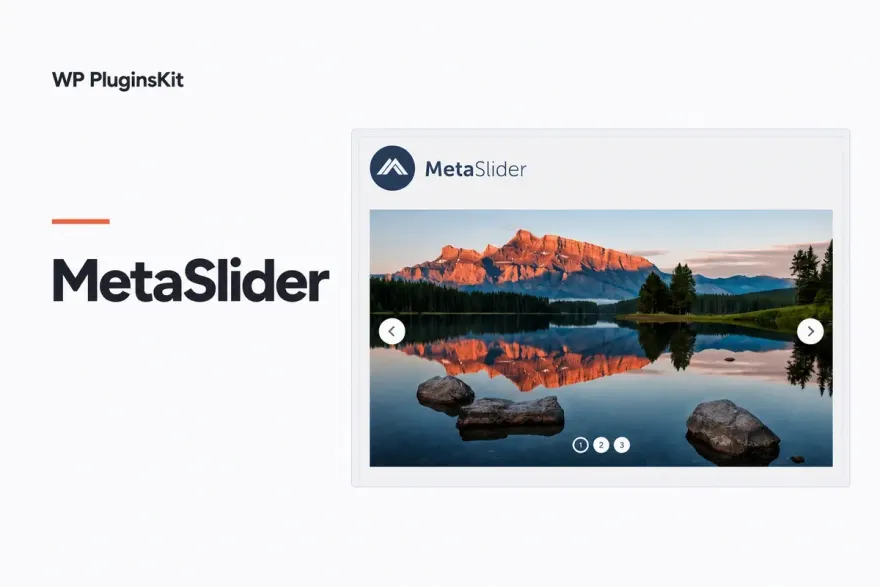
Create and embed a slideshow with readable captions, appropriate crops and navigation that works on phones.
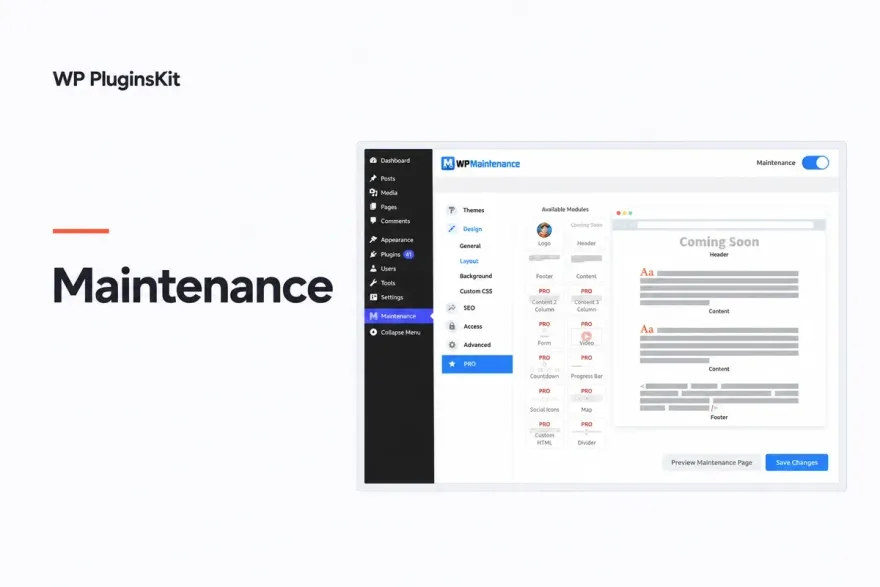
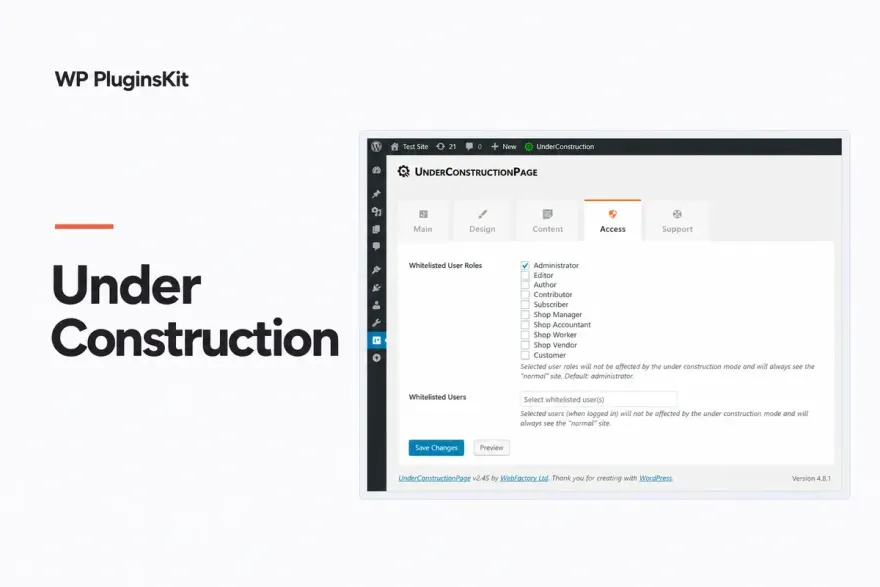
Prepare a temporary page, enable the right response and check who can still see the normal WordPress site.
Prepare a temporary visitor page, keep the right editors working and verify the site is open again when the work ends.
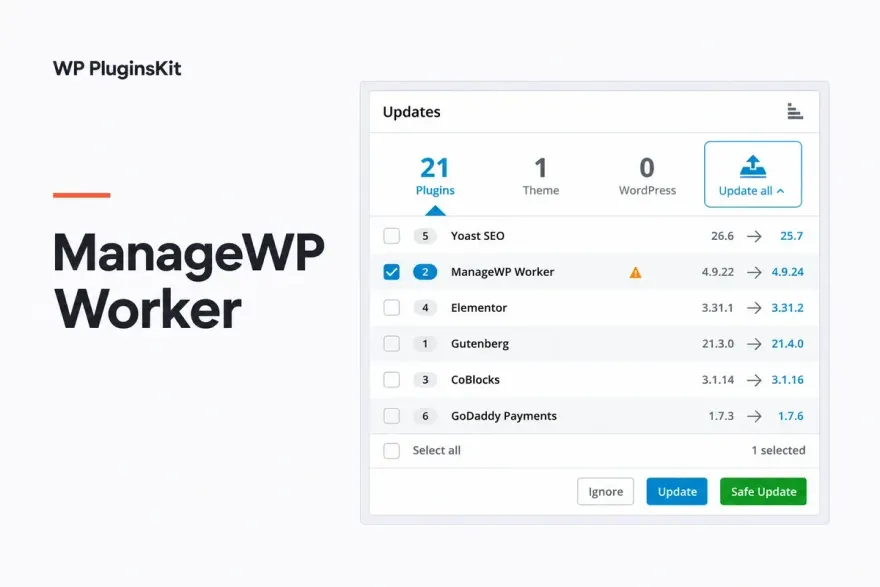
Connect one WordPress site to ManageWP, confirm the right account and check fresh data before running remote updates.
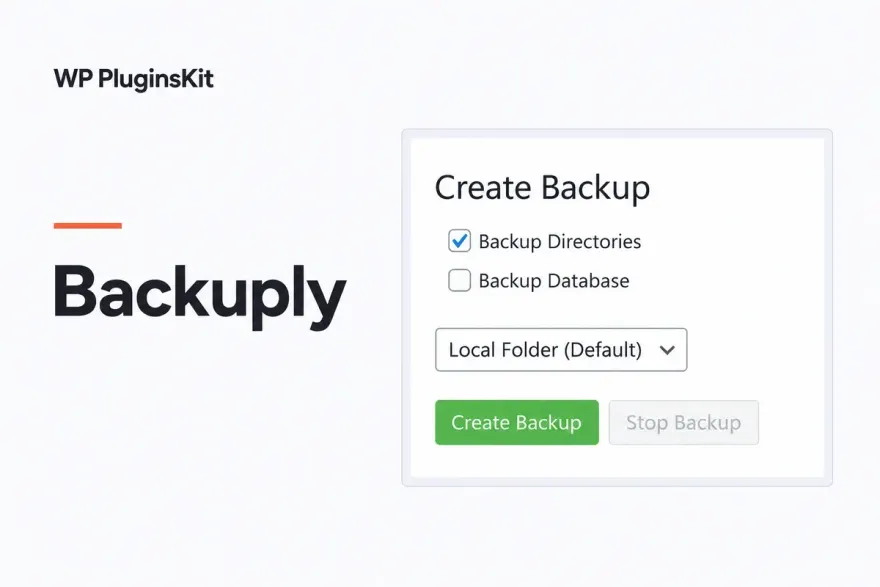
Choose files and database, keep a recovery copy outside your server and verify the correct restore point before replacing site data.
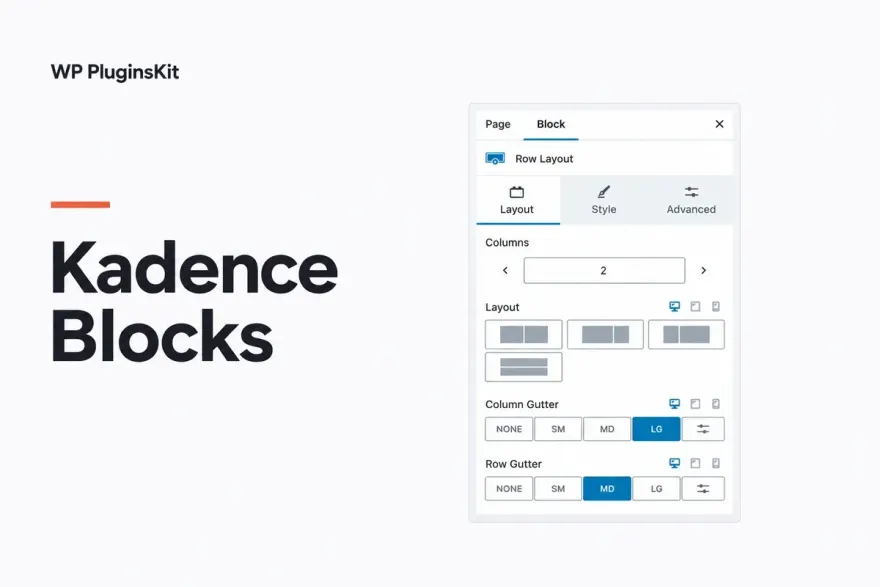
Build a two-column section in the WordPress block editor, control spacing and mobile stacking, and keep theme and plugin settings separate.
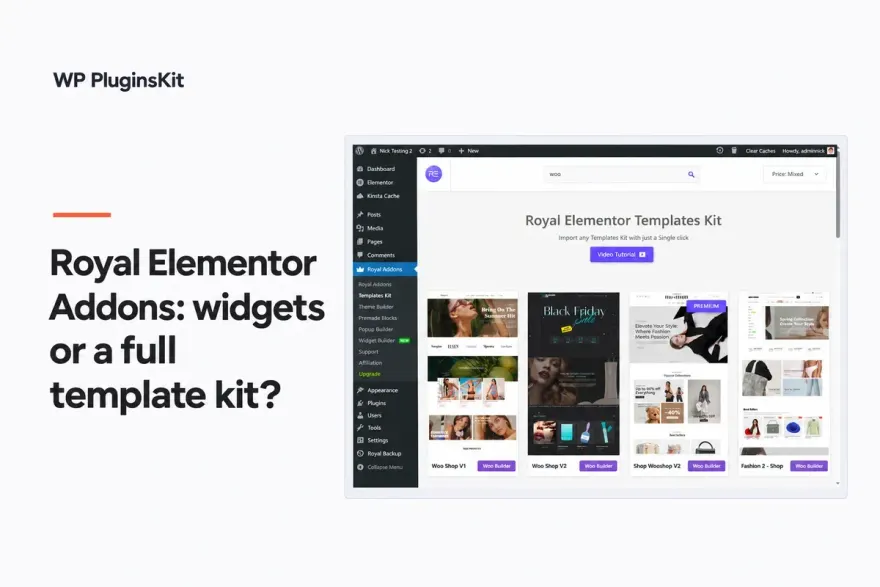
Choose a focused widget for an existing page or prepare a full template kit on a staging site, then check the content and settings it brings with it.
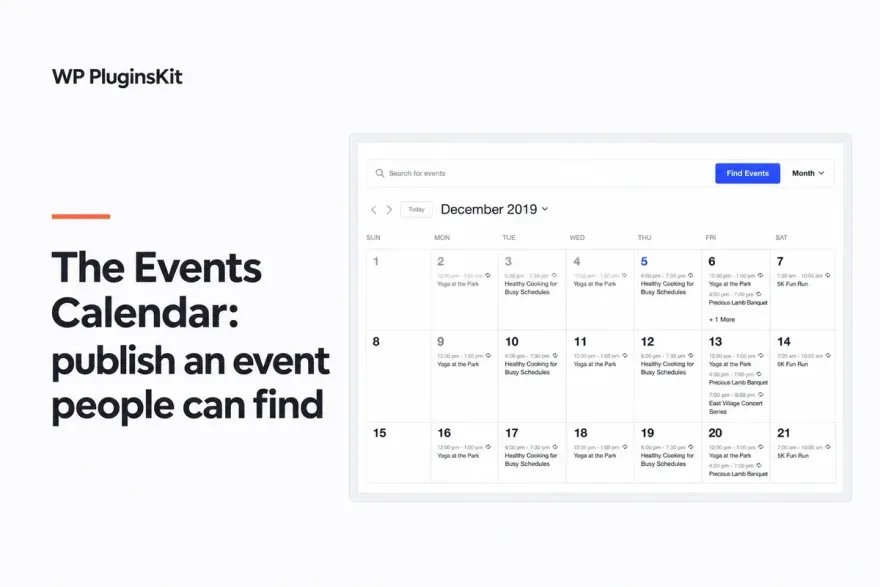
Create a useful event listing, make the calendar easy to reach, and check time zones, navigation and add-to-calendar behavior.
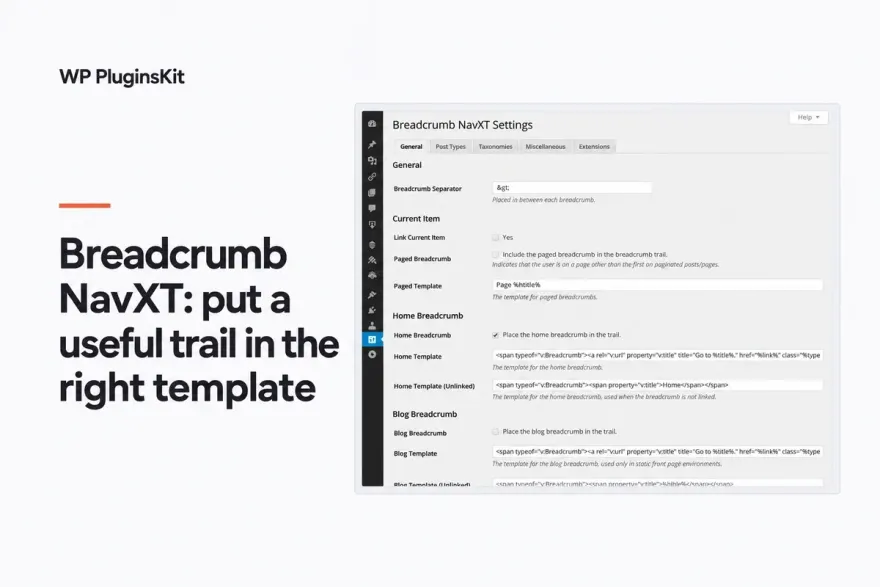
Add a trail that reflects your content hierarchy, appears in the intended templates and takes visitors to useful parent pages.