Page builders and blocks
Explore WordPress page builders, block collections, Elementor addons and template import tools. Choose the layout controls or widgets your pages need, check theme and editor dependencies, and review the scope of an import before replacing existing content.
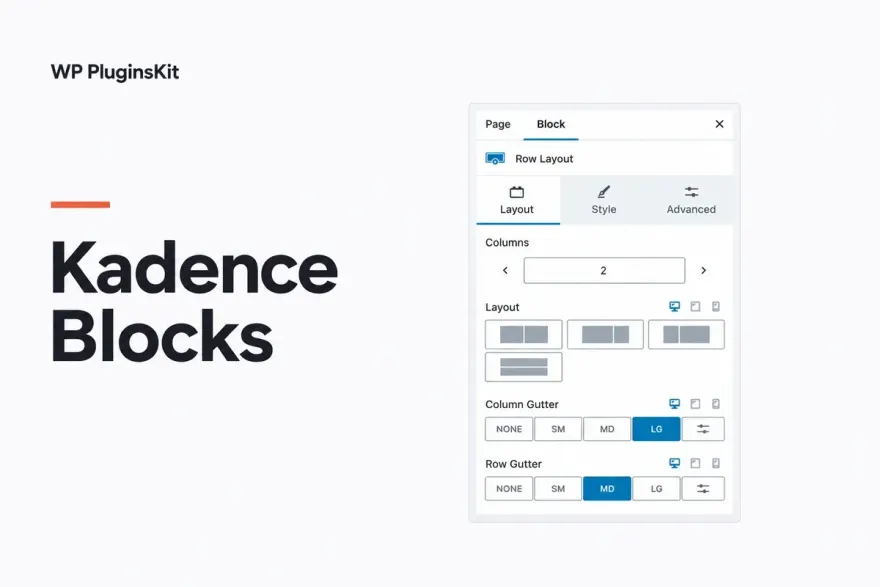
Build a two-column section in the WordPress block editor, control spacing and mobile stacking, and keep theme and plugin settings separate.
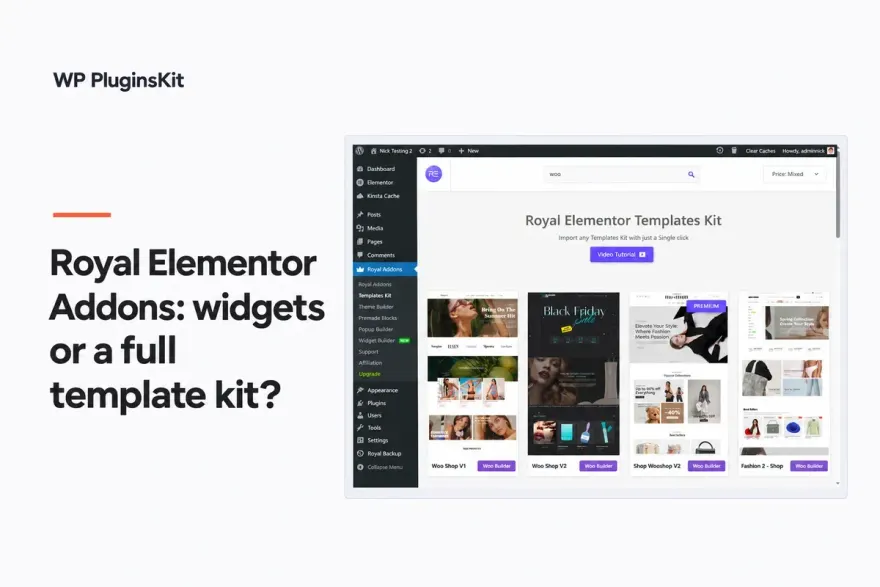
Choose a focused widget for an existing page or prepare a full template kit on a staging site, then check the content and settings it brings with it.
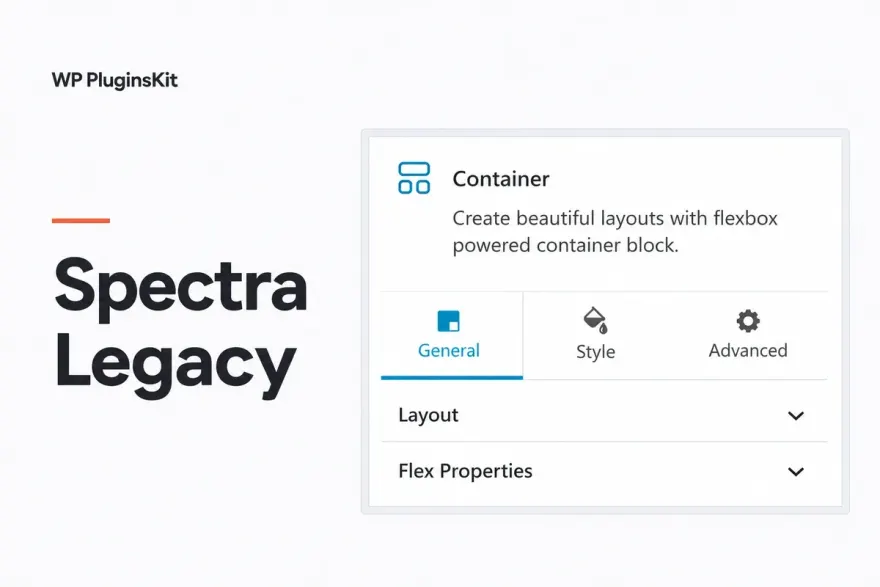
Maintain existing Spectra block layouts and understand what changes when you choose the separate Spectra Blocks plugin.
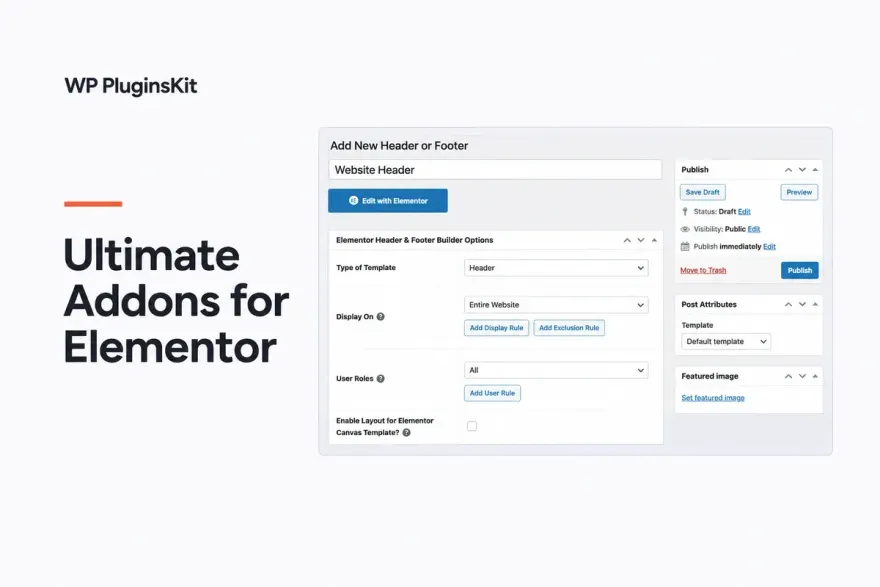
Create a header or footer with Elementor Free, control where it appears and check the live layout before extending it across your site.
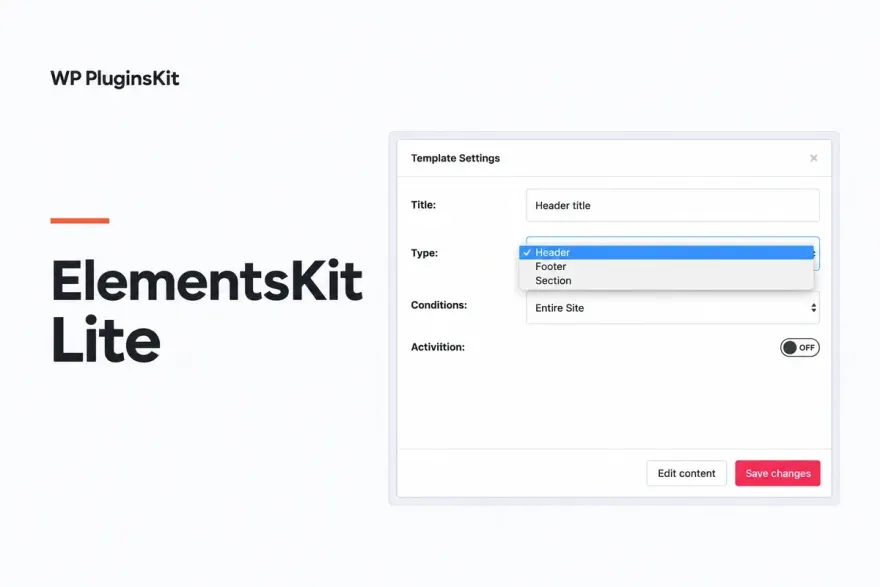
Add selected Elementor widgets or build a header with ElementsKit Lite, while keeping edition limits and existing layouts under control.
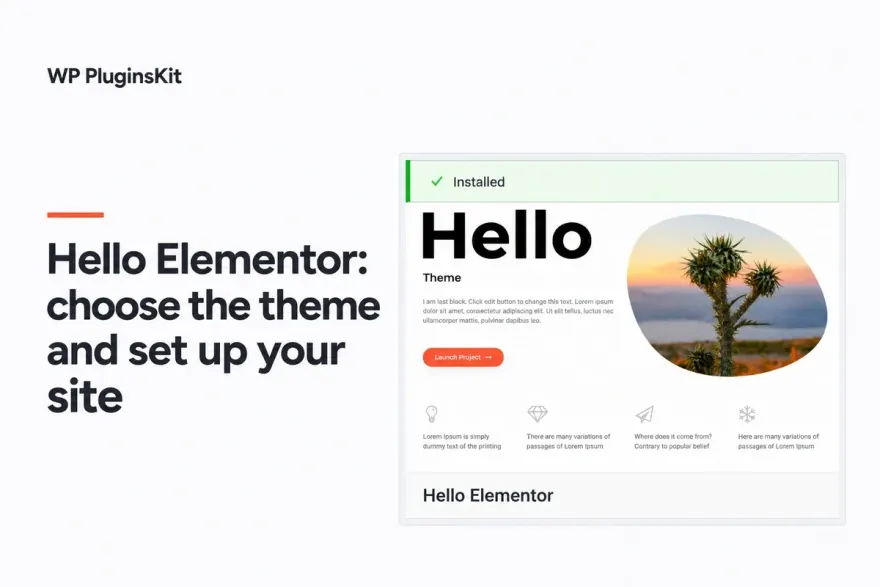
Choose Hello for an Elementor-led site, then configure its layout and navigation without disabling the pieces your pages still need.
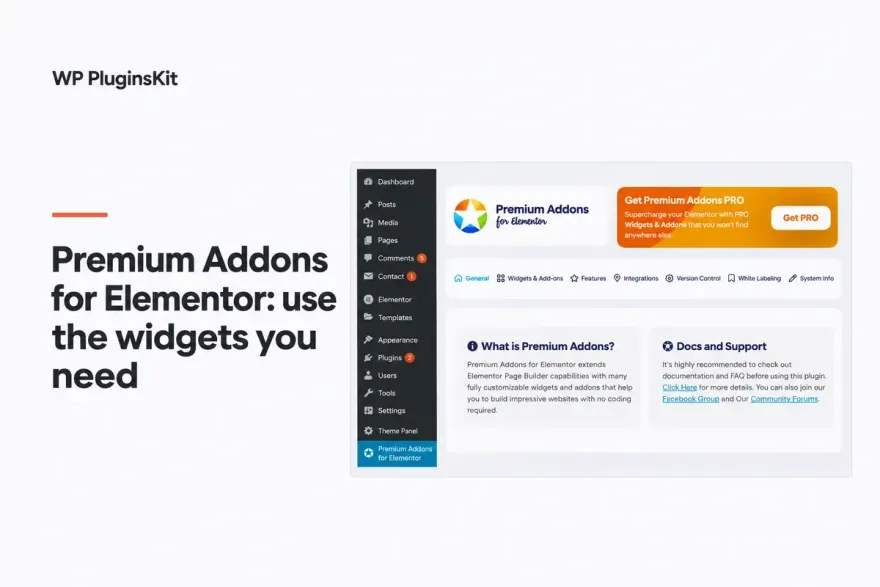
Extend Elementor with a focused widget selection, build a useful Blog grid, and keep template imports and generated assets under control.
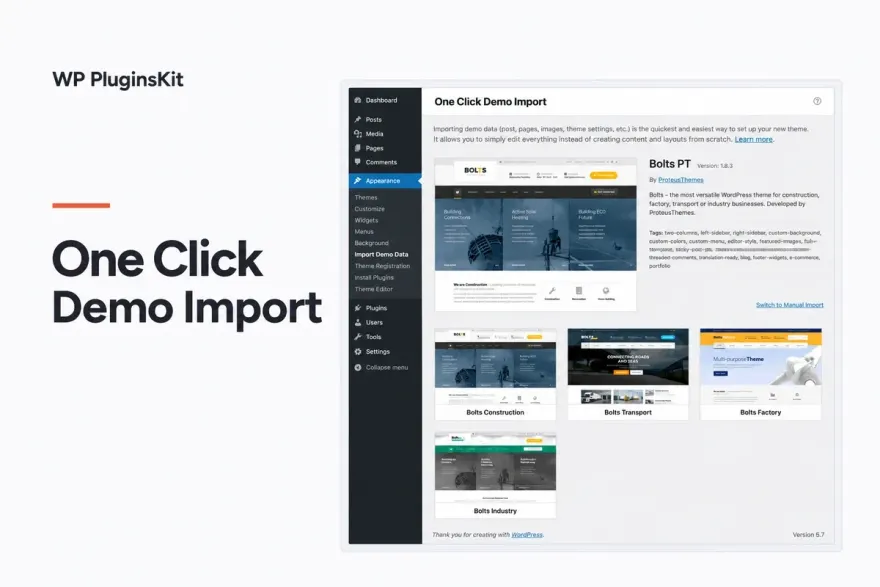
Import a compatible theme demo, match manual files to the correct panels and check partial imports before retrying.
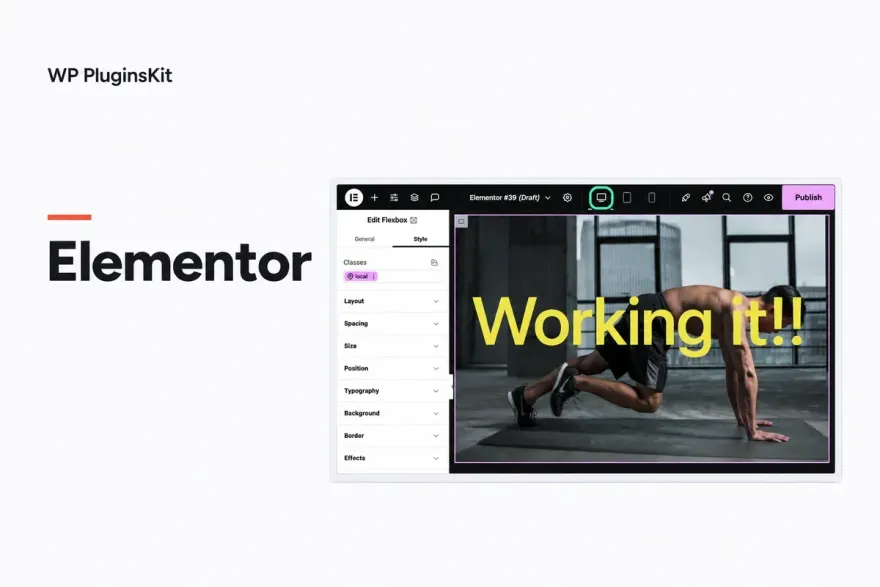
Arrange a page visually, choose a layout and check responsive styles with the free Elementor plugin.
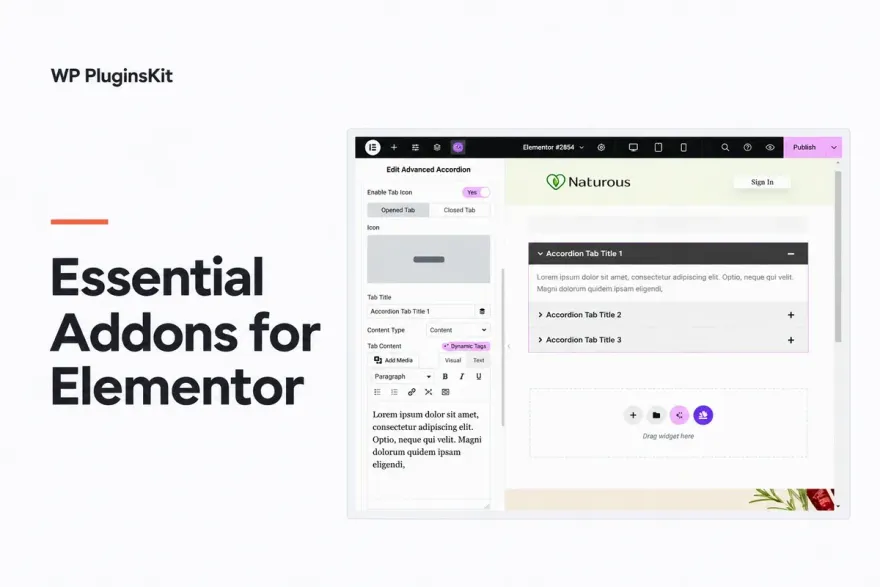
Add a specific missing Elementor widget, keep unused elements off and check the finished page before adding another addon pack.
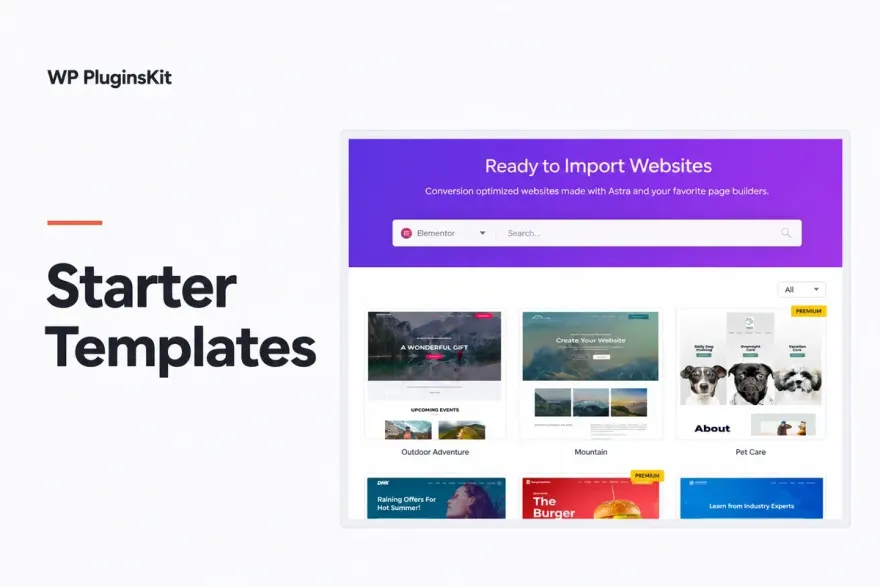
Choose a ready-made WordPress design, import only the scope you need, and check the result before replacing a live site.