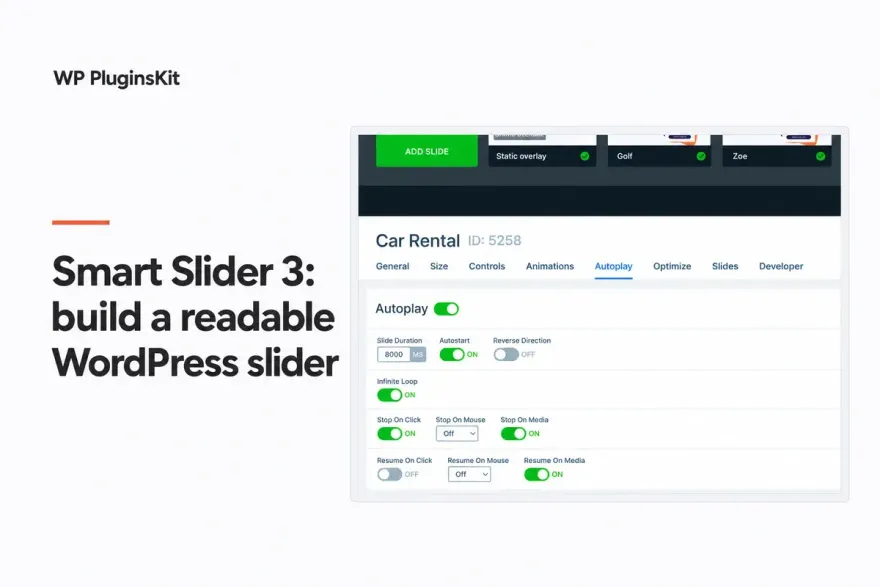
Create a Simple slider, keep mobile text readable and verify motion, publishing and loading before using it on your main page.
Find WordPress plugins for SEO, forms, stores, backups, security and performance. Compare each tool’s purpose, requirements, free or paid boundaries and setup checks so site owners can choose a function without adding the wrong layer.
Create a Simple slider, keep mobile text readable and verify motion, publishing and loading before using it on your main page.
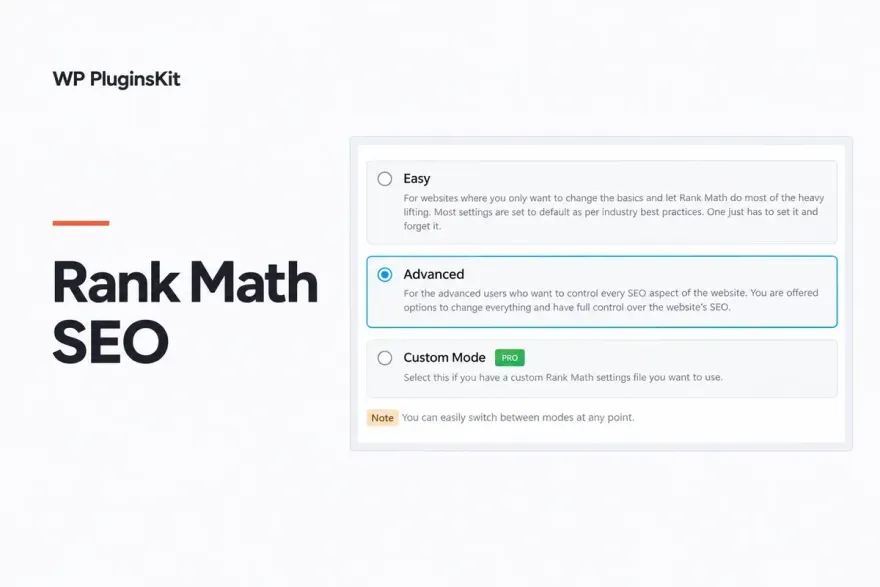
Configure Rank Math, preserve existing SEO metadata and verify the output before relying on the setup wizard.
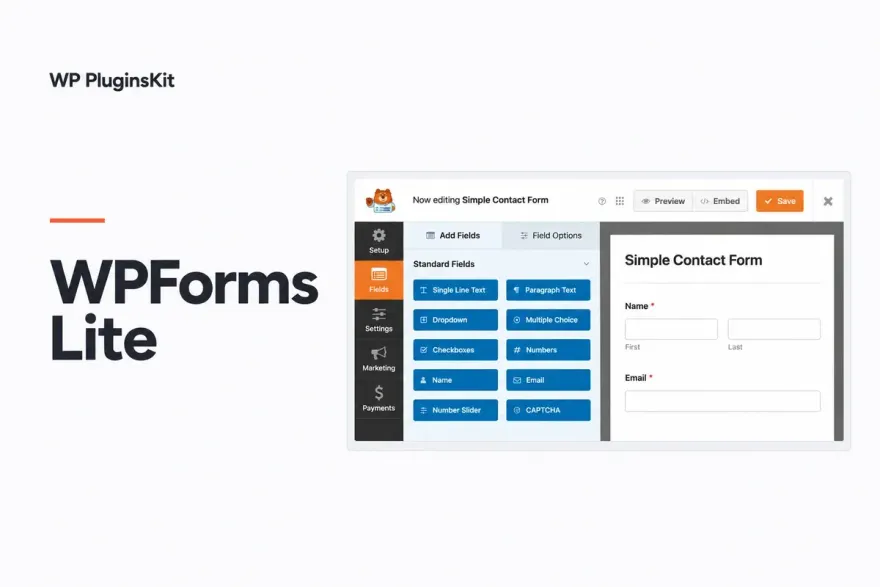
Build a basic contact form visually, configure its notification and check delivery, with a clear explanation of Lite's entry-storage limits.
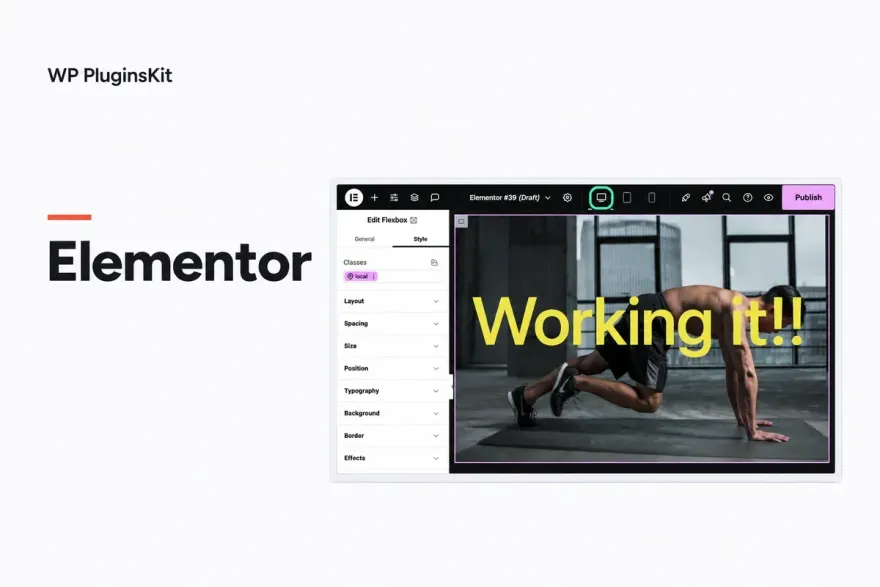
Arrange a page visually, choose a layout and check responsive styles with the free Elementor plugin.
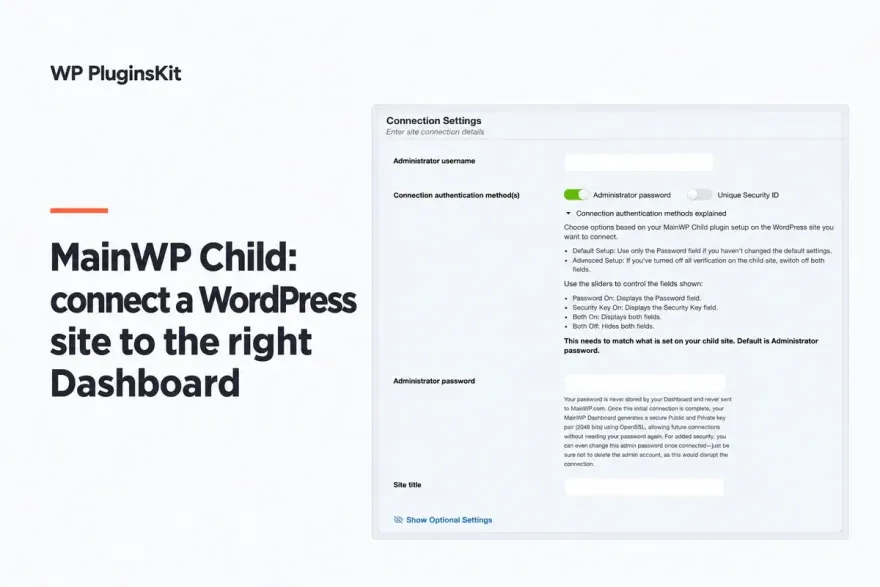
Set up the managed-site connector, keep connection authentication intact and confirm the Dashboard is reading the right WordPress site.
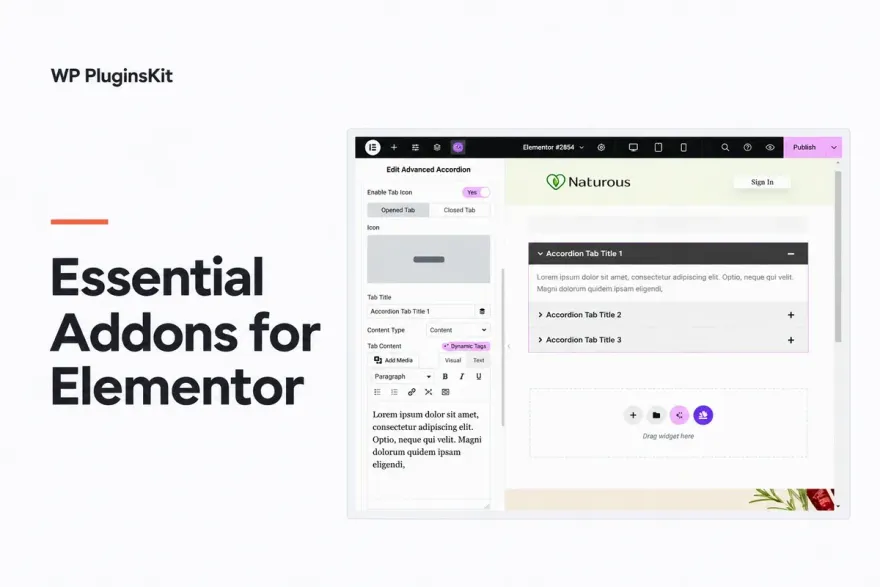
Add a specific missing Elementor widget, keep unused elements off and check the finished page before adding another addon pack.
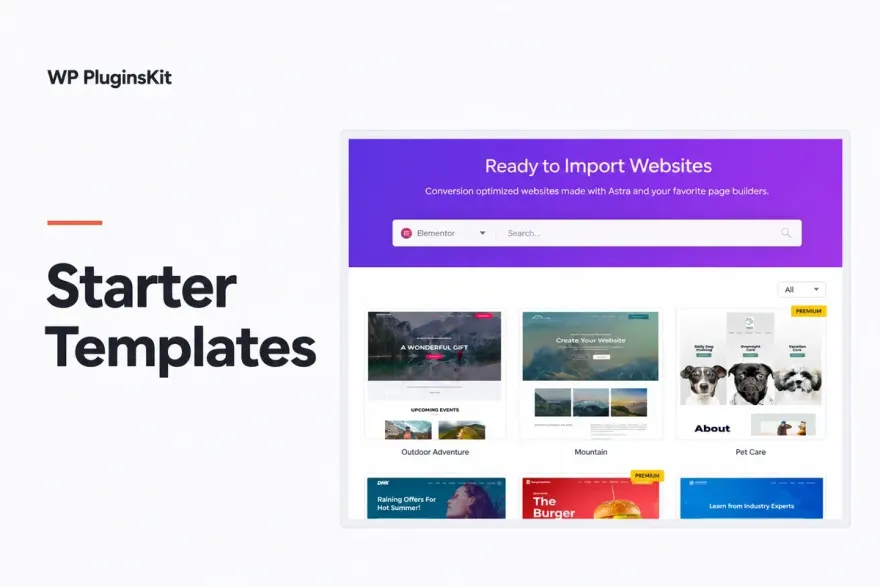
Choose a ready-made WordPress design, import only the scope you need, and check the result before replacing a live site.
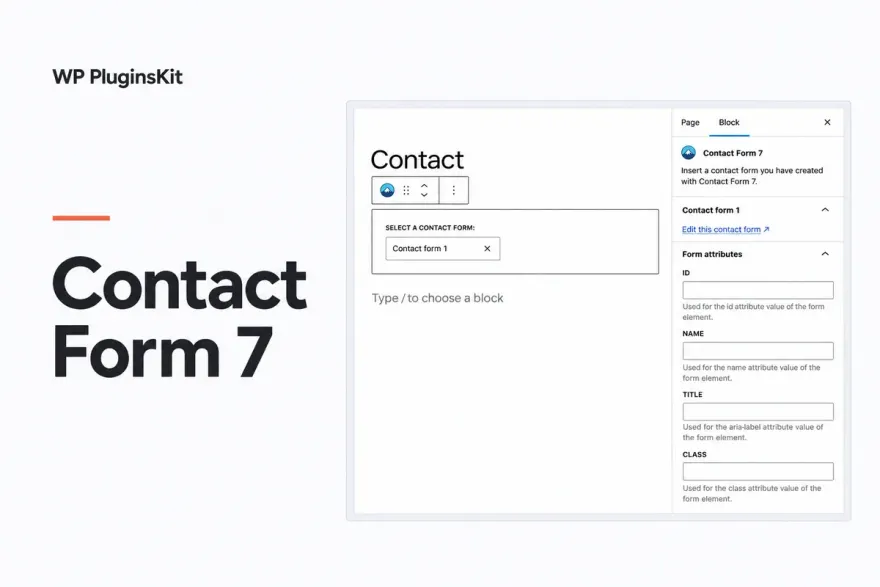
Create a contact form, configure its notification email and select the saved form in the WordPress block editor.
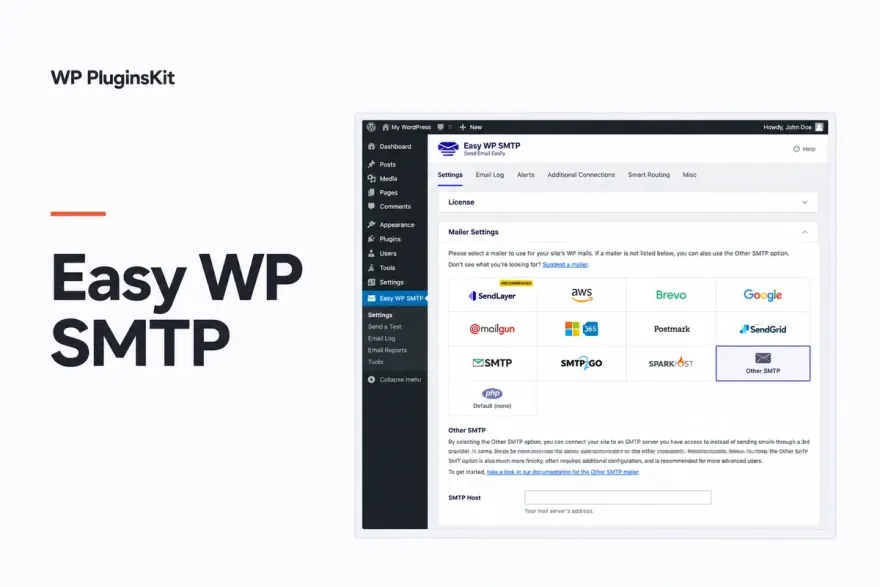
Connect a mail service or SMTP server, check test-mail receipt, and isolate missing WordPress form notifications.
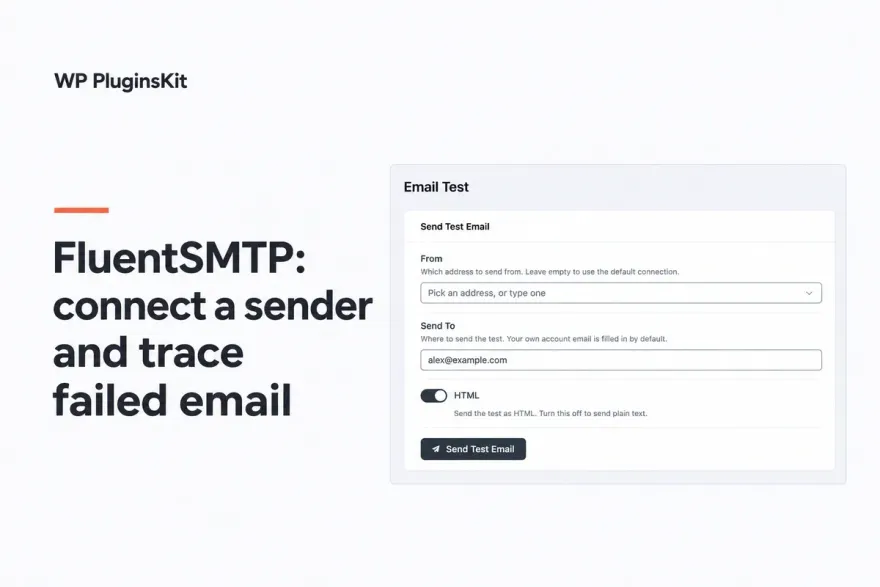
Connect a verified sender, check a real notification and use FluentSMTP logs to separate connection failures from inbox problems.
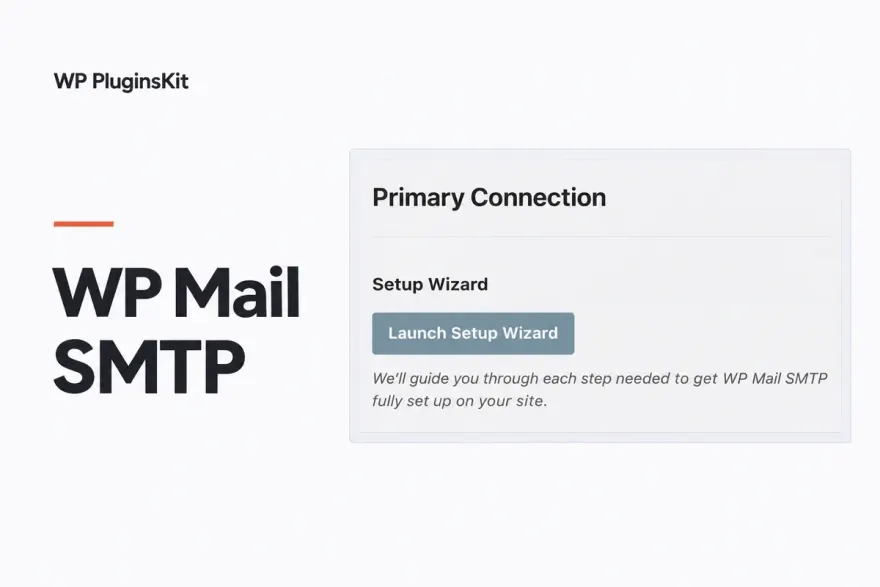
Configure a WordPress email connection, protect its credentials and verify that the notifications your site needs reach the intended inbox.
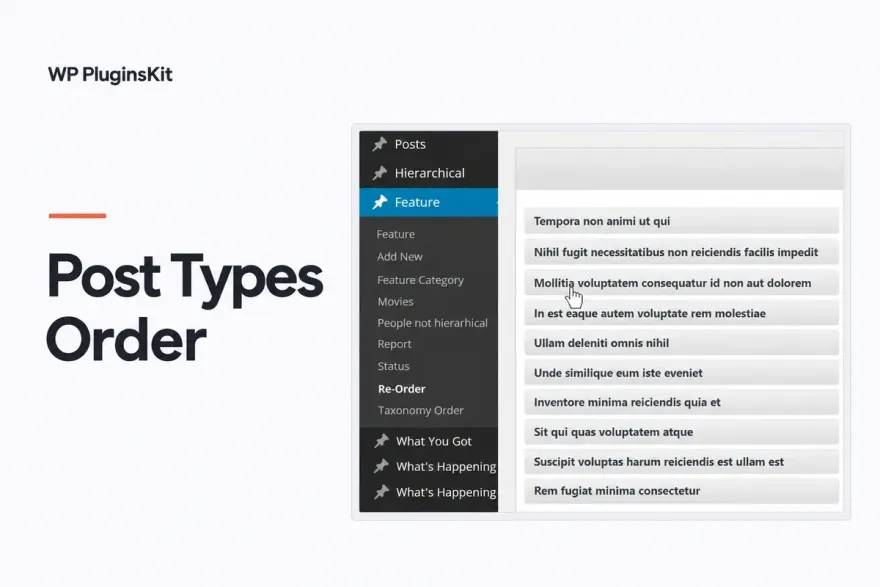
Reorder posts, verify the saved sequence and diagnose front-end queries without confusing free and Advanced features.
Try a shorter name or another category.