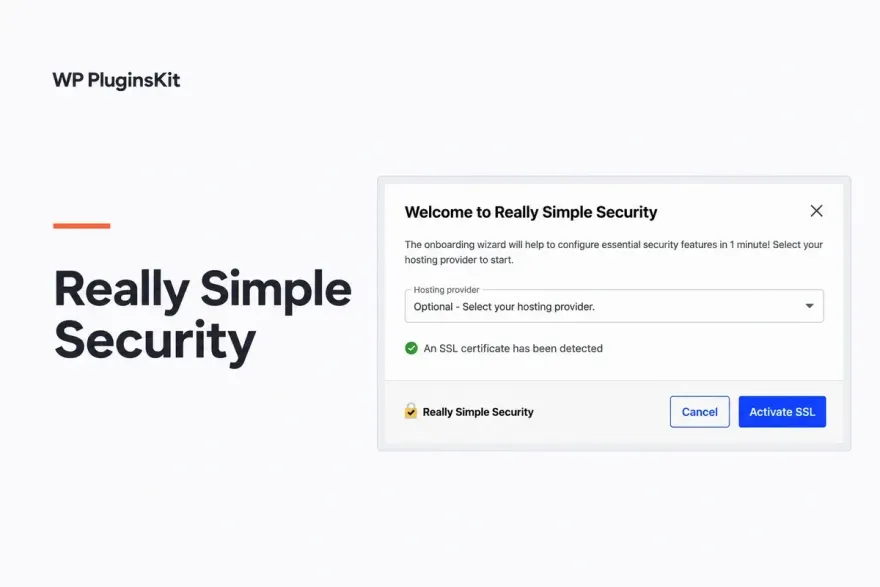
Activate HTTPS, check mixed content and configure login protection without duplicating existing security controls or losing access.
Find WordPress firewall, scanning, login and account-protection tools. Compare threat-feed scope, hosting or service dependencies, support and recovery conditions so site owners can improve protection without losing access or confusing security layers.
Activate HTTPS, check mixed content and configure login protection without duplicating existing security controls or losing access.
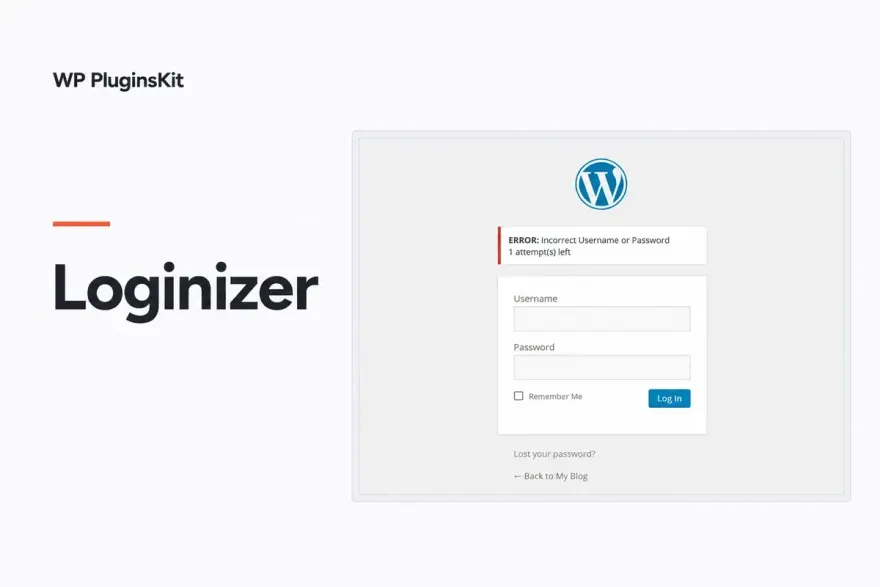
Configure failed-login limits, verify client IPs and prepare recovery before enforcing Pro two-factor authentication.
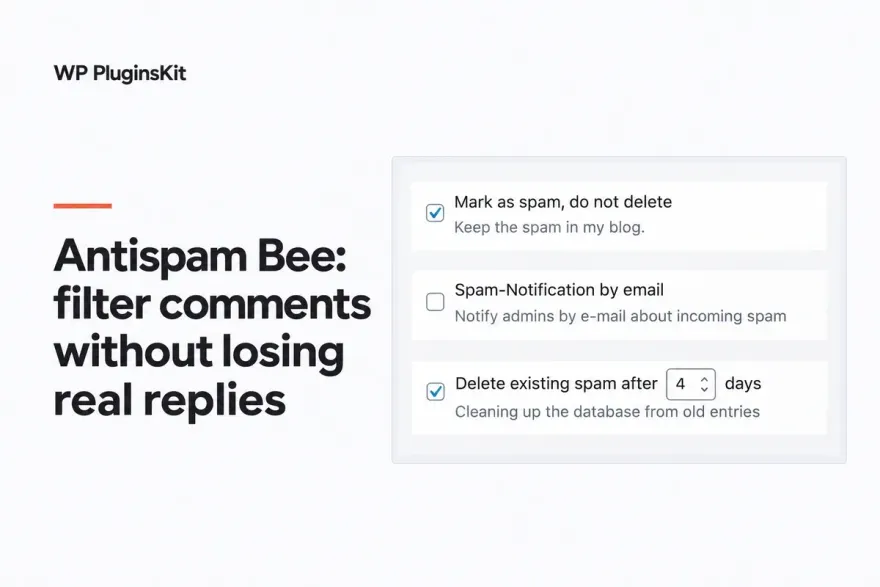
Keep WordPress comments open, retain suspicious replies for review and choose optional filters without hiding their limits.
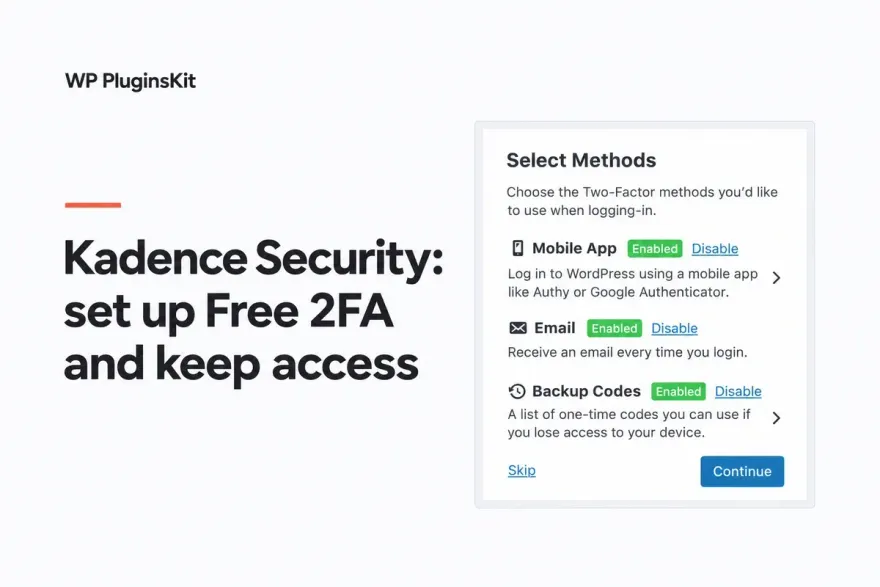
Configure Free two-factor authentication, save recovery codes and verify a fresh login before changing more security rules.
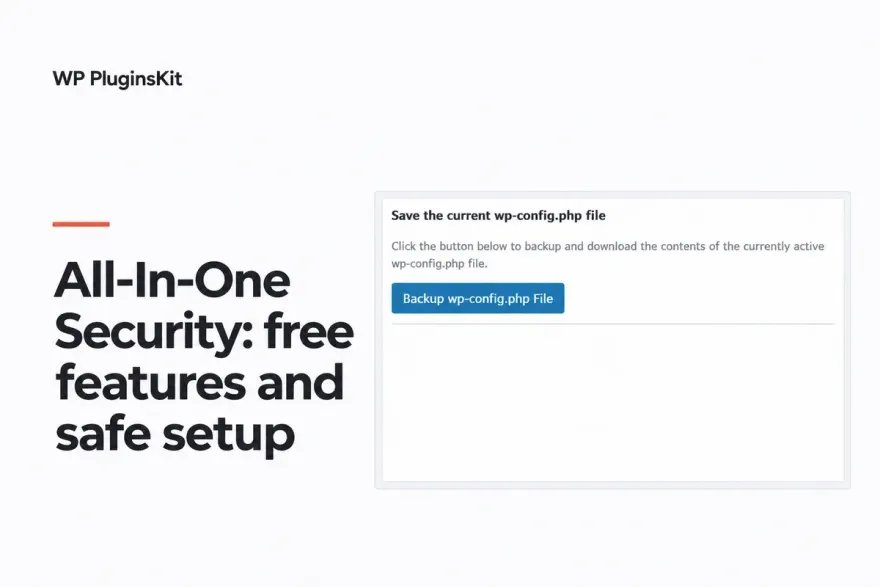
Choose the right AIOS controls, verify login protection and keep a recovery route before changing firewall or login settings.
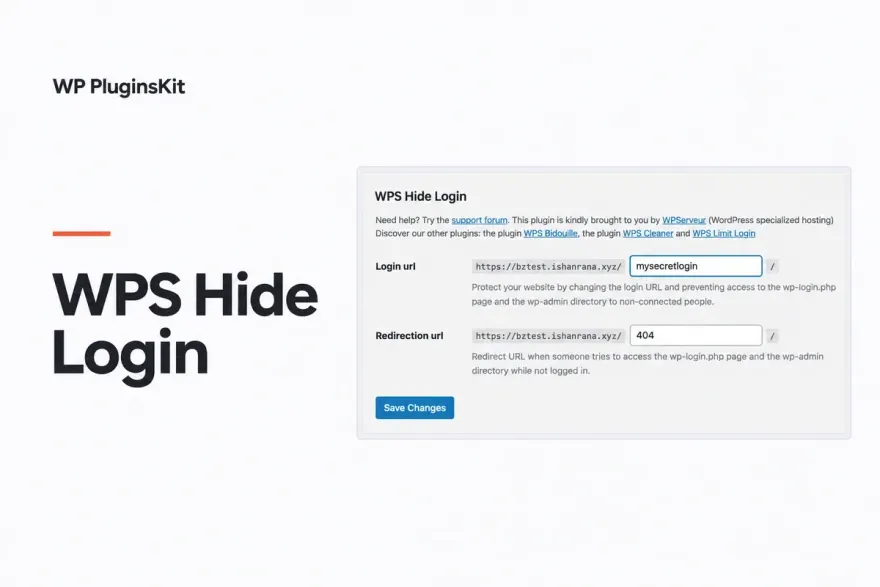
Change your WordPress login address, keep a recovery route and check that caching and existing login forms still work.
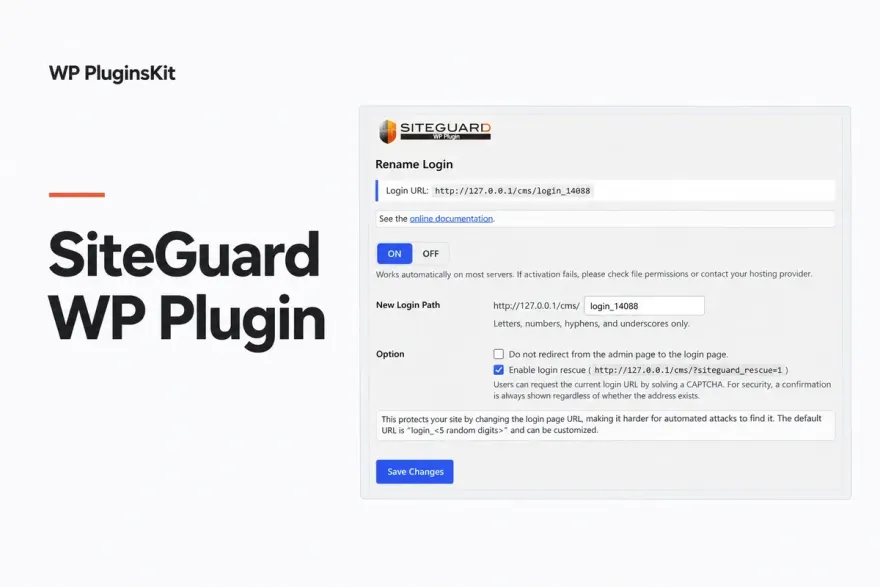
Configure WordPress login controls while preserving a working administrator and recovery route.
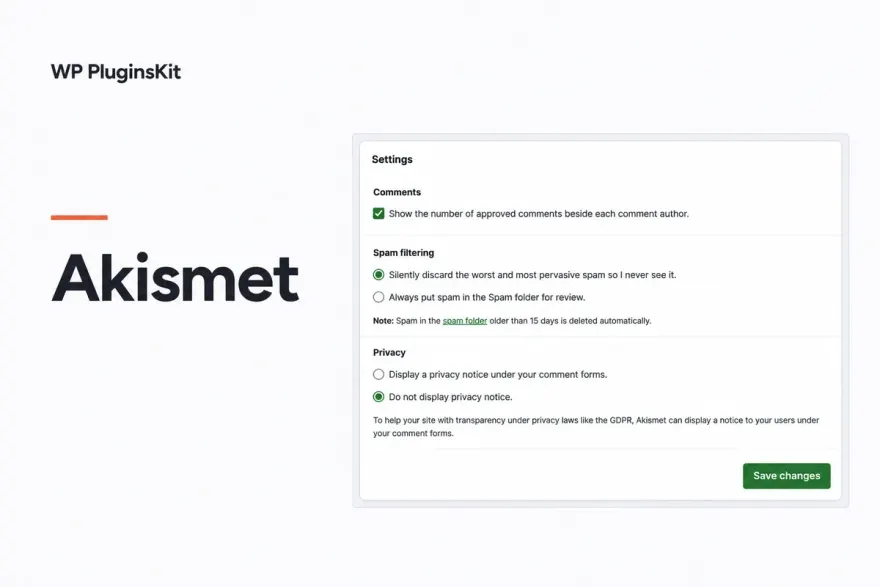
Connect Akismet to WordPress, keep flagged comments available for review and configure compatible forms separately.
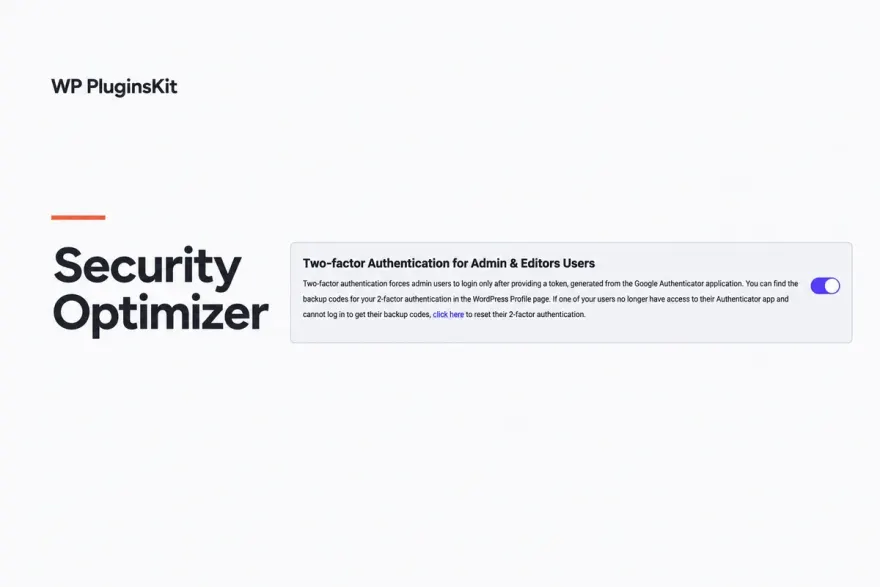
Configure login protection and hardening without losing access or disabling feeds and integrations your WordPress site needs.
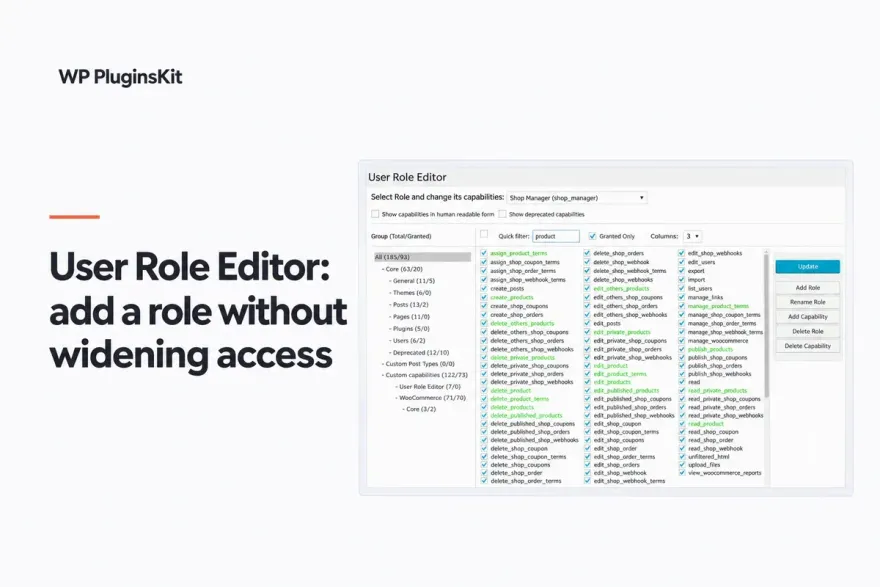
Copy a suitable role, change only the needed capabilities and verify both allowed and blocked actions with a separate account.
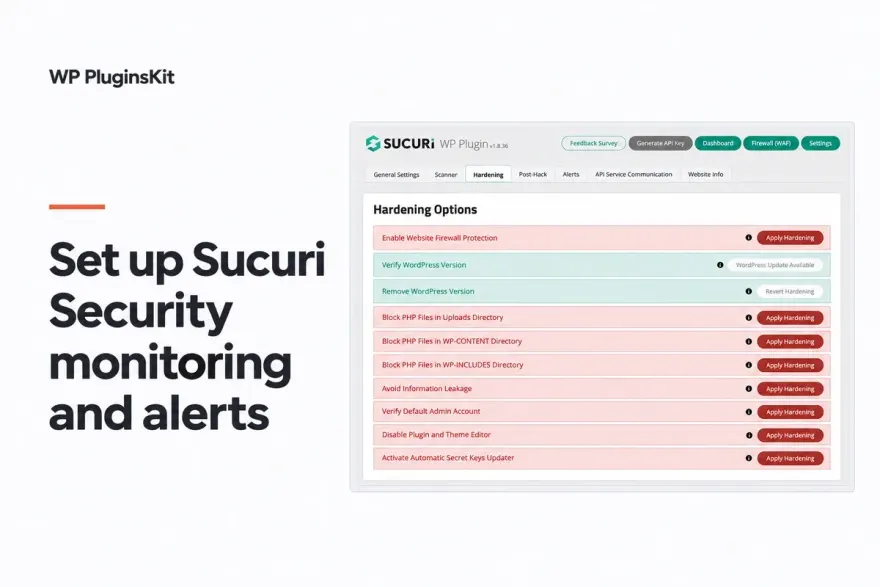
Set up useful security alerts, read core file warnings and understand what the free Sucuri plugin does before connecting a paid firewall.
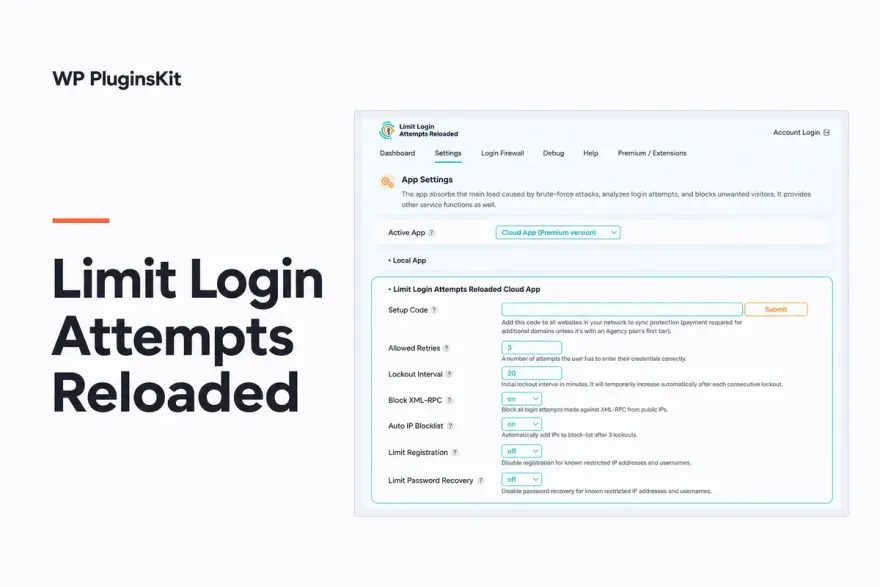
Configure login limits and email 2FA while keeping legitimate access and recovery usable.