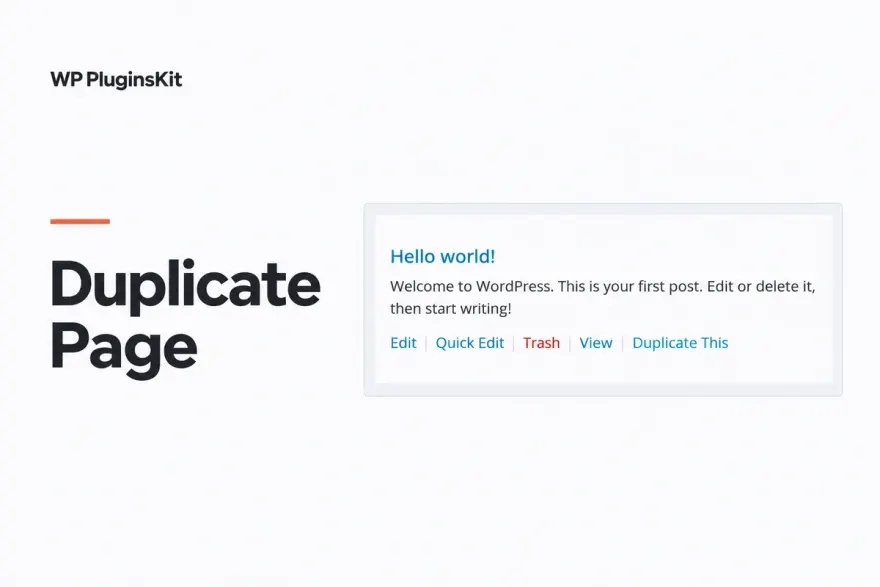
Set the copy status first, use Duplicate This, then check the new page’s identity, content and layout before it goes live.
Content and editing
View on WordPress.org: Duplicate Page
Find WordPress tools for writing, duplicating and organizing content, registering custom fields and post types, managing comments and building reusable tables. Compare the editing task each plugin handles before changing an existing workflow.
Set the copy status first, use Duplicate This, then check the new page’s identity, content and layout before it goes live.
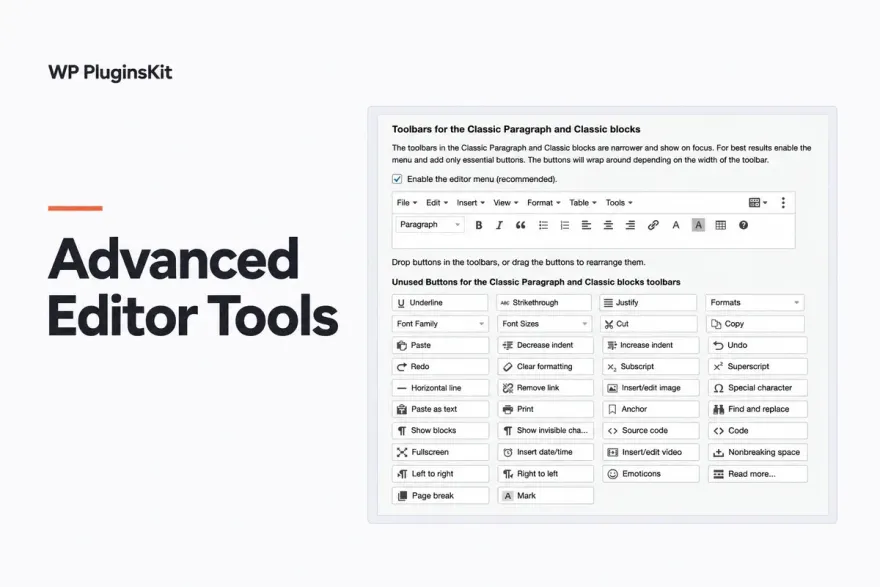
Arrange useful editing controls, choose Classic Paragraph deliberately and check formatting and tables before changing existing content.
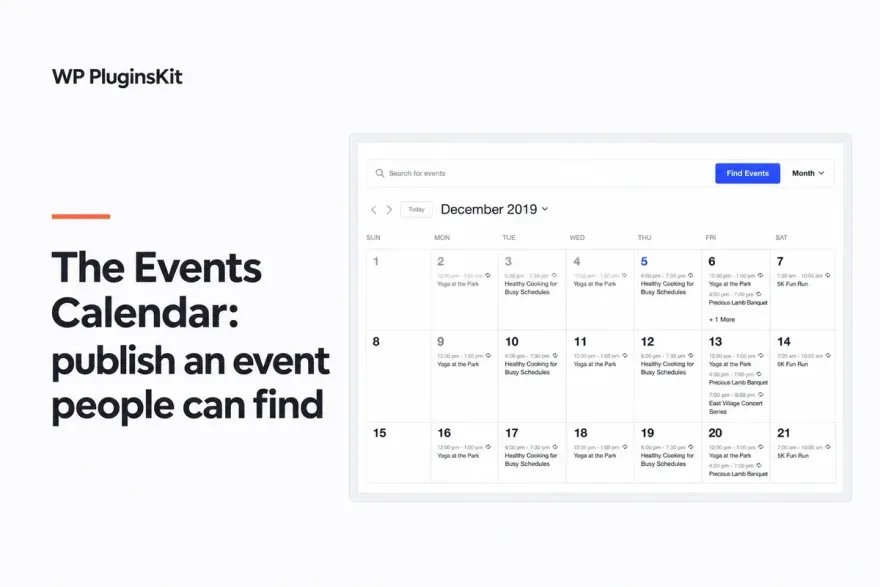
Create a useful event listing, make the calendar easy to reach, and check time zones, navigation and add-to-calendar behavior.
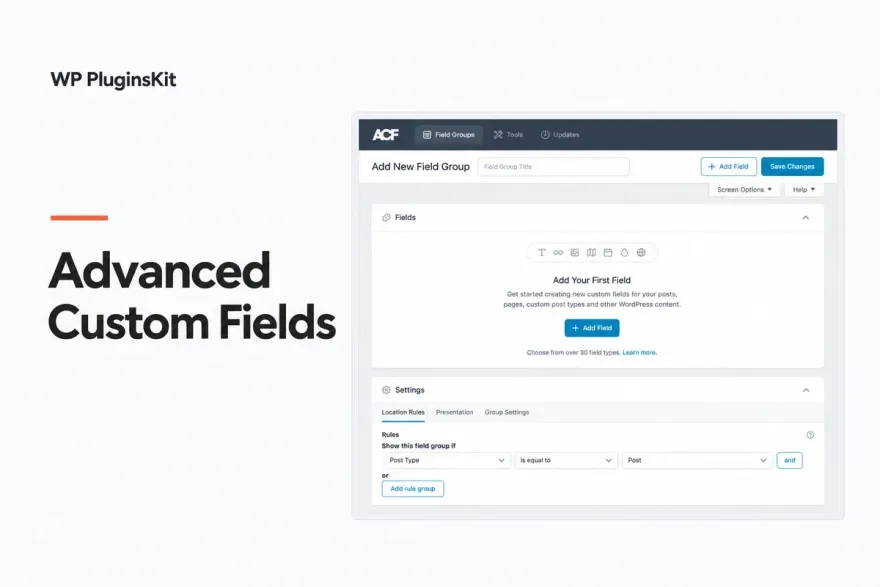
Add structured WordPress fields, choose where editors see them and connect their values to a deliberate frontend output route.
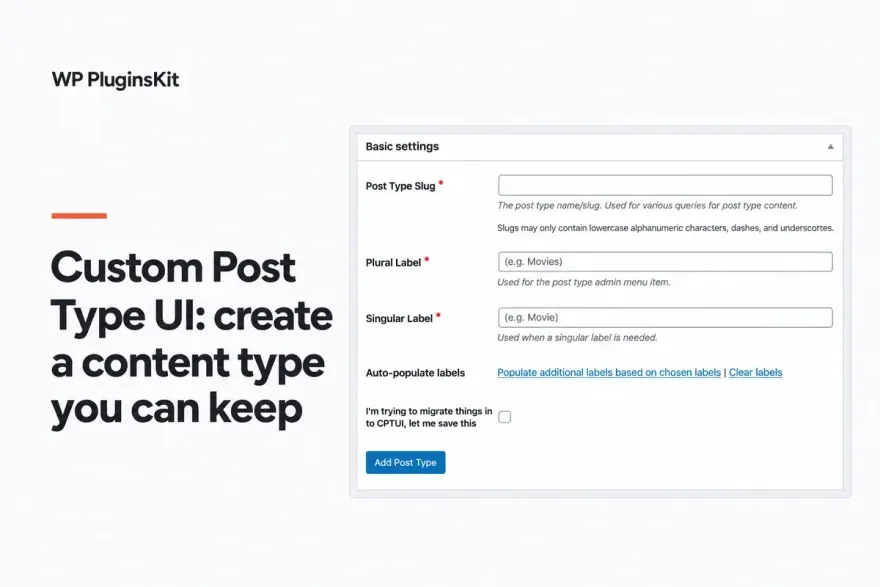
Create a separate content type, choose archive and editor settings, and plan how its registration survives a migration.
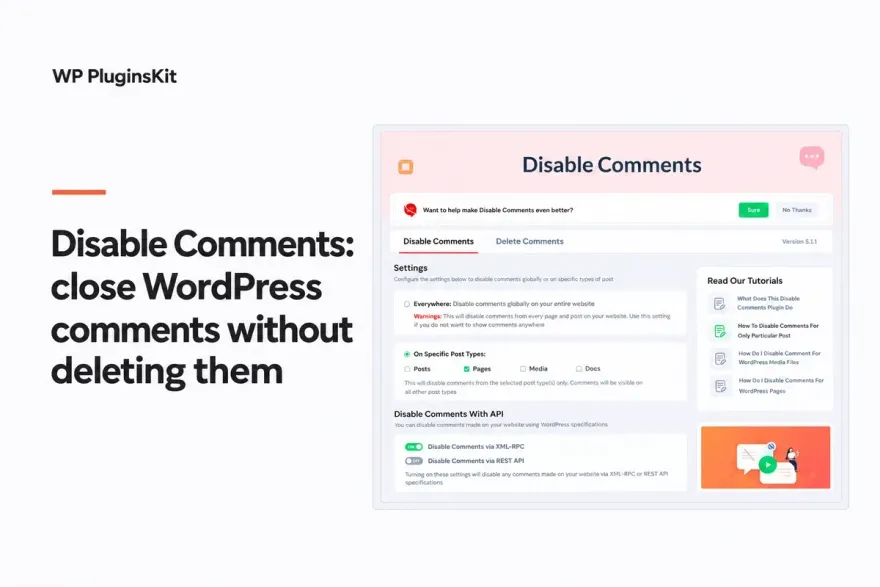
Stop new WordPress comments, preserve useful discussions and verify the right scope before considering permanent deletion.
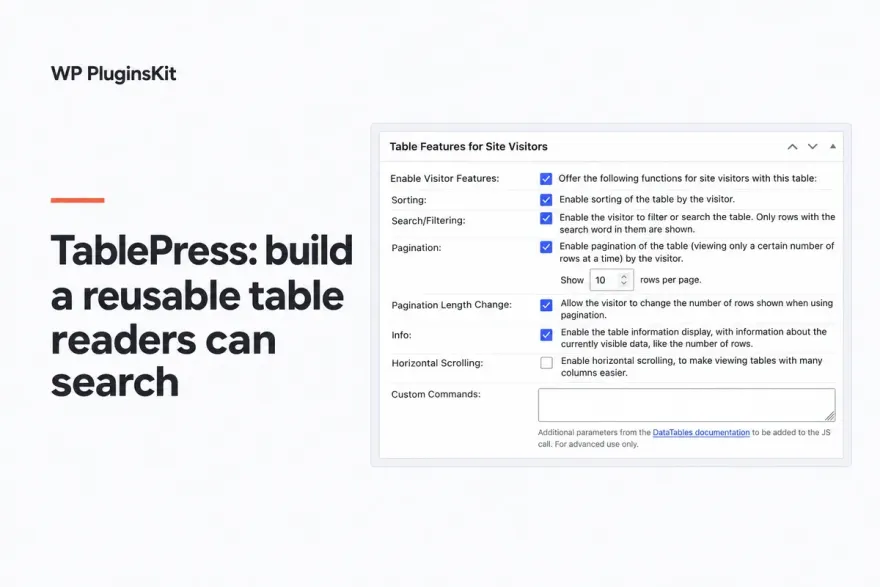
Keep one reusable data table, add only the controls readers need and verify imports and mobile access before relying on it.
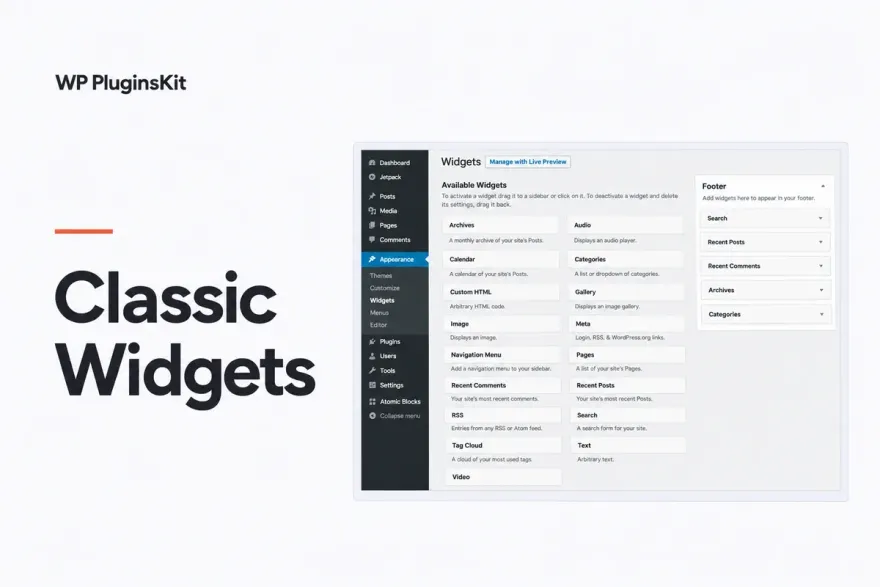
Restore the earlier widget screen on a classic theme and check existing widget content before switching workflows.
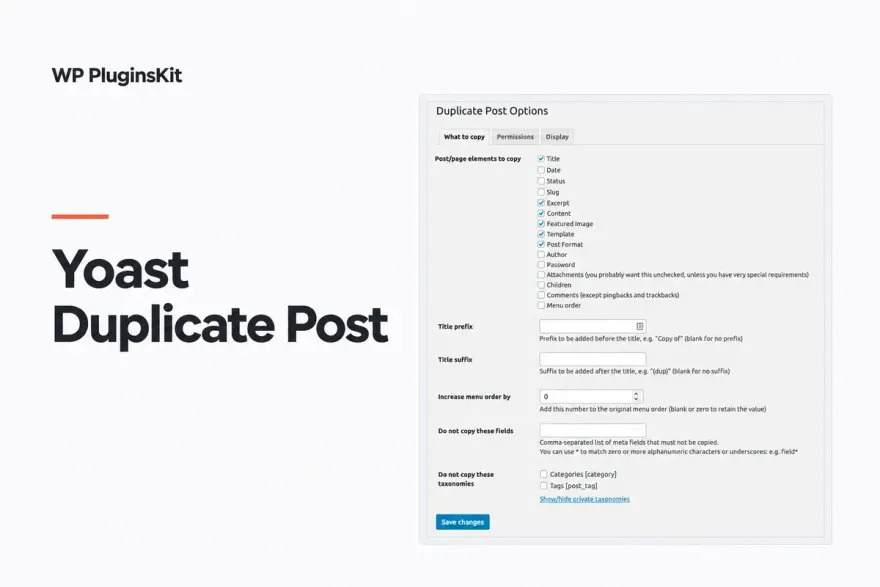
Choose an independent copy or a working revision, then check fields, permissions and the original page before publishing.
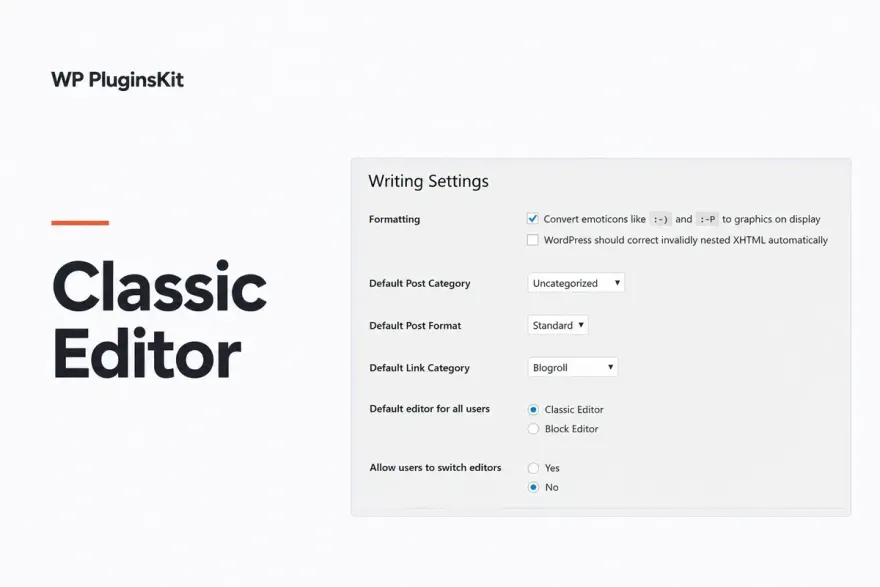
Restore the classic Edit Post screen, set the default editor and decide whether users can switch between editors.
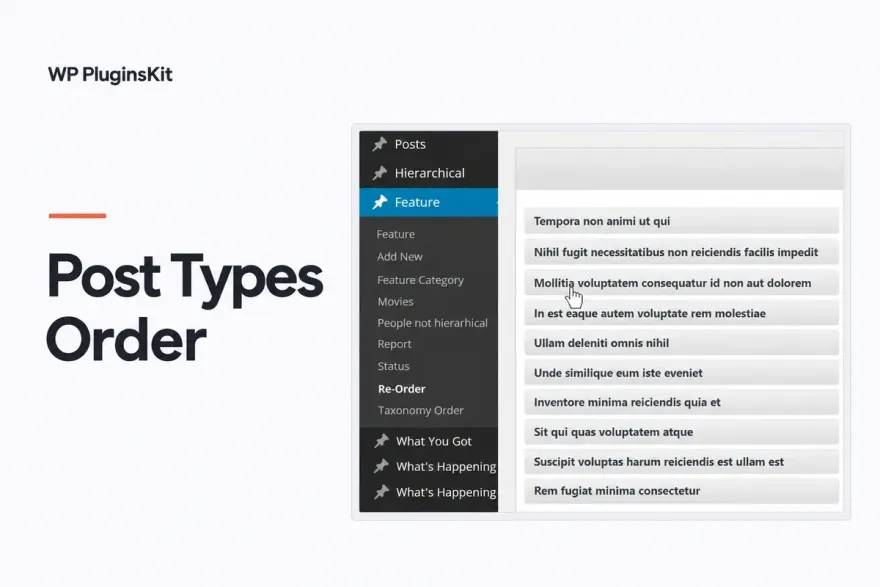
Reorder posts, verify the saved sequence and diagnose front-end queries without confusing free and Advanced features.