Site management and code
Find WordPress tools for temporary maintenance pages, remote site management, database replacements, content imports and small code changes. Choose the task you need, confirm the target and permissions, and keep a recovery route before applying changes.
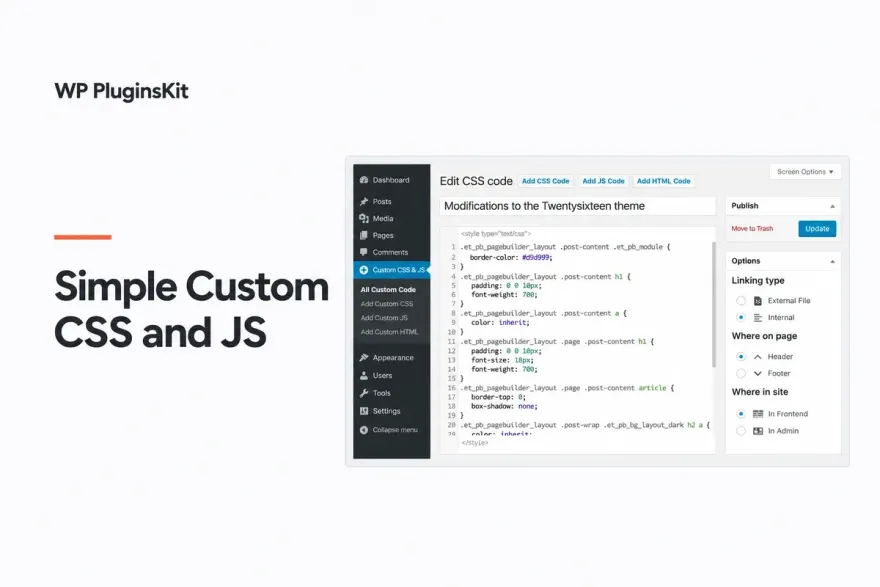
Add separate CSS or JavaScript entries, choose where they load, and check the result without editing your theme files.
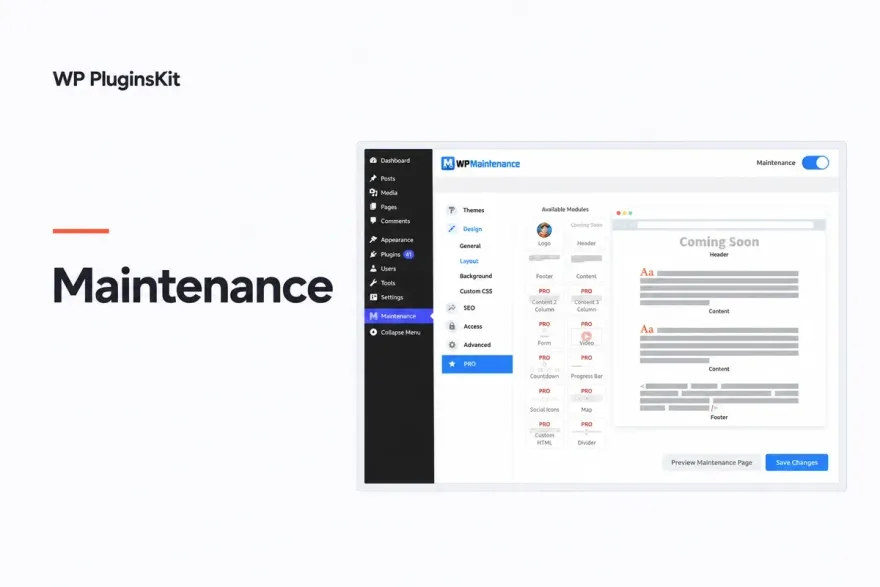
Prepare a temporary page, enable the right response and check who can still see the normal WordPress site.
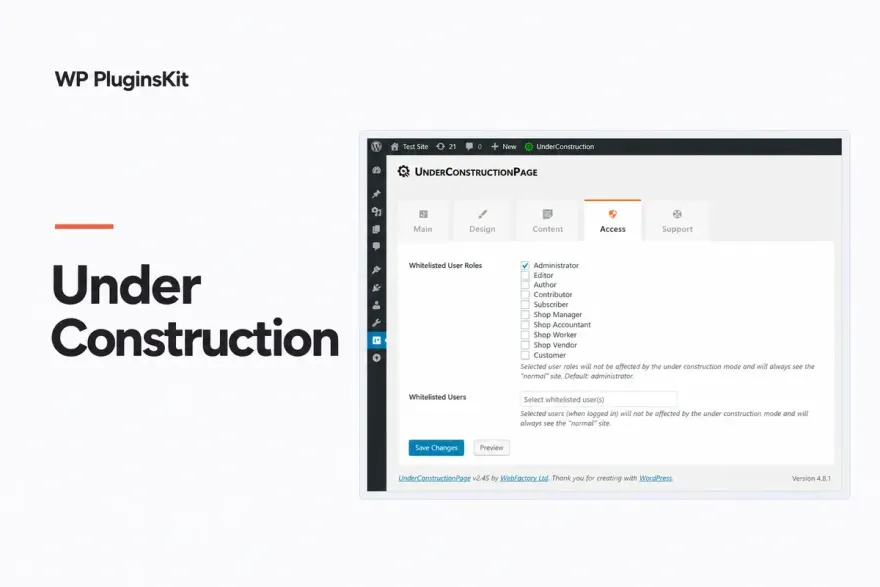
Prepare a temporary visitor page, keep the right editors working and verify the site is open again when the work ends.
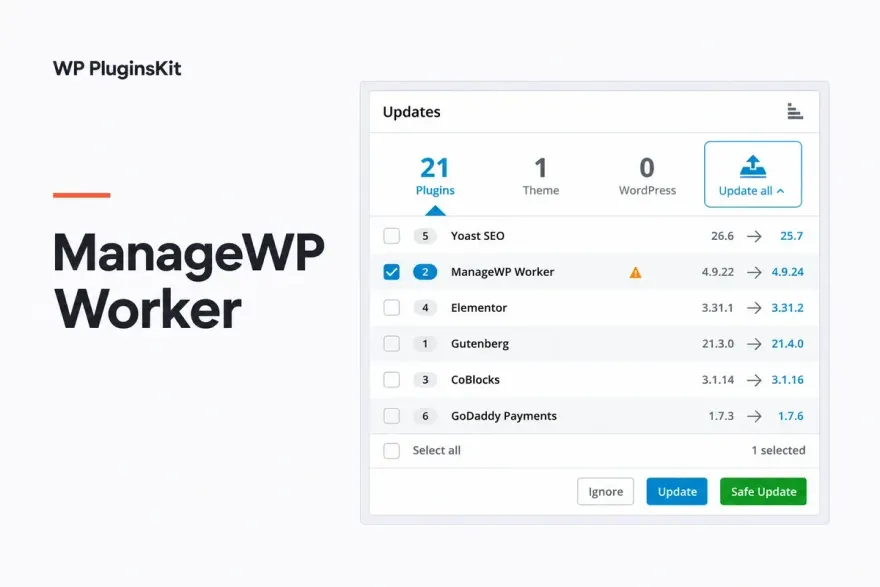
Connect one WordPress site to ManageWP, confirm the right account and check fresh data before running remote updates.
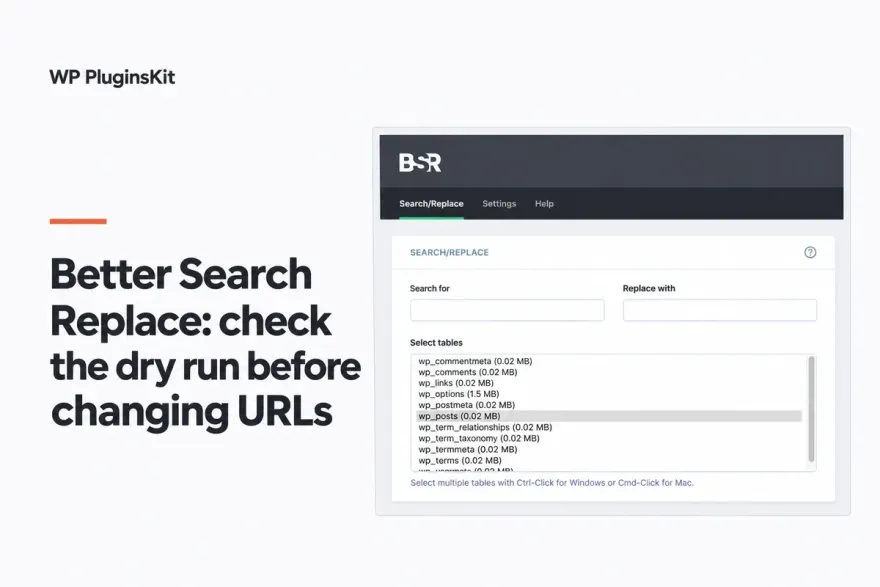
Plan a precise database replacement, inspect the dry run, and check links, media and settings after the real change.
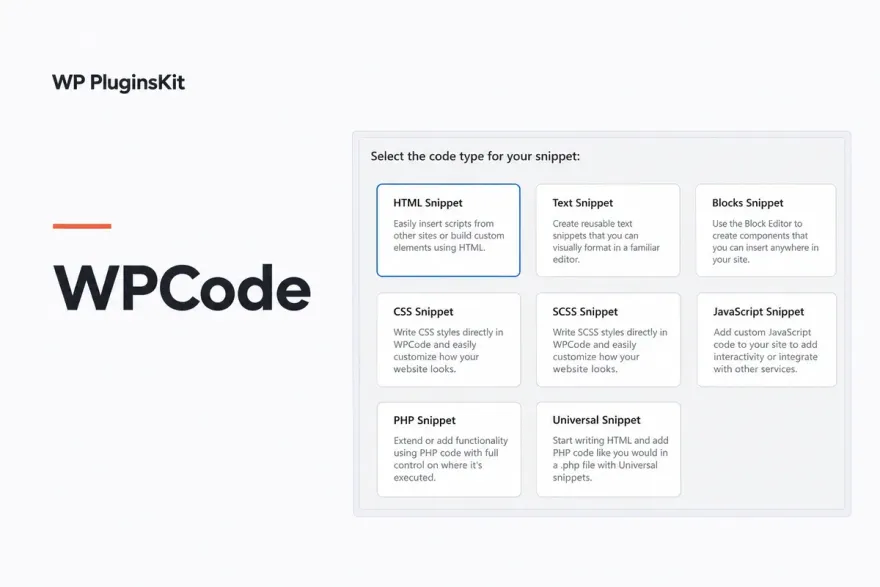
Choose the right place for approved code, avoid duplicate tags and verify WPCode snippets before relying on them.
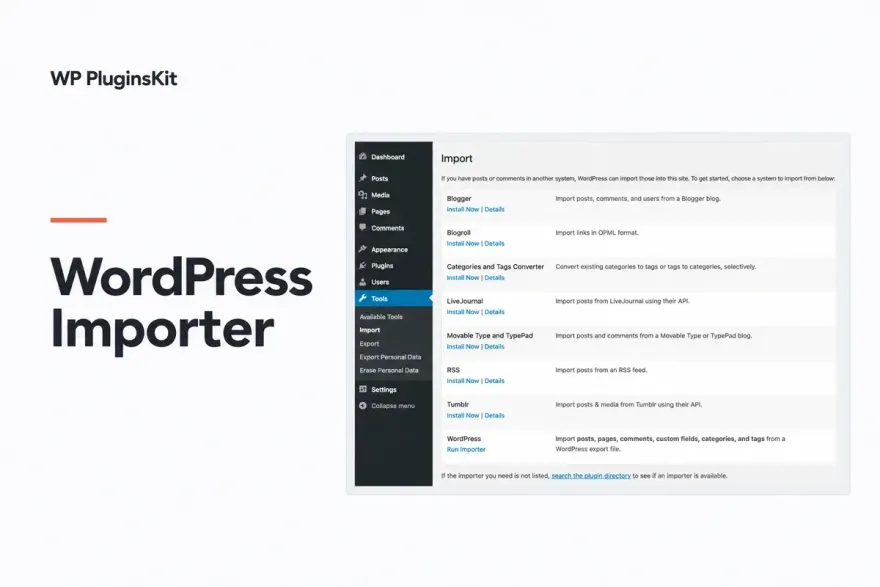
Transfer WordPress posts, pages and related content from a WXR export, with deliberate author, attachment and URL choices.
Connect the right account, select the Jetpack features your site needs and verify the service boundaries before enabling more tools.
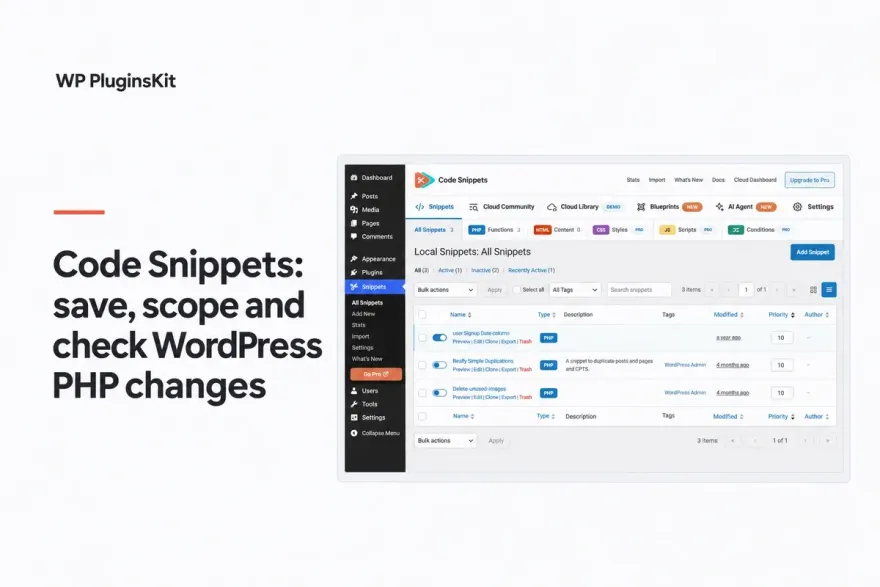
Keep small PHP changes separate from your theme, activate them deliberately, and preserve a clear recovery path.
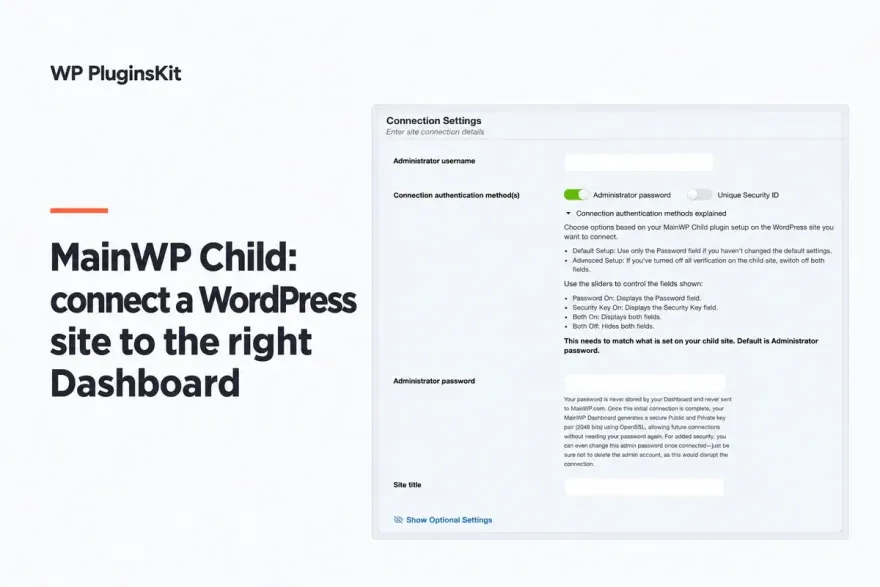
Set up the managed-site connector, keep connection authentication intact and confirm the Dashboard is reading the right WordPress site.